Design
How To Make An Arrow In Photoshop (3 Easy Ways)
Discover 3 surprisingly easy ways to create an arrow in Photoshop, including how to create a custom arrow shape for later use!

How To Type In A Circle In Photoshop (Step By Step)
Learn everything you need to know to type text in a circle shape in Photoshop along with how to create a custom emblem with this technique!
How To Change Gradient Color In Photoshop (Even On Rasterized Layers)
Learn how to easily change your gradient color in Photoshop, even if your gradient layer has been rasterized.
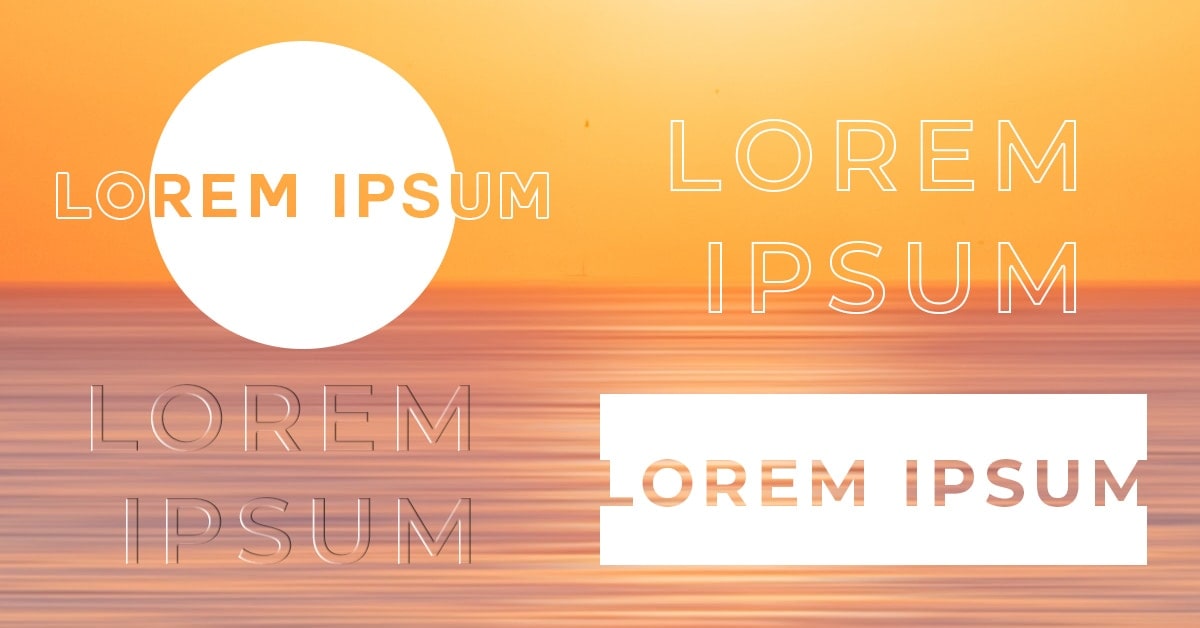
How To Make Transparent Text In Photoshop - 4 Must-Try Methods
Learn how to make transparent text in Photoshop using a variety of different methods and styles perfect for any image you use!
How To Draw Straight Lines In Photoshop (3 Easy Ways)
Learn three easy tools you can use to draw lines in Photoshop with simple ways to customize the color, thickness, and pattern of your lines!
How To Make Gradient Text In Photoshop (Step By Step)
Learn the simple step by step process behind how to make gradient text in Photoshop with additional tips to help you create transparent text!
How To Wrap Text In Photoshop (3 Easy Ways)
This tutorial shares three awesome ways to wrap text in Photoshop to perfectly suit any text style or project you're working with!
How To Add A Drop Shadow In Photoshop (Step By Step)
Learn how to quickly add a standard drop shadow or long drop shadow to text and images in Photoshop in this step-by-step tutorial.
How To Change A Logo Color In Photoshop (2 Best Ways)
Learn two effective ways to change the color of a logo in Photoshop whether you want to change the entire logo color, or only certain parts.
How To Stretch An Image Or Layer In Photoshop
Learn a few easy ways to stretch an image or layer in Photoshop whether you want to distort it, fill your canvas, or extend a background.
How To Add A Border Or Frame To An Image In Photoshop
Learn a handful of easy methods to add a border in Photoshop, including tips to create a custom border or add a border to an object in an image!
How To Outline An Image In Photoshop – Brendan Williams Creative
Learn how to outline an image in Photoshop with the Layer Style Panel to create colored, gradient, and patterned outlines around a photo!
How To Make A Repeating Pattern In Photoshop
Learn how to make a repeating pattern in Photoshop, save your own pattern presets, as well as apply your new patterns to shapes and more!
How To Blur Text In Photoshop (Step By Step)
Learn how to blur text in Photoshop whether you want to blur the entire piece of text or add blur selectively to single letters.
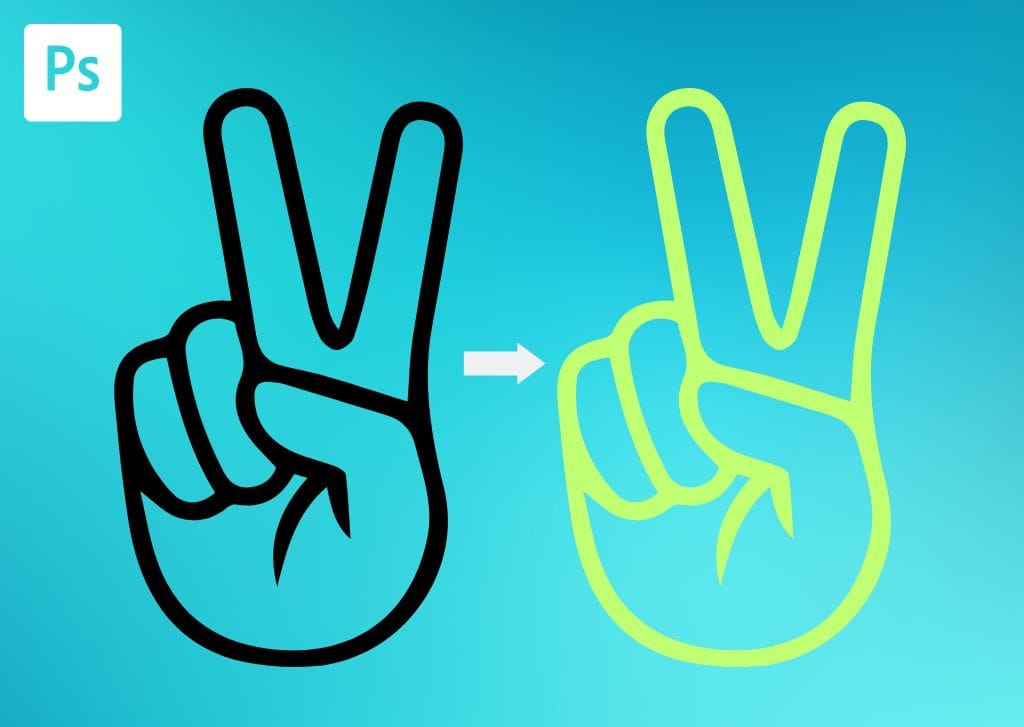
How To Change The Color Of A PNG In Photoshop (3 Easy Ways)
Here are three ways to change the color of a PNG in Photoshop, whether it's a logo or other graphic that already has a transparent background.
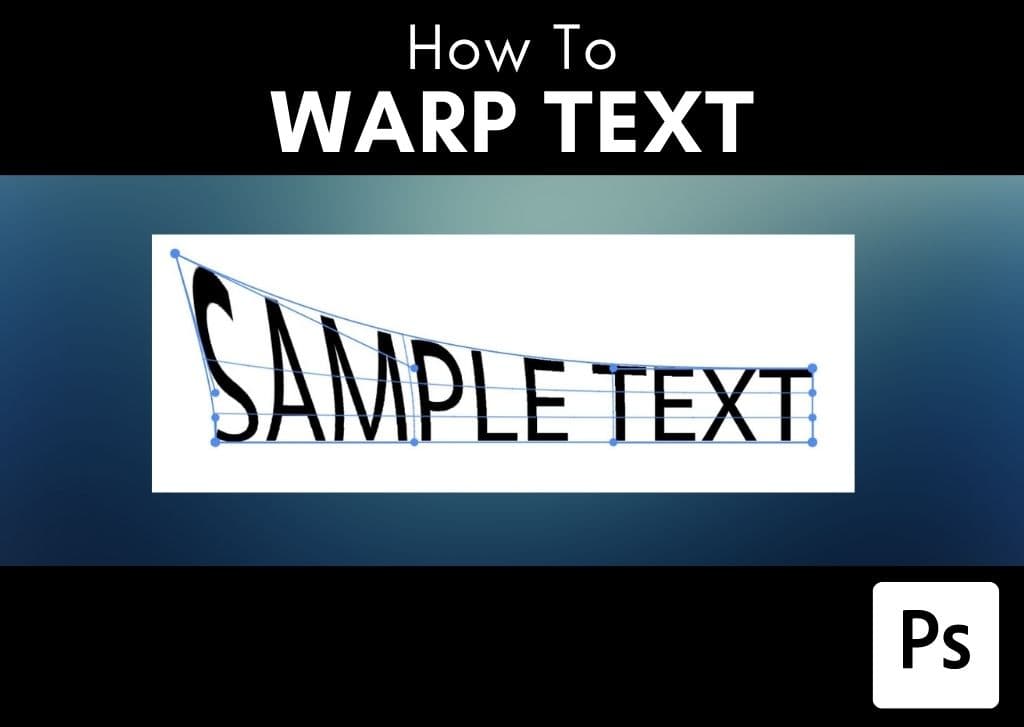
How To Warp Text In Photoshop (2 Easy Ways)
Here are two simple ways to warp text in Photoshop without having to rasterize your layers and sacrifice your editing options!
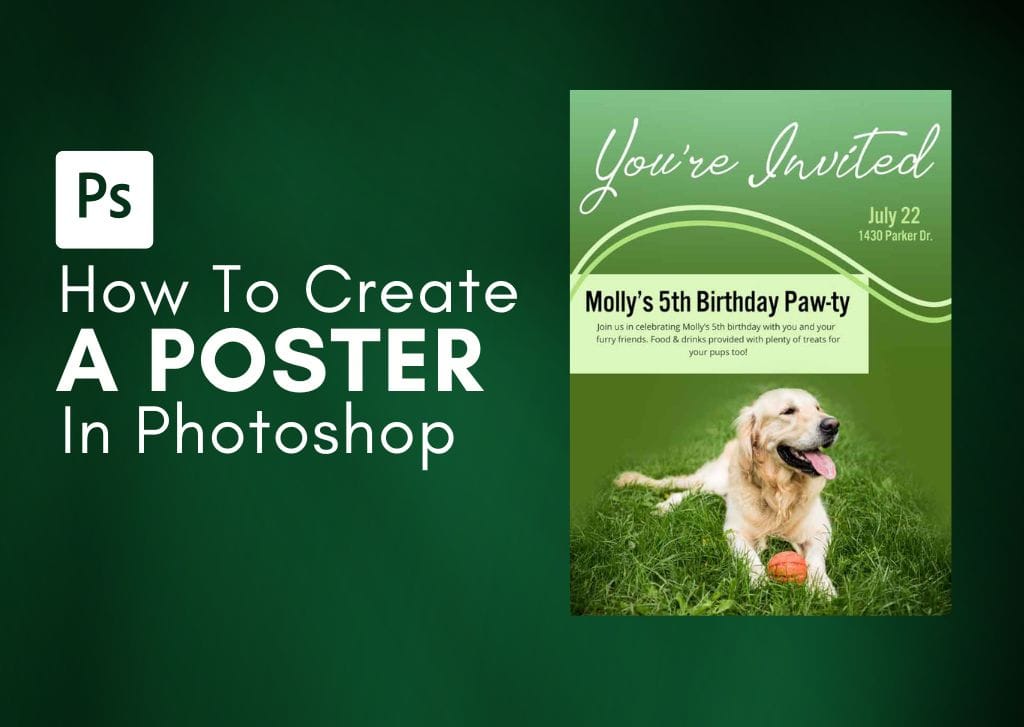
How To Create A Poster In Photoshop (Step By Step)
Learn how to easily create a poster in Photoshop from scratch along with tips and tricks to blend images, text, and shapes for ideal results!
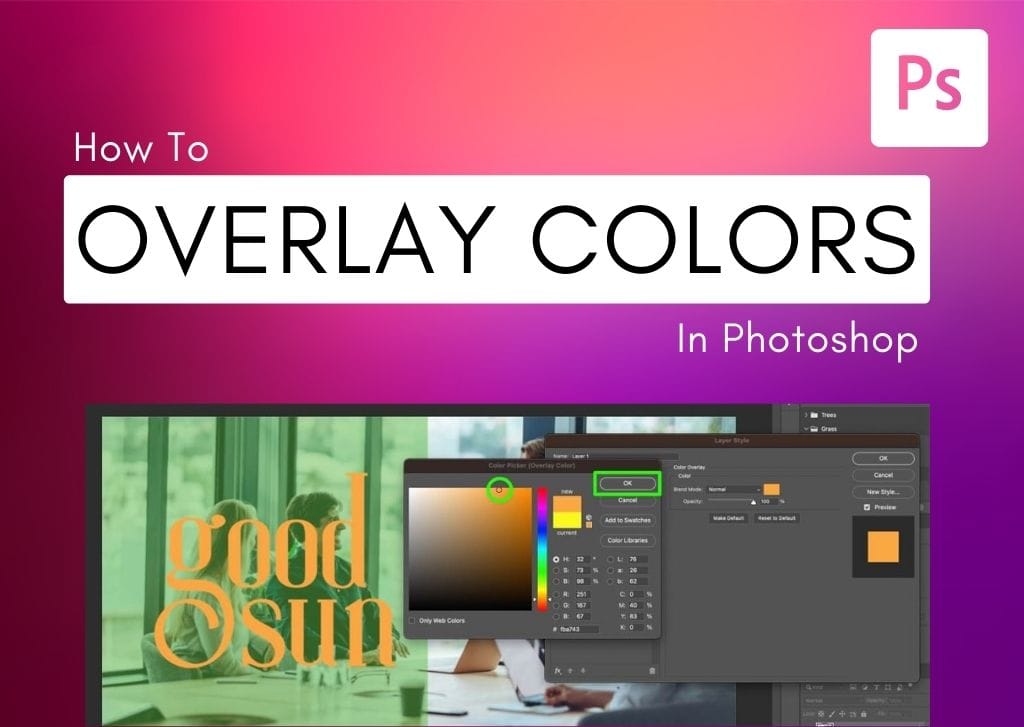
How To Overlay Color On Images & Graphics In Photoshop
Learn the simple ways to overlay color on images or graphics in Photoshop to change the color of elements or add blended shapes into photos.
How To Quickly Curve Text In Photoshop (3 Best Ways)
Learn the three easiest ways to curve text in Photoshop to have the most control over your text curving effects!
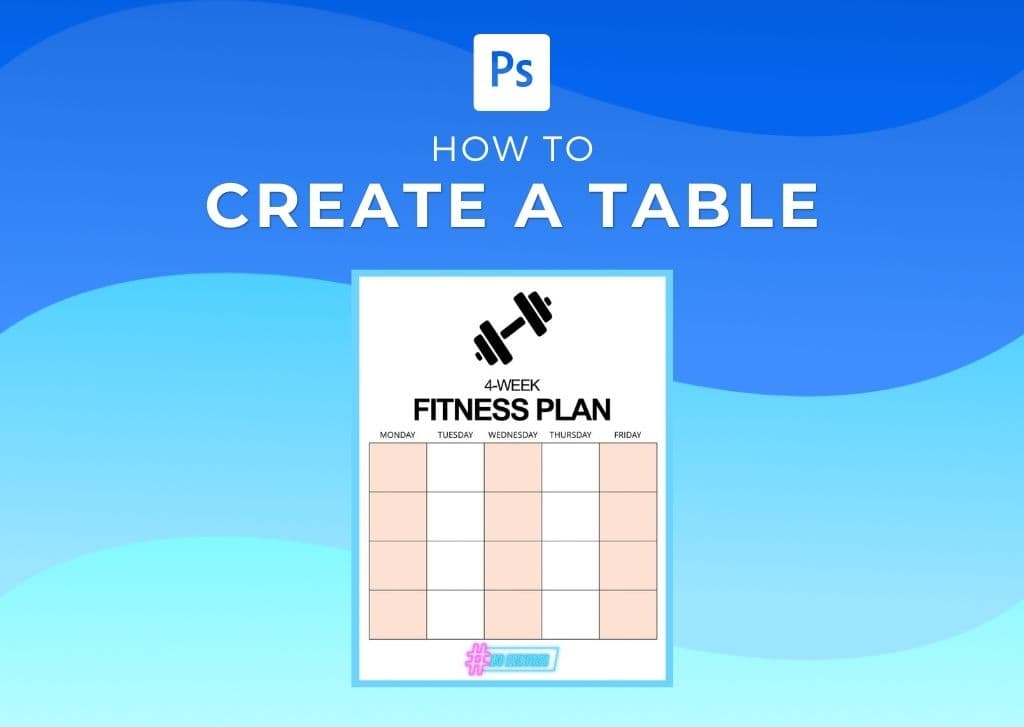
How To Make A Table In Photoshop (Step By Step)
Learn the step by step process of how to make a table in Photoshop for basic worksheets or printable designs. Plus, tips to customize the table!
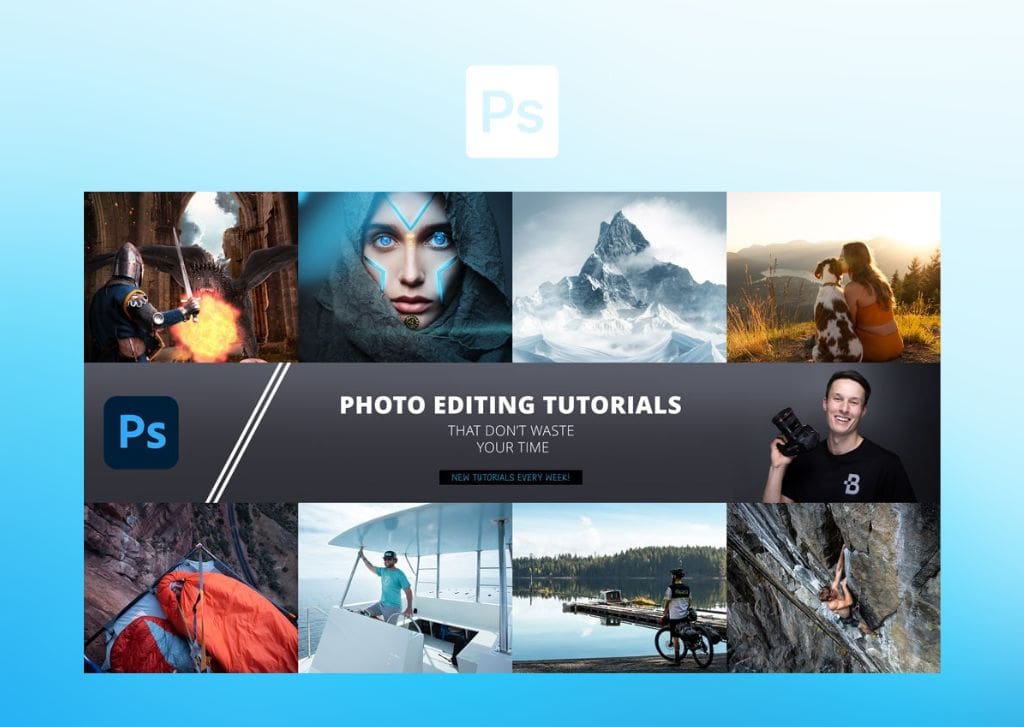
How To Create A YouTube Banner In Photoshop + FREE Template
Learn the step-by-step process to create a Youtube banner in Photoshop while also getting a free banner template to speed up the process.
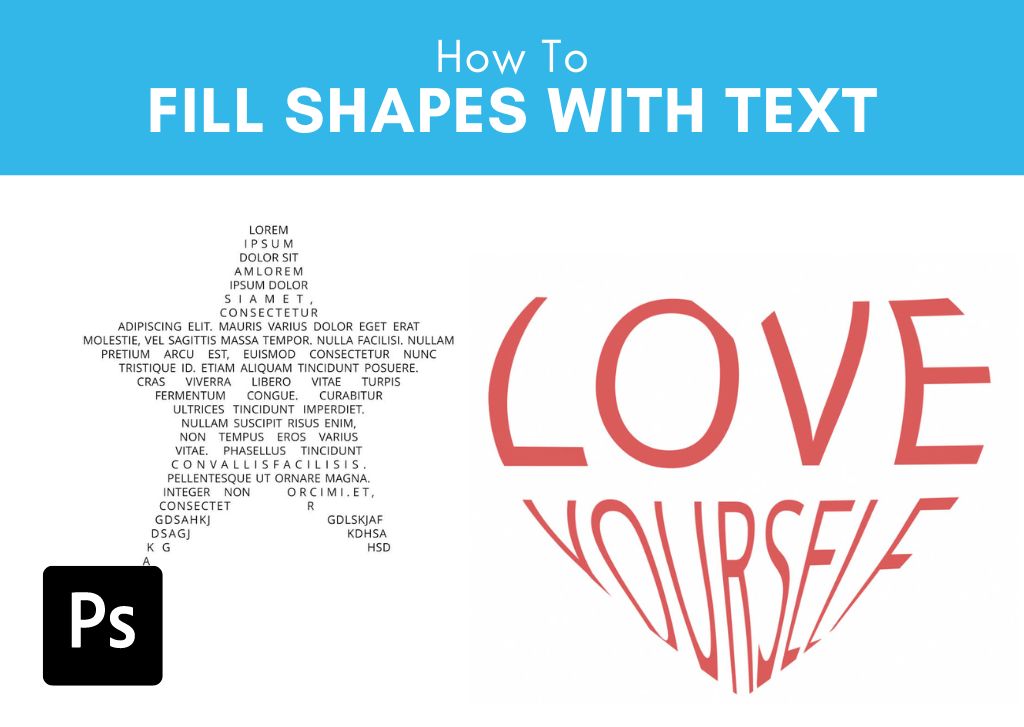
How To Fill Shapes With Text In Photoshop (2 Easy Ways)
Learn two different styles to fill shapes with text in Photoshop to add a bit of creative flair to any project with text elements.
How To Install Custom Shapes Into Photoshop (+ Best Shapes)
Here's how to easily install and use custom shapes in Photoshop along with a few great places to find additional custom shapes for projects!
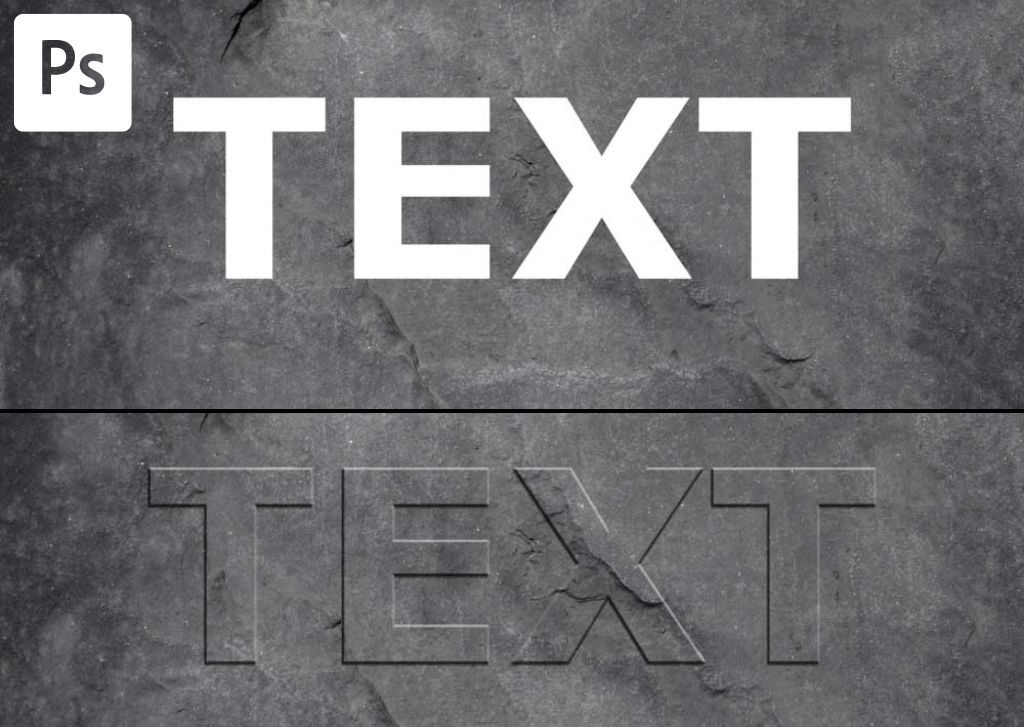
How To Bevel & Emboss Text In Photoshop (Step By Step)
Here you'll learn how to bevel and emboss text in Photoshop to make it pop off your screen and make it look as if your text has 3D contours.
How To Stretch Text In Photoshop (3 Easy Methods)
Discover three easy ways to stretch text in Photoshop for fun playful designs, or more professional results suitable for logos.
How To Rotate An Image Or Layer In Photoshop (Step By Step)
Learn how to rotate an image or layer in Photoshop with a variety of beginner friendly methods to quickly get the job done!
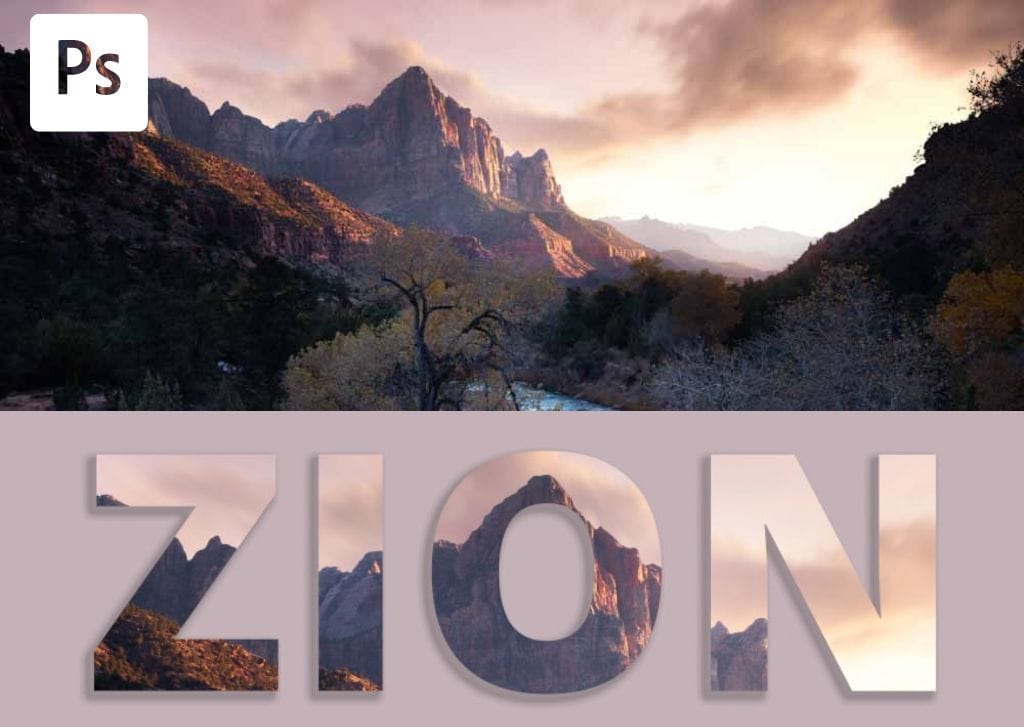
How To Fill Text With An Image In Photoshop (Step By Step)
Learn how to fill text with an image in Photoshop to replace a solid color with your image of choice!
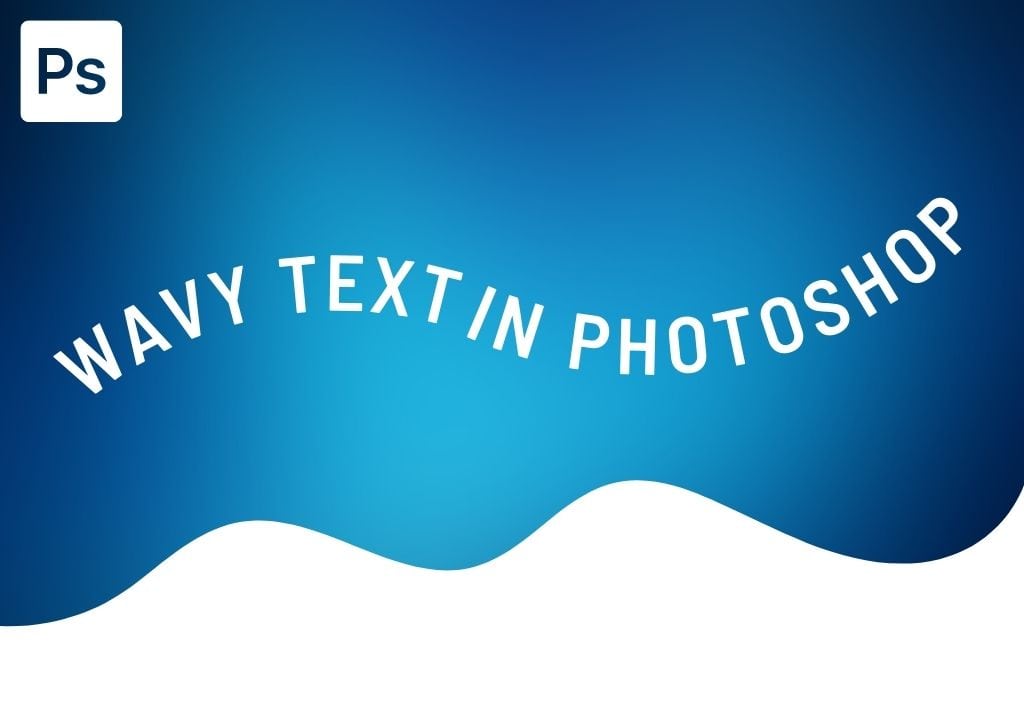
How To Create Wavy Text In Photoshop (3 Easiest Ways)
Learn three easy ways to create wavy text in Photoshop to suit different design tastes and skill levels in the program.
How To Feather A Shape In Photoshop (3 Easy Ways)
Learn three simple ways to feather the edges of a shape in Photoshop, including a simple technique to only blur one edge of your shapes.
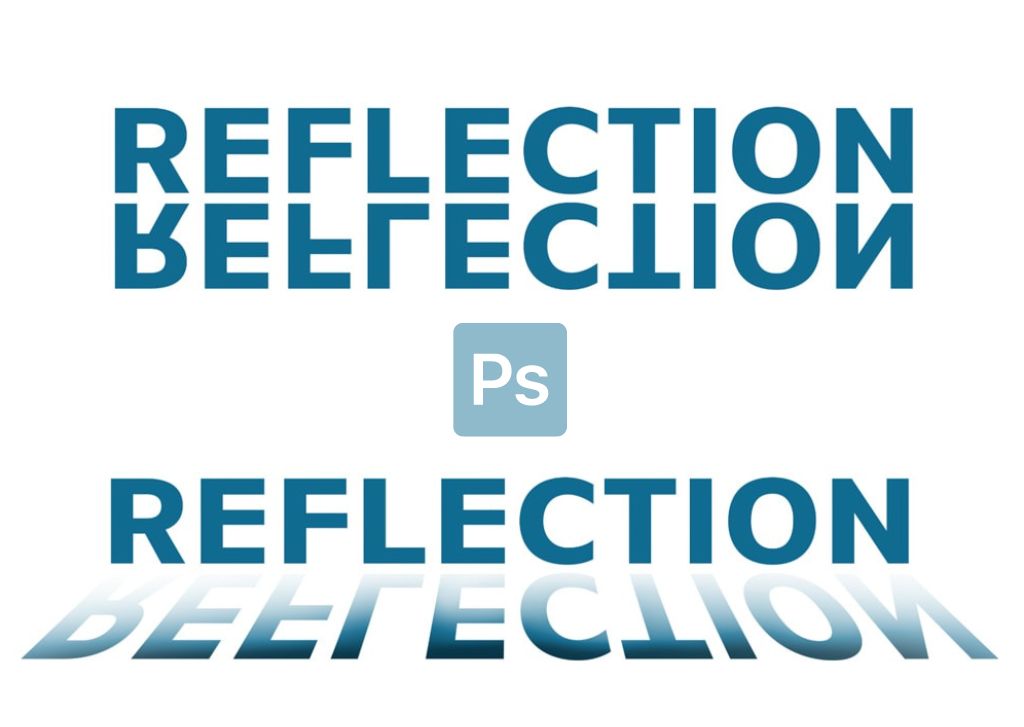
How To Mirror Text In Photoshop (Step By Step)
Learn how to create mirror text in Photoshop along with tips to enhance this effect with a reflective text version as well.
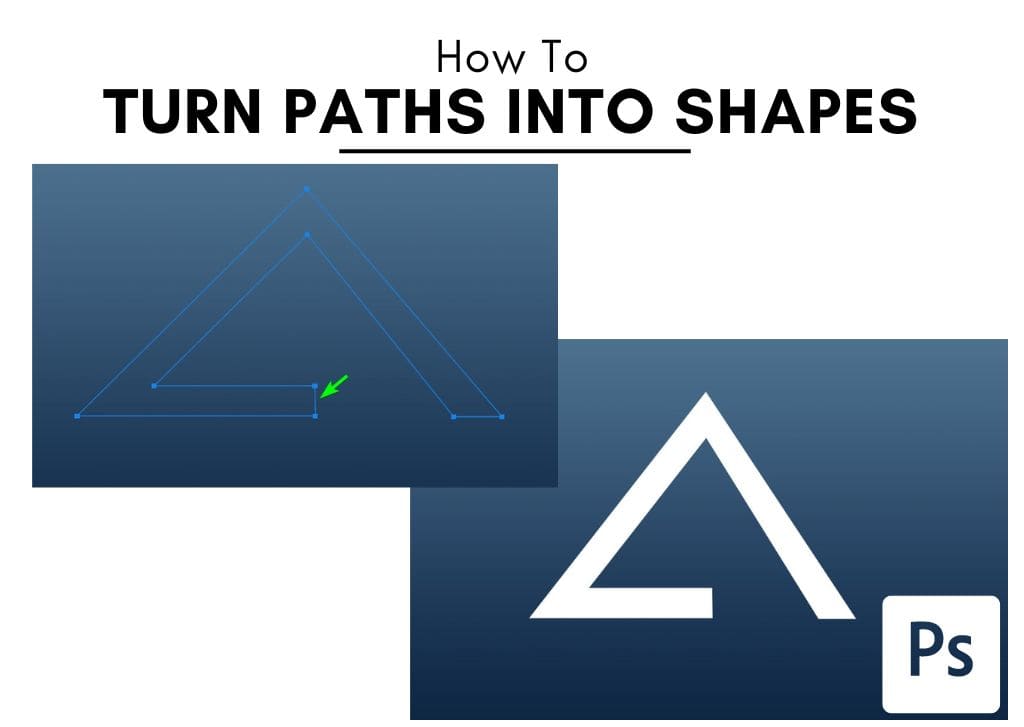
How To Convert A Path To A Shape In Photoshop (Step By Step)
Learn everything you need to know to convert a path to a shape in Photoshop to turn your unique paths into stunning custom shapes.
3 Ways To Create Tilted Or Slanted Text In Photoshop
Learn how to stylize your type by created tilted or slanted text in Photoshop with these three easy techniques!
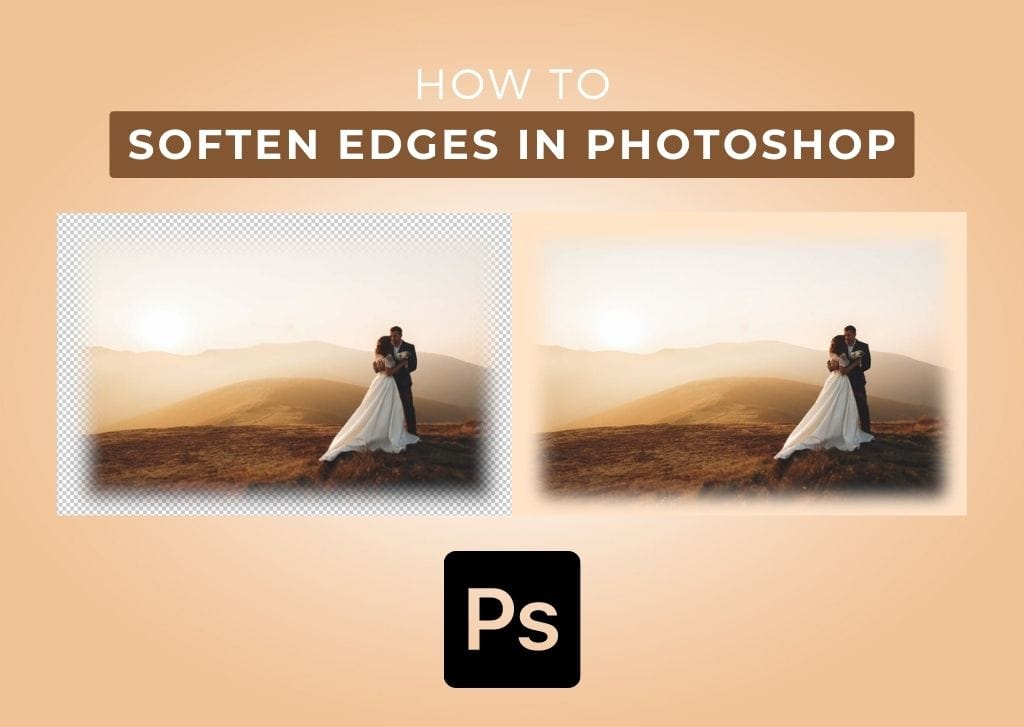
How To Blur The Edges Of A Photo In Photoshop (Step By Step)
Learn 3 easy ways to blur the edges of a photo in Photoshop with beginner friendly methods that you can create in just a few minutes.
How To Create A Custom Gradient In Photoshop (Step By Step)
Here's how to easily create a custom gradient in Photoshop along with places to find pre-made gradient presets to help save time.
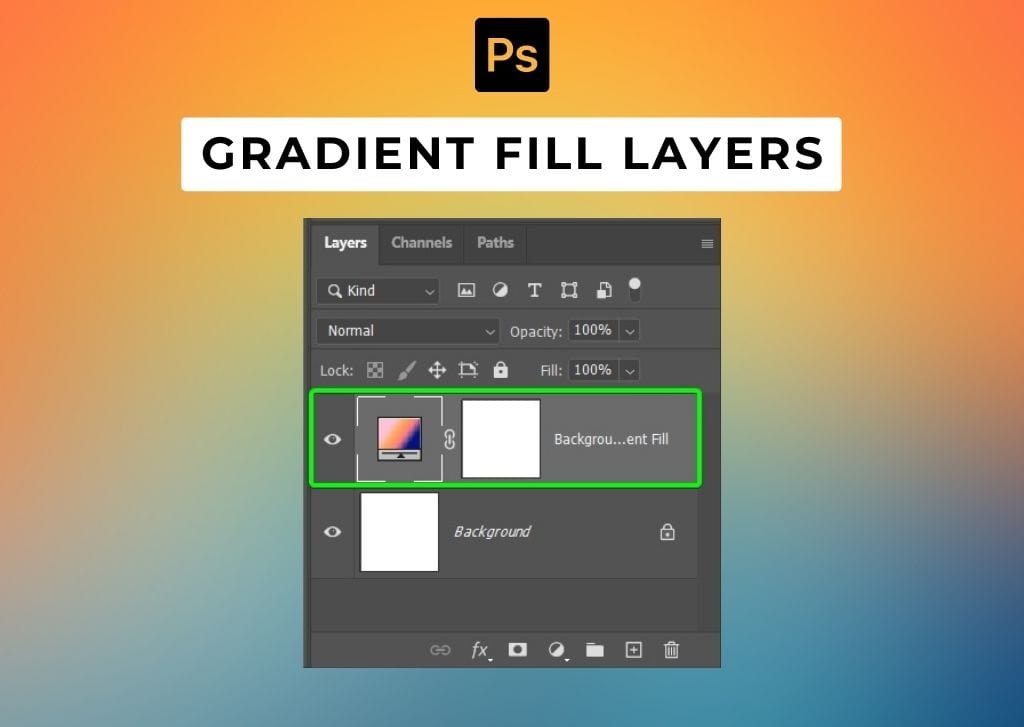
How To Create & Use Gradient Fill Layers In Photoshop
Here's how to create and use gradient fill layers in Photoshop to easily add creative gradients to your text, shapes, backgrounds and more.
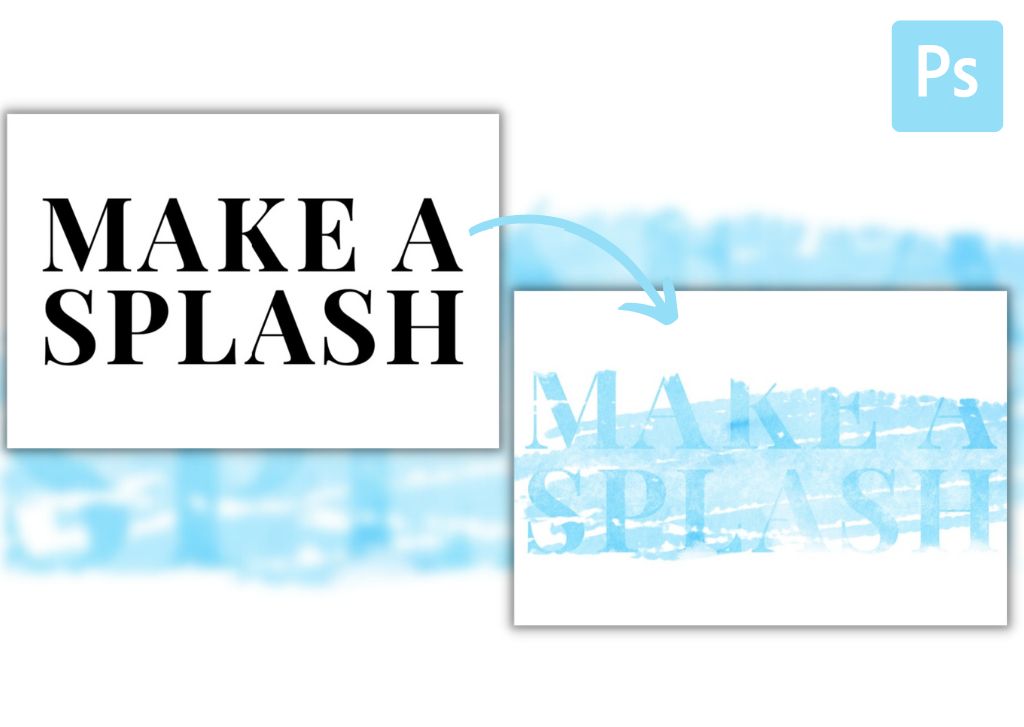
How To Add Texture To Text In Photoshop (Step By Step)
Here's how to apply a texture to your text layers in Photoshop, along with additional tips to add brush enhancements to improve the effect.
How To Create A Copyright Symbol In Photoshop (2 Easy Ways)
Here's how to create a copyright symbol in Photoshop using a keyboard shortcut or font glyphs to make the process quick and easy.
The Best Canvas Size For Logos In Photoshop + How To Resize
Let's take a look at the best canvas size to use for logos in Photoshop, along with tips to resize your logo dimensions without quality loss.
How To Use The Gradient Tool In Photoshop (Complete Guide)
Learn the ins and outs of how to use the gradient tool in Photoshop with useful tips to help make the most of this impressive tool!
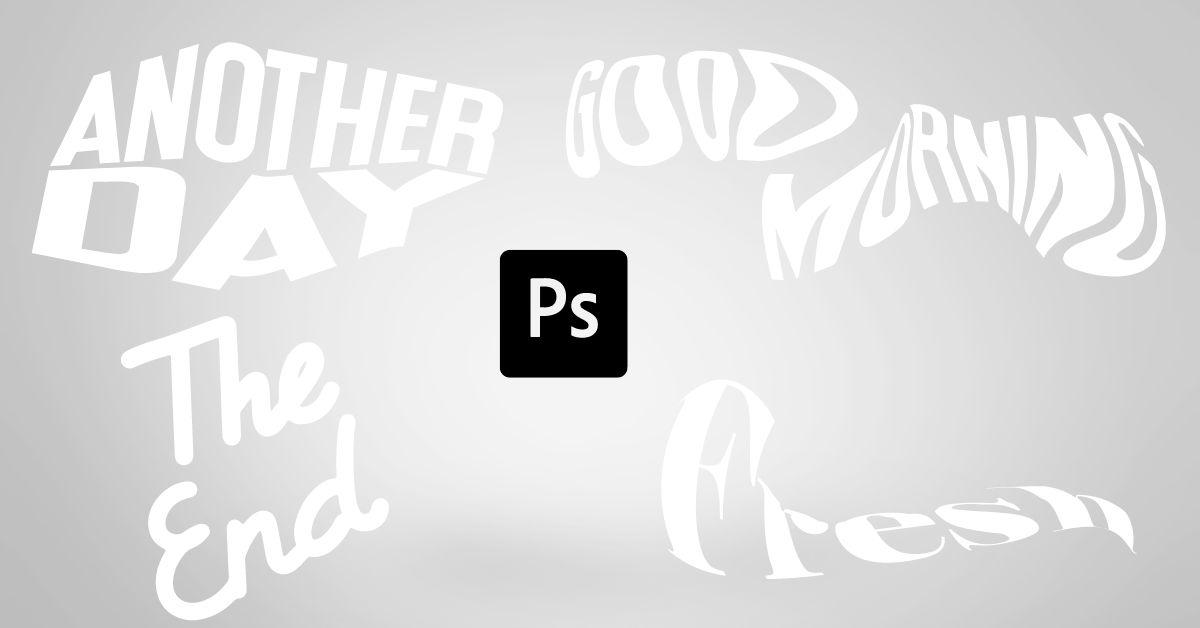
How To Distort Text In Photoshop (Without Rasterizing)
Learn every way to distort text in Photoshop without sacrificing the ability to edit your text and without losing quality.
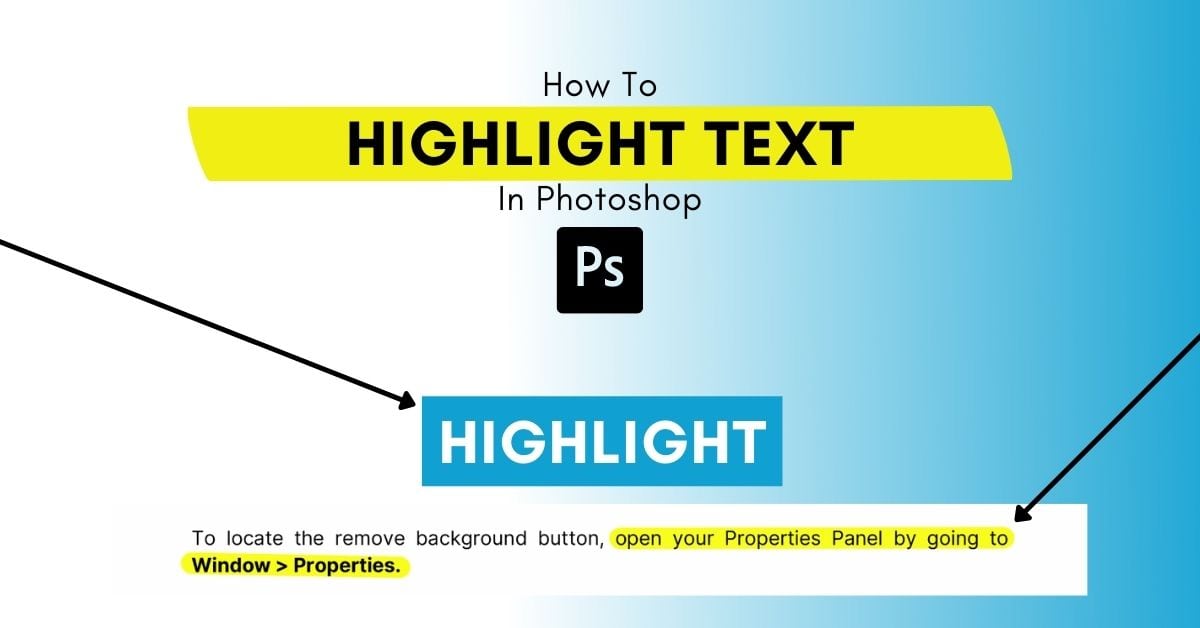
How To Highlight Text In Photoshop (2 Easy Ways)
There are two different ways to highlight text in Photoshop to add a shape highlight on point text or highlighting longer texts, such as PDF text.
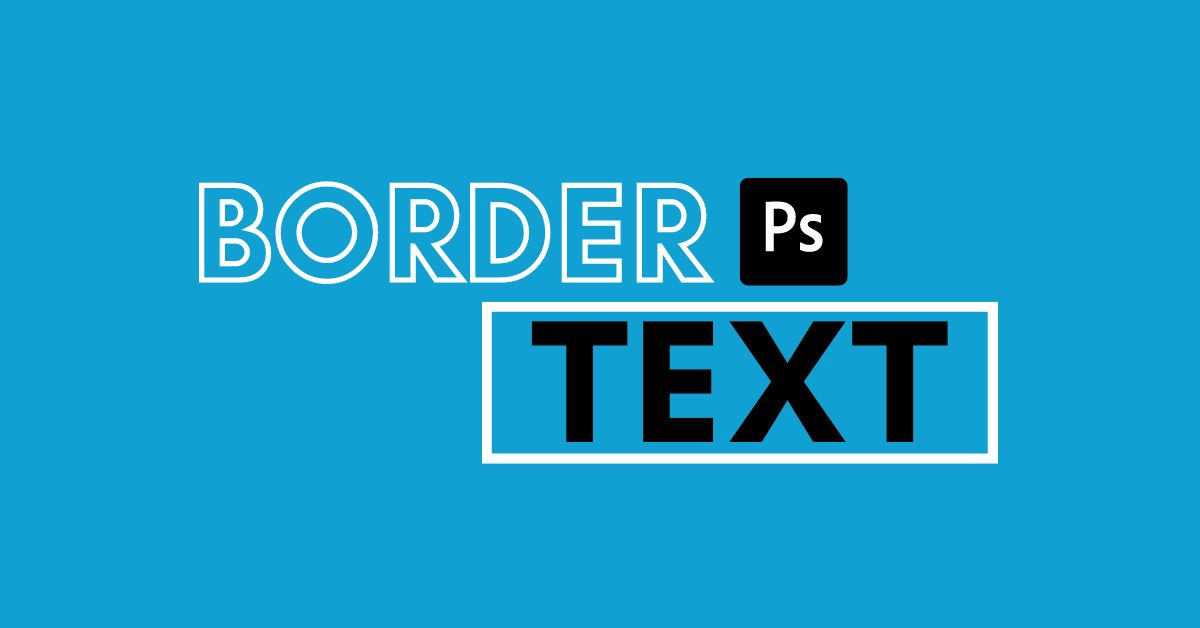
How To Border Text In Photoshop – Brendan Williams Creative
Learn a handful of methods to add borders and outlines to text in Photoshop for various unique text effects suited for any project.
How To Use The Move Tool In Photoshop (Complete Guide)
Learn how to use the Move Tool in Photoshop plus additional tips and tricks to make the most of this important tool in your workflow.
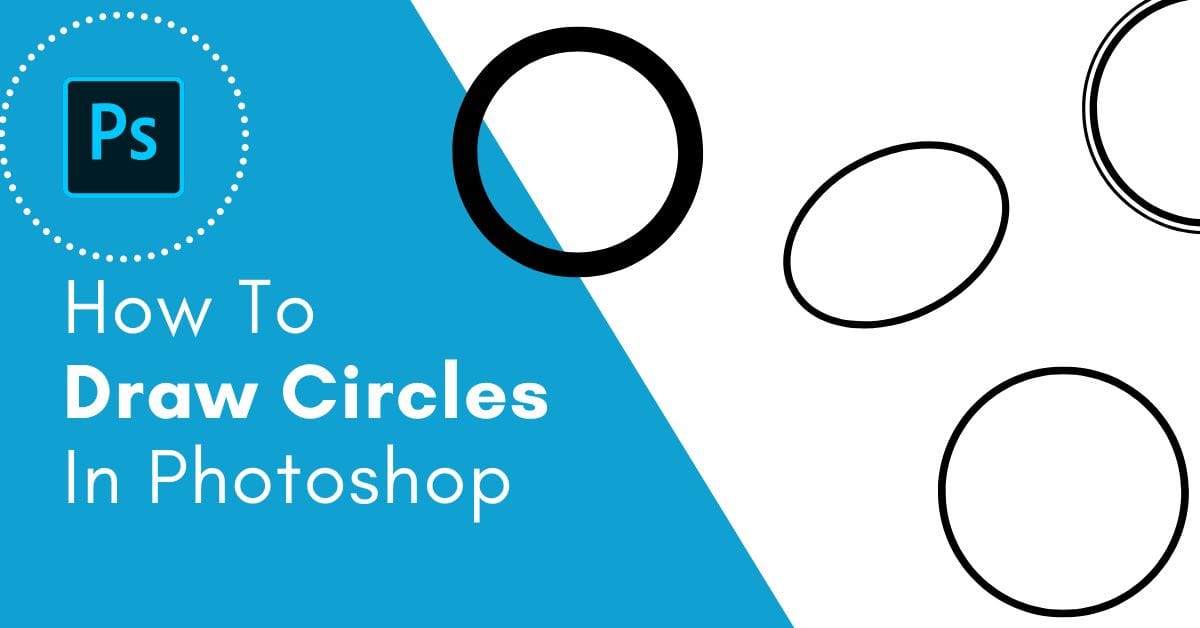
How To Draw A Circle In Photoshop (Step-by-Step)
Learn how to draw a circle in Photoshop along with tips to edit the color and outline of your circles with ease.
How To Draw Straight Lines In Photoshop (4 Best Ways)
Learn four of the best ways to draw straight lines in Photoshop to suit a variety of editing styles and workflows.
How To Create Vertical Text In Photoshop (Fast!)
Learn how to quickly create vertical text in Photoshop as well as how to convert existing horizontal text to vertical with one button.
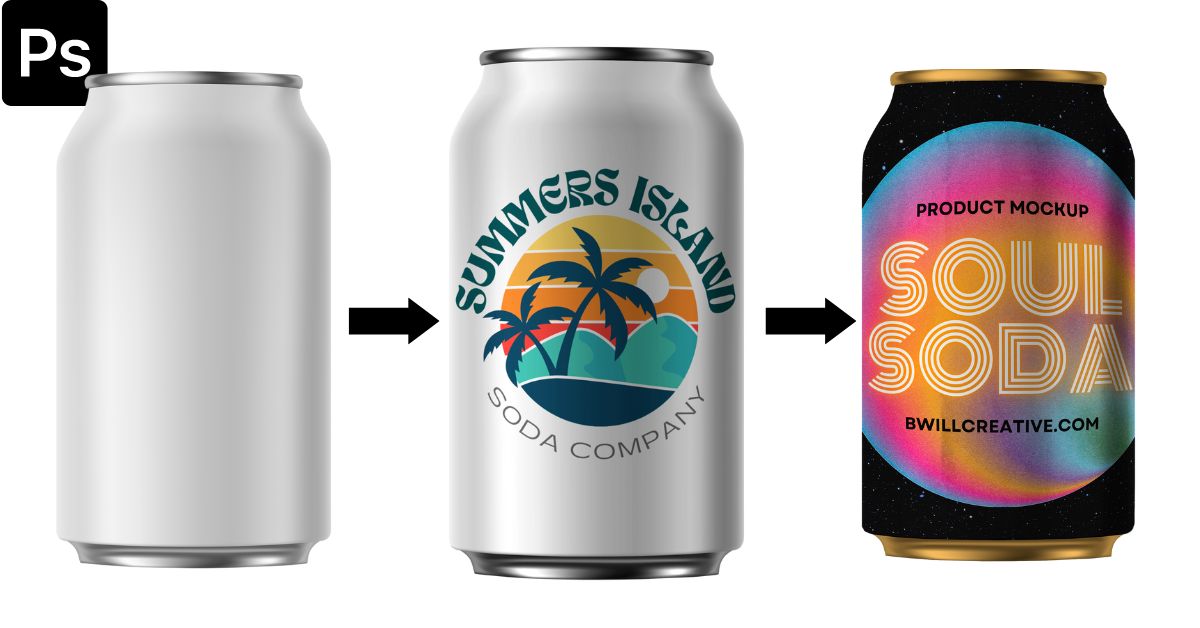
How To Make A Product Mockup In Photoshop (Step By Step!)
Learn the surprisingly simple step by step process to create a product mockup in Photoshop using both simple and complex product examples.
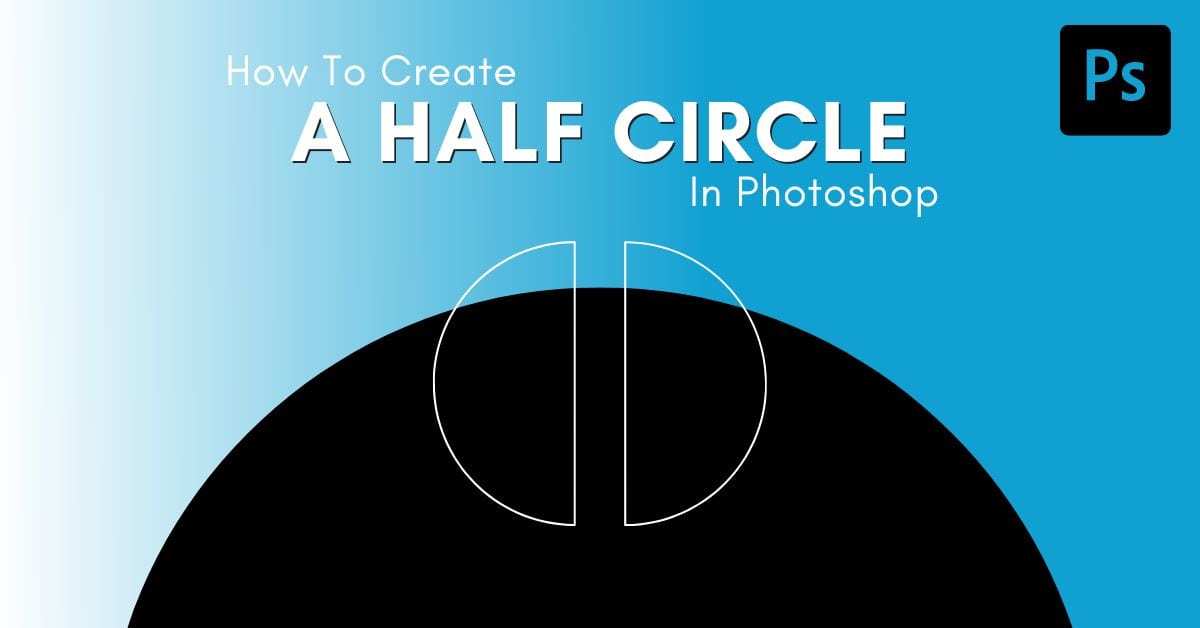
How To Make A Half Circle In Photoshop - Step By Step
Learn how to easily create a half circle in Photoshop with two different methods and then save the new path as a custom shape for later use.
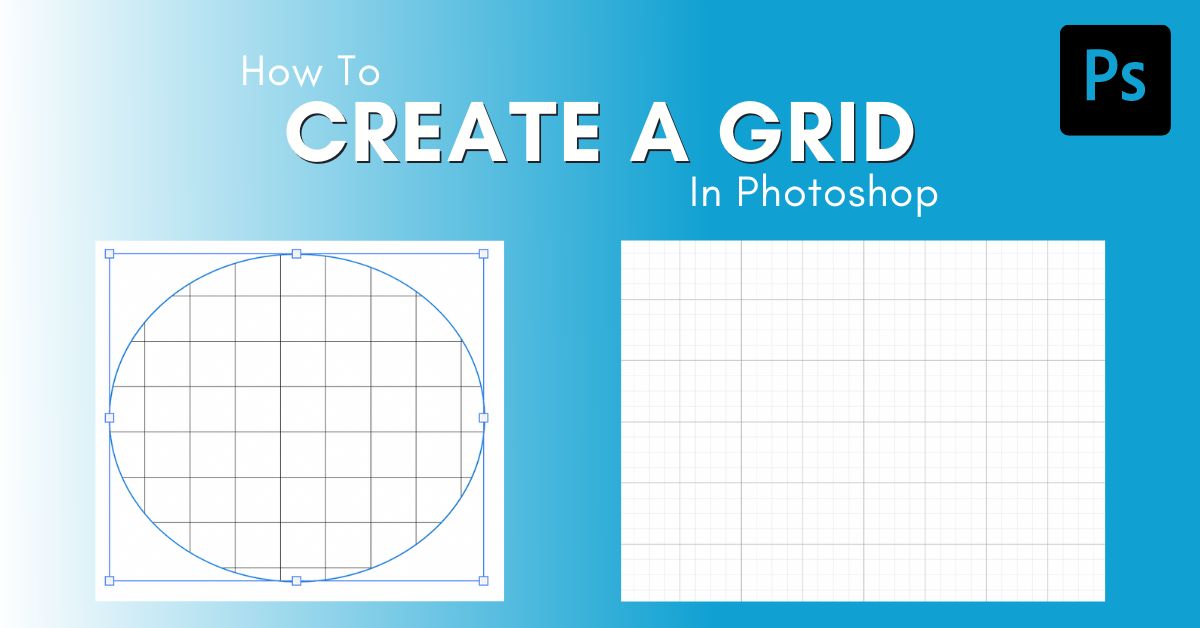
How To Make A Grid In Photoshop (3 Easy Ways)
Learn how to make a grid in Photoshop with a temporary method to align elements, or as a saved pattern preset to use in your designs.
How To Resize Text In Photoshop (Every Method Explained)
Learn the fastest and easiest ways to resize text in Photoshop to help your text fit perfectly within your projects.
How To Convert Text Into A Vector In Photoshop (Step By Step)
Learn two ways to convert text into a vector in Photoshop to allow more editing options beyond what a standard type layer offers.
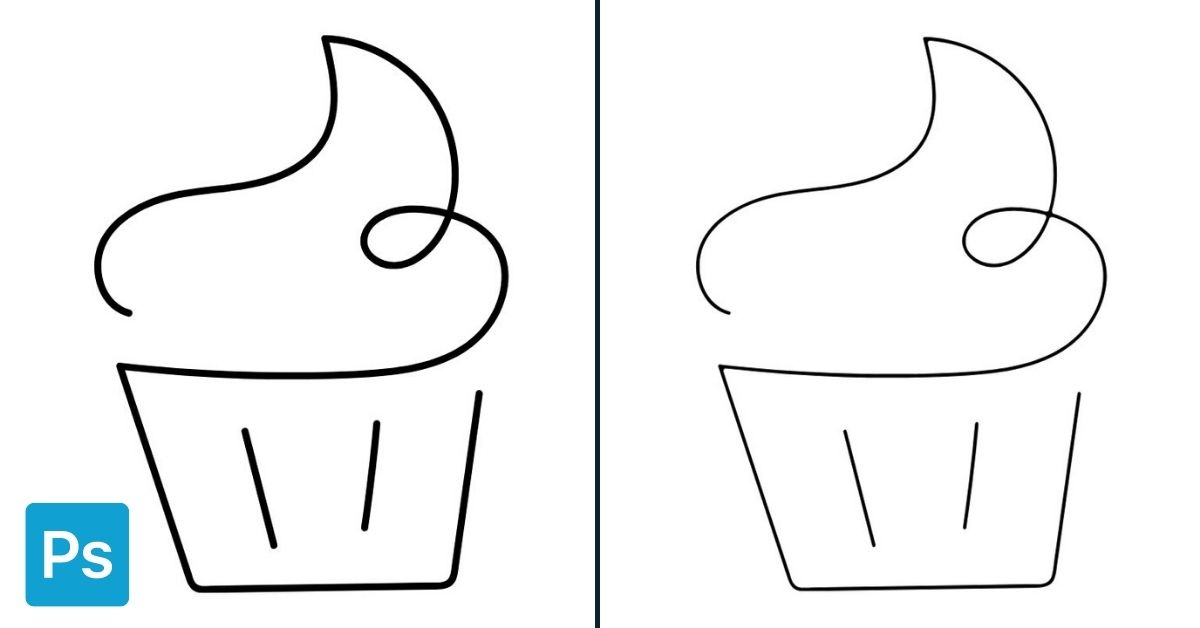
How To Edit Line Thickness In Photoshop (Easiest Ways)
Learn how to edit line thickness in Photoshop whether you want to make your line art thicker or thinner, or simply edit the line tool.
How To Make Bold And Italic Text In Photoshop (Easiest Ways)
Learn how to make your text bold or italicized in Photoshop to easily customize your text layers and make certain words stand out.
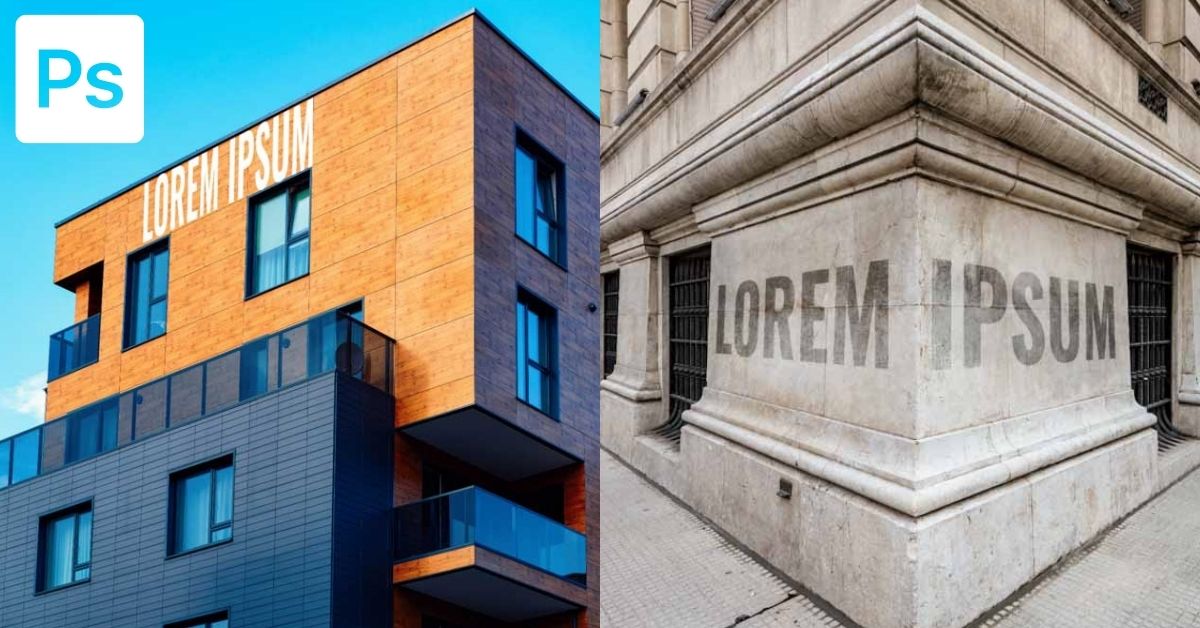
How To Perspective Warp Text In Photoshop (2 Best Ways)
Learn how to perspective warp text in Photoshop using the Transform Tool and the Vanishing Point filter for fast results.

How To Fix Text Stuck In Caps In Photoshop – Brendan Williams Creative
Learn two easy ways to fix text stuck in caps in Photoshop so you can get back to writing exactly as you intended.
How To Add A Hyperlink In Photoshop – Brendan Williams Creative
Learn how to easily add a hyperlink in Photoshop using the Slice Tool to make your images clickable as an HTML file.
How To Open Adobe Illustrator Files In Photoshop (3 Ways)
Learn two easy methods to open Illustrator files in Photoshop, along with a third technique to open AI files as smart objects.
How To Create A Text Box In Photoshop (Complete Guide)
From creating custom shaped text boxes to transparent text boxes, this tutorial will share the easiest ways to create a text box in Photoshop.
How To Make A Checkmark In Photoshop (3 Ways)
Learn three easy ways to make a checkmark in Photoshop as both a text layer or a shape layer for quick editing in any project.
How To Convert Text Into A Shape In Photoshop (FAST!)
Learn how to convert a text layer into a shape layer in Photoshop to get more design options with your characters!
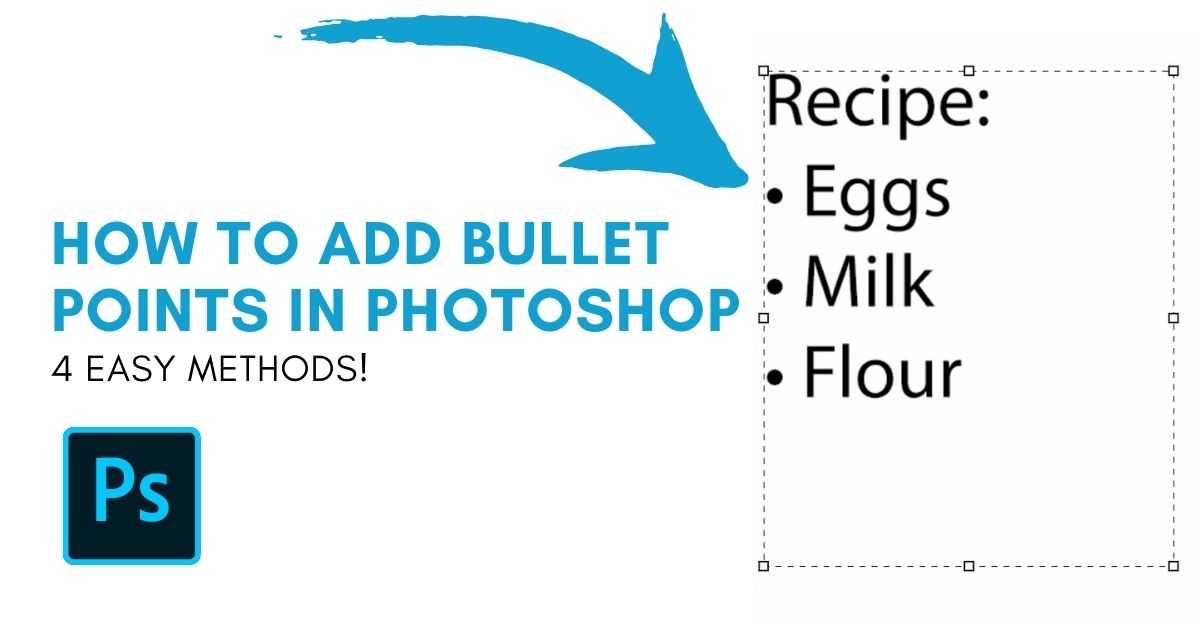
How To Add Bullet Points In Photoshop (Easiest Ways)
Discover 4 of the easiest ways to add bullet points in Photoshop in a variety of styles using keyboard shortcuts, glyphs, or unique fonts.
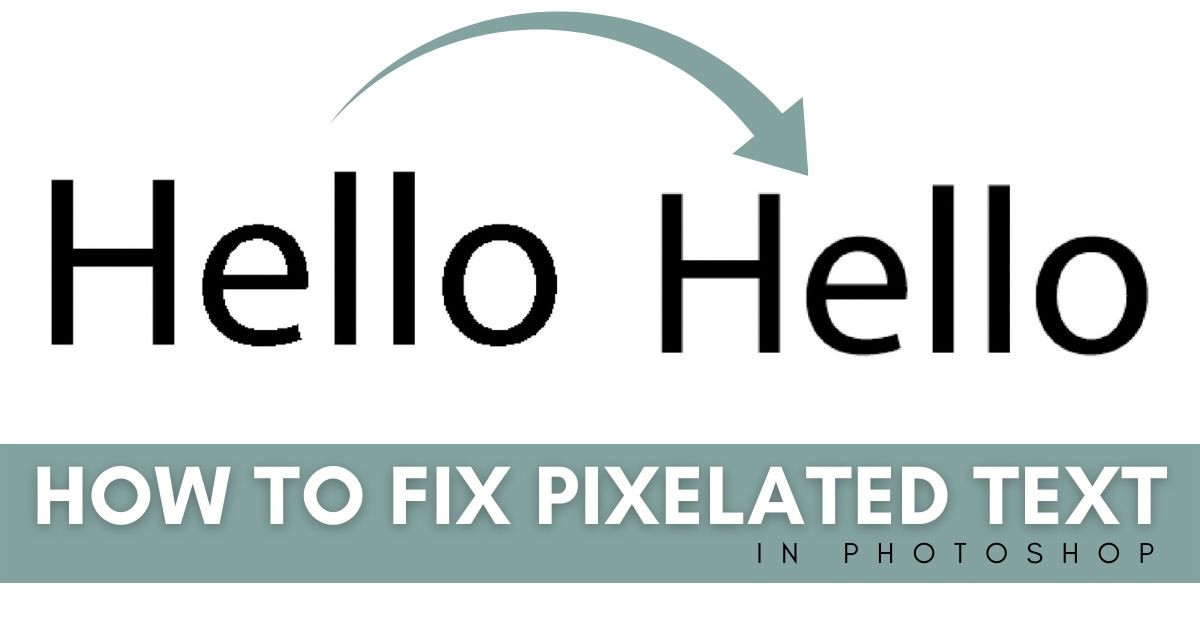
5 Easy Ways To Fix Pixelated Text In Photoshop
These 5 ways to fix pixelated text in Photoshop will allow you to have smooth crisp edges with any piece of text you create in the program!
How To Outline ANY Shape In Photoshop – Brendan Williams Creative
Learn the fastest and most simple ways to outline a shape in Photoshop, whether you're working with shape layers or rasterized shapes!
How To Draw A Curved Arrow In Photoshop (2 Easy Ways)
Discover two ways to draw a curved arrow in Photoshop as well as how to save these custom shapes as presets to use in the future.
How To Edit A PNG File In Photoshop (Complete Guide!)
Learn how to easily import, edit and export a PNG file in Photoshop to get the best results while working with this particular file type.
How To Change Shape Color In Photoshop – Brendan Williams Creative
Learn a few easy ways to change the color of a shape in Photoshop so you can fill shapes with solid colors, gradients, or transparency!
How To Adjust Text And Line Spacing In Photoshop (EASY!)
Learn how to easily adjust character and line spacing with your text layers in Photoshop to better stylize and format your type layers!
How To Change Font In Photoshop (Fastest Ways!)
Discover how to quickly change the font of your text in Photoshop with a variety of beginner friendly methods.
How To Change The Color Of Text In Photoshop - 2 Easy Ways
Learn how to change the color of text in Photoshop whether you want to edit a word, single letters, or existing text applied to an image
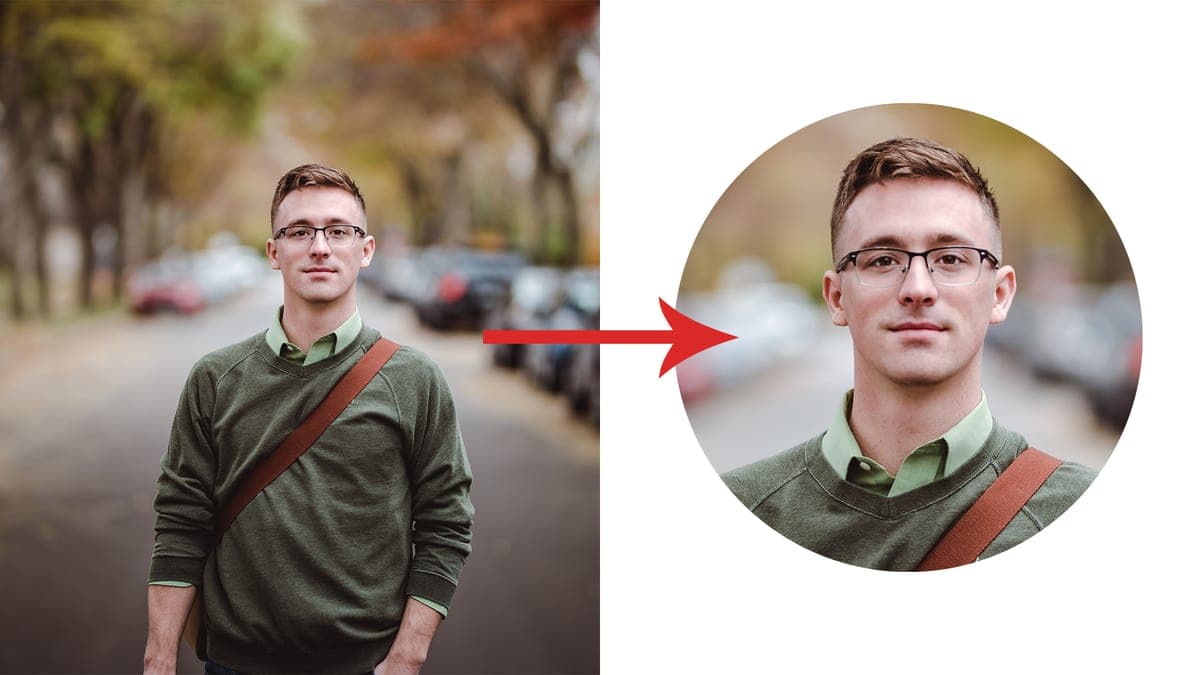
How To Crop Images In A Circle Shape Using Photoshop
Learn the easiest way to crop images into a circle shape using Photoshop and how to export with a transparent background.
Want the fundamentals in one place?
Grab the free Photoshop guide.
