Turn Frustration Into Confidence
Stop battling with blocky edges and fringing all afternoon. Learn the exact techniques to nail complex selections in minutes, not hours, while achieving the professional quality that used to feel impossible.
Master advanced selection & masking techniques — even as a beginner
 52,000+ Students Use My Tools and Trainings!





The moment you need to select something more challenging than a subject against a plain background, you're stuck.
Tree branches, hair, fur, transparent objects… the comfort of automatic selection tools are long gone.
You're at a loss what to do.
Your only solution is to throw more time at the problem.
More trial and error… more frustration… another selection that makes your project look obviously "Photoshopped."
All the while you've spent another hour fiddling with these stupid masks with no progress to show.
Your selection edges look like they were cut with safety scissors.
Your subject has that telltale "digital cutout" look.
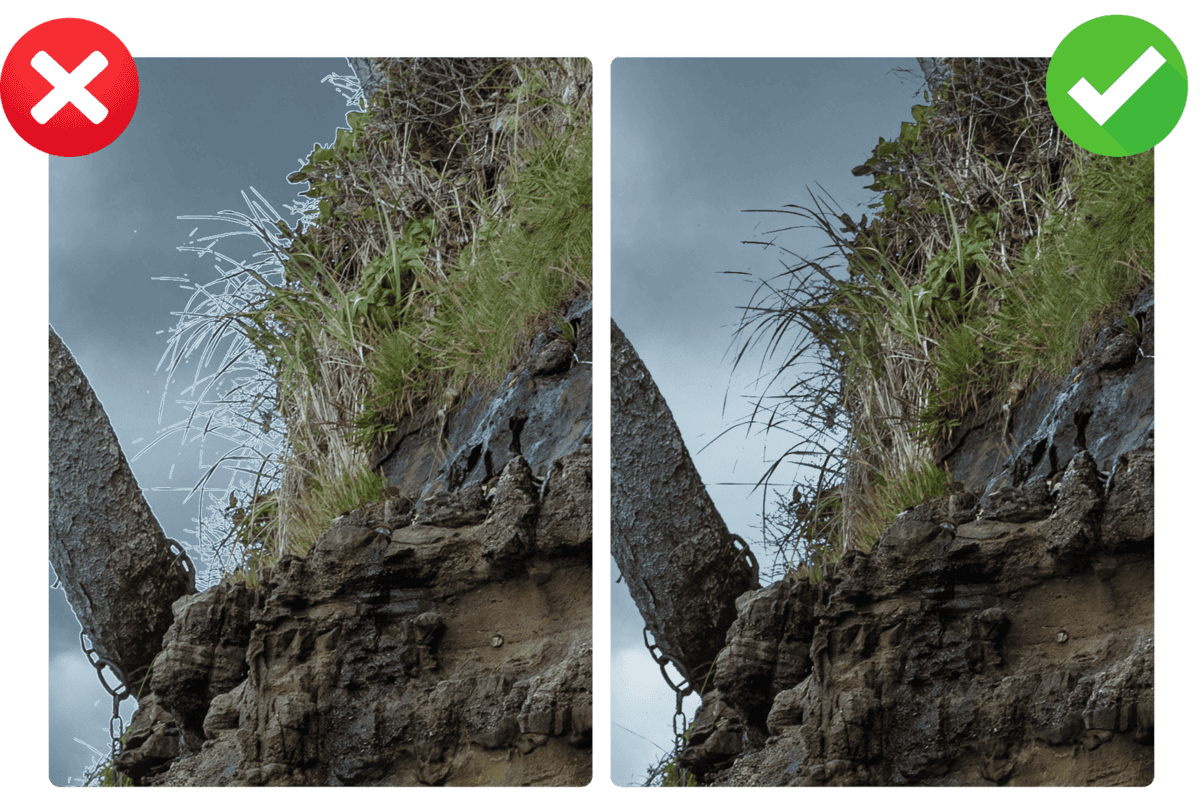
There's weird fringing around the edges that you can't seem to fix, no matter what you try.
It's all a nightmare but you don't have the time to keep fighting this.
You call it "good enough" and move on, knowing deep down that your work doesn't have that polished, professional look you're after.
Photoshop gives you more than 15 different ways to make selections. Quick Selection, Magic Wand, Lasso tools, Pen tool, Channels, Focus Area, Color Range, Object Selection… the list goes on.
But here's the cruel irony: Having more options actually makes getting good results harder, not easier.
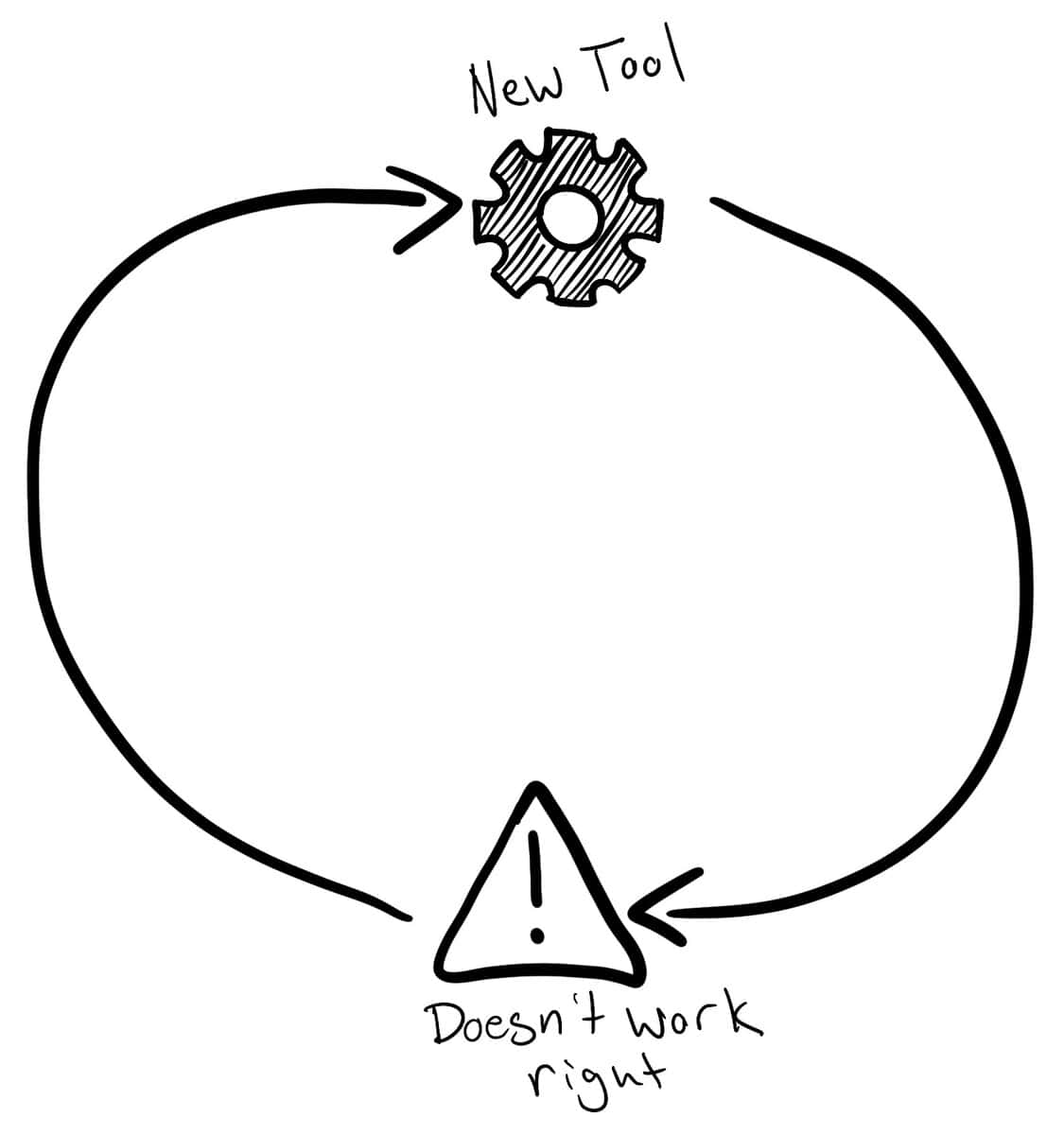
Because every time a selection doesn't work perfectly, you think the problem is the tool. So you try another one. Then another. Then another.
The real problem isn't your tools. It's that you're missing the system.
What if, instead of randomly trying tools until something "sort of" works, you could look at any image and immediately know the right approach?
What if you had a systematic method for diagnosing exactly what type of selection challenge you're facing — and which tools and techniques would solve it fastest?
Instead of guessing and hoping, you learn to identify what your project requires. Then you apply the precise technique that's designed for that exact situation — so you can win back hours of your time and share higher-quality projects than ever.
Master The Art Of Masking In Photoshop
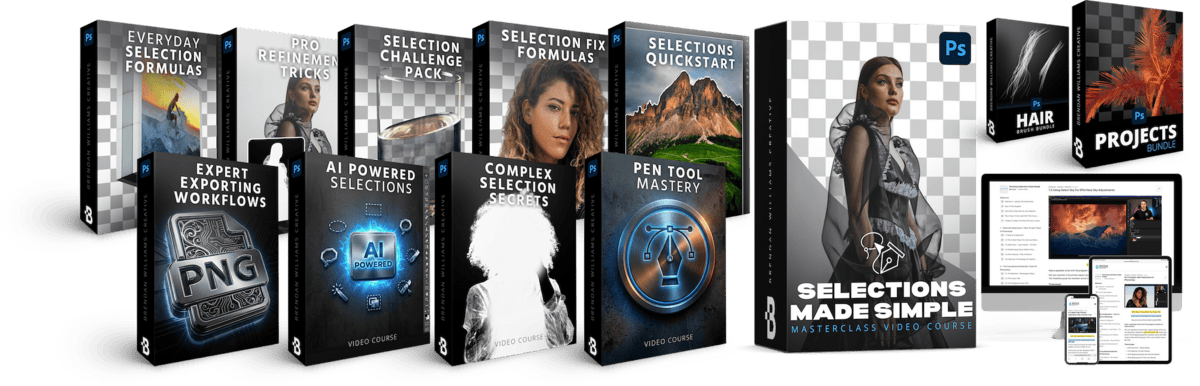
9 Masterclasses | 41 Guided Tutorials | 35 Follow-Along Projects | 11,000+ Words of Support Material
This isn't another collection of random tips and tricks. It's a complete diagnostic system that teaches you to think like a professional retoucher (even if you're a total beginner).
You'll learn the decision framework that eliminates 90% of the guesswork.
No longer will you waste dozens of hours this year fighting with poor selections and messy masks. Instead you'll have a system to efficiently work with selections and masks like a pro — opening up new creative doors and elevating your work to the next level of professionalism.
90-Day Money Back Guarantee | Lifetime Access
Stop battling with blocky edges and fringing all afternoon. Learn the exact techniques to nail complex selections in minutes, not hours, while achieving the professional quality that used to feel impossible.

Finally tackle those complex projects you've been putting off. Whether it involves extracting detailed hair, intricate tree branches, or furry subjects — you'll have the skills to handle any selection challenge with confidence.

Eliminate endless refinements and fringing fixes from your workflow. Learn which selection tools to use in every situation so you can focus on creating, not correcting amateur mistakes.

Use your new selection skills to improve the quality of your digital art, compositing, or graphic design endeavours. Never worry about the professionalism of your projects again.

6 Lessons | 39 Minutes
$79 Value · Included
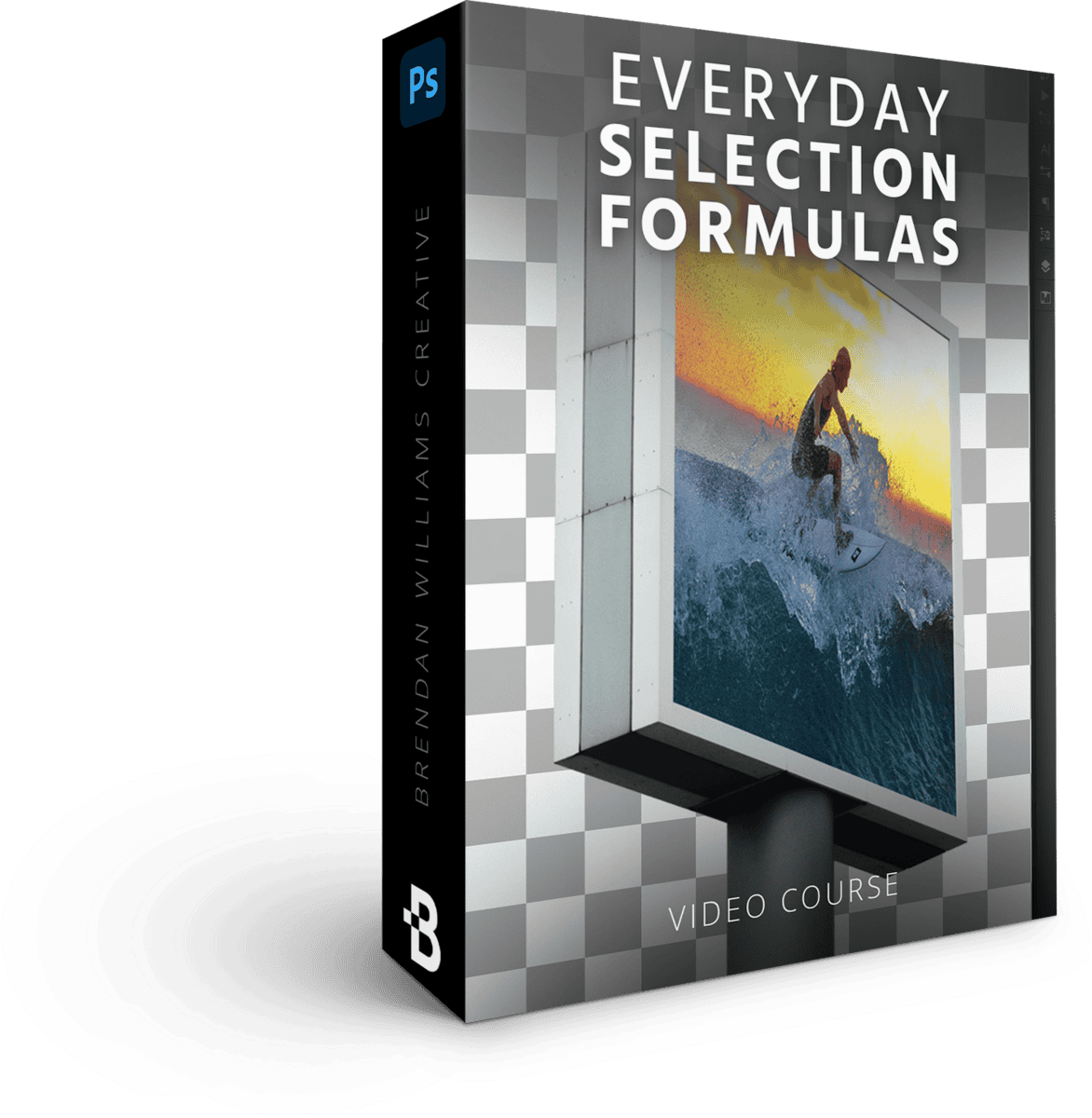
Unlock the power of layer masks for non-destructive editing, the four professional uses for selections, and how to control edge quality — anti-aliasing, feathering, sharp vs. blended.
5 Lessons | 71 Minutes
$129 Value · Included
Marquee tools, three lasso tools with magnetic edge detection, and the modifier-key shortcuts to add, subtract, and transform selections on the fly while keeping total control.

4 Lessons | 54 Minutes
$97 Value · Included
Master Quick Selection and Object Selection, leverage Select Subject, and remove backgrounds in one click with tricks to consistently improve automatic results.
3 Lessons | 32 Minutes
$79 Value · Included
Create pixel-perfect vector-based selections with full control over every edge and curve. Professional-grade cutouts plus the keyboard shortcuts that dramatically speed up your pen-path work.
4 Lessons | 66 Minutes
$97 Value · Included
Perfect complex edges on hair and translucent materials, remove unwanted color fringing, and use smart radius techniques to transform difficult hair selections into professional results.
3 Lessons | 20 Minutes
$67 Value · Included
Use color channels for incredibly detailed selections of complex hair and fur. Channel-based techniques that make quick work of intricate backgrounds — trees, hair, fur — with professional results.
6 Lessons | 78 Minutes
$129 Value · Included
Eliminate color contamination, master semi-transparent selections on glass or fabric, and apply the essential finishing touches that turn good selections into great ones.

7 Guided Challenges
$79 Value · Included
Progressively harder selection and masking challenges that force you to combine multiple skills from the course — helping you start thinking like a Photoshop pro, even if you're new.

2 Lessons | 12 Minutes
$37 Value · Included
Quality-check your cutouts before export, command advanced export settings for canvas size and color profiles, and efficiently generate multi-resolution deliverables in a single workflow.
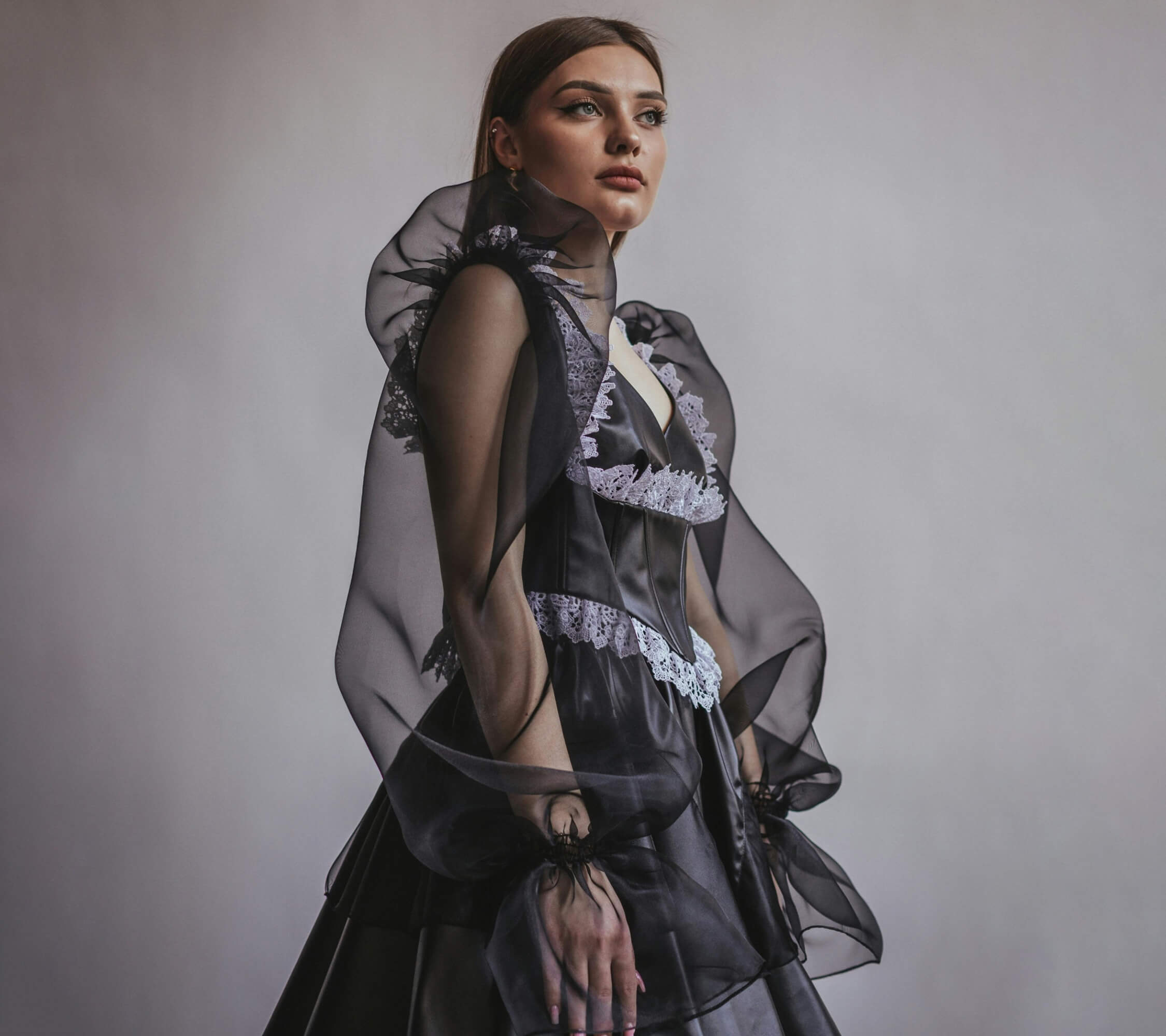
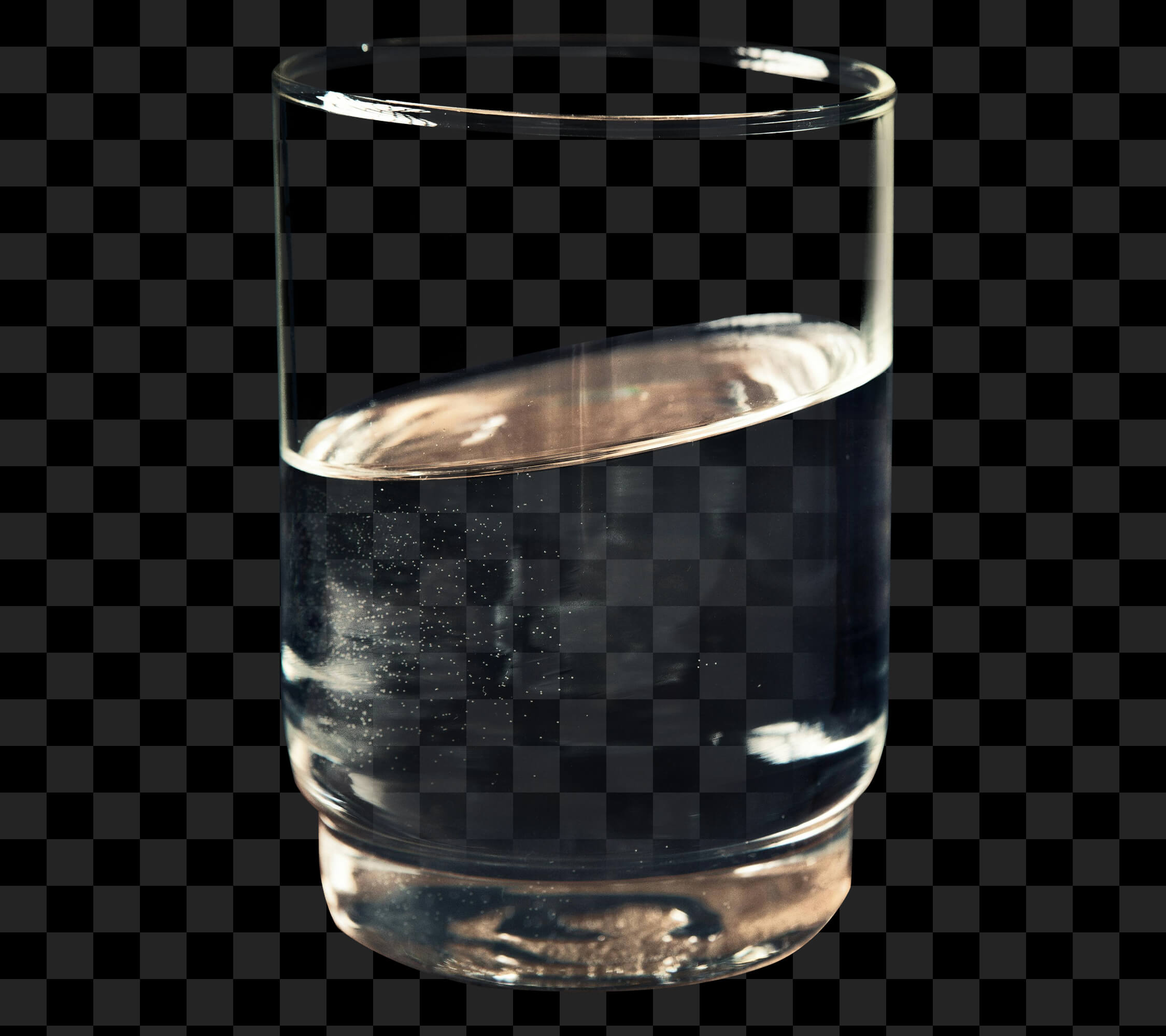
Drag each slider to compare before and after — these are the exact types of selections you'll learn to make, from fine edges to complex hair.
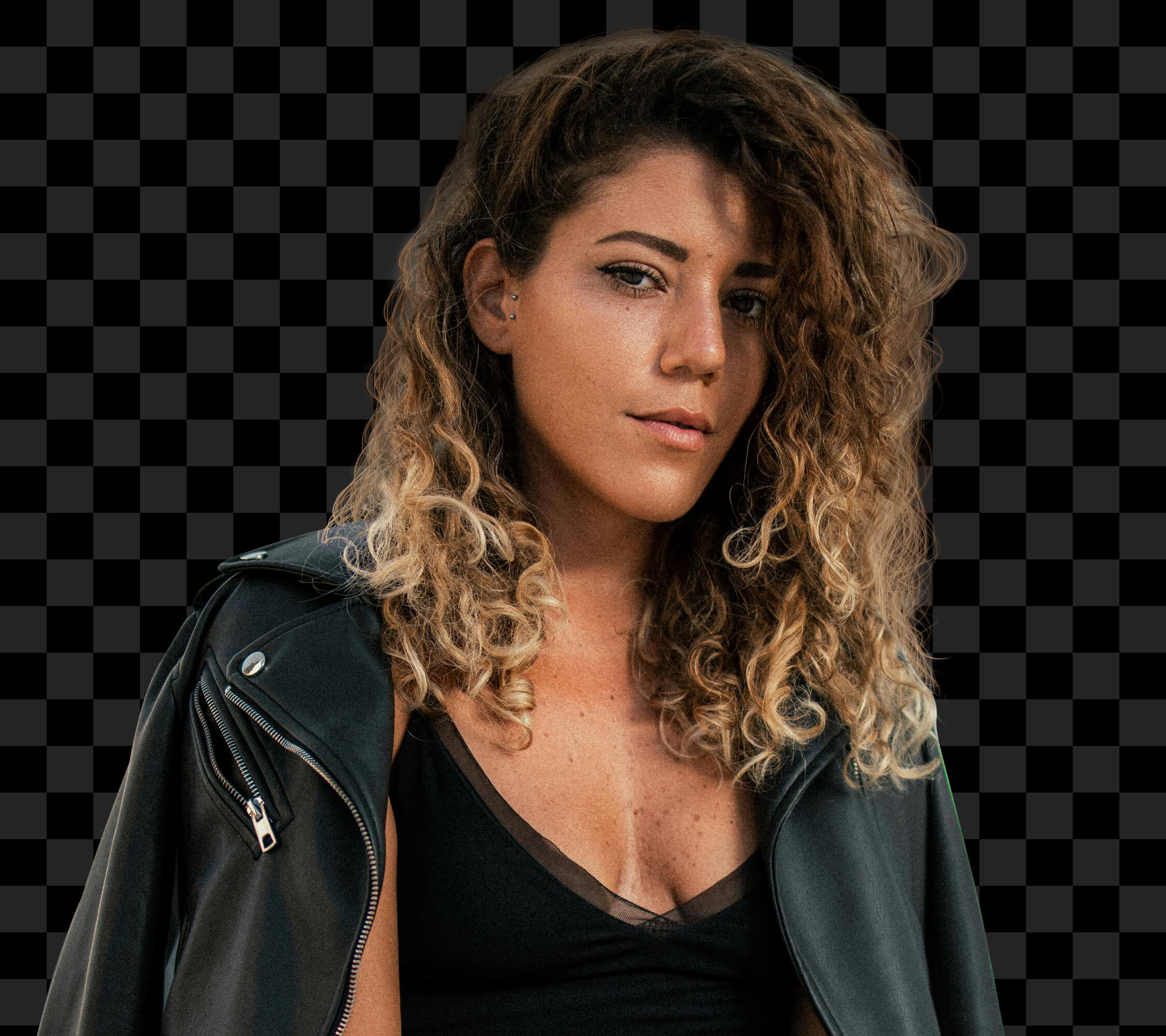
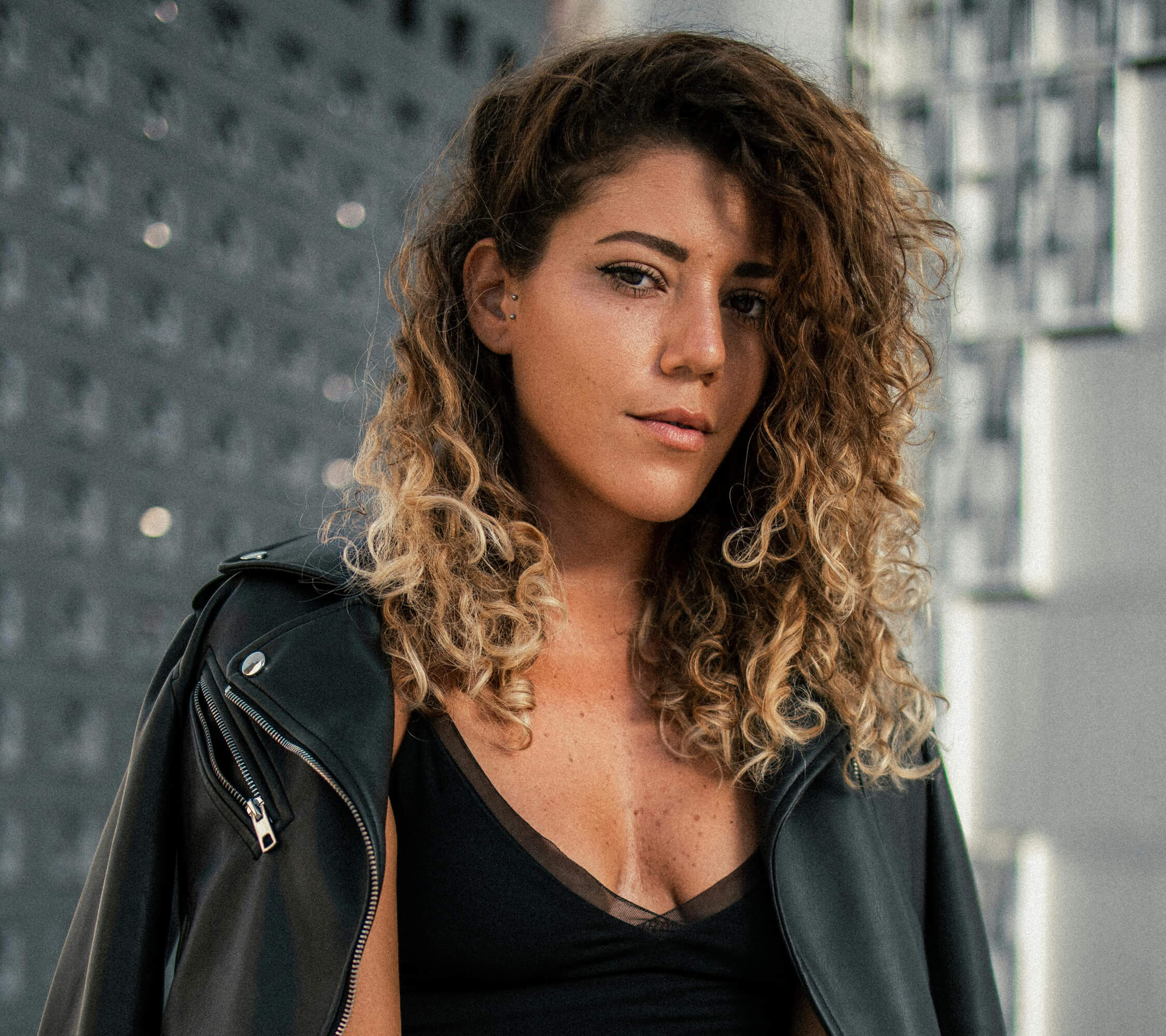
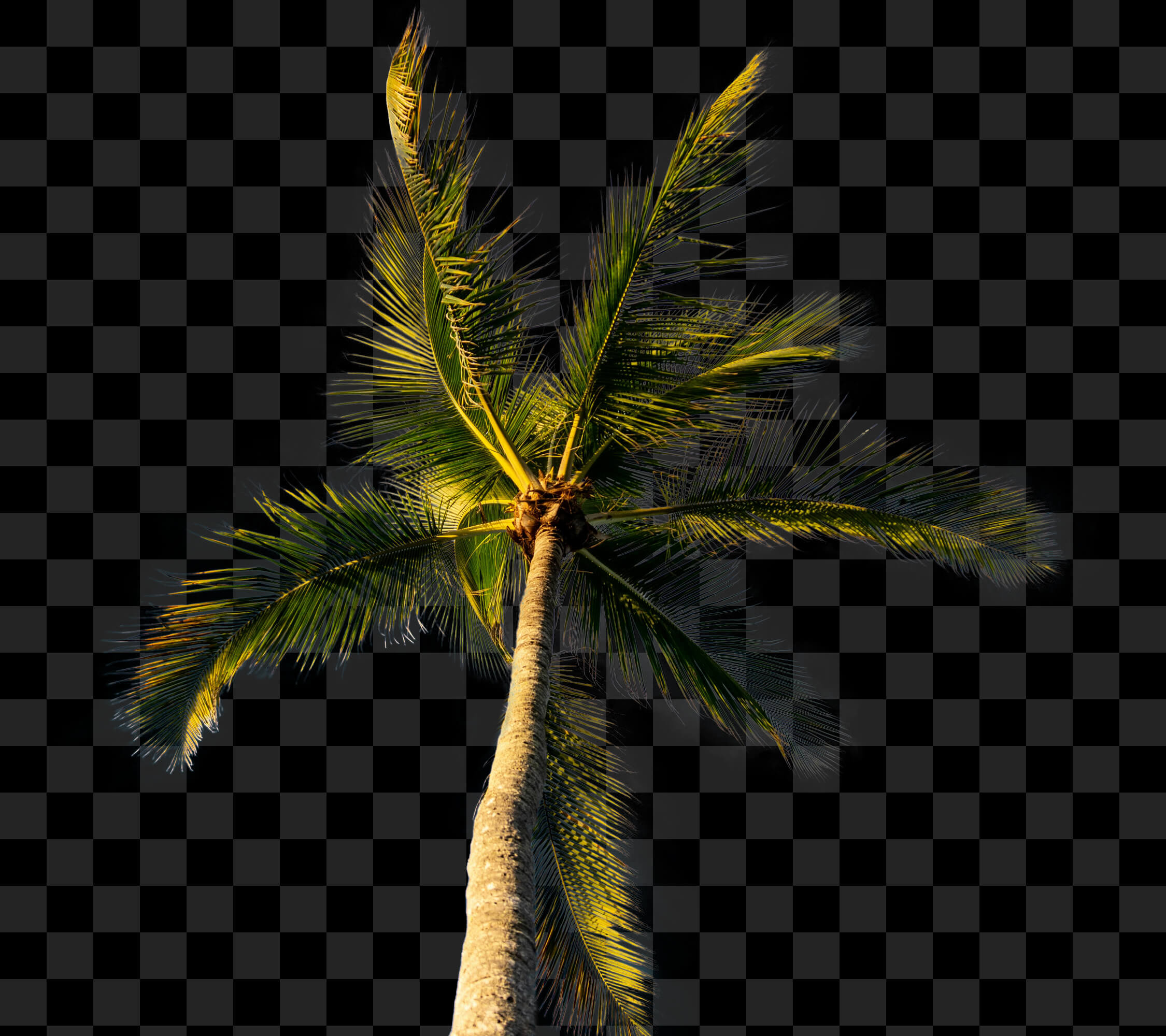

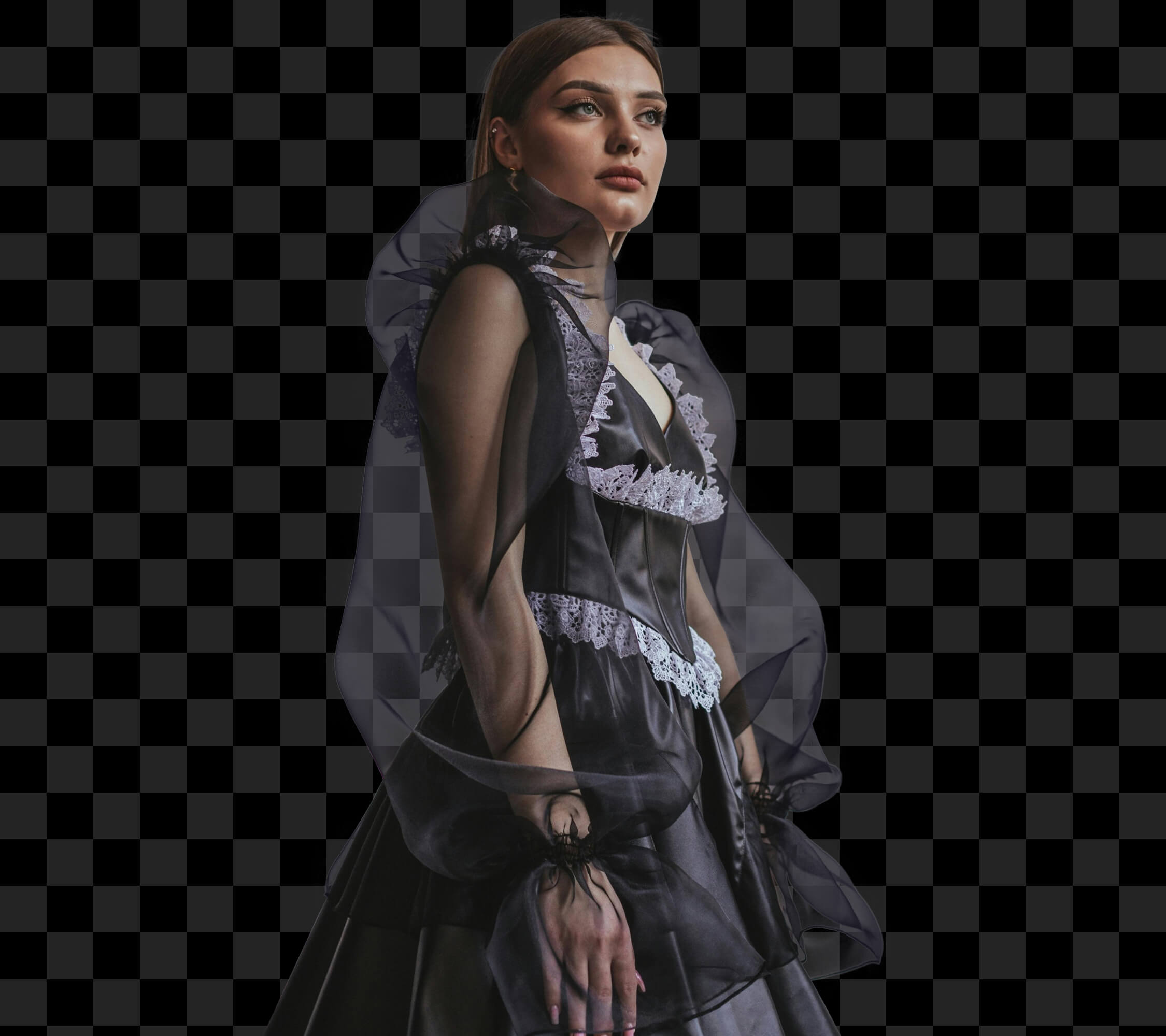

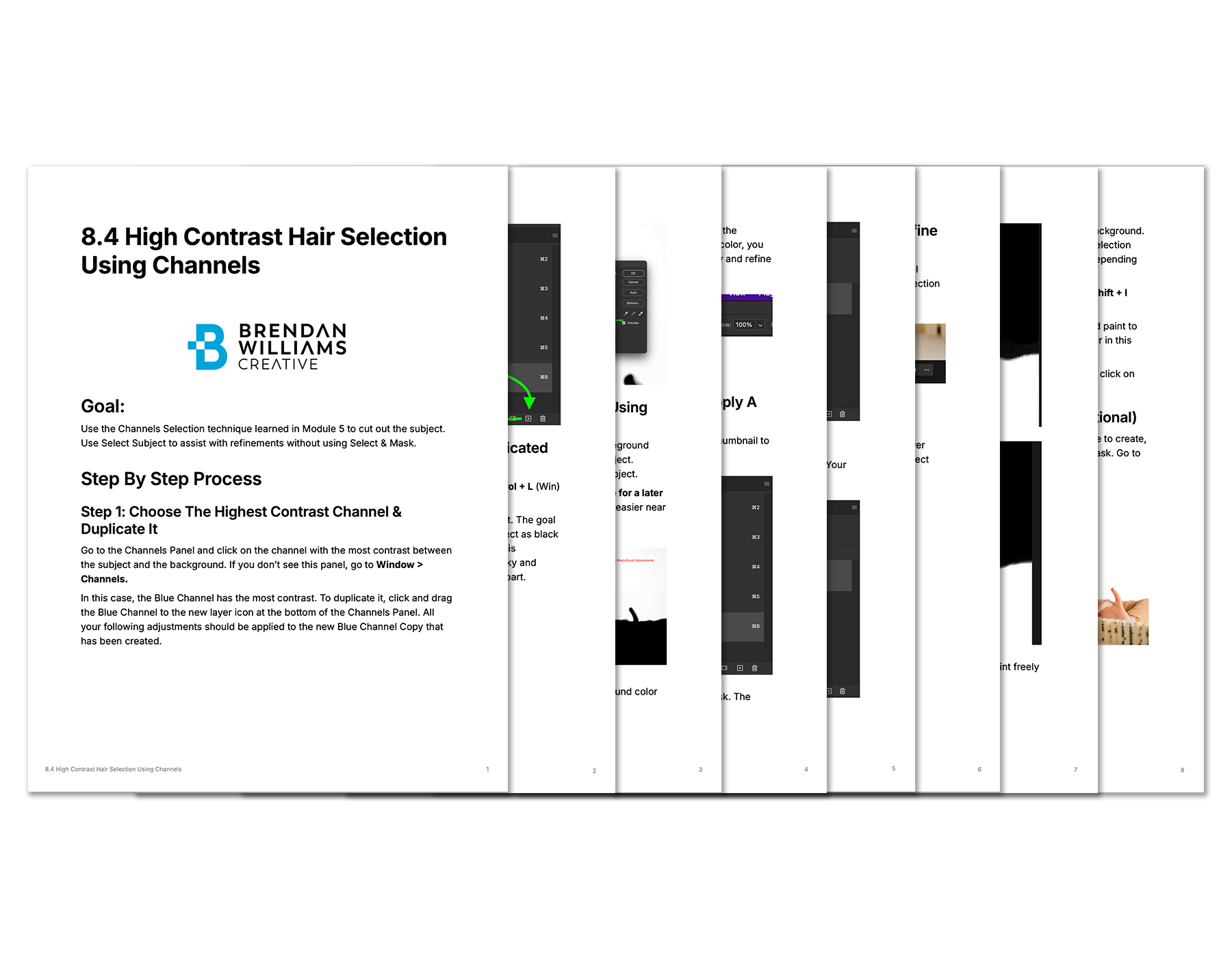
Over 11,000 words of supporting course materials, downloadable as PDFs — from written guides that solidify key skills to challenge lessons to test your abilities.
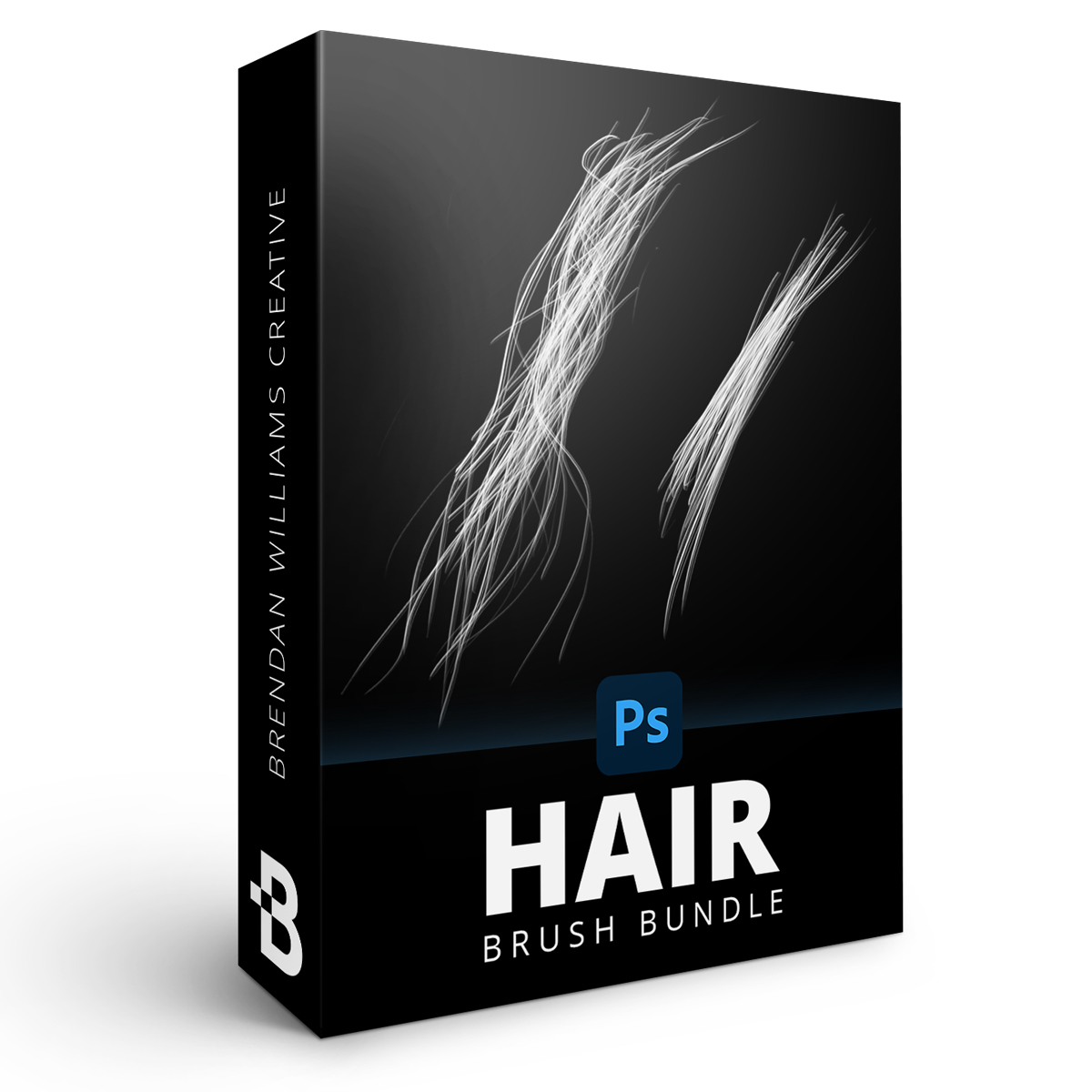
Make complex hair extractions and refinements easier with this versatile set of brushes — including a variety of hair and fur textures for any subject.
Pay once, learn forever. Go at your own pace even when life gets busy — plus free program updates as Photoshop evolves, at no extra cost.
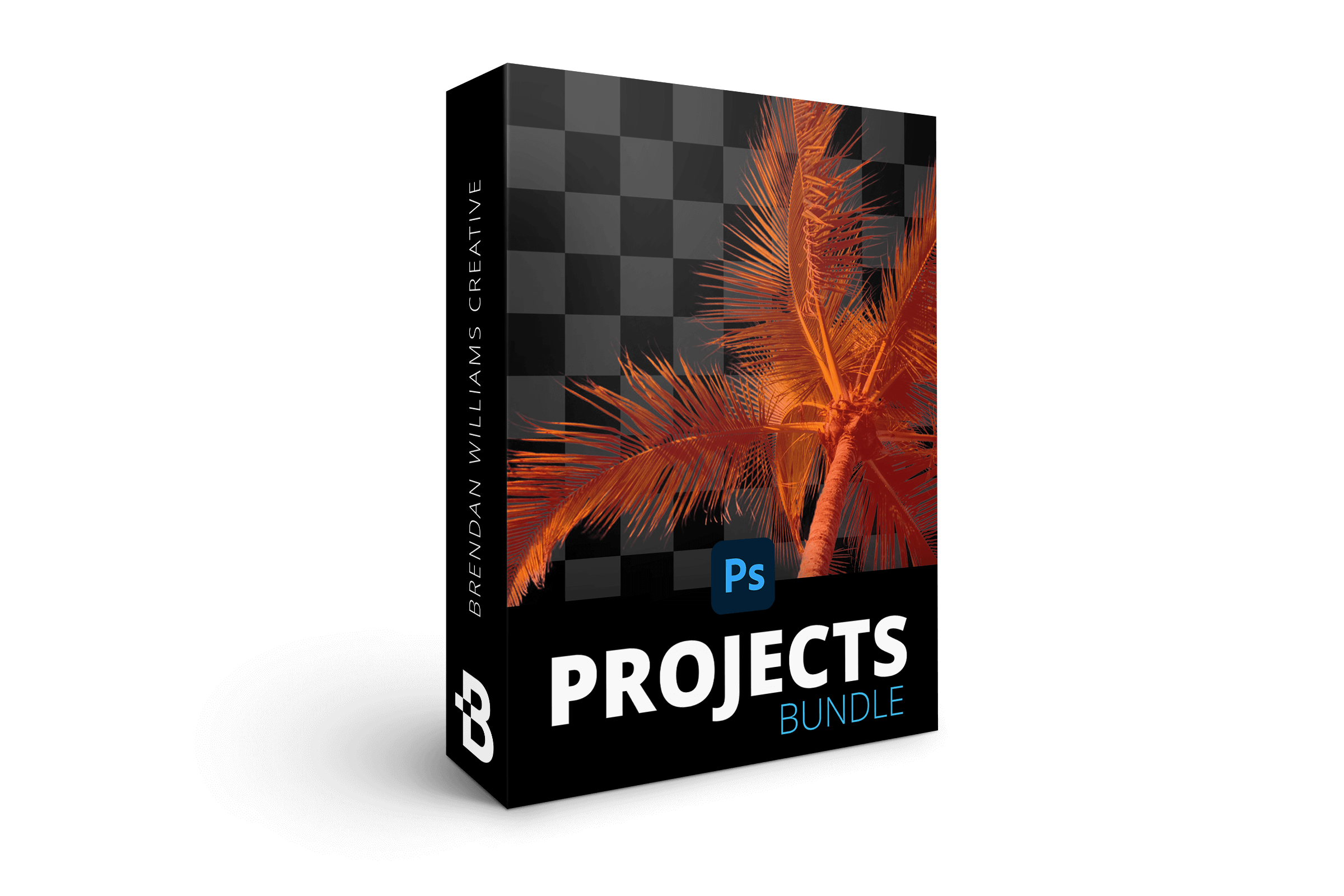
Apply what you learn through 35 follow-along projects, giving you specific practice for the majority of lessons in the course. Rather than teaching through endless theory or boring examples, this course focuses on learning through creation.
That's 94+ Photoshop Lessons, Projects & Masterclasses!
All prices are in USD. Tax not included.
It's hard to tell what's marketing fluff and what's real with some courses out there these days. That's why I'm doing things differently.
If, for any reason, you aren't 110% happy with this course after 90 days, email support@bwillcreative.com and I'll personally refund all your money, no questions asked.
Enjoy unlimited lifetime access to this course and its materials. Watch, rewatch, and continue to hone your skills with everything you gain from this program — on any device, any time.
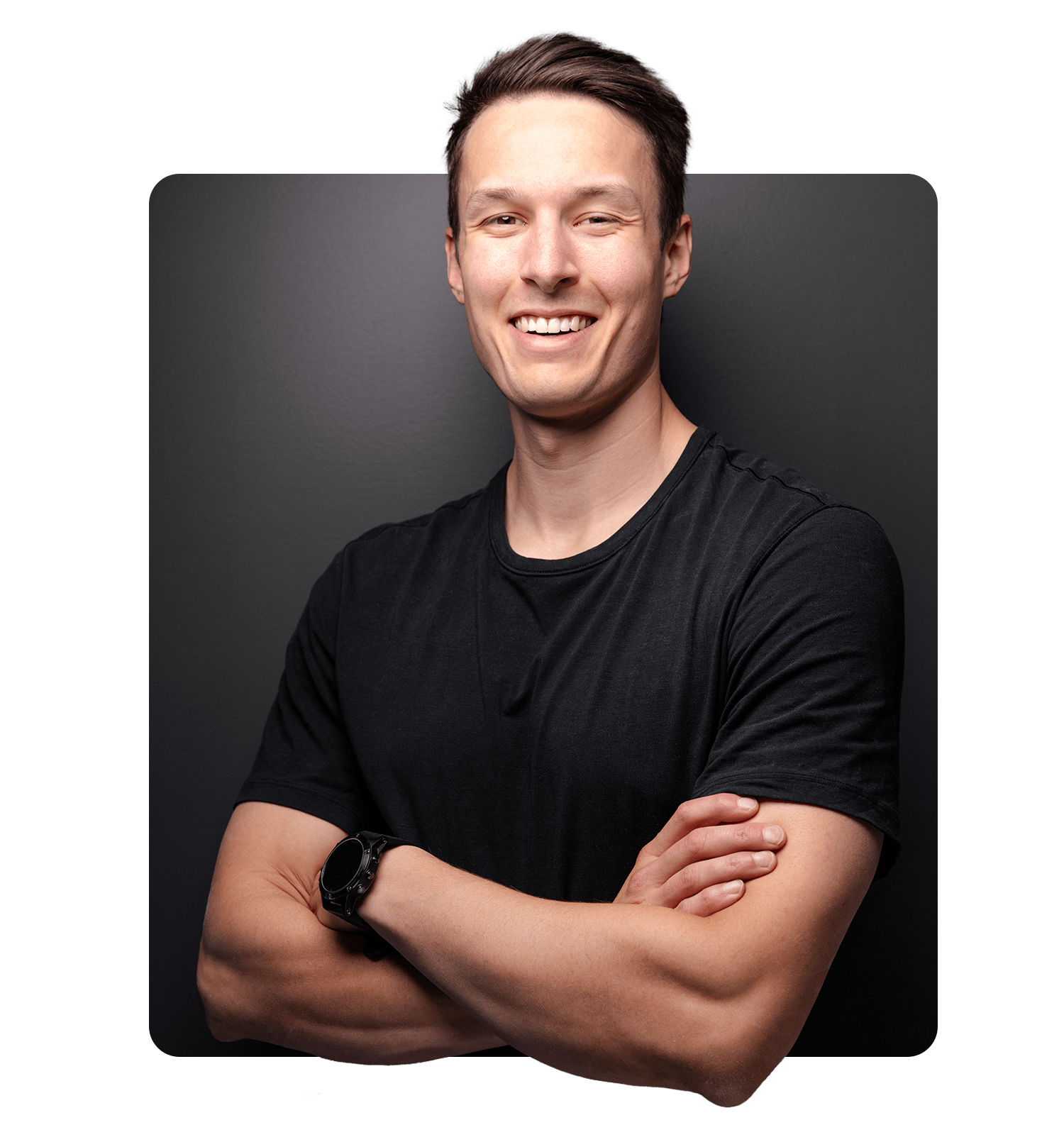
I'm a professional photographer and photo retoucher turned founder of one of the leading online Photoshop education resources, bwillcreative.com.
My mission is to help you unlock your creative potential in Photoshop through in-depth guides, videos, and written resources I wish I had earlier in my career.
Around here, my #1 goal is to cut the fluff and create tutorials that actually get you results.


Our review wall didn’t load.
It’s usually a browser privacy extension or ad blocker stopping the reviews widget. You can retry, or read every review on the full wall.
No more abandoning the perfect image because you can't make it work. No more spending hours fighting with selection edges. Just open Photoshop and confidently tackle any creative challenge that comes your way.
Whether you're squeezing in lessons between client work or learning at 2 AM, this course fits your schedule. Each focused lesson (5–25 minutes) builds upon the last, transforming your selection skills one step at a time. And with lifetime access, you can revisit any technique exactly when you need it.
Time to stop letting amateur selection skills hold your creativity hostage. Join Selections Made Simple today and turn those ambitious creative visions into reality.
The course is taught in the latest version of Photoshop CC at the time of recording. The techniques may not apply to older versions like CS6. I do not recommend this course if you use Photoshop Elements or Photoshop Express.
Yes. There is a huge focus on using layer masks throughout this course. Many lessons discuss how to use and refine them to improve your selections.
21 Day Photoshop Expert gives you a holistic approach to Photoshop from square one and covers what's necessary without going too in-depth in any one area. Selections Made Simple is much more in-depth — advanced tactics for transparent and semi-transparent objects, more projects, and more written resources. If you still feel uncertain about selections, this course will make you 110% confident.
Yes, the course has English subtitles in every lesson. The video players also have speed controls if you prefer a slower pace for your videos.
Unlimited access through the online student dashboard with no ongoing subscription. Enjoy the course today or years from now to refresh your skills.
Yes. The course starts from the fundamentals of selections and builds toward advanced techniques. Beginners and intermediate users alike gain value from the diagnostic system.
47 lessons and 370 minutes (6.1 hours) of video, plus 35 follow-along projects and 11,000+ words of supporting materials.
Video modules inside your Student Dashboard at members.bwillcreative.com, available on any device at any time once you enroll.
Yes — a 90-day money-back guarantee. If the course isn't a fit, email support@bwillcreative.com within 90 days and I'll personally refund every penny, no questions asked.
That's 94+ Photoshop Lessons, Projects & Masterclasses!
All prices are in USD. Tax not included.