








Learn To Fast Track Your Photoshop Skills
Discover the most essential tools of Photoshop
Fill the gaps in your existing knowledge
Learn to feel confident editing photos in the program
Unlock new editing tricks to save time and stress
Let’s Fast Track Your Photoshop Skills

Turn confusion into confidence with my beginners guide to Photoshop!

[ I’m Featured On ]
[ I’m Featured On ]
My Online Courses
For those ready for systematic learning over random tips and tricks

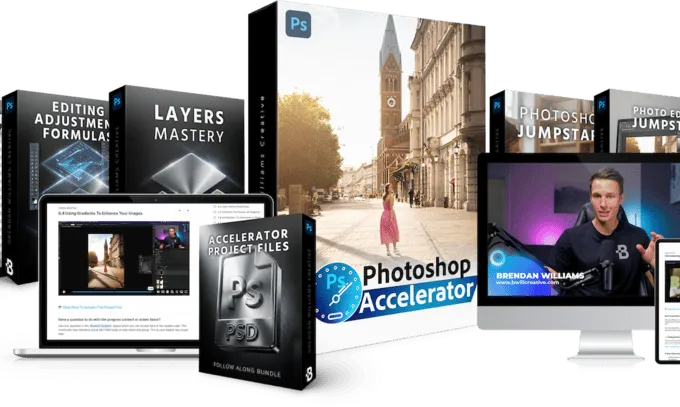
The Photoshop Accelerator

Photoshop is the most powerful creative tool in the world, but it’s also one of the most overwhelming to learn. Hundreds of tools, dozens of panels, and ten different ways to do the same thing.

You don’t need more random tips… you need a clear starting point.

The Photoshop Accelerator gives you a structured, step-by-step path through everything that actually matters in Photoshop โ€” so you go from overwhelmed to confident in the fastest time possible, no matter what you’re creating.

With this course you’ll learn:

  • How to navigate Photoshop’s interface without feeling lost โ€” so you always know where to find what you need
  • The building blocks behind every Photoshop project: layers, masks, brushes, and adjustments โ€” demystified from zero
  • When and why to use each tool, not just where to click โ€” so you can problem-solve on your own instead of following tutorials step-by-step
  • How to go from a blank canvas or existing photo to a finished, polished result using a repeatable process
  • Confidence to actually open Photoshop and start creating what you envision

Ready to put Photoshop overwhelm behind you for good? ๐Ÿ‘‡

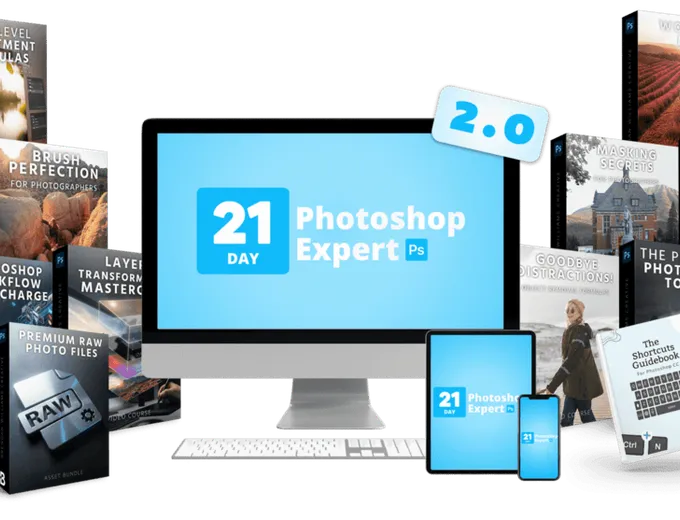
21 Day Photoshop Expert 2.0

21 Day Photoshop Expert is a system built specifically for photographers ready to go beyond Lightroom or Camera Raw.

One structured path from foundations to complete editing workflows โ€” so your images finally match the vision you had when you took the shot.

With this course you’ll learn:

  • Exactly which Photoshop tools and techniques photographers actually need โ€” and which to ignore entirely
  • How to seamlessly move between Lightroom and Photoshop in one connected editing workflow
  • Advanced object removal, masking, and targeted adjustments that aren’t possible with sliders alone
  • Professional color grading and blending mode techniques to create images that stand out
  • A repeatable editing workflow you can apply to every photo โ€” backed by 54 follow-along projects and 60+ cheat sheets so techniques stick

Ready to unlock more potential in your favorite photos? ๐Ÿ‘‡

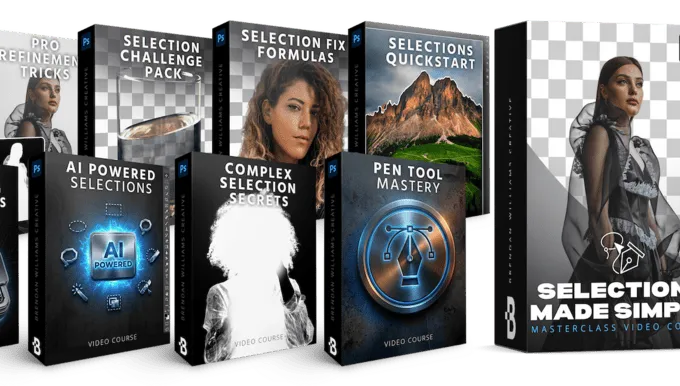
Selections Made Simple

If you’re tired of feeling frustrated by selections and masks in Photoshop, this is your answer.

Selections Made Simple is a deep-dive masterclass into Photoshop’s full selection toolkit, showing you exactly which method to use for any scenario โ€” from clean hair cutouts to precise sky replacements to seamless targeted adjustments.

With this course you’ll learn:

  • Every major selection method in Photoshop and exactly when to use each one โ€” so you always pick the right tool for the job
  • How to make clean, precise cutouts around the hardest subjects (hair, fur, fine edges) without halos or fringing
  • Advanced masking techniques that make targeted adjustments look natural, not forced
  • How to refine and troubleshoot selections and masks
  • The selection foundations most photographers skip โ€” filling in the gaps that hold your edits back

Ready to master masking and selections for good? ๐Ÿ‘‡

Photoshop Design Bootcamp

Photoshop isn’t just for editing photos โ€” it’s one of the most powerful design tools on the planet. Posters, composites, social media graphics, digital art, typography โ€” if you can imagine it, you can create it.

But most Photoshop training ignores the design side entirely. And generic graphic design courses don’t teach you how to actually execute your ideas inside Photoshop’s unique toolkit.

The Photoshop Design Bootcamp is a deep, project-driven program that teaches you how to create original designs and composites from scratch โ€” whether you’re making art for fun, building graphics for social media, or just want to bring the ideas in your head to life.

With this course you’ll learn:

  • How to combine images, text, and effects into professional-looking composites and designs โ€” even if you’ve never “designed” anything before
  • Typography techniques that turn plain text into visually striking graphics you’d actually want to share
  • The layering, blending, and masking methods that make complex designs look seamless instead of hacked together
  • How to create posters, social media graphics, digital art, and creative projects from a blank canvas to a finished piece
  • Real design thinking โ€” color, layout, and composition principles โ€” applied hands-on through guided projects, not dry theory

Ready to master Photoshop for graphic design and compositing? ๐Ÿ‘‡

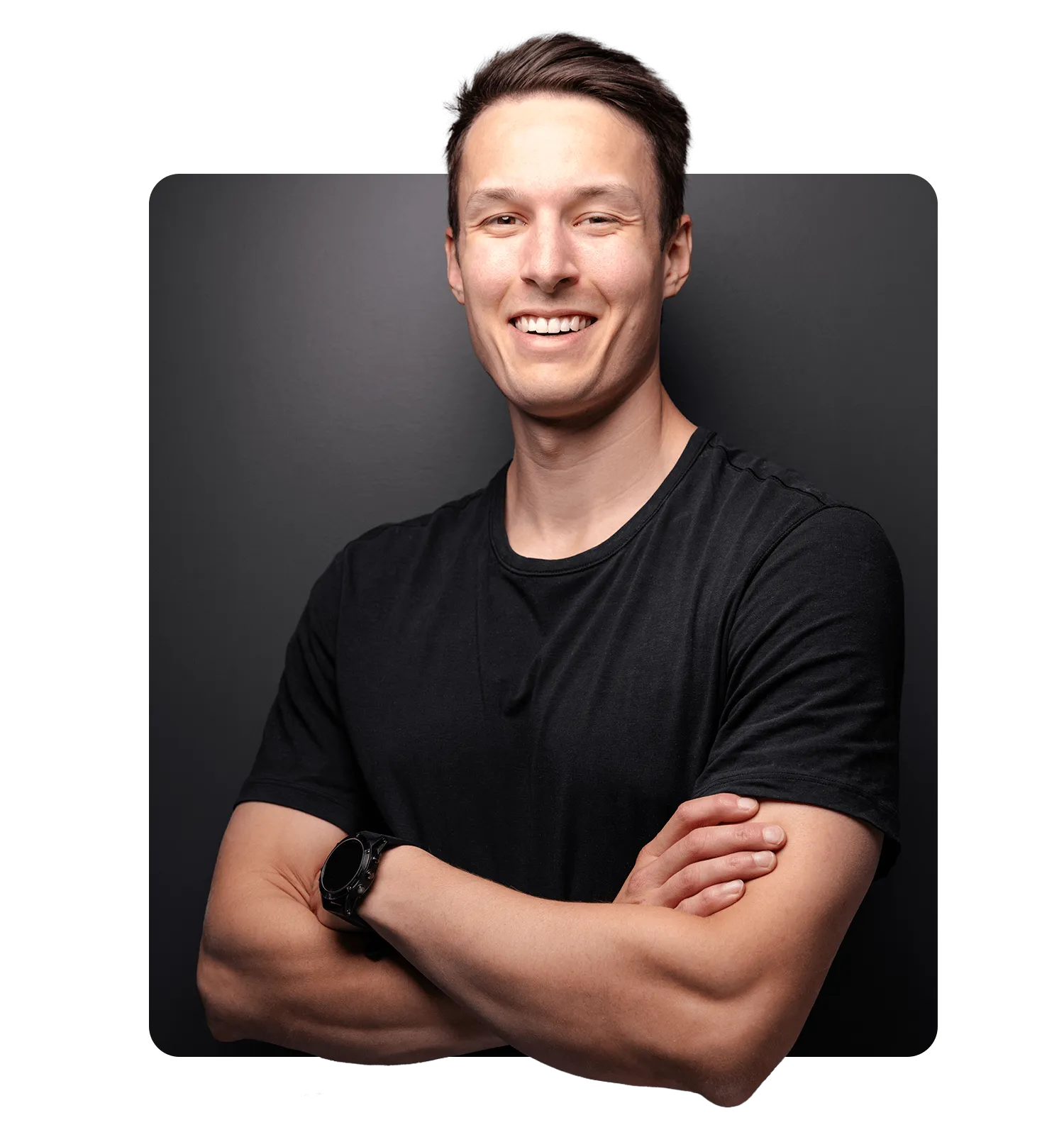
Hey Friend, Brendan Here.
My goal around here is simple. To help you unlock your creativity with actionable tips to level up your photography and photo editing. I want you actually to have FUN creating again.
With nearly a decade of professional photography and retouching experience working for world-renowned brands, I can help you unlock your creative potential with no-fluff how-to’s and tips that make learning fun.
Ready to join the community? Get first dibs on my latest tutorials and cheat sheets by clicking the button below:
About
Brendan Williams
7+
Years Teaching
16M
Tutorial Views
176K
Online Subscribers
My goal around here is simple: to help you unlock your creativity with actionable tips to level up your photography and photo editing. I want you actually to have FUN creating again.
With nearly a decade of professional photography and retouching experience working for world-renowned brands, I can help you unlock your creative potential with no-fluff how-to’s and tips that make learning fun. You can learn more about my journey here.
Ready to join the community? Get first dibs on my latest tutorials and cheat sheets by clicking the button below:
Sign Up For My Weekly Guides!
What Students Think…