
Hobby Creatives
Turn your creative inspirations into magazine-worthy creations and designs that showcase your unique aesthetic—without spending years in design school.
Discover a systematic creative process to transform your graphic design and compositing skills in Photoshop for next level projects.
 52,000+ Students Use My Tools and Trainings!





The path was clear: master the pen tool, understand layers, learn selection techniques. Each new skill was a visible step forward.
Now you're in that strange middle territory.
You can navigate Photoshop pretty confidently. You've moved beyond tutorials about "how to remove backgrounds" or "how to use layers." You can execute the basic technical aspects without breaking a sweat.
Yet when you look at your finished designs next to the work that inspires you… something's not clicking.
The progress that once came so naturally has mysteriously stalled. What happened?
You're experiencing what every creative faces when they cross from technical competence into the murkier waters of design mastery. The roadmap suddenly disappears.
You find yourself thinking:
"I can recreate many techniques I see in a tutorial, but my original designs still feel disjointed."
"I spend hours tweaking colors, fonts, and layouts, but can't put my finger on why the final result feels 'off'."
"I see designs that inspire me, but when I try to create something similar, it feels like a pale imitation."
This isn't about lacking effort or your creativity. It's about missing the underlying principles that transform technical execution into compelling design.
It's that sinking feeling when you spend hours on a design, only to hesitate before showing it to anyone.
It's watching potential clients or customers gravitate toward brands with more polished visuals, even when your product or service might be superior.
It's sitting on project ideas for your website, social media, or portfolio because you don't trust your ability to execute them at the level they deserve.
But we can change that.
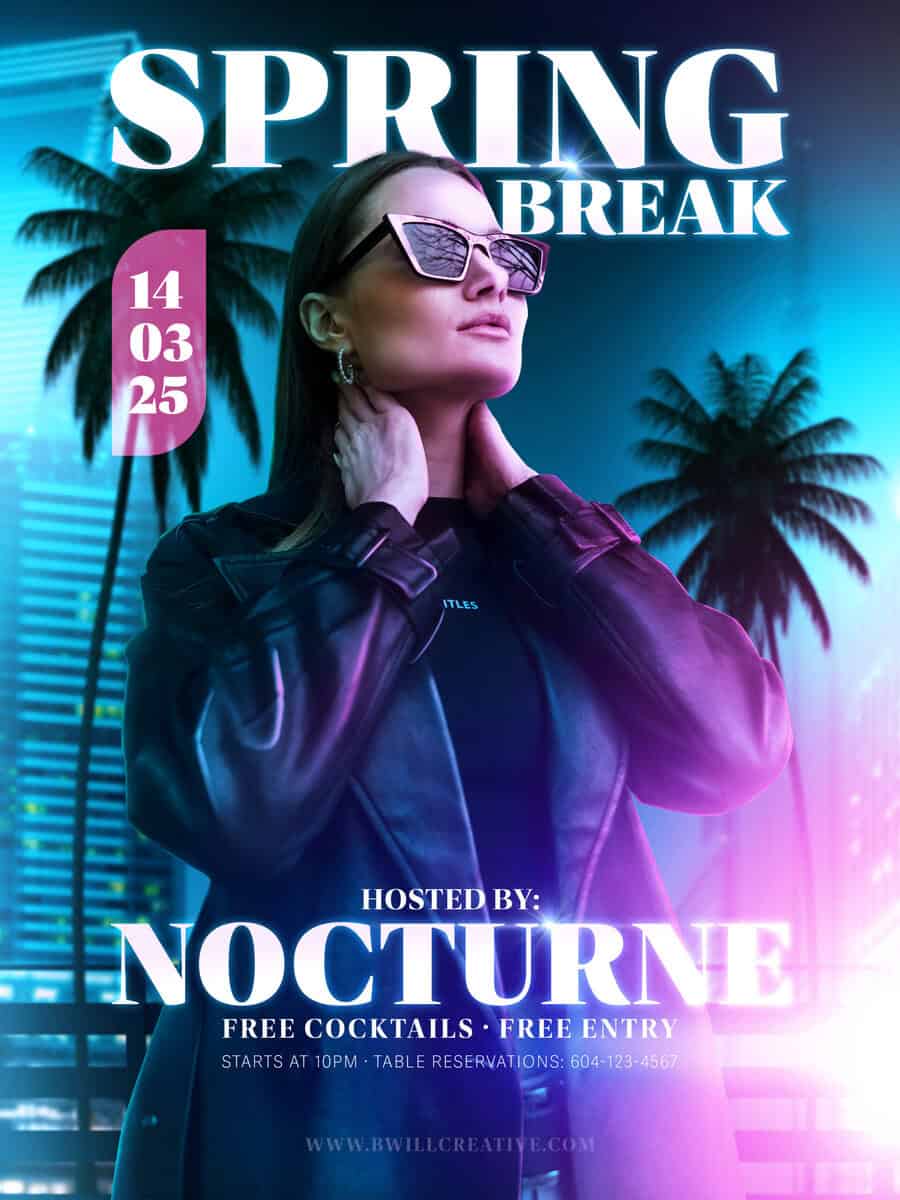
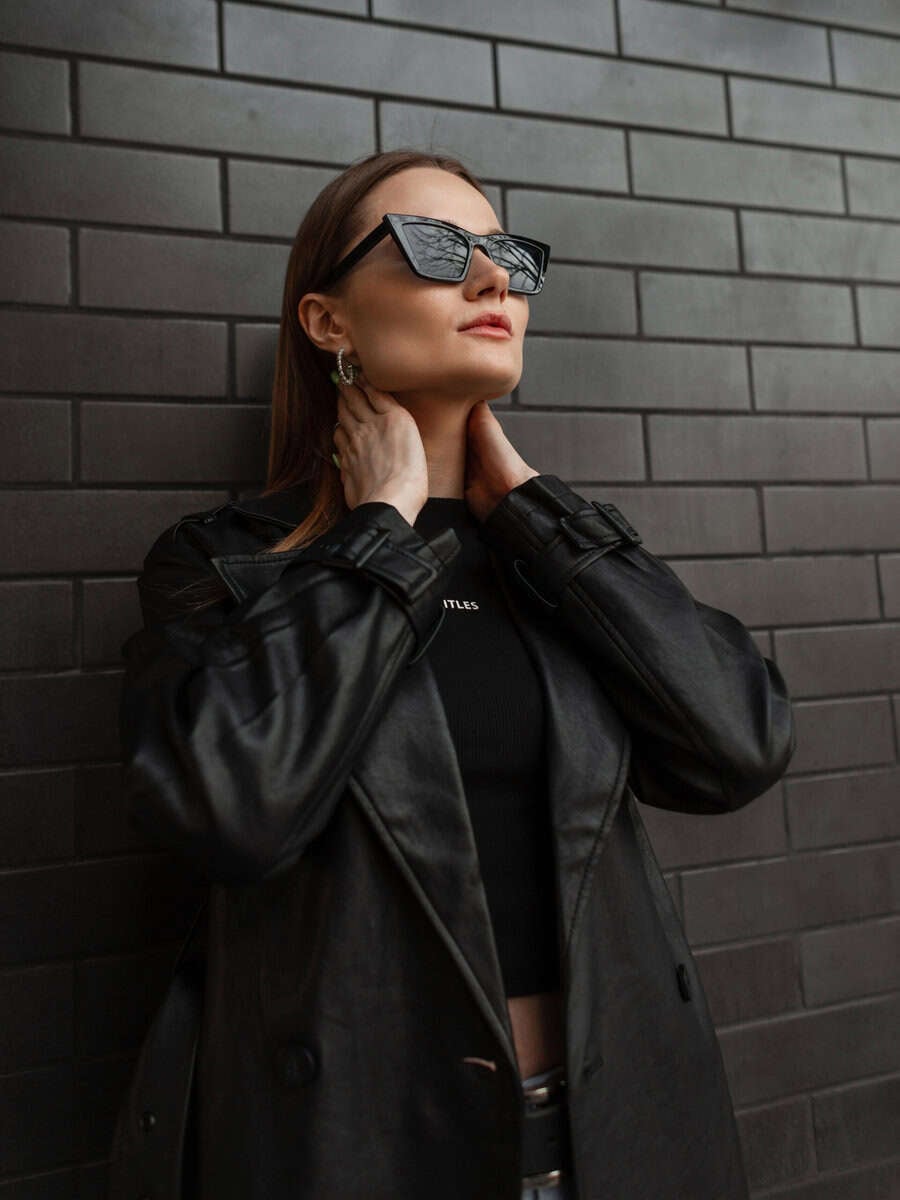
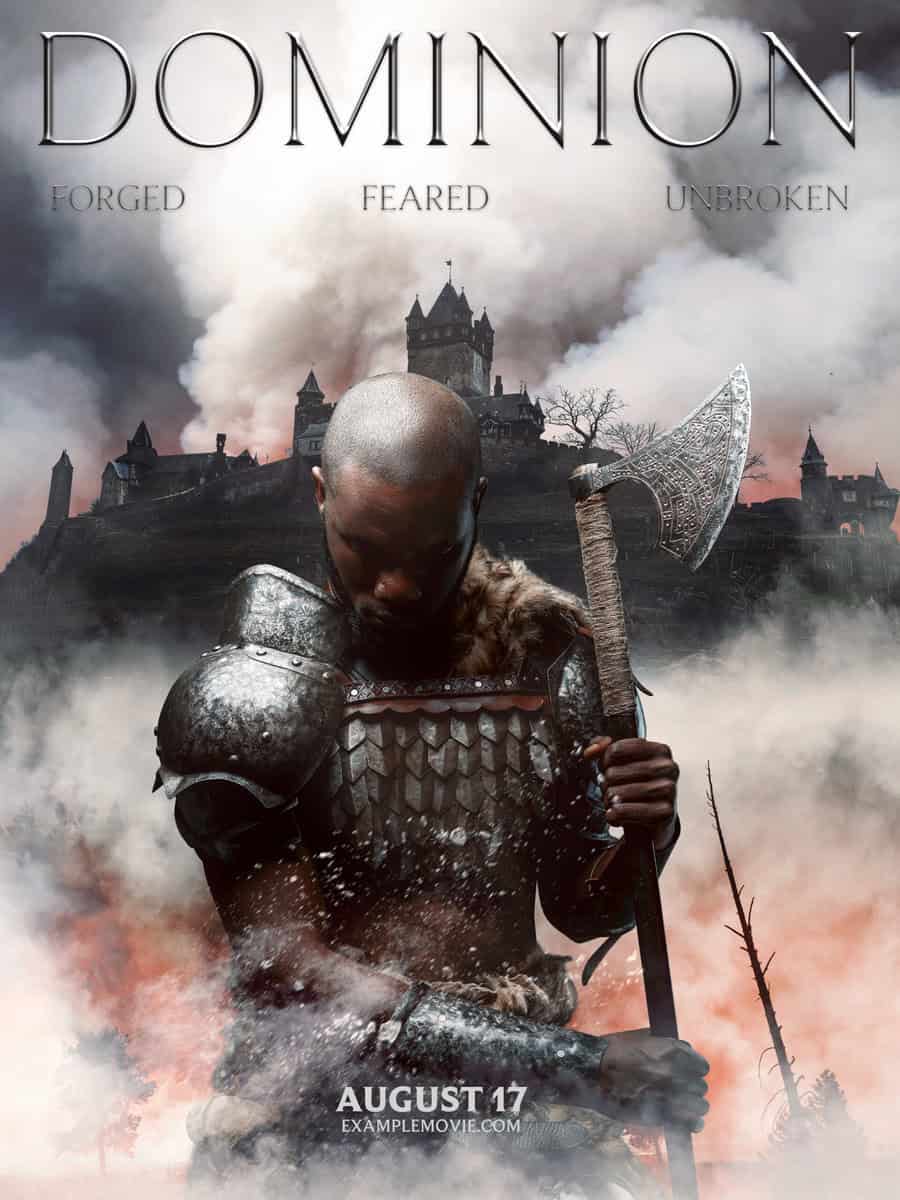
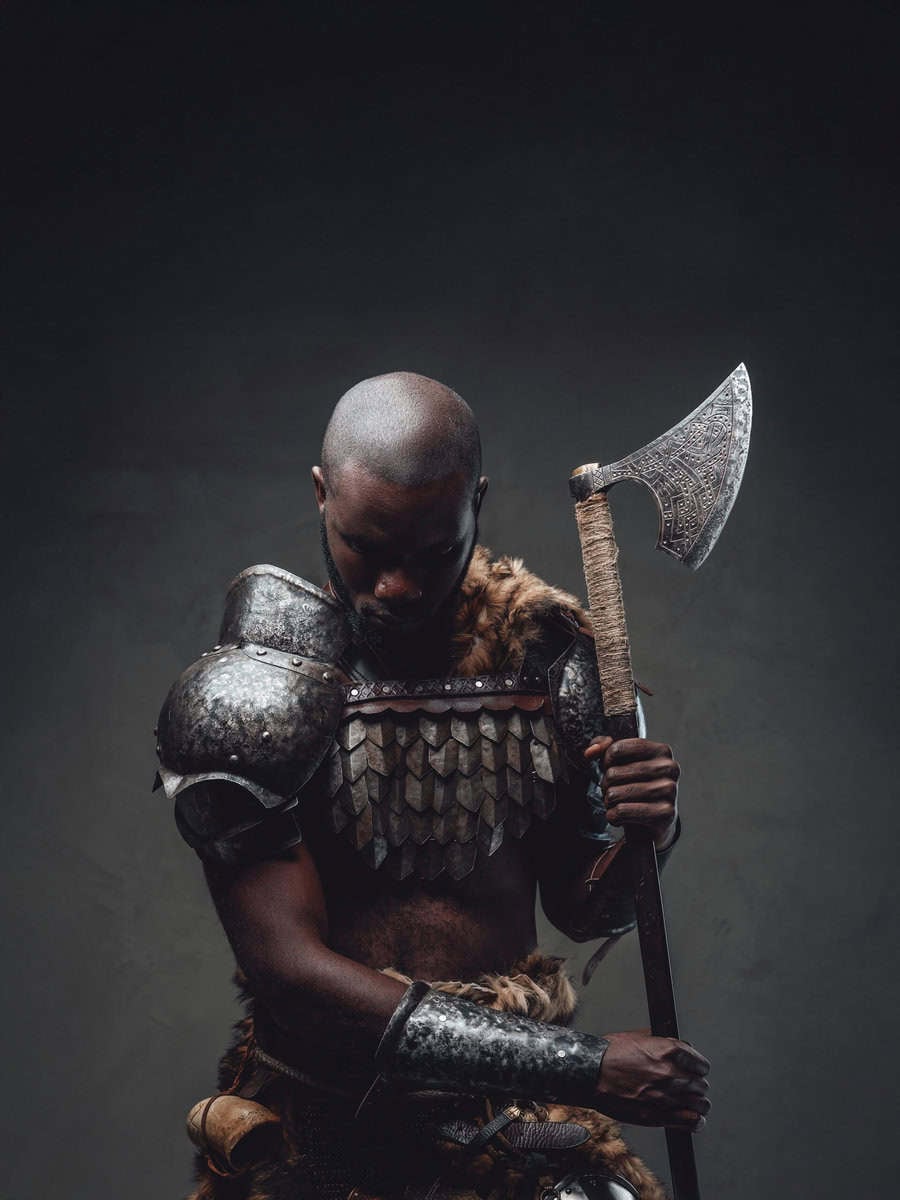
Where technical skills meet creative thinking
75+ Video Lessons | 13 Modules | Lifetime Access | Go-Your-Own Pace
This isn't another collection of Photoshop techniques.
It's the complete framework for moving from "I can follow tutorials" to "I can create anything I envision", whether that's stunning composites, custom artwork, meaningful designs, or projects that simply feel MORE than basic photo adjustments.
You Learn Creative Translation, Not Just Tools
Discover how professionals think through projects—how they determine which tools solve which creative problems before they ever open a file. No more guessing. No more endless tweaking hoping something clicks.
Theory Meets Practical Application
Understand the design principles (composition, color relationships, visual hierarchy) that make work look polished—then see exactly how to execute them with basic Photoshop tools you already understand.
Project-Based Learning Across Creative Disciplines
Follow along as we build composites, graphics, artistic edits, and more. Each project demonstrates the THINKING PROCESS that lets you approach any creative challenge with confidence instead of confusion.
Build Repeatable Workflows, Not One-Off Effects
Learn systematic approaches you can apply to YOUR projects—not just memorize steps for recreating someone else's specific example.
90-Day Money Back Guarantee | Lifetime Access
$67 Value · Included
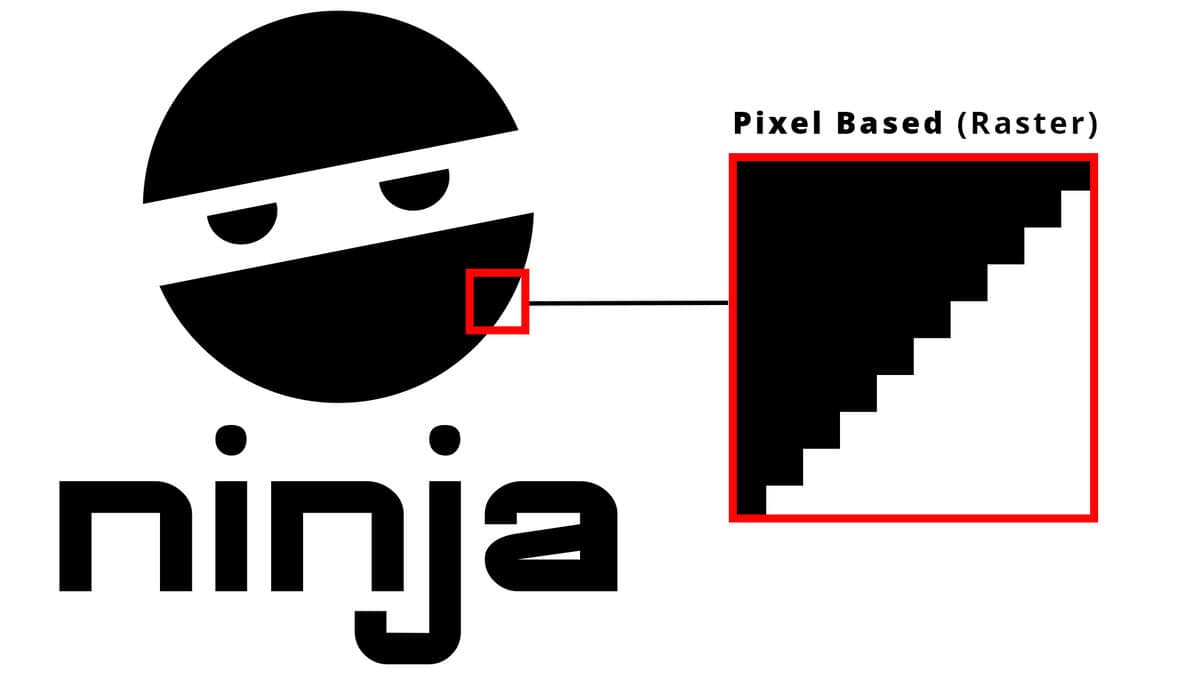
Master Key Settings That Make Or Break Projects. Gain a deep understanding of Raster VS Vector assets, Canvases VS Artboards, important file types, and preference settings to create better Photoshop projects. Understand Copyright & Asset Sourcing — work with confidence knowing you have the full legal right to the assets you create with. You'll also find my favorite platforms for free + paid assets. Understand Advanced Document Parameters — learn to master the rulers, guides, margins and bleeds to create projects ready for any purpose imaginable.
$57 Value · Included
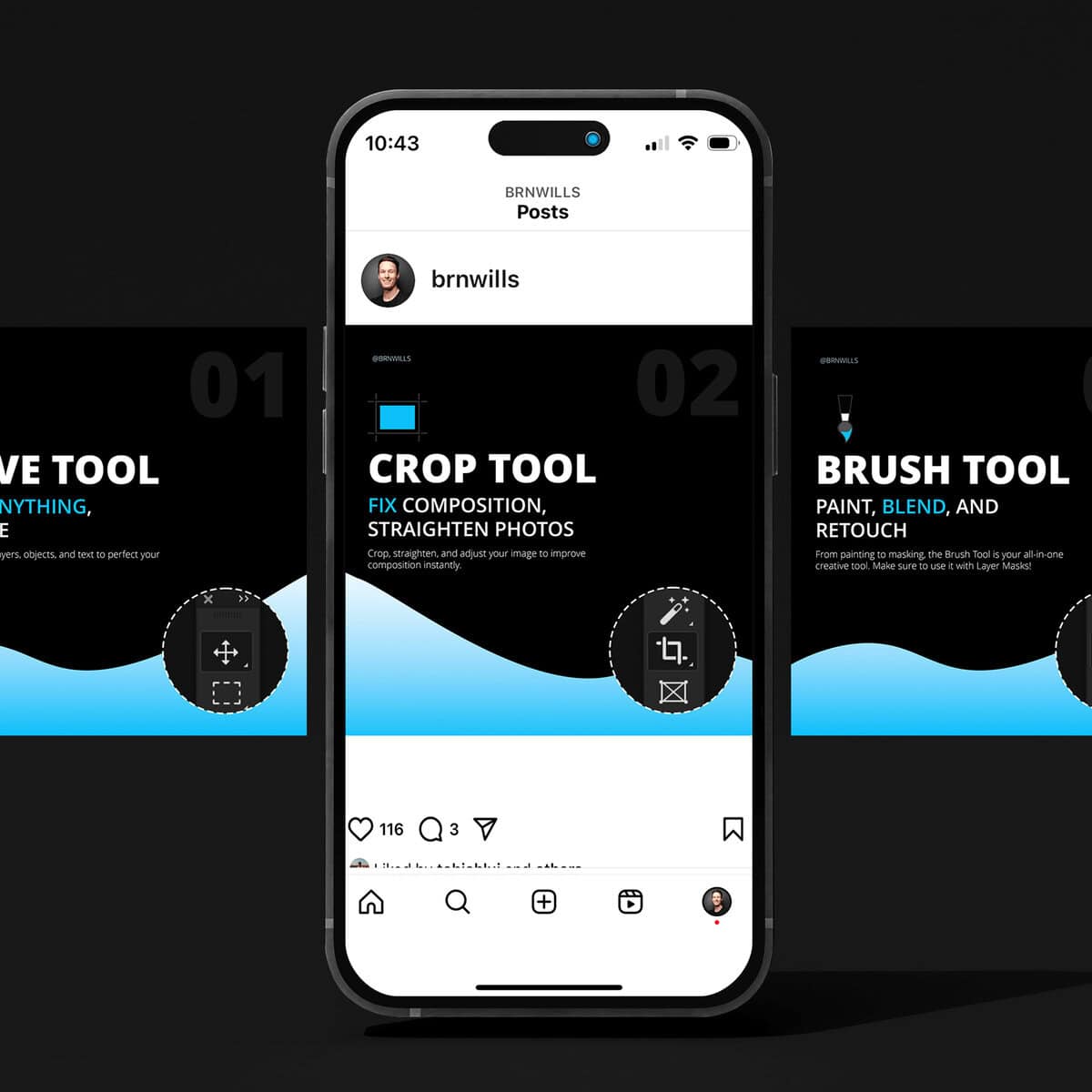
Master Path-Based Selections — learn to use all variations of the Pen Tool to create highly accurate selections for background removal or shape creation. Working With Raster VS Vector Masks — discover the important differences between these two types of masks while working with paths, and how to best use each. Path-Based Design Creation — create a follow-along path-based design that's infinitely scalable as a vector object. A must-know skill for all progressing creatives!
$87 Value · Included
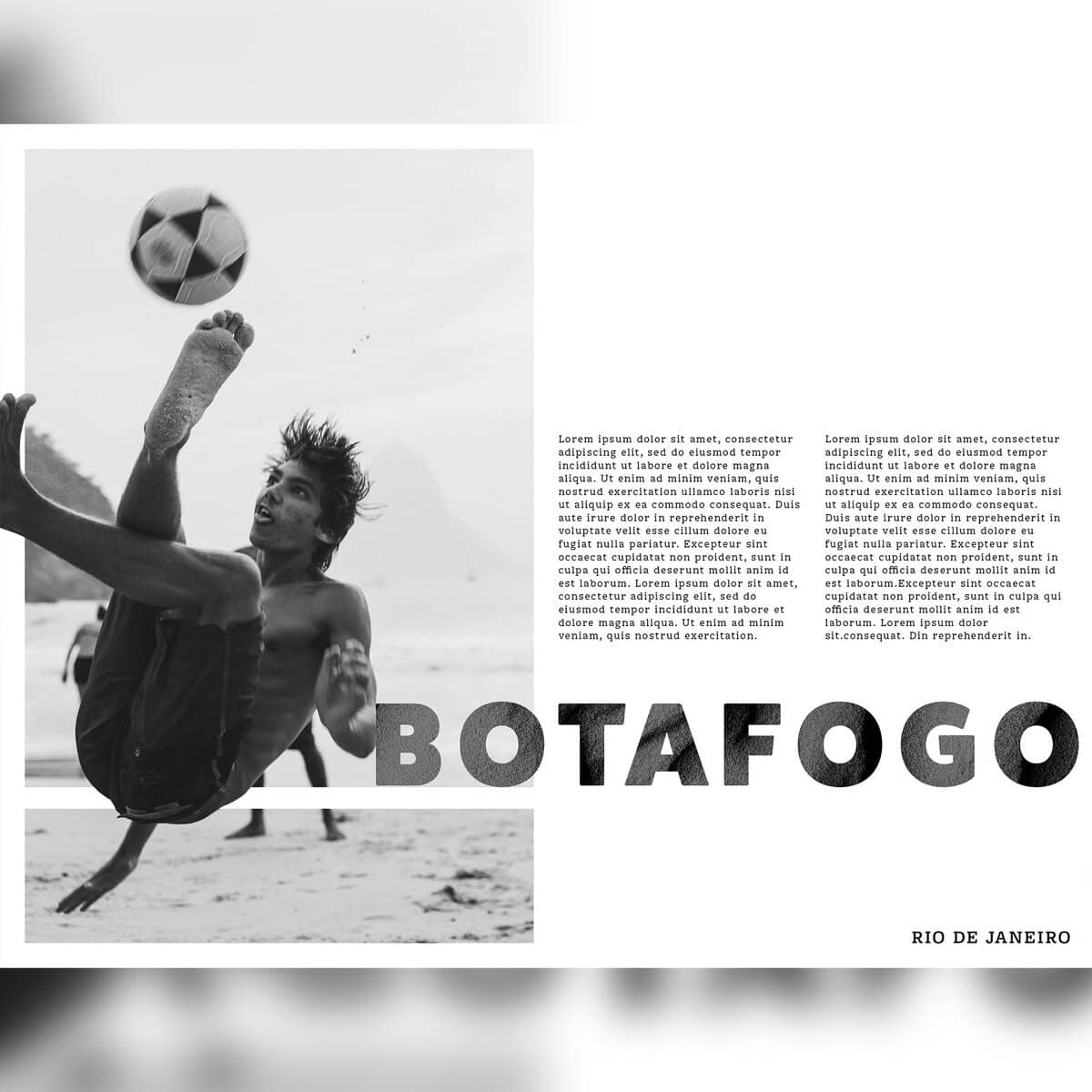
Discover The Hidden Rules Of Typography — see exactly why some type designs look better than others and the simple rules you can follow for stand-out projects. Tricks For Better Font Styling — discover useful tools for professional font pairings that elevate your creations. No advanced type knowledge required! Formatting Complex Type Designs — learn how to troubleshoot and improve your type formatting to turn your projects from amateur to pro.
$87 Value · Included
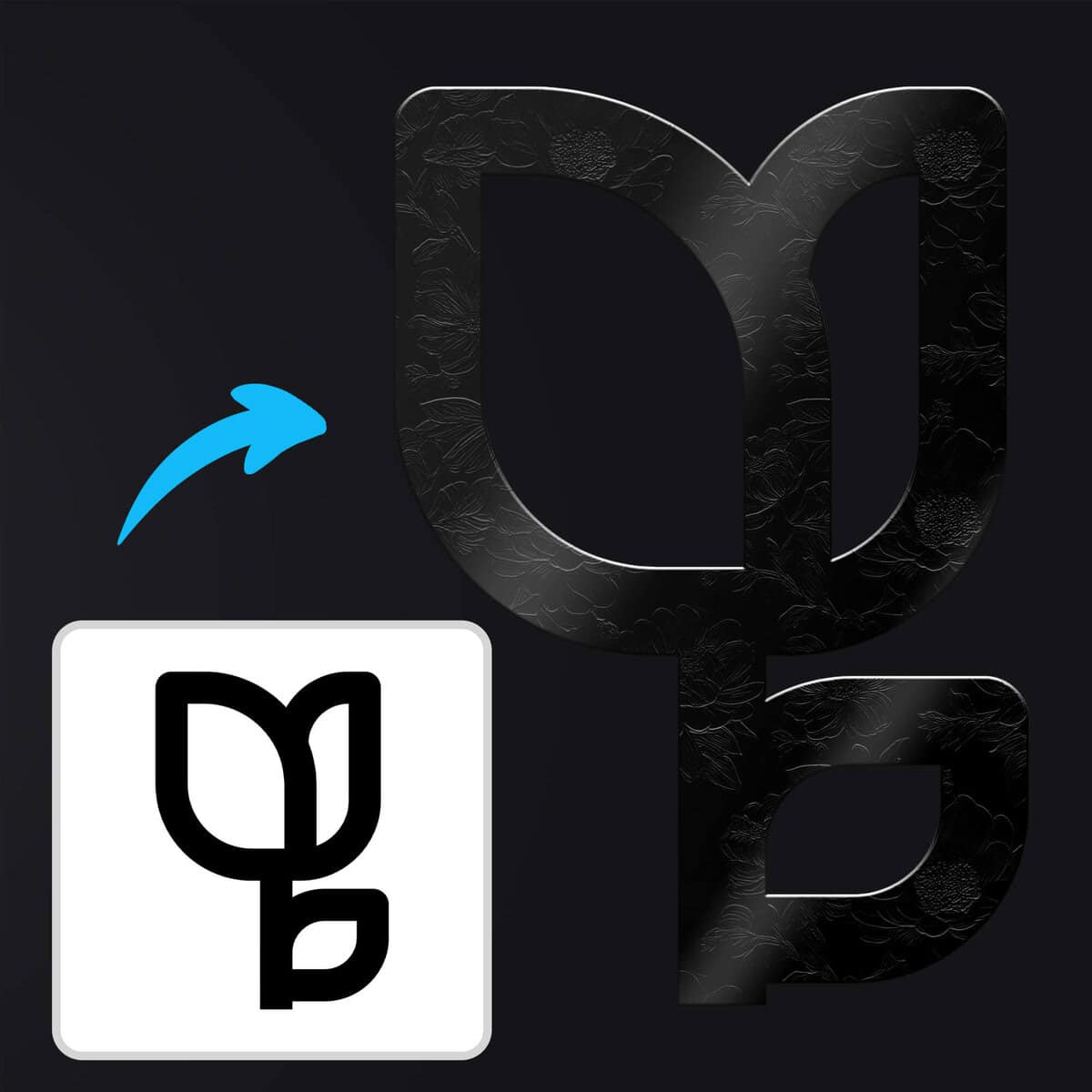
Master Shapes From Square One > Advanced — learn exactly how you can use the shape tools in basic situations, through to advanced use cases such as logo design or custom asset creation. Build Your Library Of Custom Assets — learn how to turn any graphic or image into a reusable shape to save time in your projects forever. Master Shape + Type Design — see how you can not only customize shapes like never before, but also how you can work with type to create one-of-a-kind designs.
$89 Value · Included
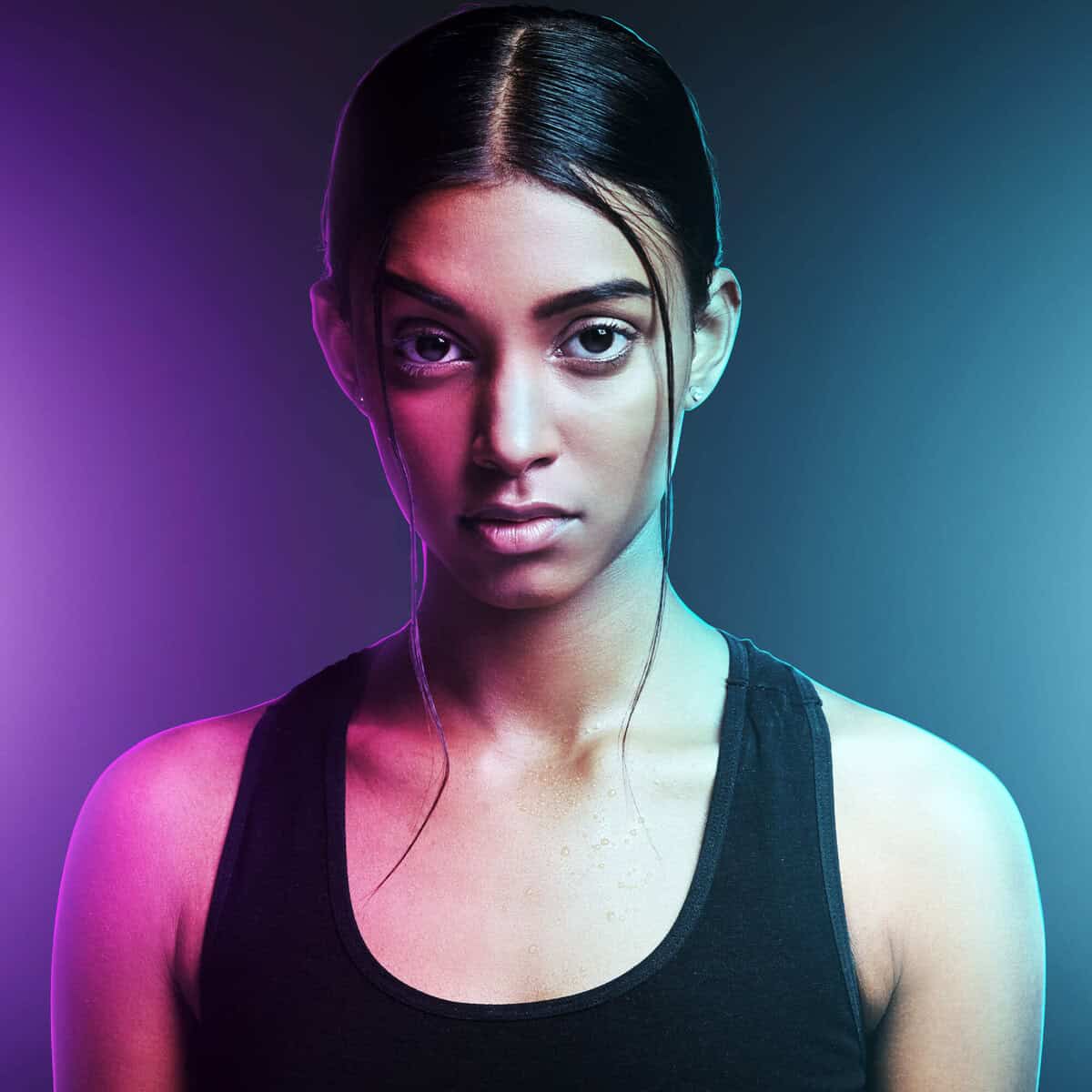
Using Images For Creative Type + Shape Design — learn to use images alongside type and shape layers to create more eye catching and unique projects. Blend Images Into New Backgrounds — master the most efficient way to cut out and blend images from one photo to another for seamless composites. Create Lighting Effects From Scratch — learn to "paint light" to truly make your subjects look blended into a scene… even one created from scratch!
$57 Value · Included
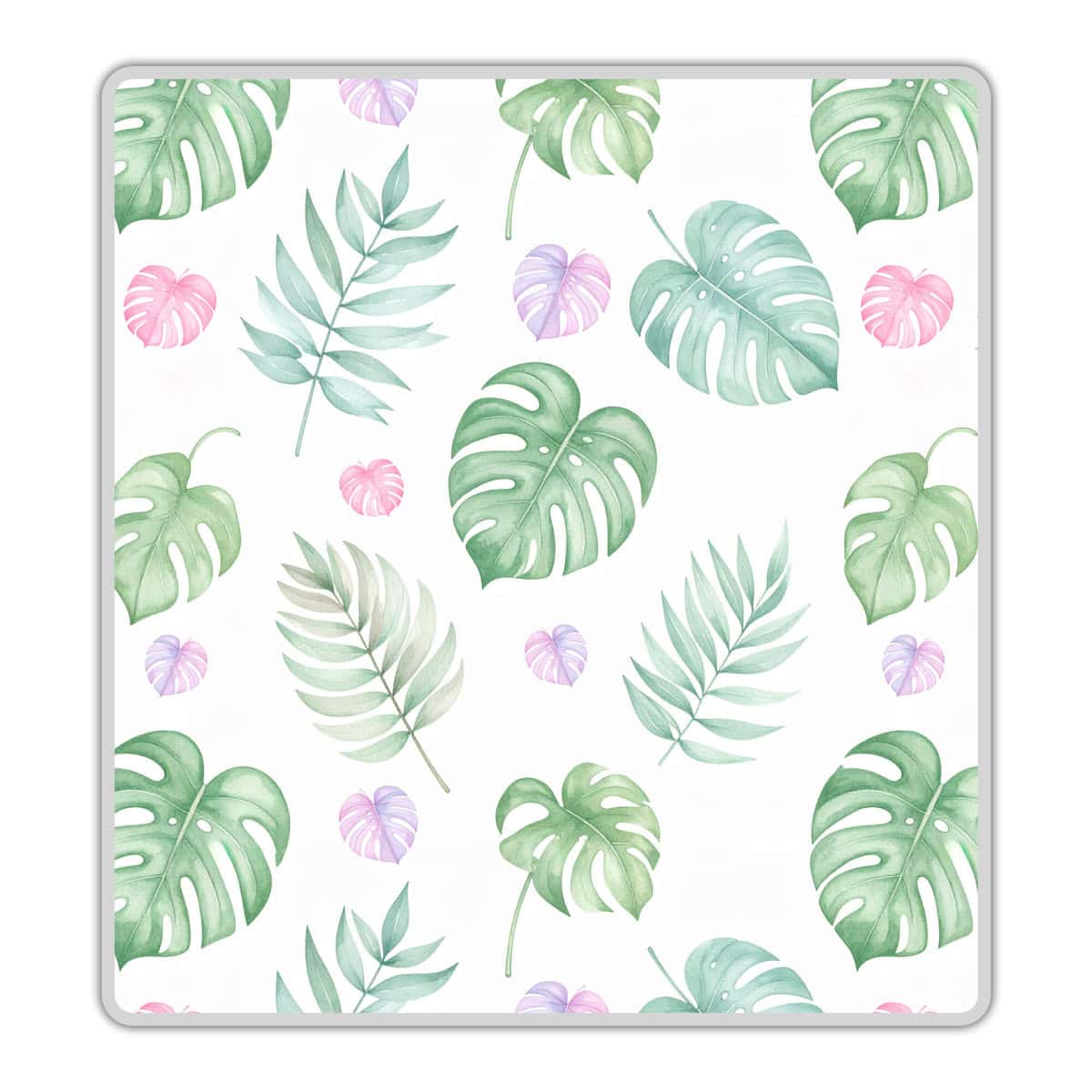
Create Your Own Pattern & Textures — can't find the perfect asset for your project? Learn to create your own from scratch with a variety of techniques for pattern and texture creation. Master AI For Pattern Design — create one-of-a-kind patterns with the help of AI to unlock a new world of design options in every project. The Most Important Blending Modes — uncover the most important blending modes and exactly which situations to use each one in creative work.
$57 Value · Included
Go Beyond The Basics Of Layer Styles — finally discover more advanced applications and workflows of this feature to turn average type, shapes, or graphics into stand-out features of your projects. Save Time By Building Your Own Styles — learn how to create your own reusable style assets so you can quickly apply your favorite looks to any layer! Learn The Nuanced Settings That Transform Your Results — get a more close-up view at specific settings like Contour, or Global Light to transform how you think about layer styles in the future.
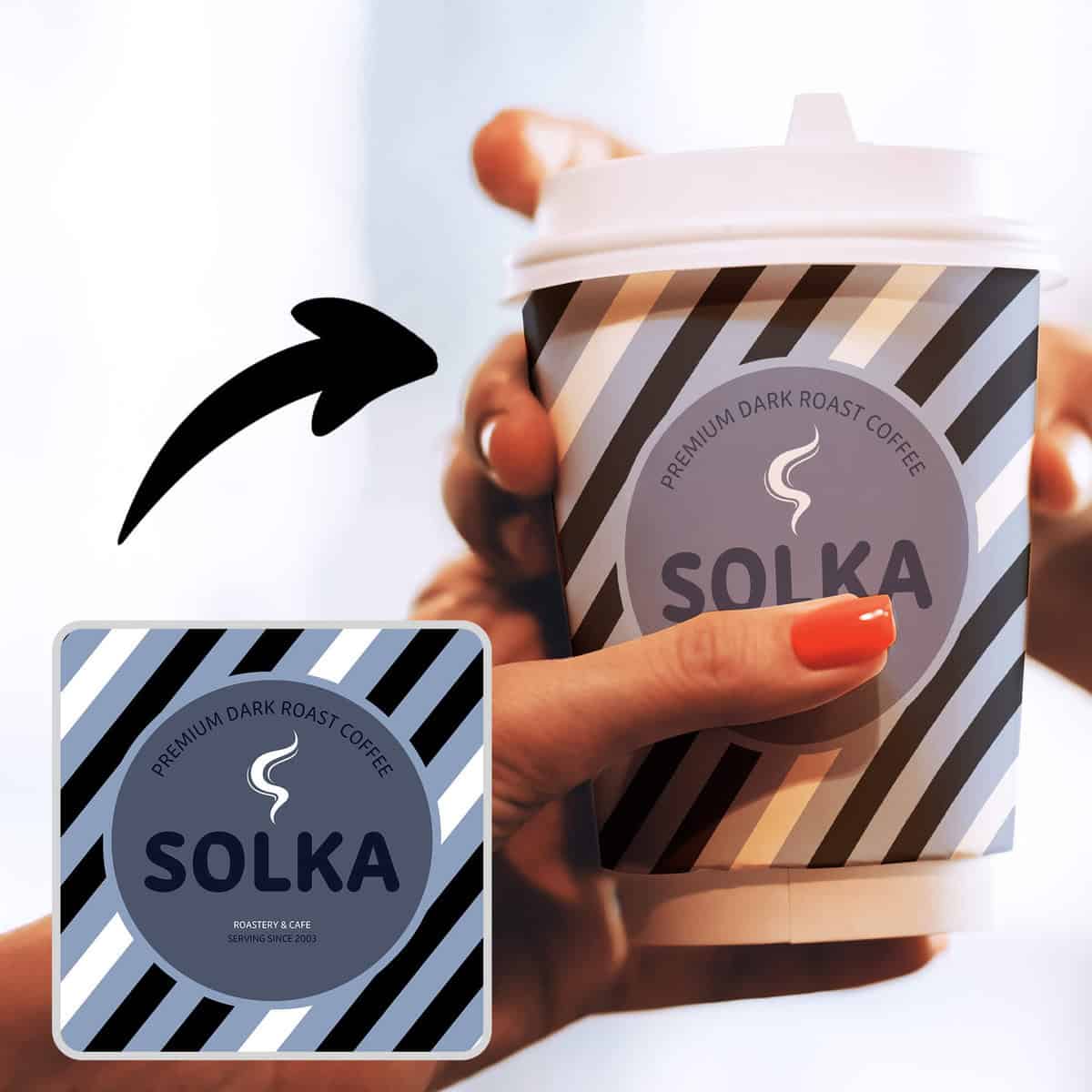
$97 Value · Included
Create Original Designs For Your Mockups — learn to make your very own designs to use in any mockup project imaginable. Perfect for business owners or hobby creatives wanting to showcase their best work and products in digital form! Master Template-Based Mockup Creation — see how you can quickly work with mockup templates you find online for stunning product designs in a matter of minutes. Advanced Mockup Creation From Scratch — unlock a systematic way to create your own mockups from ANY image. You'll learn the though process and required skills to make any design blend seamlessly on any product.
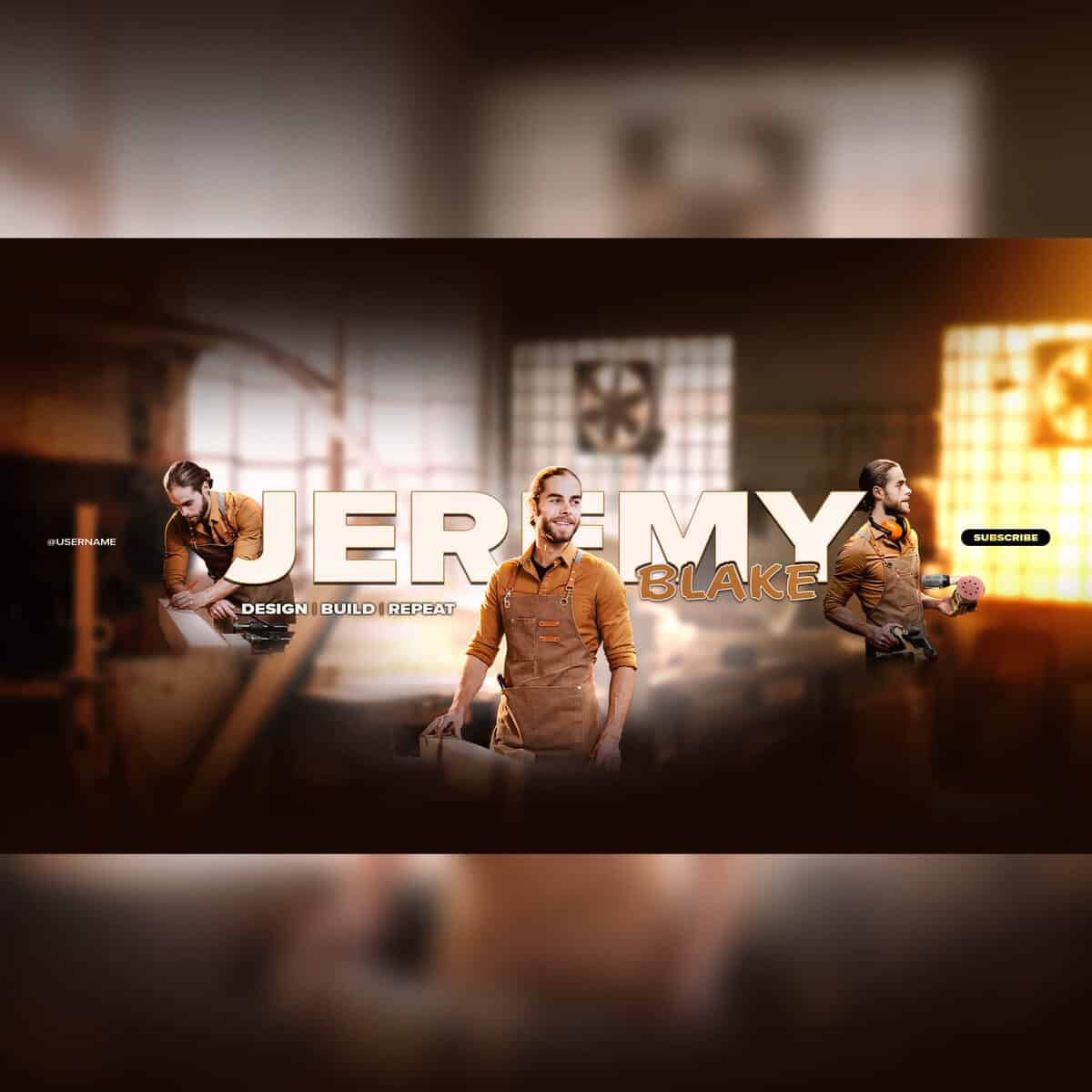
$97 Value · Included
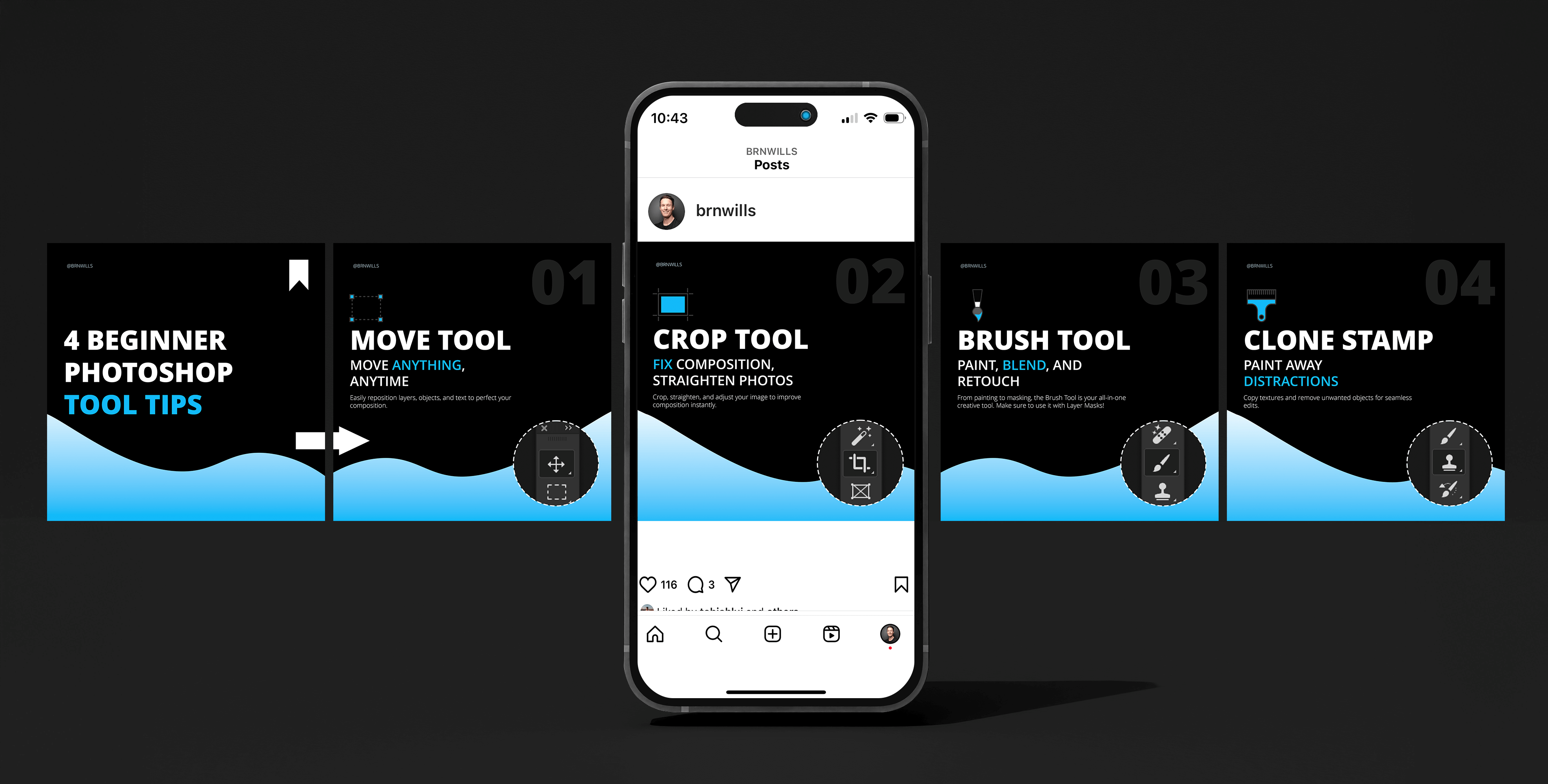
Custom Social Media Banner Creation — create a custom Youtube Banner from scratch while perfectly formatting it for TV, Desktop, Tablet, and Mobile viewing all at once! Beginner-Friendly Video Thumbnail Design — learn the basics of video thumbnail creation to get more clicks with scroll-stopping graphics that represent your online brand. Advanced Video Thumbnail Design — take your skills beyond the basics and build custom thumbnail assets from scratch, apply unique lighting effects, and blend images like a pro.
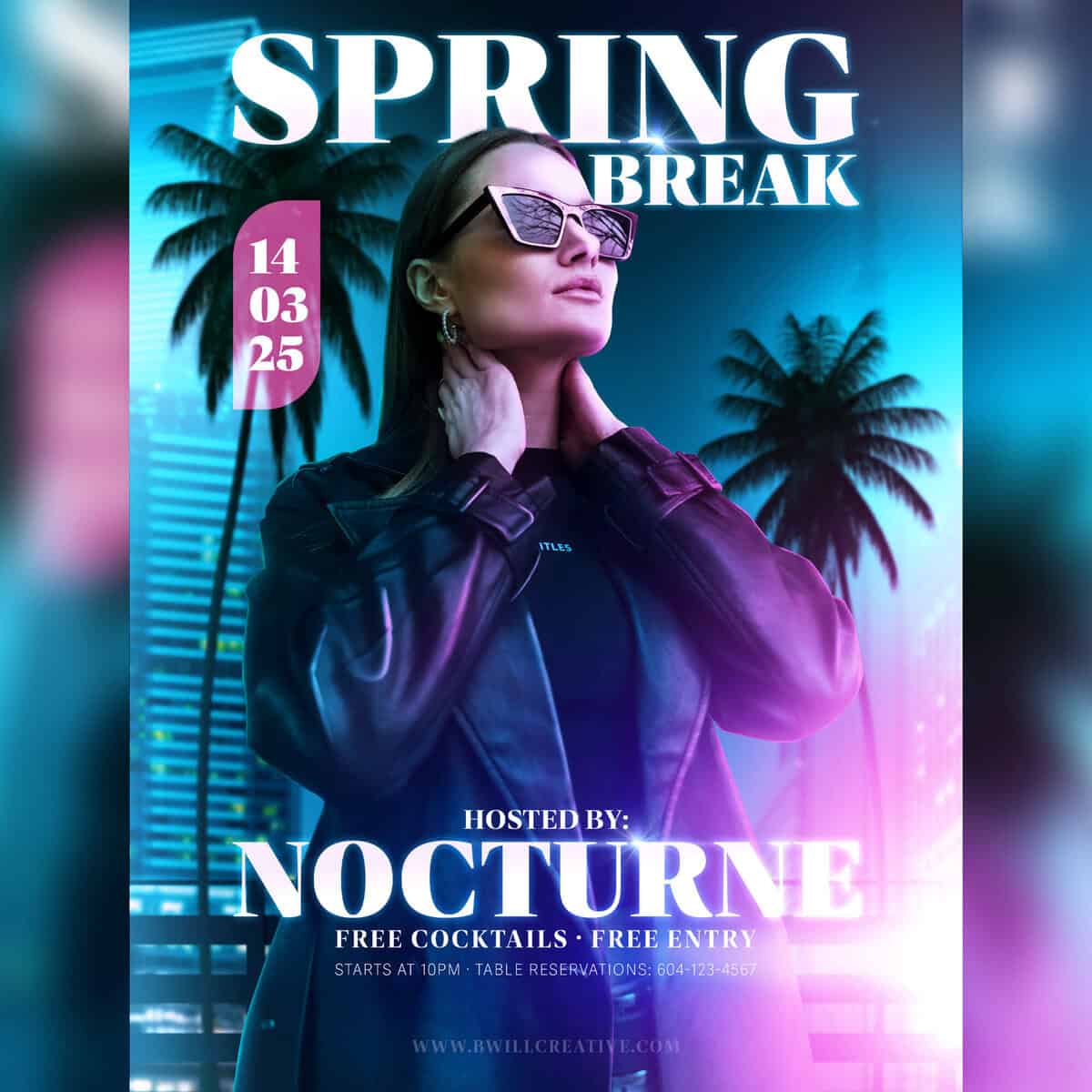
$97 Value · Included
Master Advanced Image Blending — combine five different images together while blending them with a variety of lighting effects to create a professional image design. Use Creative Layer Styles To Elevate Your Type — turn your text from average to pro with a set of powerful layer styles. Learn my thought process behind which ones I choose and how I edit each setting. Ready For Print Or Web Sharing — learn the issues we may face with converting to CMYK for printing and how to identify and fix some of these color shifts.
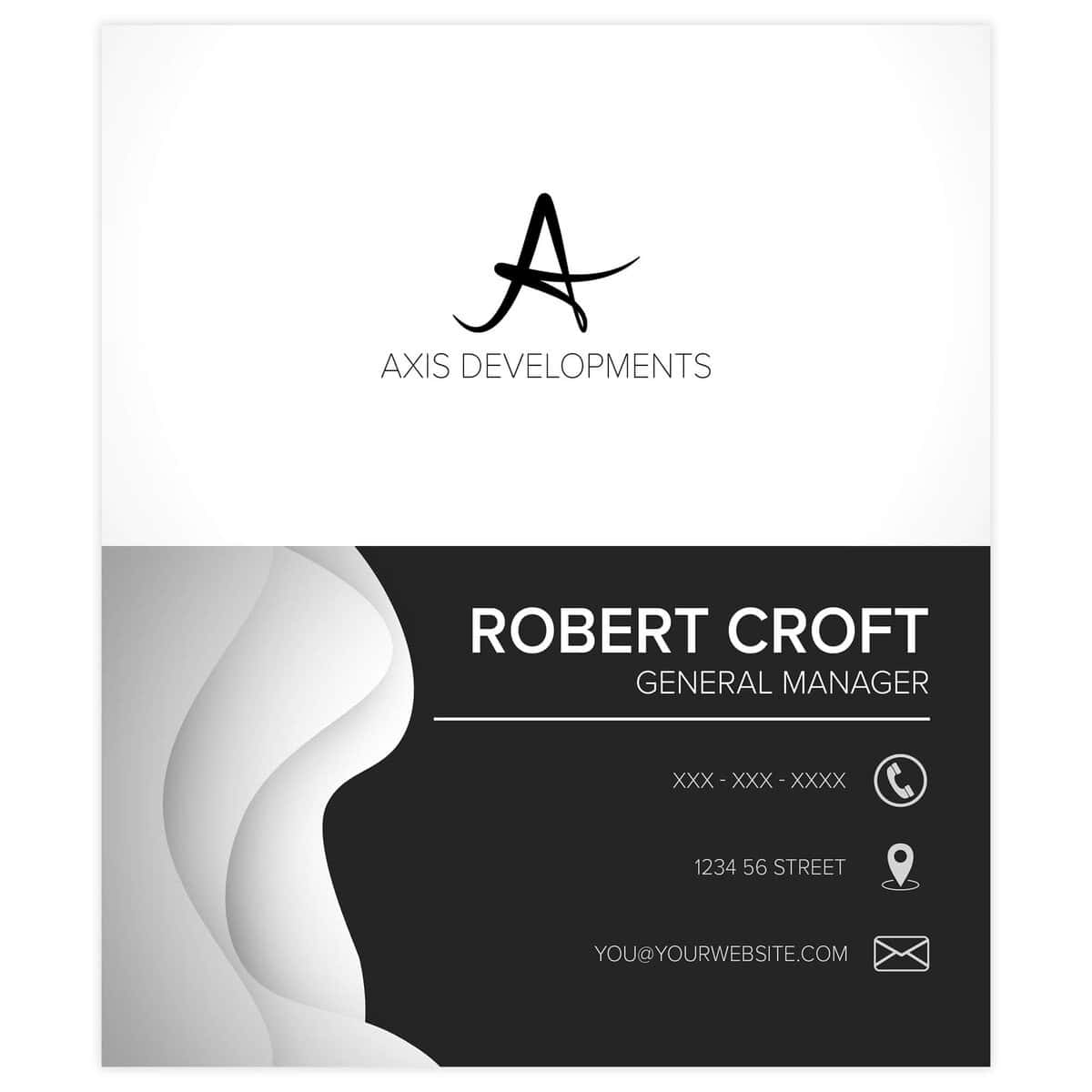
$97 Value · Included
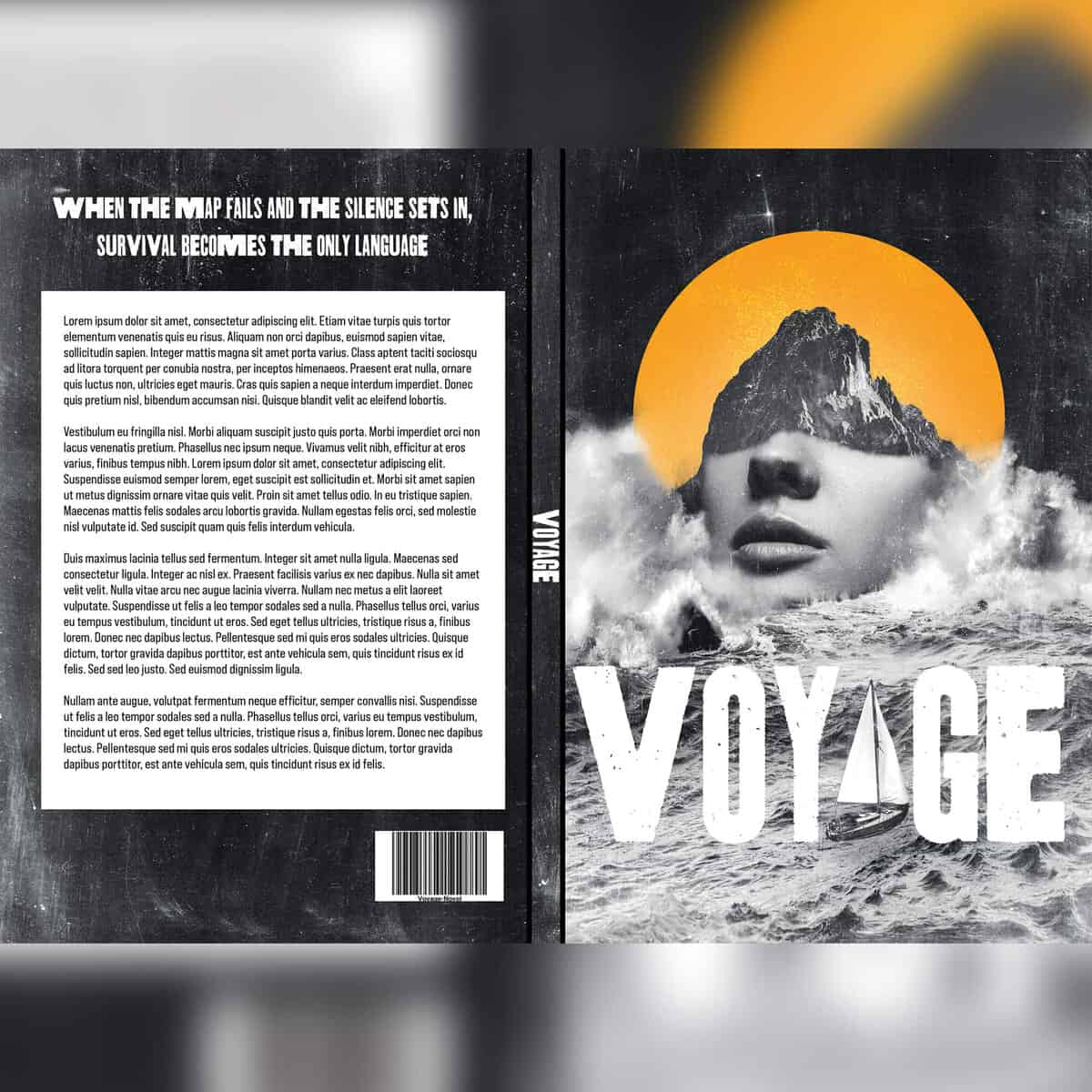
Create Double-Sided Design Projects — learn how to efficiently create when building a project meant to have two related sides in the final print. Learn Advanced Shape Styling Techniques — make your business cards look more unique with professional techniques to improve your shapes, type, or icons outside of Layer Styles. Master Project Formatting For Print — confidently set up bleeds and safe areas to better align elements and know with certainty that your printed project will look flawless.
$97 Value · Included
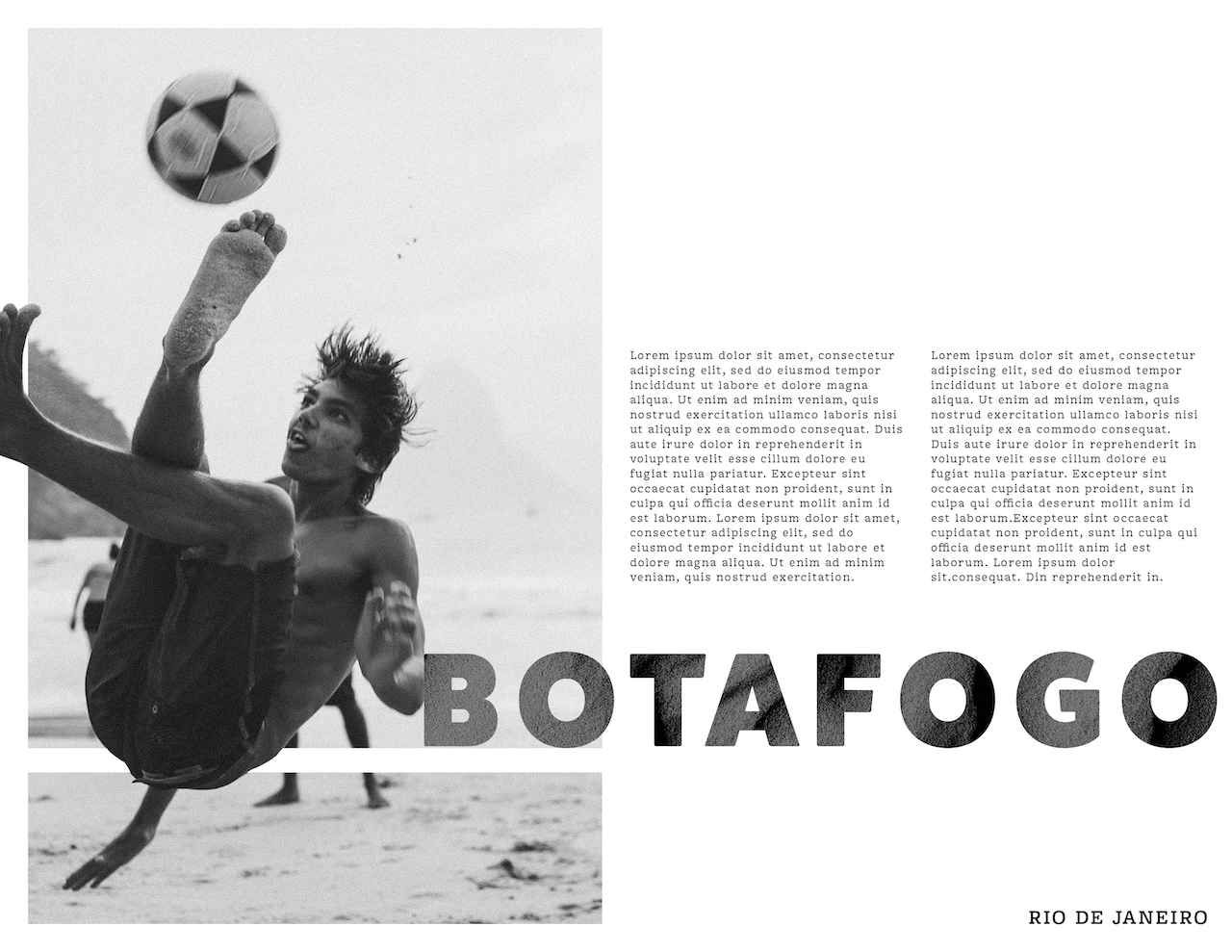
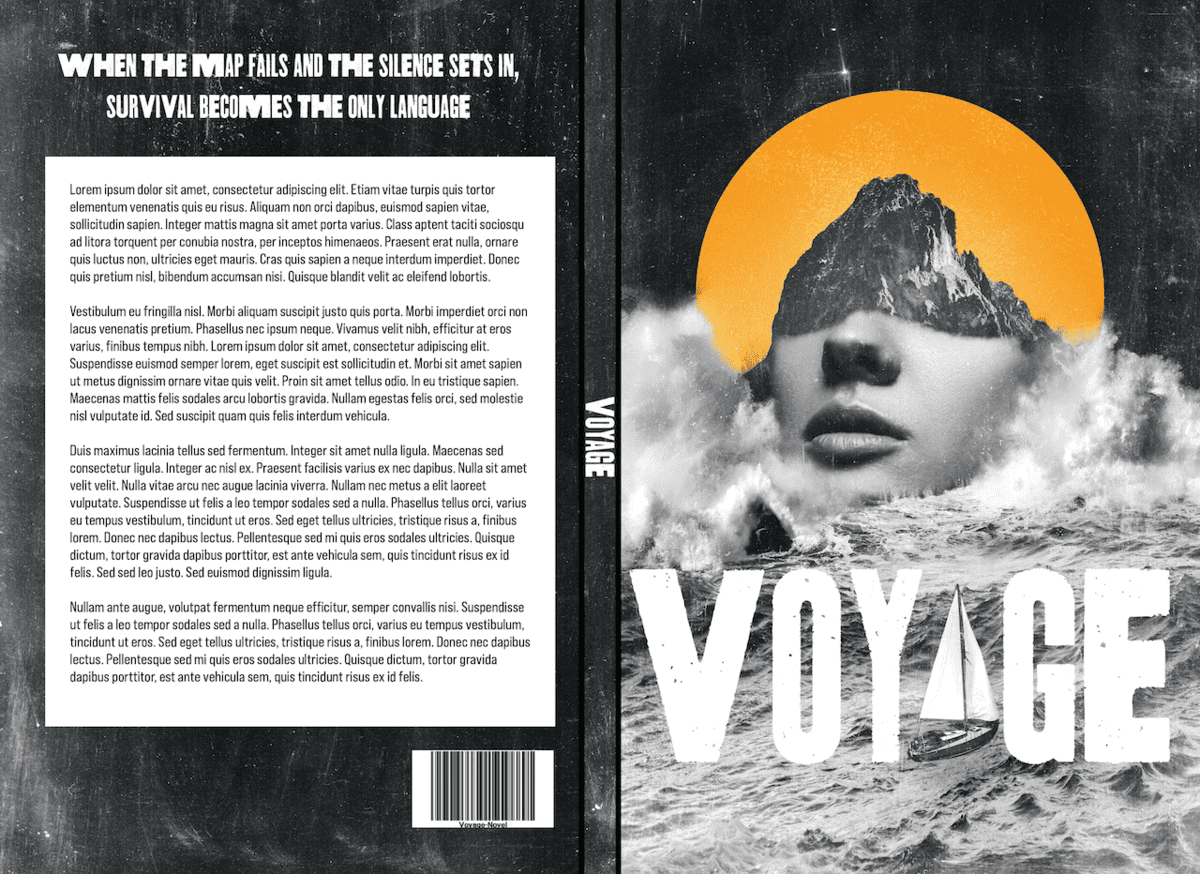
Master Advanced Project Formatting Requirements — learn how to deal with an array of difficult formatting demands. See how you can create sets of hyper-specific guides to help format your projects with ease. Get Creative With A Unique Book Cover Design — follow along as we create a fun scrapbook styled cover design from scratch with six different images.
$97 Value · Included
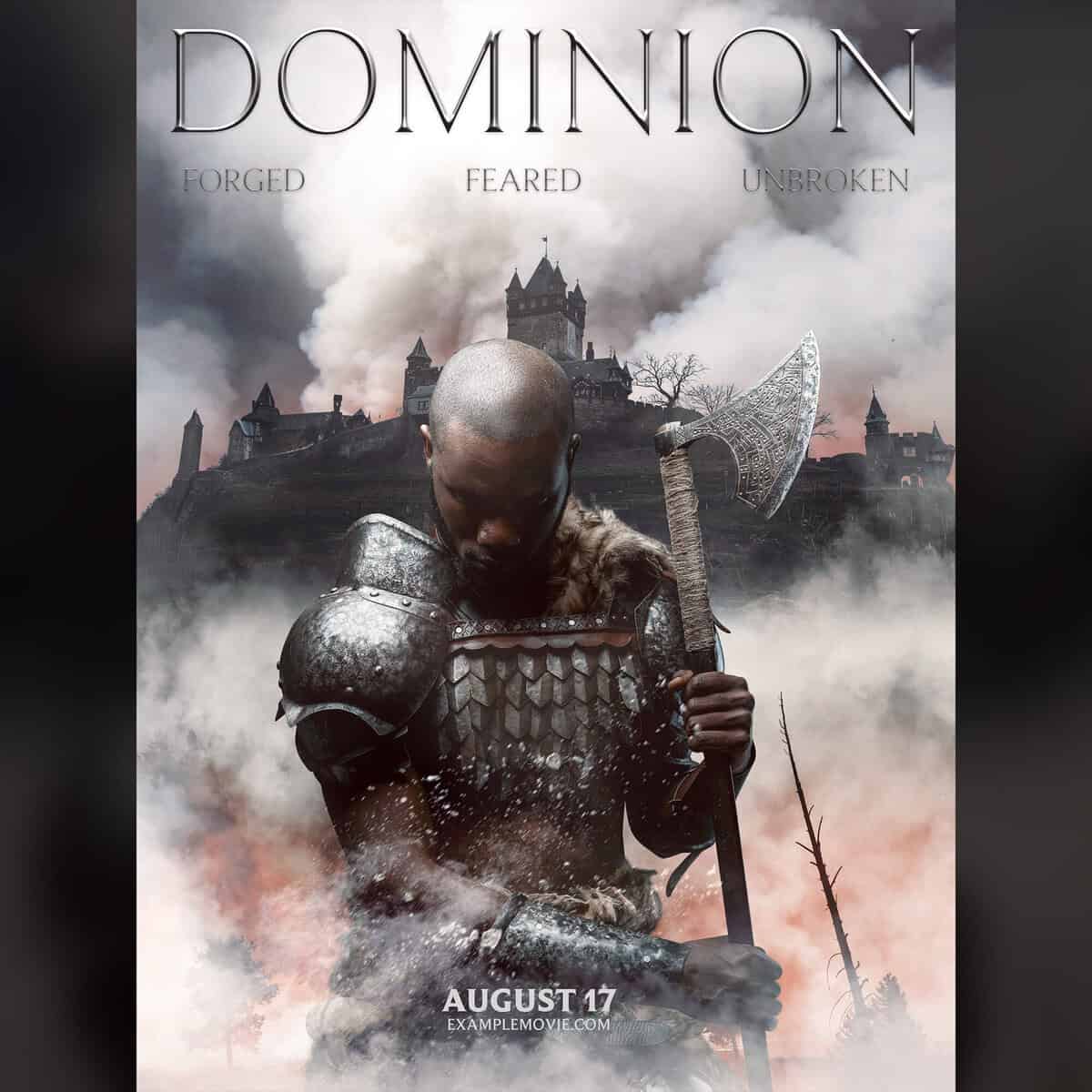
Learn Advanced Selections For Difficult Composites — discover hidden selection tools to help select tiny details like tree branches to create a seamless image design. Challenge Your Creative Skills From The Course — use many of the skills learned throughout the course to blend images, create unique type, apply effects, and build a one-of-a-kind project from scratch.
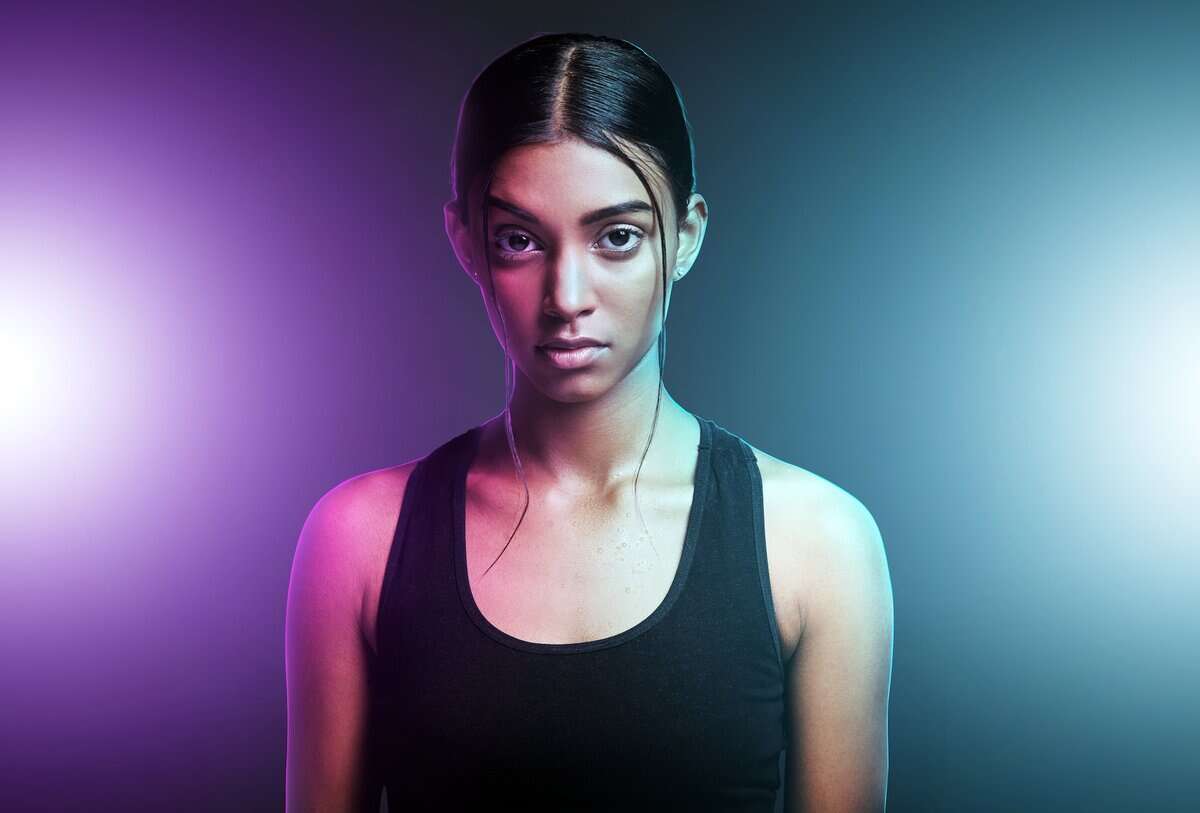
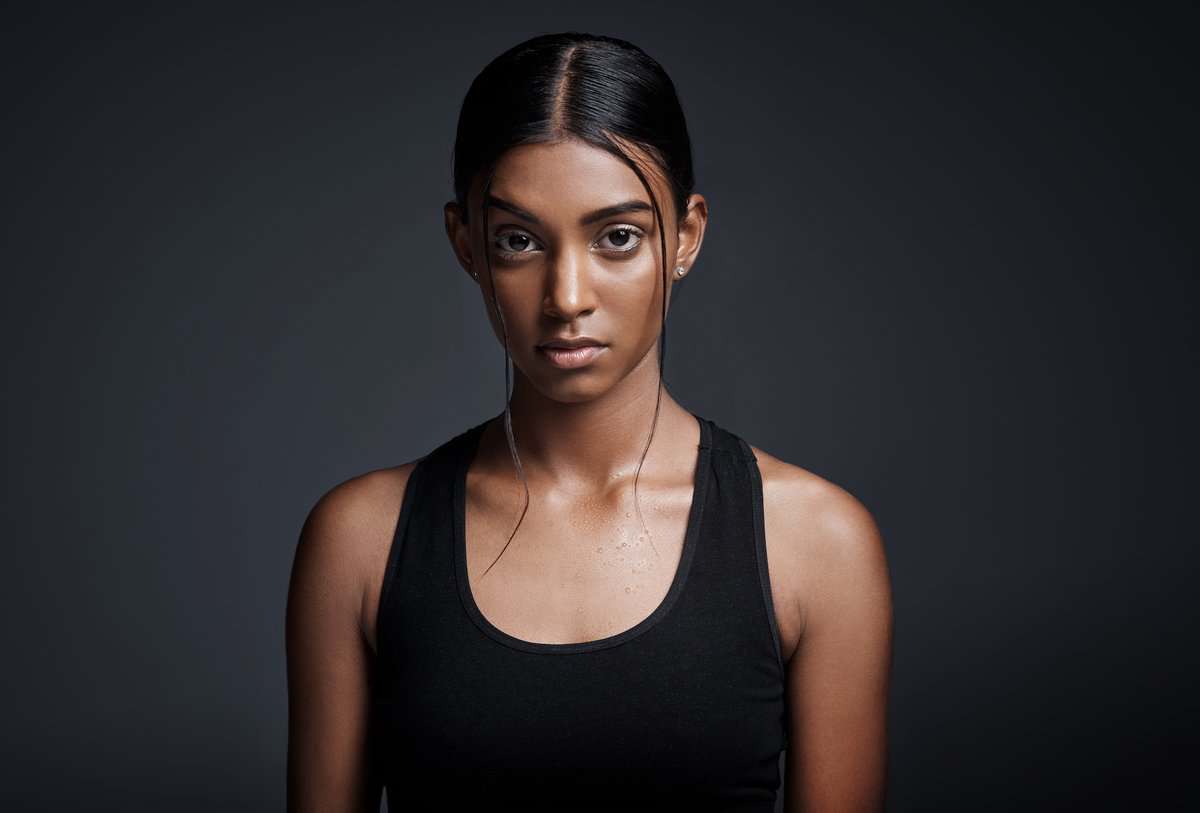
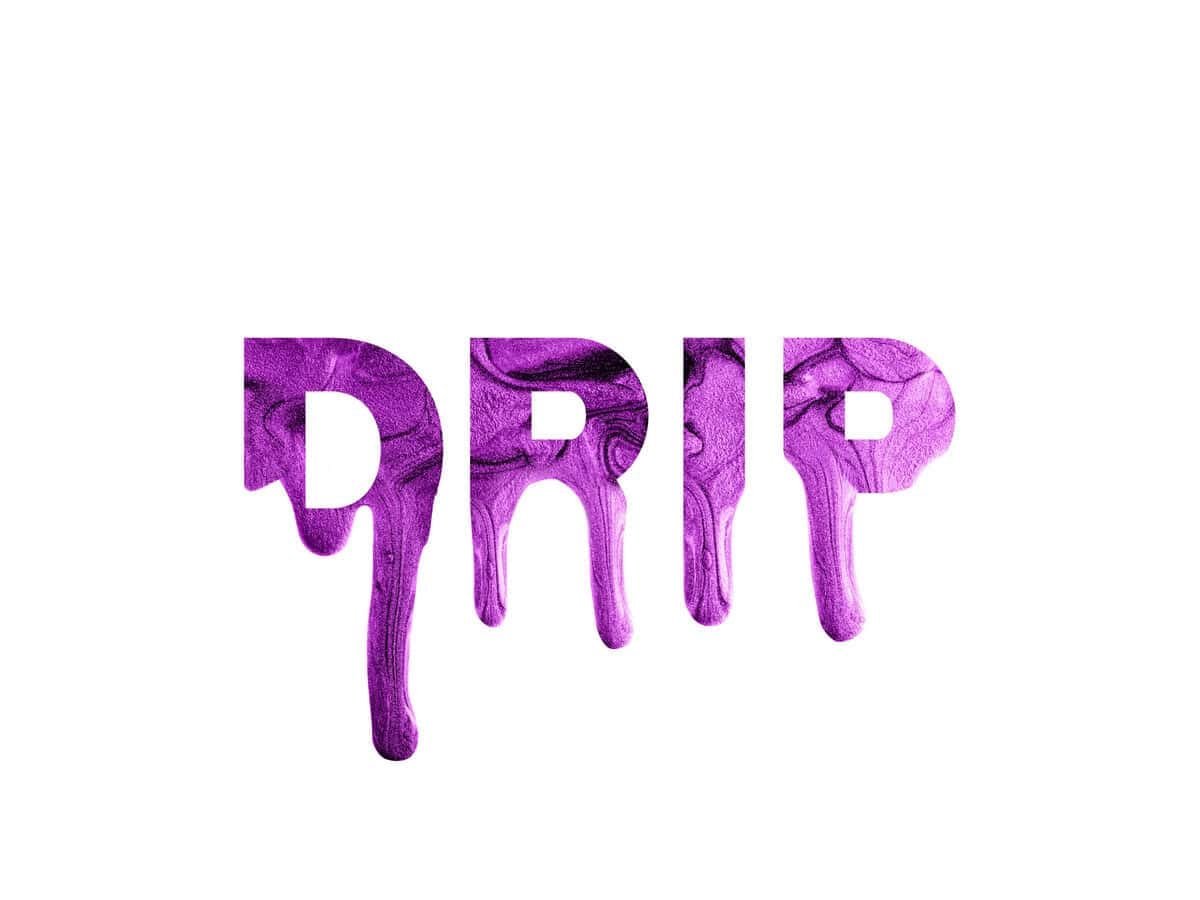
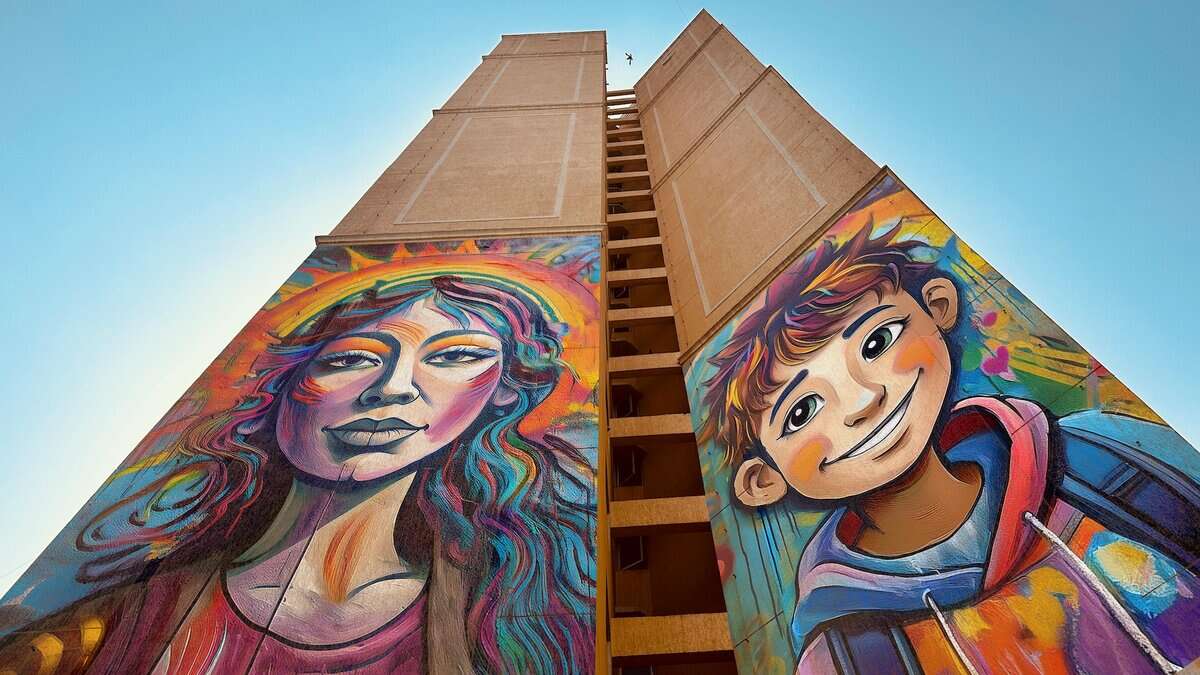

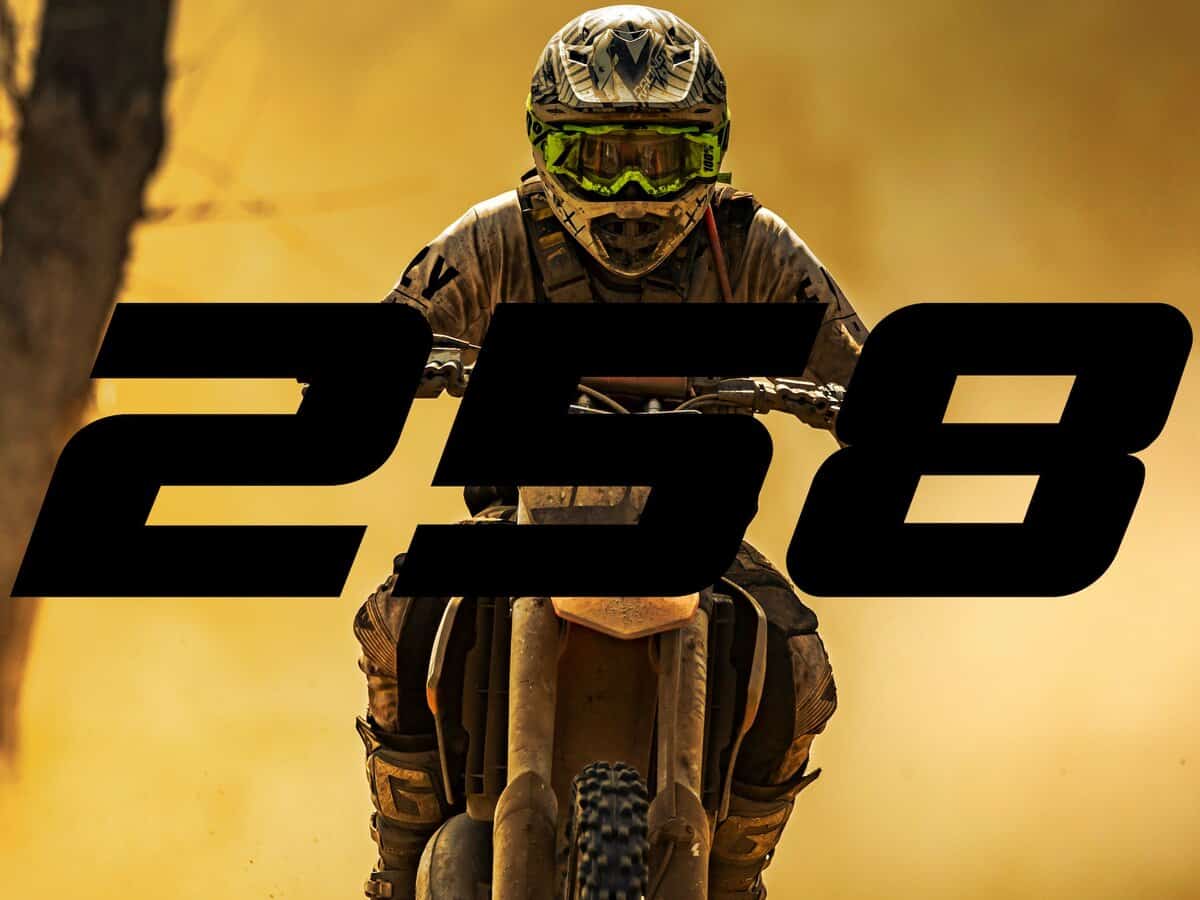


Turn theory into practice with complete project files for many design exercises in the bootcamp. Important Note: Some projects utilize premium assets from Envato Elements which require an Envato Elements subscription (not included in the course). However, you can always substitute with your own assets or free alternatives.

Get the quick takeaways from the majority of course lessons with PDF summaries found below each video. That way you don't need to re-watch an entire lesson to jog your memory if stuck in future projects!

This efficiency-focused mini-course helps you work smarter, not harder. These workflow improvements save hours spent on tedious tasks per month—time you can spend on creativity rather than repetitive tasks.
All prices are in USD. Tax not included.
I do this because I am so confident that this will be one of the most valuable Photoshop courses you've ever taken.
If, for any reason, you aren't 110% happy with this course within 90 days, email me at support@bwillcreative.com, and I'll personally refund all your money, no questions asked.
Enjoy unlimited lifetime access to this course and its materials. Watch, rewatch, and continue to hone your skills with everything you gain from this program — on any device, any time.
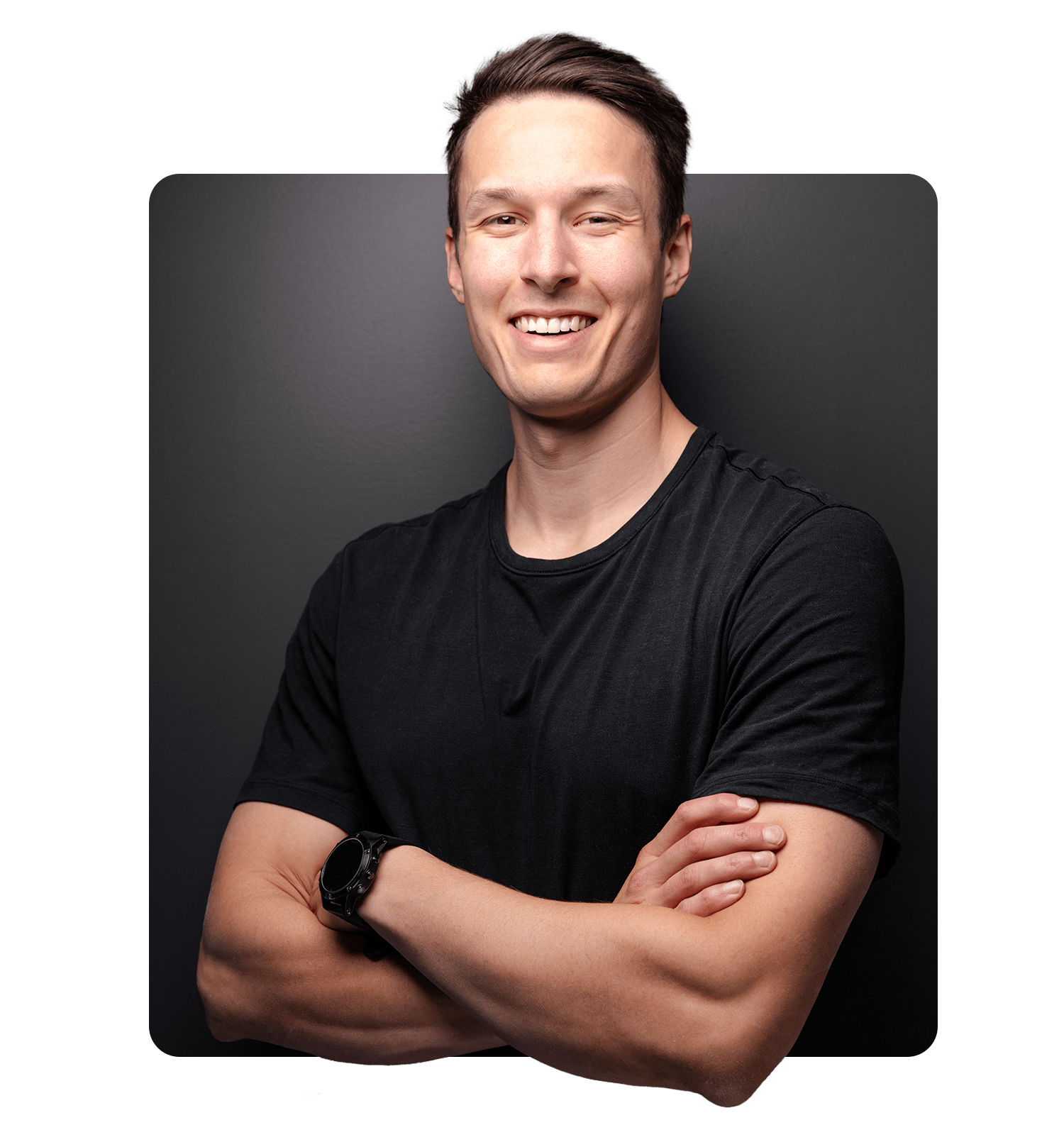
Brendan is a professional photographer and photo retoucher turned founder of one of the leading online photo education resources, bwillcreative.com — with over 1 million annual website readers, 22 million workshop views, and 52,000+ photographers using his resources and premium courses.
Starting his career in the film industry before transitioning into photography, Brendan has worked with brands including Warner Brothers, Netflix, Amazon, Corona, Patagonia, P&G, and Chevy, and shot campaigns for Tourism California, I Feel Slovenia, G-Adventures, Destination British Columbia, and Florida Keys & Key West.
In creative education, he has partnered with Adobe, Luminar, Topaz Labs, and Nisi Filters. His goal is to help photographers have more creative control in their work by making complex creative tools, theory, and skills approachable.
Our review wall didn’t load.
It’s usually a browser privacy extension or ad blocker stopping the reviews widget. You can retry, or read every review on the full wall.
Remember that feeling when you first mastered those basic Photoshop skills? That sense of accomplishment and pride when your project finally came together like you envisioned?
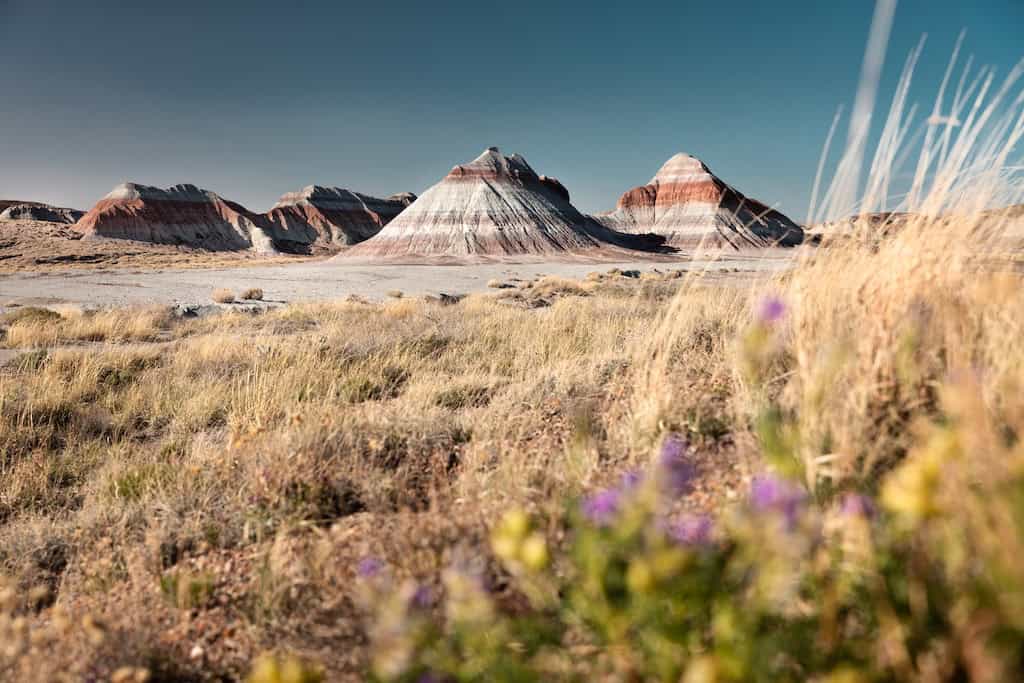
Turn your creative inspirations into magazine-worthy creations and designs that showcase your unique aesthetic—without spending years in design school.
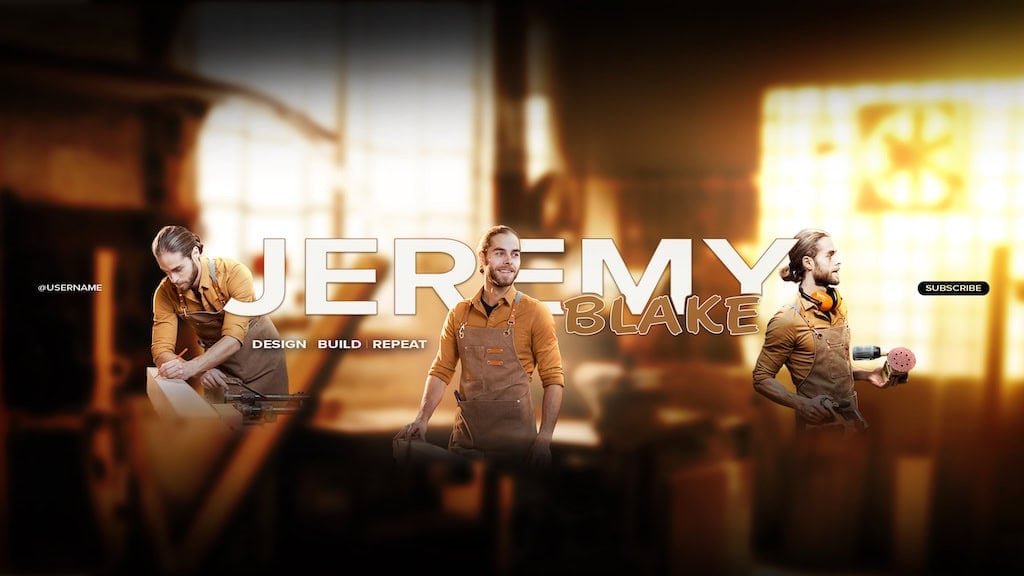
Create scroll-stopping graphics that convert followers into customers and makes you feel like the ultimate creative director for your brand or for others you work with.
Deliver polished marketing materials that impress management and clients—elevating your value and cementing your reputation as the office creative genius.
This isn't about learning a new technique that collects dust in your toolkit. It's about giving you the freedom to create and truly inspire others with your work in Photoshop.
It means breaking free from templated projects that make your work feel cookie-cutter. Instead you have all the skills you need to create what you envision.
It means offering your photography clients design packages you can charge more for, or starting your freelance side-hustle as Photoshop-pro for hire.
It means finding design inspiration from magazines, websites, or social media that you can replicate and build upon to use for your own website or brand.
It means showcasing your ideas that vividly stand out and truly feeling proud of the work you put into the world.
If you want the blueprint to get there, the Photoshop Design Bootcamp is your ticket.
The course will be taught in the latest version of Photoshop CC at the time of recording. The techniques outlined in this course may not apply to all aspects of older versions of Photoshop, such as CS6. I do not recommend purchasing this course if you use Photoshop Elements or Photoshop Express.
Lifetime access means you have unlimited access to the course materials through the online student dashboard without an ongoing subscription. That way you can enjoy the course today, or in years from now to refresh your skills.
No. Early in the course I cover a wide array of options to find both free and paid design assets to use in Photoshop. Later in the course, I create advanced design projects using assets from Envato Elements, which requires a subscription of your own. All the assets I use will be linked to on Envato, but you will need to have an active subscription to download the same linked assets. I do this as I believe it's incredibly valuable to invest in high-quality assets for your design work. Envato is one of the best valued platforms I am currently aware of. All of the techniques from these lessons that use premium assets are still valuable and applicable to other projects. You can locate free assets to suit your variation of the projects if you don't want to pay for Envato.
Yes, the course will have English subtitles in every lesson. The video players also have speed controls if you prefer a slower pace for your videos.
This course is aimed for those who already understand the very basics of Photoshop. If you are totally overwhelmed by layers, masks, basic selections, and things along those lines, I would not recommend taking this course as it will be overwhelming for you. Instead, start with my Photoshop Accelerator program to build your foundational skills in the program first.
Yes — a 90-day money-back guarantee. You are eligible for a 100% refund within 90 days. That way you have plenty of time to work through the course to see if it's a good fit. If not, email support@bwillcreative.com and I'll personally refund every penny.
The course consists of video modules that you can find in your Student Dashboard, available at members.bwillcreative.com once you have enrolled. The student dashboard is online and can be accessed from any device at any time.
This course is aimed to help intermediate Photoshop users gain confidence with overarching tools and workflows for graphic design. Offering an advanced techniques to build on the basic skills you already have to unlock infinite design possibilities. If you do not already have a beginner understanding of layers, masks, or basic adjustments, I do not recommend joining this program until your skills have progressed.
All prices are in USD. Tax not included.