Finally Bring Your Best Creative Ideas To Life In Photoshop
The step-by-step Photoshop bundle that ends overwhelm and unlocks your creativity
 52,000+ Students Use My Tools and Trainings!
 - Actionable Tactics To Instantly Improve Your Projects In Photoshop
- Save Time With Effective Editing Processes
- Finally Decode Layers, Masks, and Selections
- Master Crucial Skills For Photo Editing And Design
- End Photoshop Overwhelm + Frustration Once And For All






This Bundle Changes How You'll Use Photoshop, Forever
You've watched your 100th Youtube tutorial, restarted your computer twice, and still aren't getting the result you wanted.
You stare at your screen, wondering how your "simple edit" turned into a complete mess.
The tutorial made it look so easy. What did you miss?
Photoshop is the most overwhelming, frustrating, and stupid program you've ever tried…. but you know it has the tools you need to bring your images to life.
You've Tried It All… But Still Feel Stuck
You've downloaded every free action and preset hoping for a "quick fix"
Your "simple edits" turn into 2-hour battles with Photoshop
That creative vision in your head? It never quite matches what's on screen
You see amazing edits on Instagram and have no idea how to recreate them
Your photos only have basic adjustments when you want so much more
You've got creative ideas worth bringing to life.
Photos worth making incredible.
Designs worth getting excited about.
But right now? You're stuck in the "Photoshop Paradox": You feel too advanced for basic tutorials. Too inexperienced for the complex stuff.
Trapped in that frustrating middle ground where everything feels…just…out…of…reach.
The worst part?
Your creative excitement dims a little more every time you open Photoshop and feel lost in the complexity.
You're ready to create amazing work.
Your creativity deserves better than being limited by software.
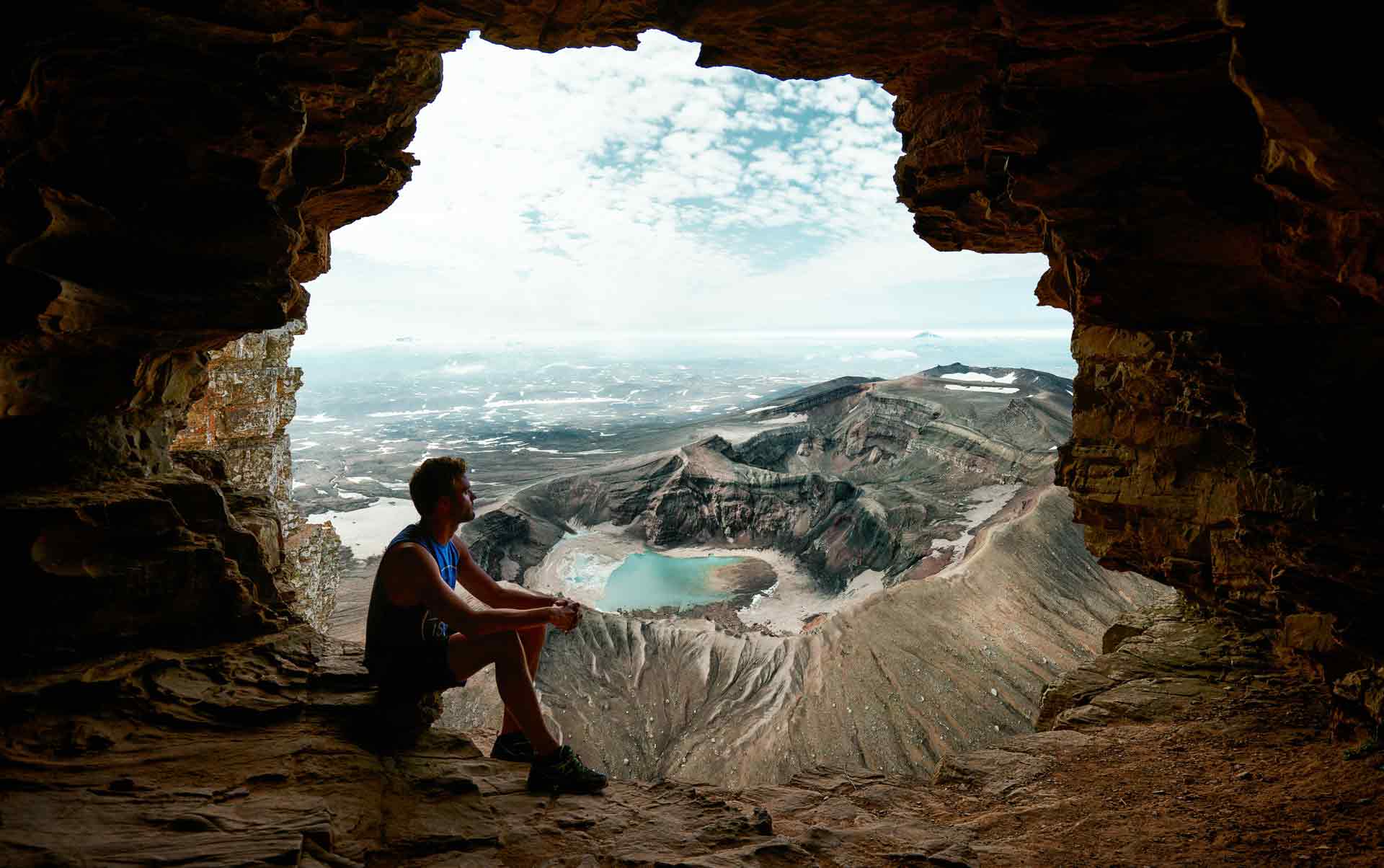
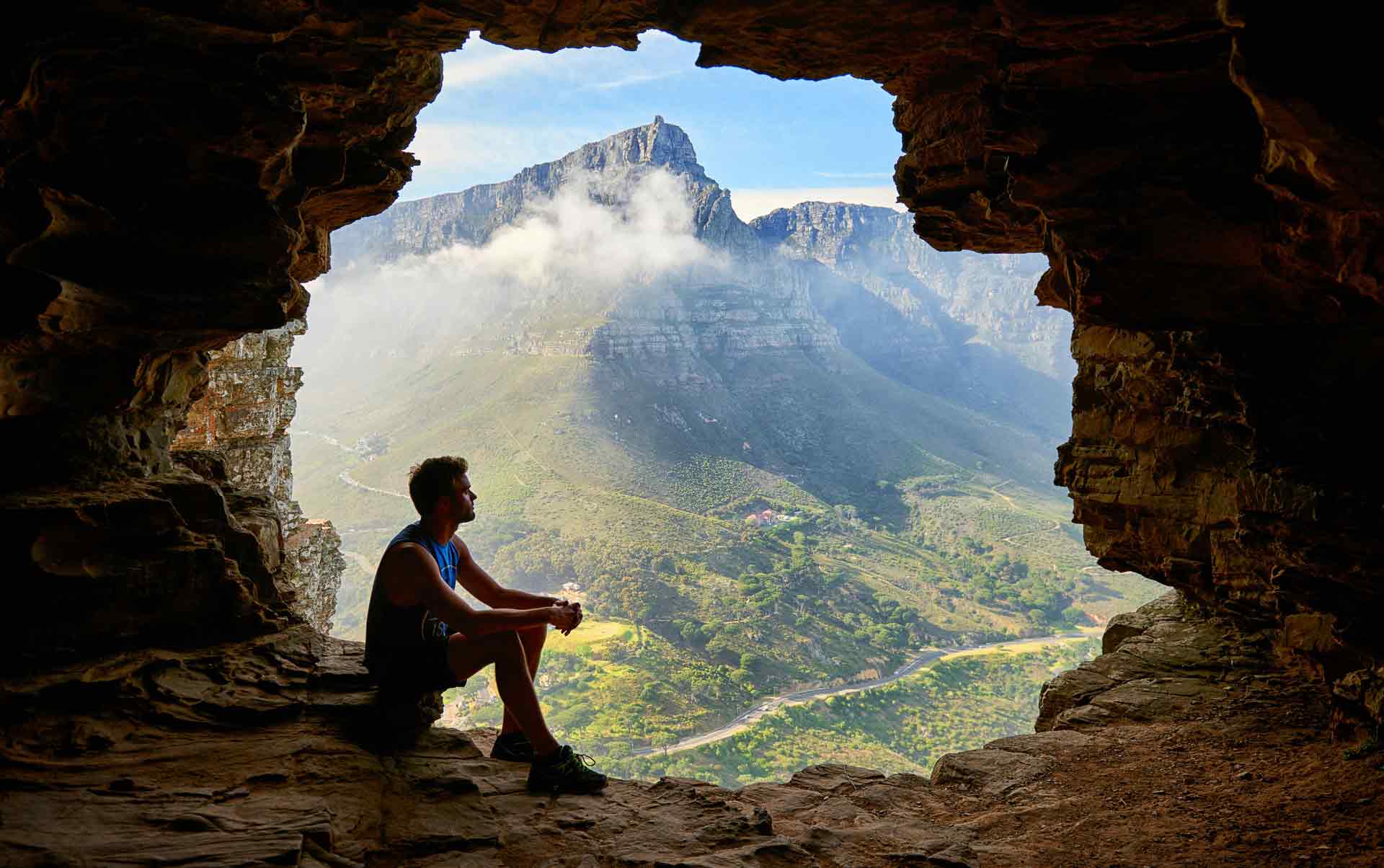
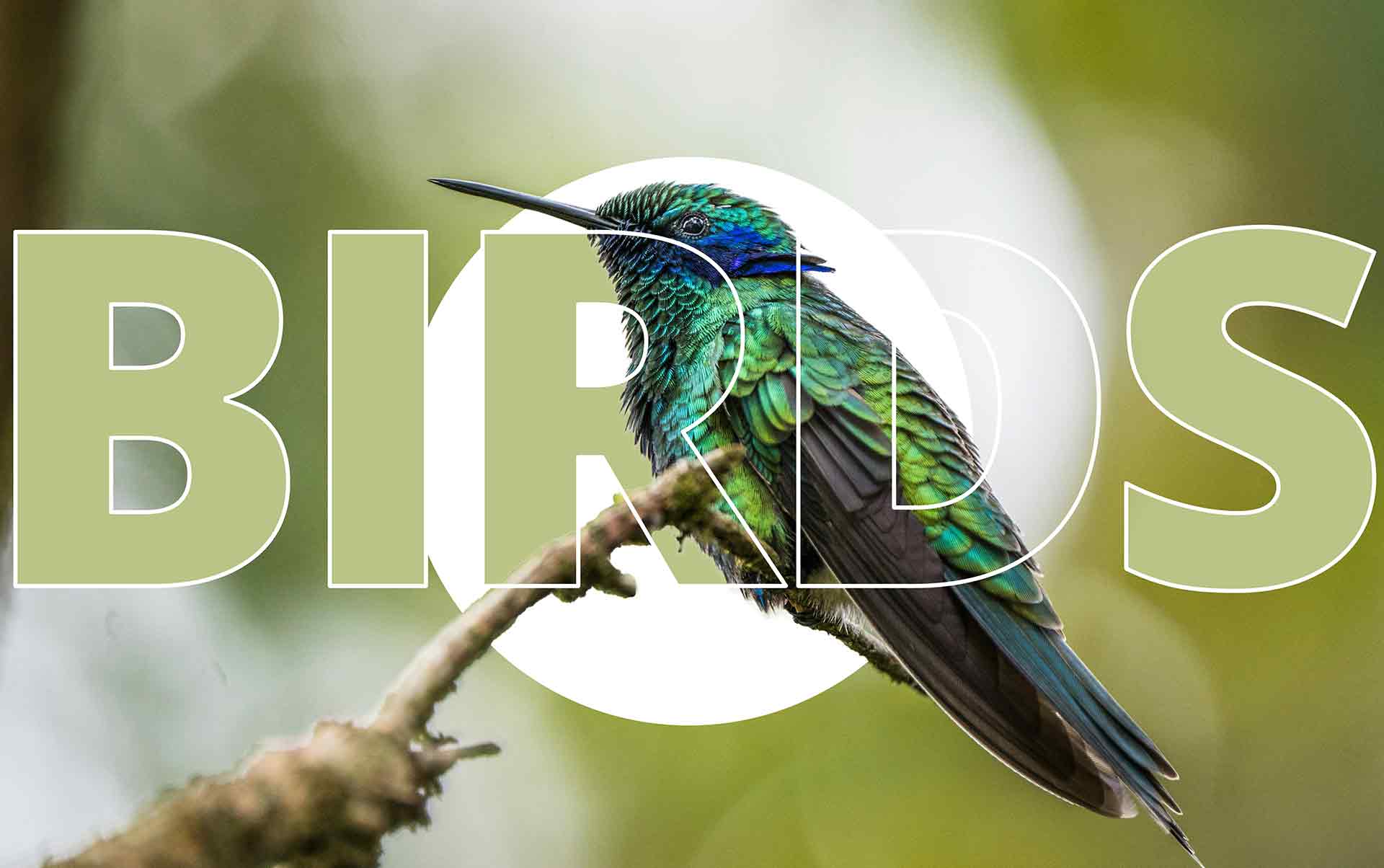
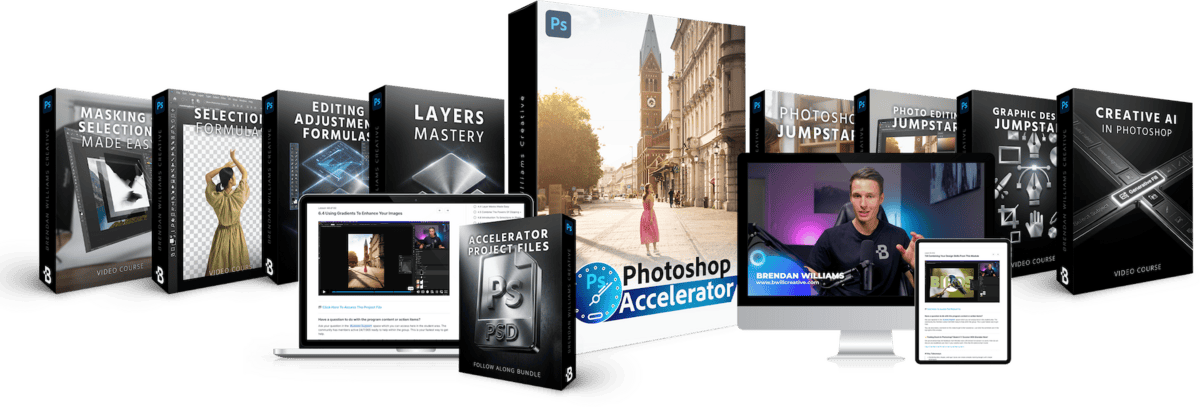
The Photoshop Accelerator Masterclass Bundle
The step-by-step system that takes you from feeling lost in Photoshop to working confidently — without the overwhelm.
8 Complete Masterclasses | 63 Guided Video Tutorials | 47 Follow Along Projects | 60+ Quick Reference Cheat Sheets
This isn't another "watch someone edit" program.
This is a carefully crafted roadmap that builds your skills from the ground up, taking you from complete beginner to confident creative with progression based lessons and fun creative projects.
30-Day Money Back Guarantee | Lifetime Access
Everything That's Included
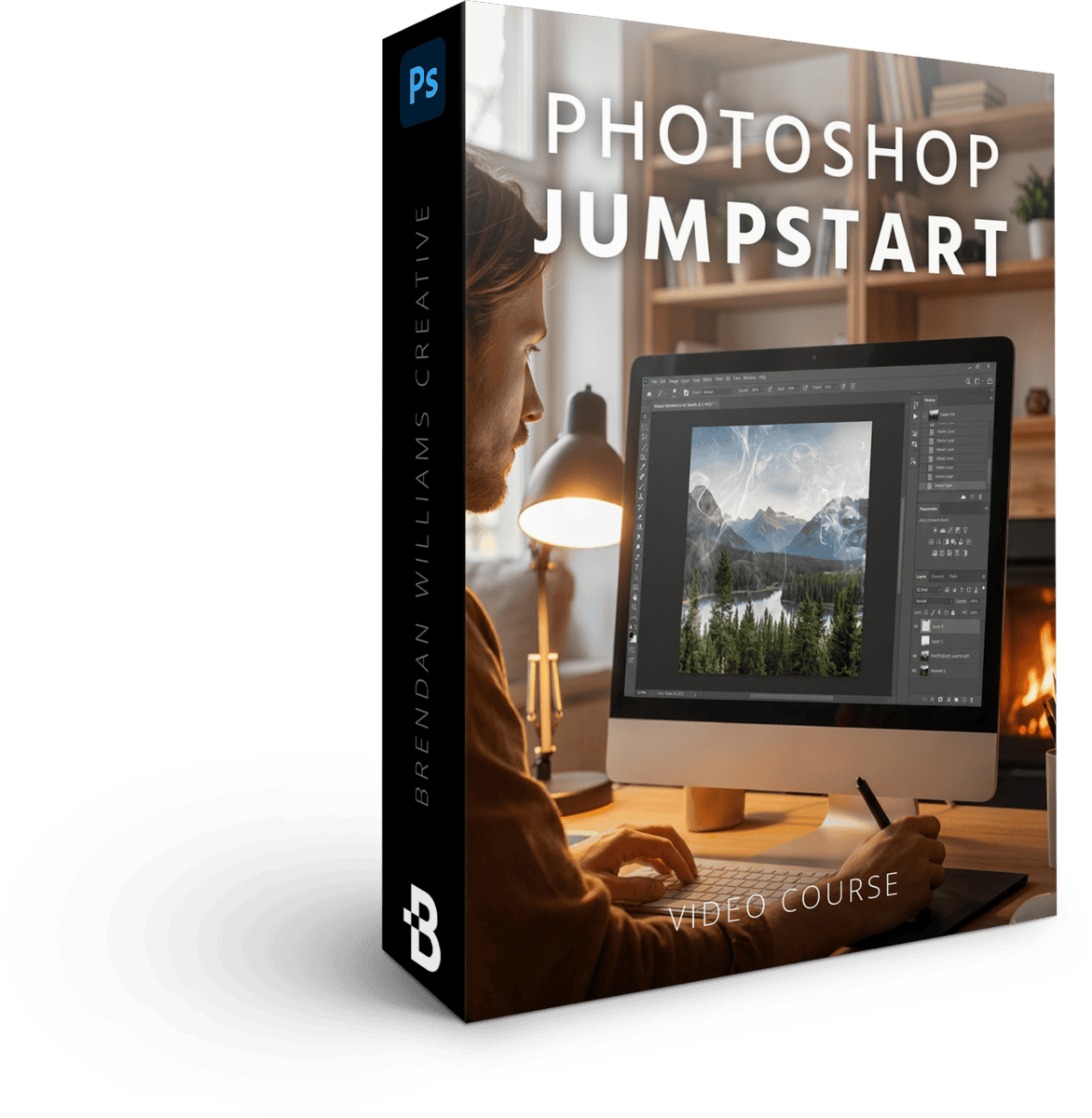
Photoshop Jumpstart
8 Lessons | 37 Minutes
$97 Value · Included
Permanently end overwhelm from Photoshop by mastering the essential skills, panels, and processes that make import, edit, and export fast. You'll learn the lasting skills to navigate and use the program with ease.
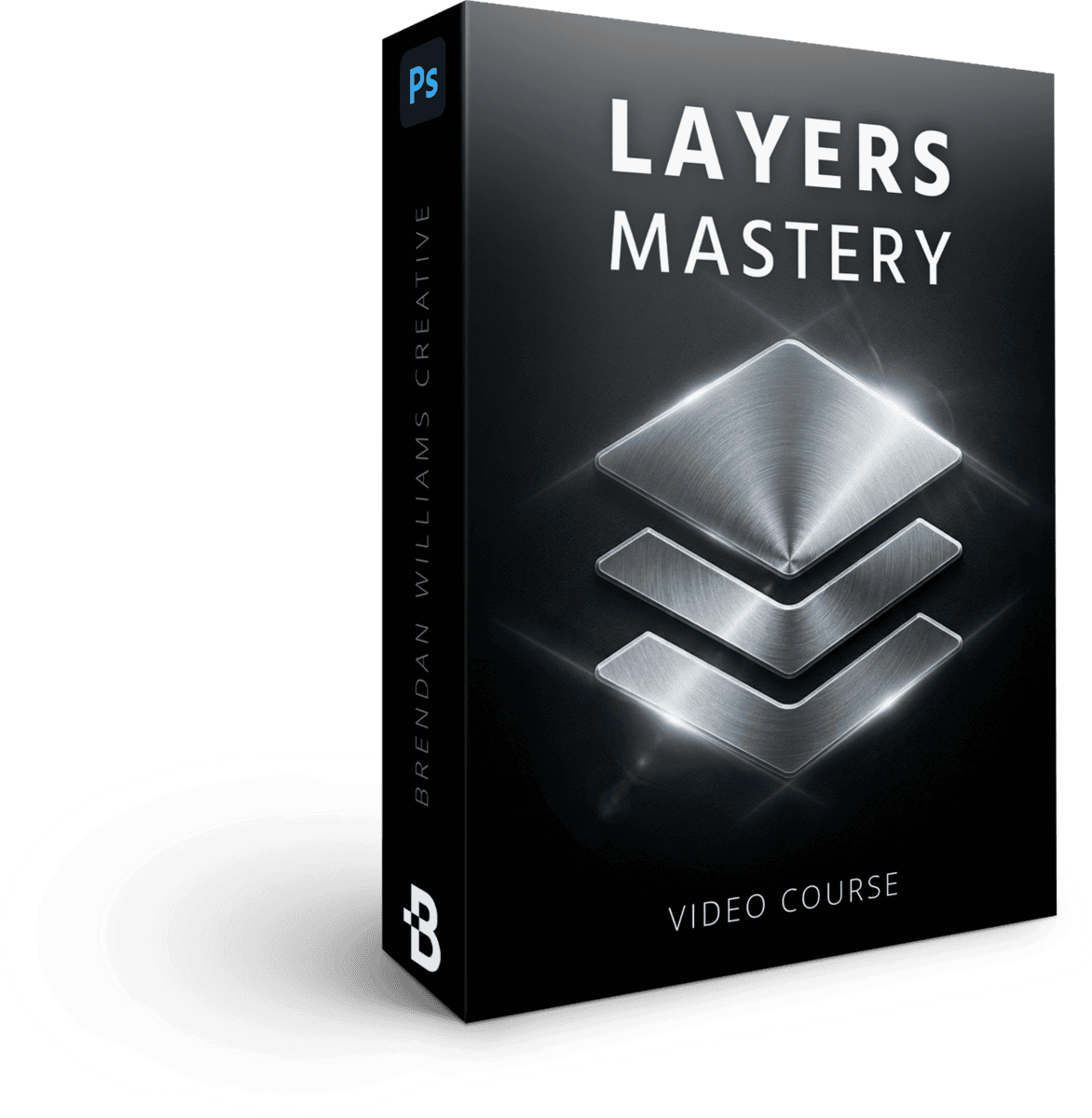
Photoshop Layers Mastery
8 Lessons | 55 Minutes
$97 Value · Included
Master layers from square one to work more efficiently and professionally in Photoshop. These skills will save you time and unlock more flexibility in your editing. Once you master these lessons, many students say Photoshop begins to "click!"
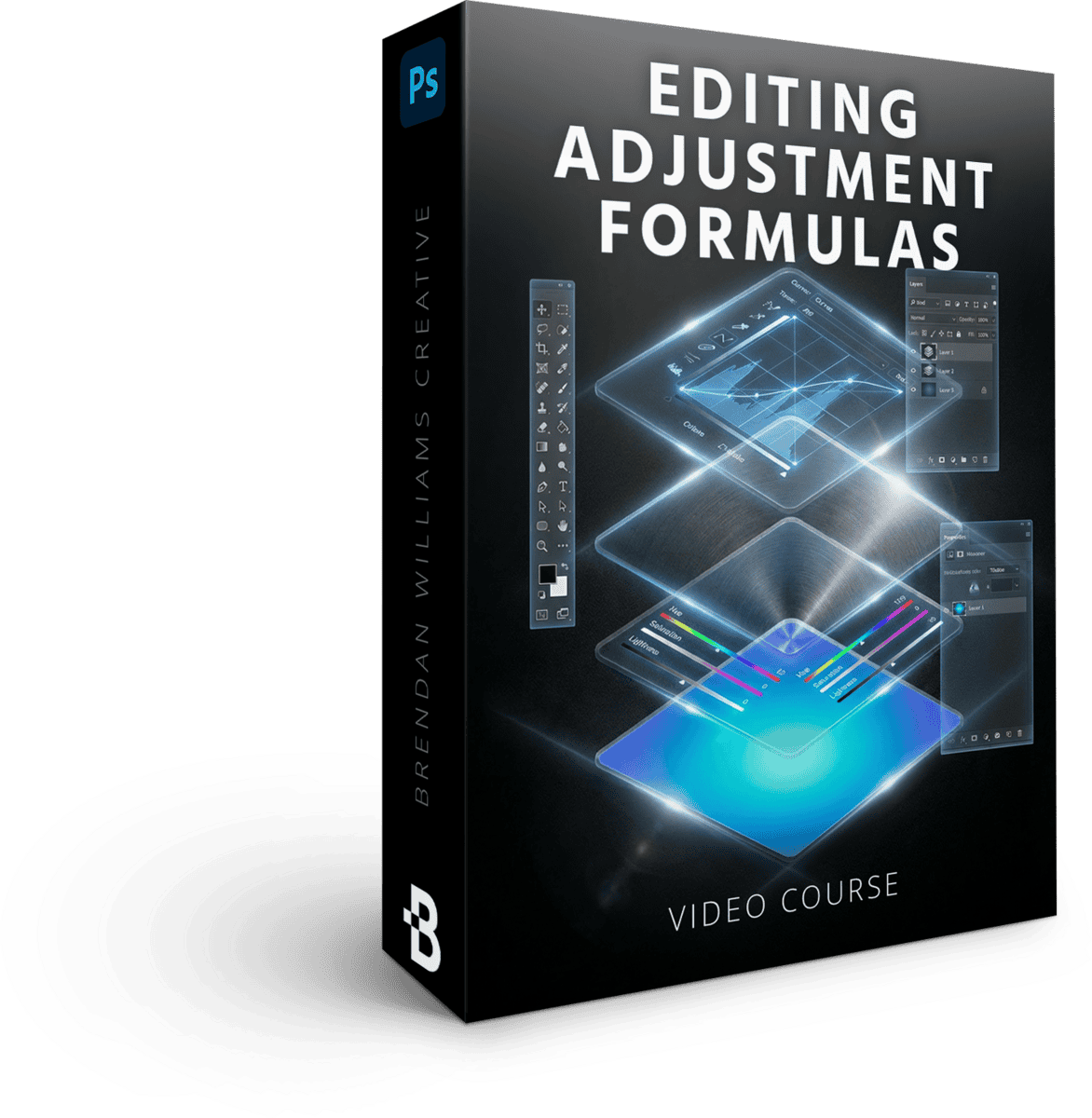
Powerful Editing Adjustment Formulas
9 Lessons | 70 Minutes
$129 Value · Included
Learn the most powerful adjustment layers to transform your projects in Photoshop. From essential skills to hidden techniques to create effects not possible in other software. You'll walk away with the exact formulas for wow-factor projects.
Masking + Selections Made Easy
7 Lessons | 51 Minutes
$129 Value · Included
Unlock new control and refinements with every edit you make in Photoshop. This program will take you from square one -> complete confidence with masking and selection tips that bring your images to life like never before.
Photoshop Selection Formulas
5 Lessons | 67 Minutes
$87 Value · Included
Find powerful selection processes to flawlessly cut out backgrounds, refine messy edges, and create higher quality design assets for your projects. This masterclass will help you conquer people or object selections even with difficult edges like hair.
Photo Editing Jumpstart
7 Lessons | 100 Minutes
$167 Value · Included
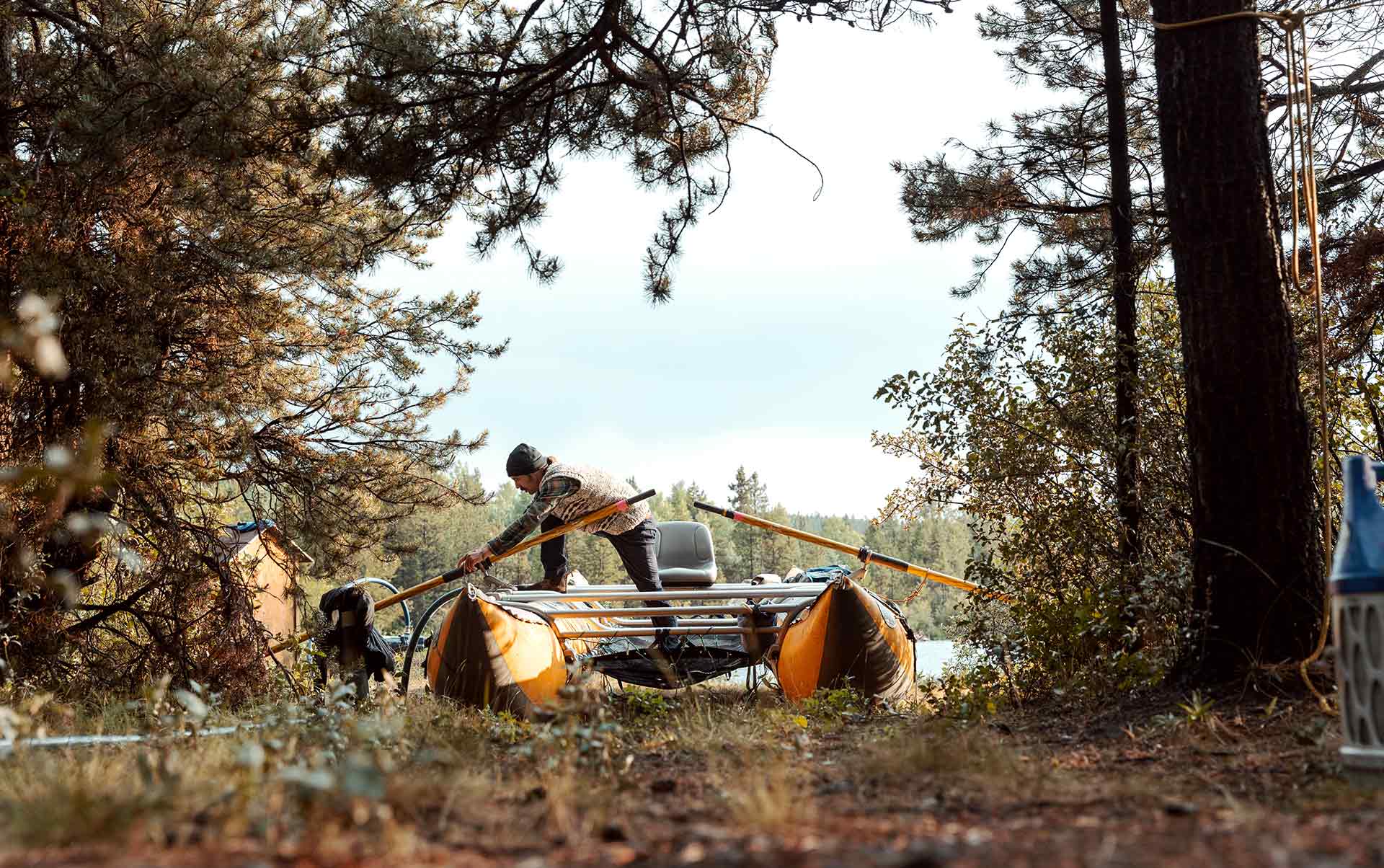
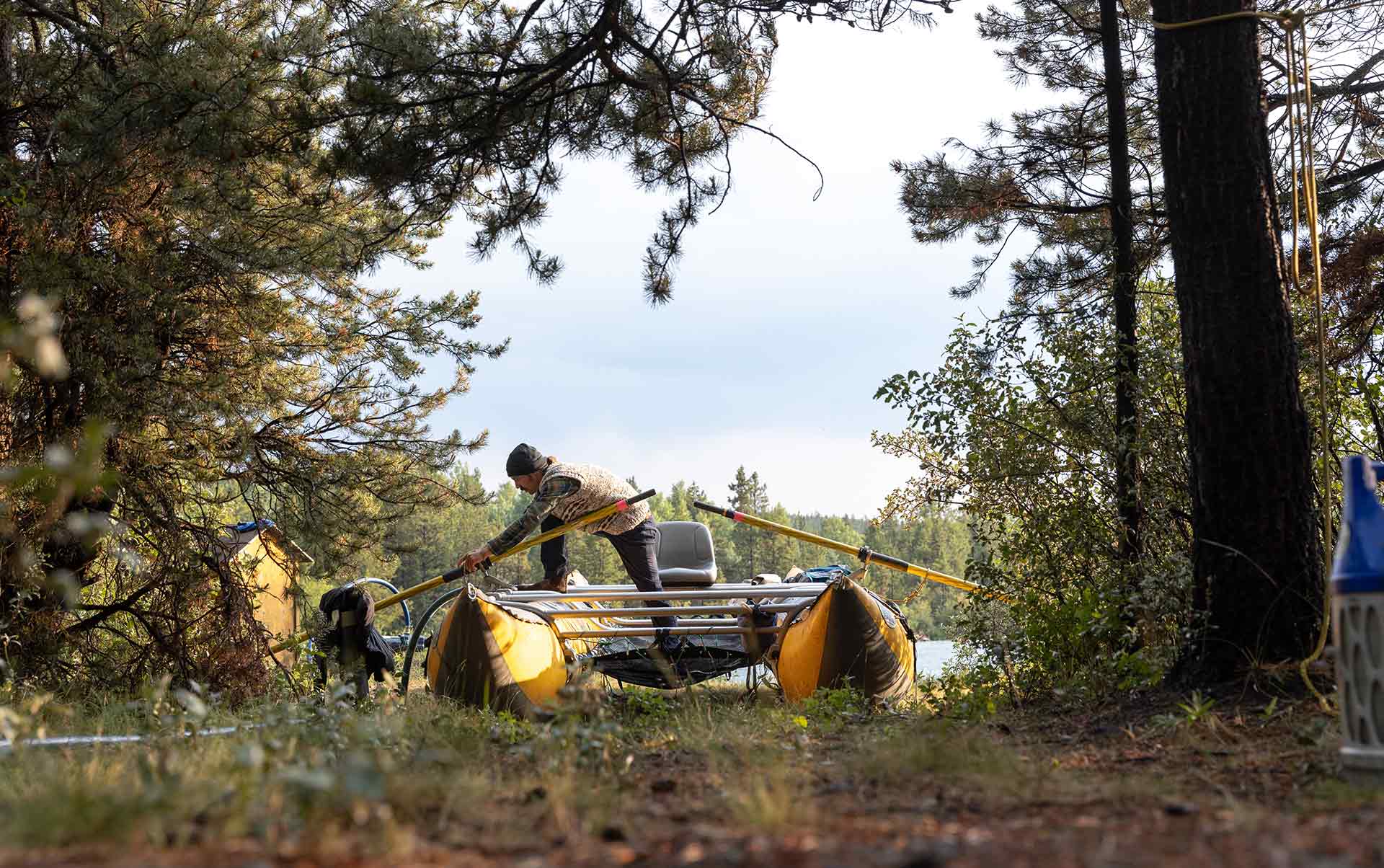
Learn how to turn dull and boring images into the captivating eye-catchers they were meant to be. All using skills you can apply for all genres of photography and editing preferences!
Graphic Design Jumpstart
8 Lessons | 110 Minutes
$167 Value · Included
Create beautiful design assets for social media, websites, video thumbnails and more. Master the techniques and tools to bring every design vision to life in Photoshop.
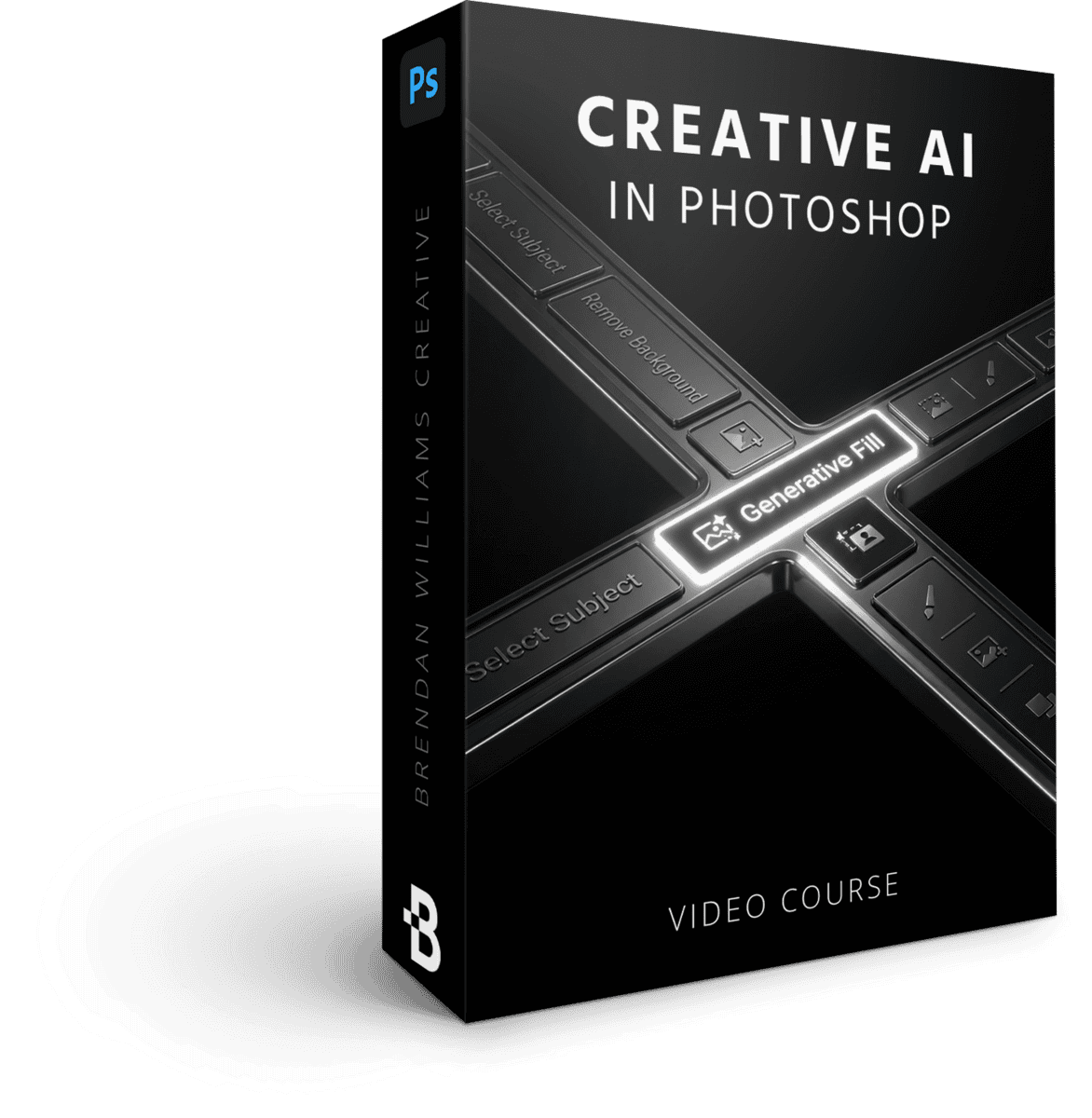
Creative AI In Photoshop
3 Lessons | 33 Minutes
$79 Value · Included
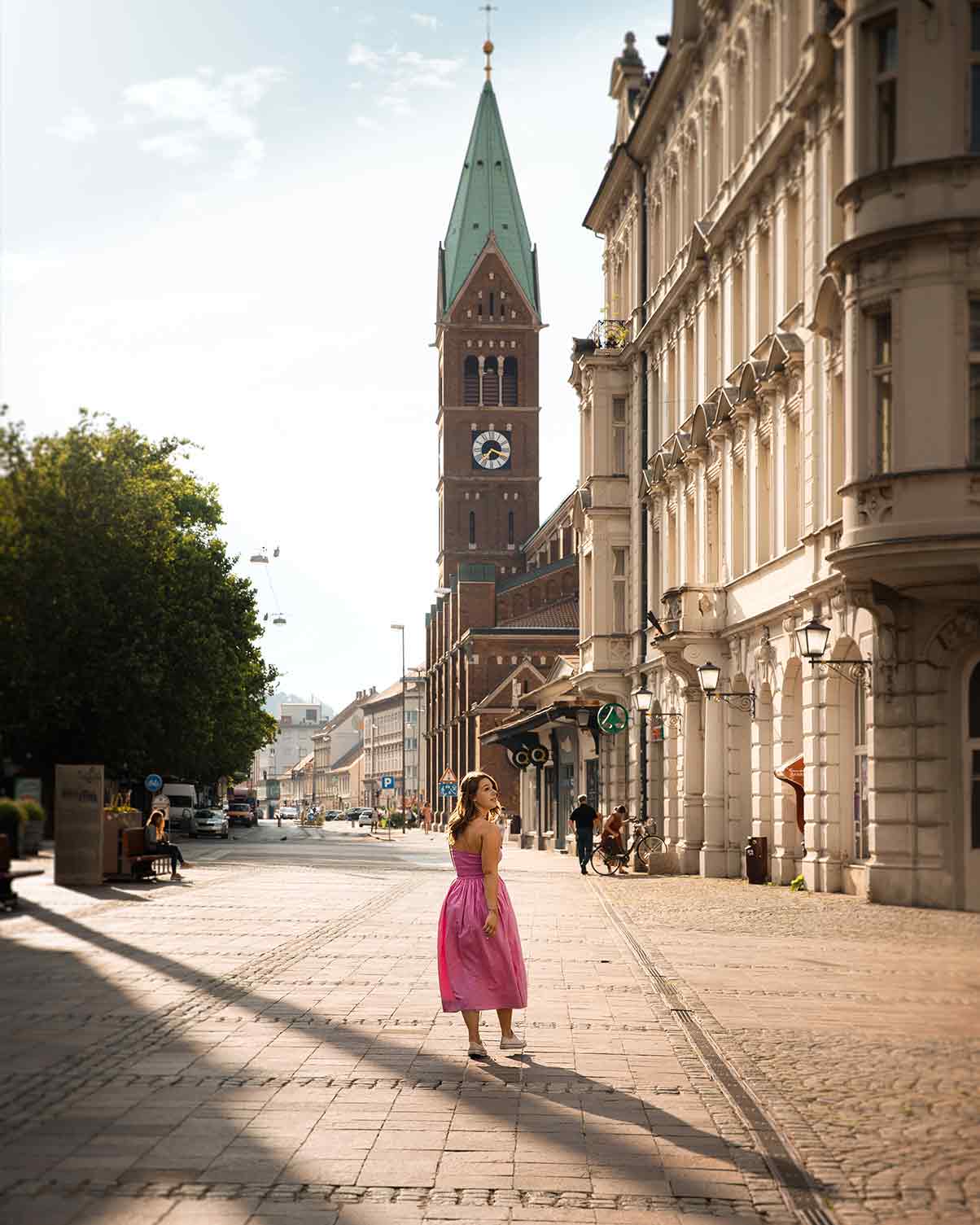
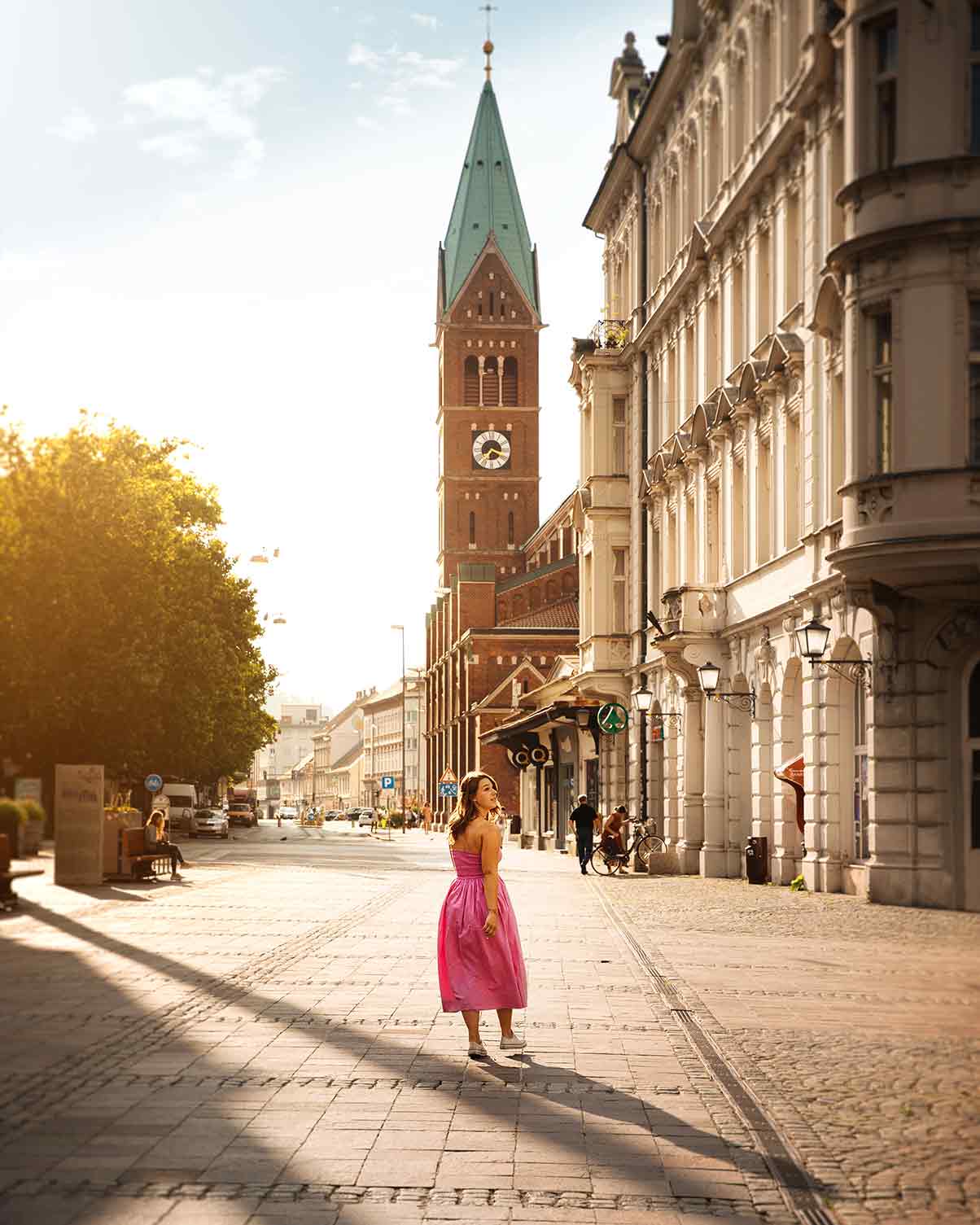
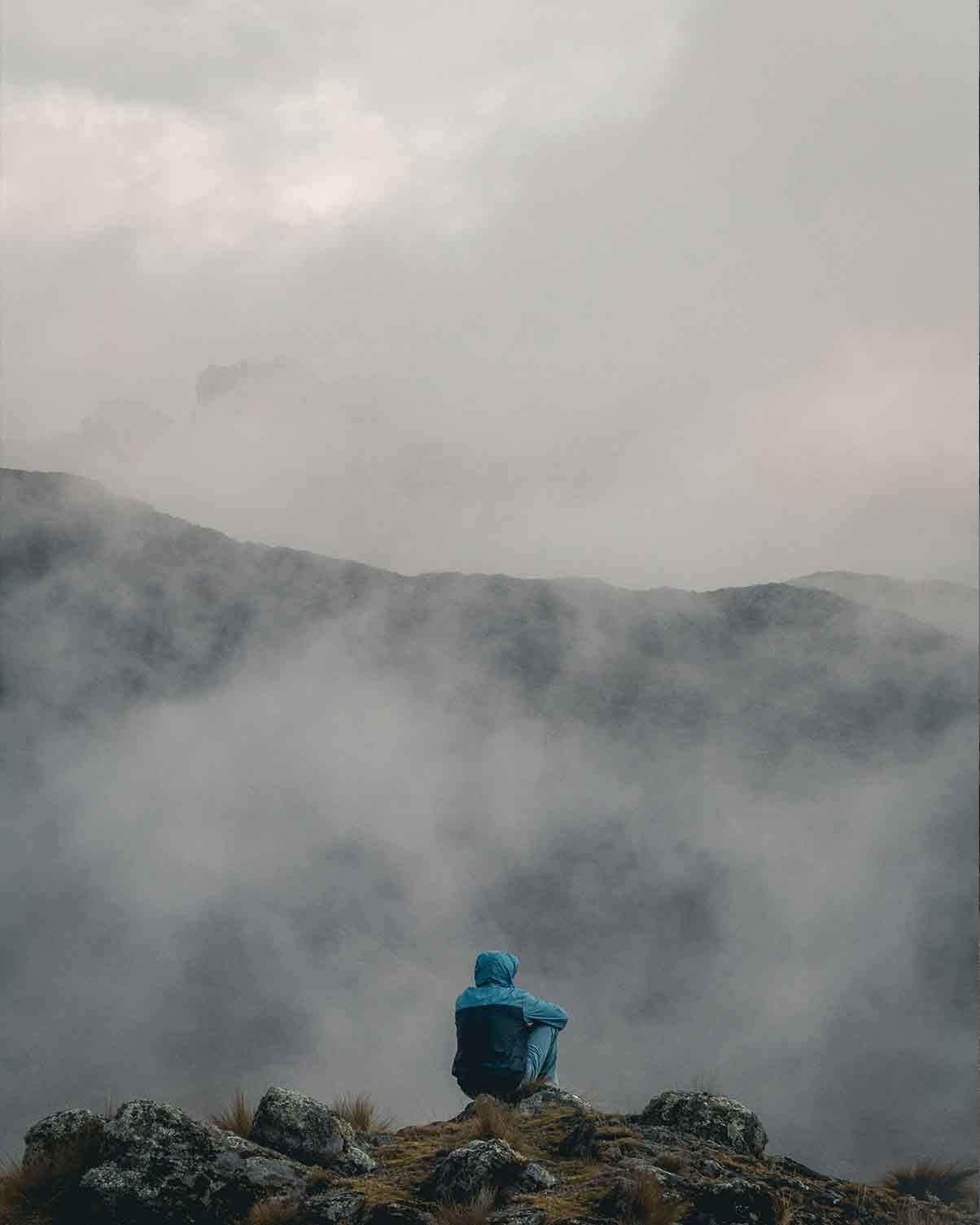
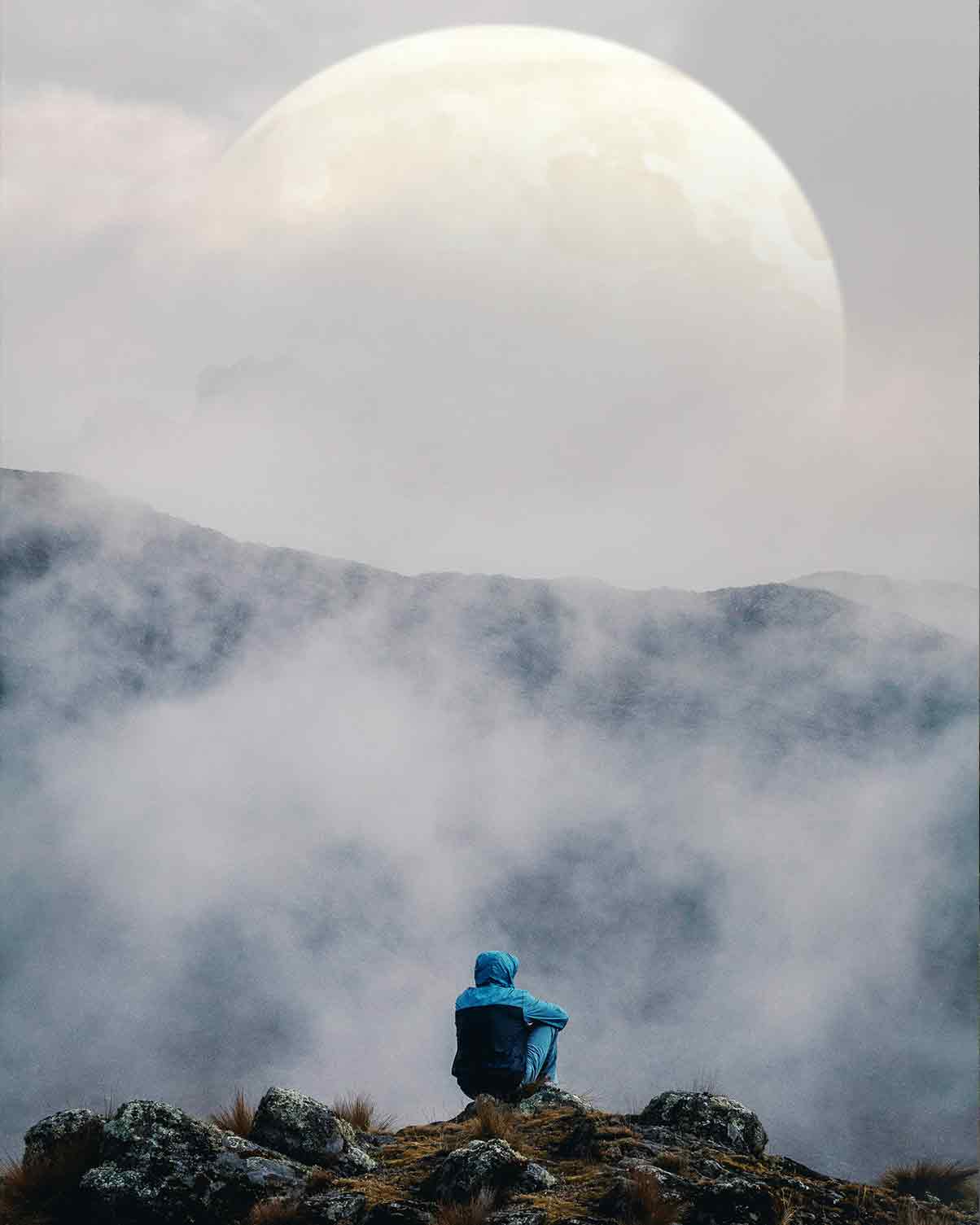
Unlock lesser-known AI tricks for creative editing not possible in other editing software. From blending images, turning images into realistic artwork, or blending AI generations with reality!
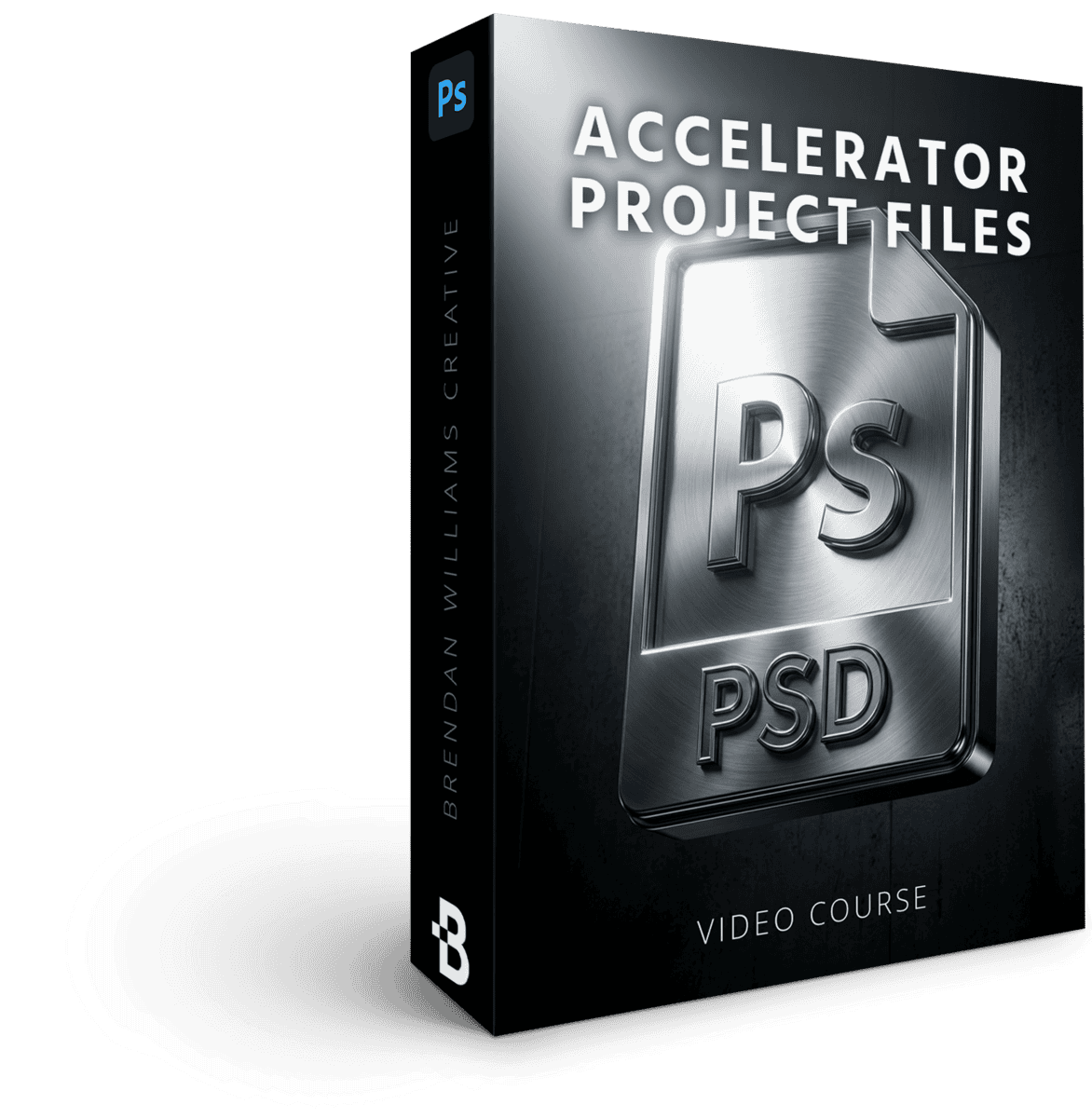
Accelerator Bundle Project Files
47 Downloadable Photoshop Projects
$197 Value · Included
Apply every skill, technique, and principal from each masterclass with follow along projects that challenge your skills and help you gauge comprehension!
+ Get These Limited Time Bonuses!
-
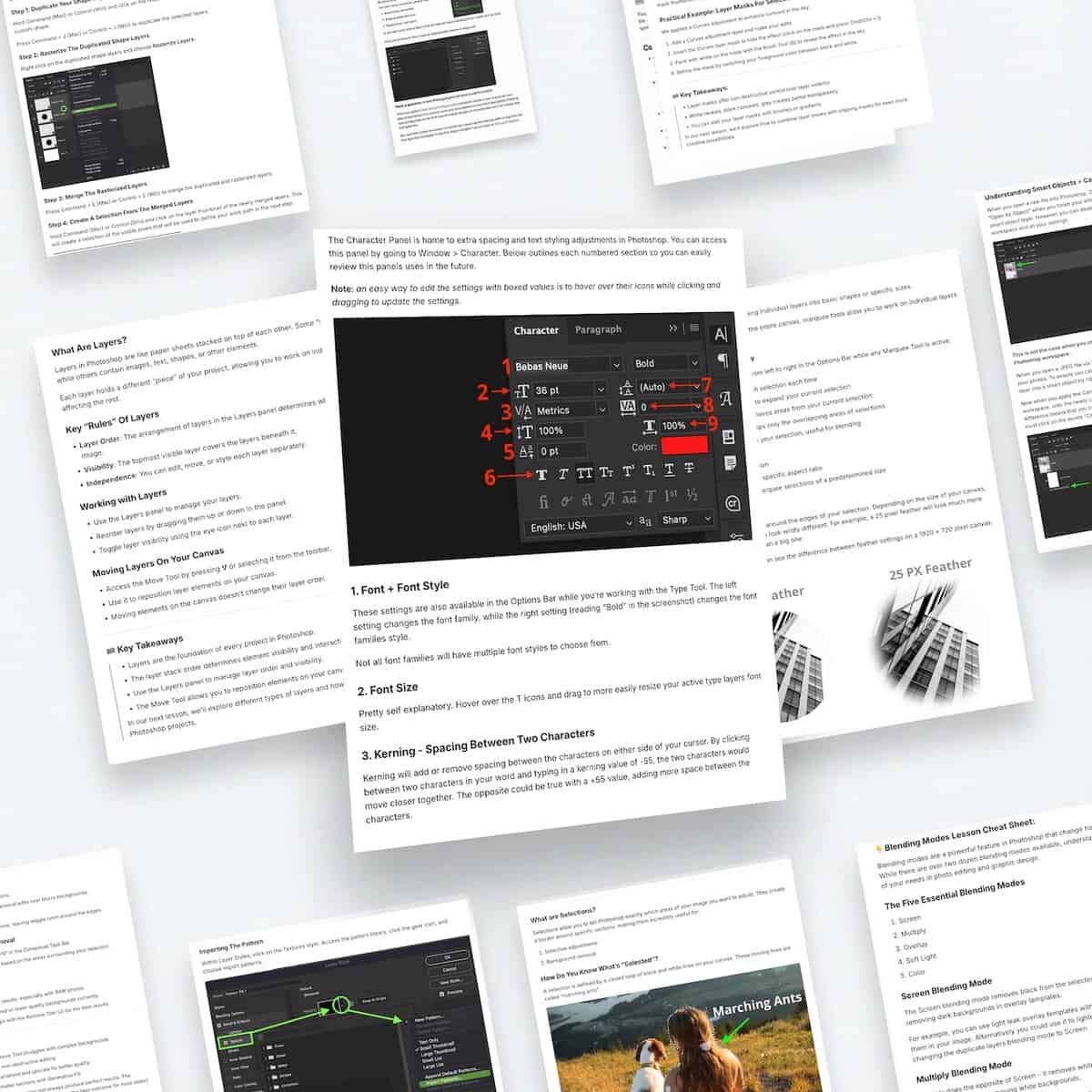 60+ Written Resources
Quick Reference Cheat Sheets
Below every lesson you'll find written summaries of the key steps and processes. This way you can refresh your memory quickly, or make sure you're absorbing the correct information. This also includes specific lesson takeaways to help you see real progress in your skills. For more complex lessons, downloadable PDF guides are available.
$129 Value · Included Free -
Lifetime Access
Pay once, learn forever. Enjoy lifetime access to go at your own pace even when life gets busy.
$197 Value · Included Free
Everything Included In The Accelerator Masterclass Bundle:
- 8 Complete Masterclasses $952 Value
- 63 Guided Video Tutorials $441 Value
- 47 Follow Along Projects $197 Value
- 60+ Quick Reference Sheets $129 Value
That's 178 Photoshop Tools, Guides and Masterclasses!
All prices are in USD. Tax not included.
- Visa
- Mastercard
- American Express
- PayPal
Try The Course 100% Risk-Free With My 30-Day Money Back Guarantee
I do this because I am so confident that this will be one of the most valuable Photoshop courses you've ever taken.
If, for any reason, you aren't 110% happy with this course after 30 days, email me at brendan@bwillcreative.com, and I'll personally refund all your money, no questions asked.
Must have viewed less than 50% of the course contents in this period to qualify.
Enjoy unlimited lifetime access to this course and its materials. Watch, rewatch, and continue to hone your skills with everything you gain from this program.
Lifetime Access
Enjoy unlimited lifetime access to this course and its materials. Watch, rewatch, and continue to hone your skills with everything you gain from this program — on any device, any time.
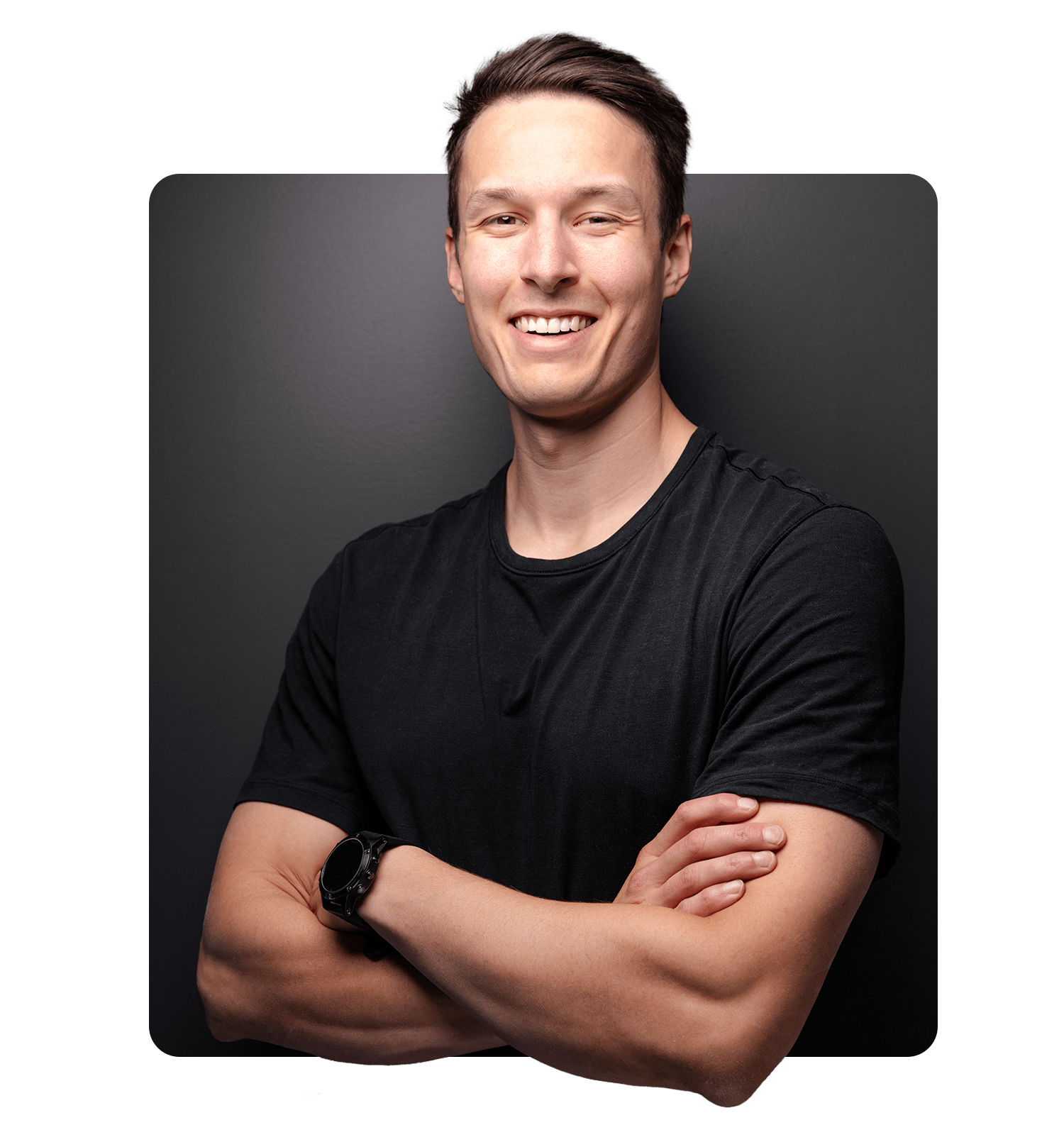
Brendan Williams
Brendan is a professional photographer and photo retoucher turned founder of one of the leading online photo education resources, bwillcreative.com. With an average of over 1 million annual website readers, over 20 million workshop views, and 52,000+ photographers using his resources and premium courses.
Starting his career in the film industry and later transitioning into photography, Brendan has worked with some of the largest brands in the world include Warner Brothers, Netflix, Amazon, Corona, Patagonia, P&G, Chevy and more. He’s also worked extensively around the world shooting with Tourism California, I Feel Slovenia, G-Adventures, Destination British Columbia, Florida Keys & Key West on a variety of campaigns.
In his focus on creative education, he has had the privilege to work with industry leading brands like Adobe, Luminar, Topaz Labs, Nisi Filters, and more. His goal is to help photographers have more creative control in their work by making complex creative tools, theory, and skills approachable to all.
What Students Say About My Courses
Our review wall didn’t load.
It’s usually a browser privacy extension or ad blocker stopping the reviews widget. You can retry, or read every review on the full wall.
Conquer Photoshop… No Matter Where You're Starting From
The Photoshop Accelerator Program is for any creative wanting to make the most of Photoshop. Whether you're just starting Photoshop today, or have felt stuck in your progress, you're guaranteed to see quick progress through short, focused lessons, interactive projects, and techniques that adapt to future Photoshop updates. Investing less than 1 hour / week can unlock a world of boundless creativity — in less time than a single Netflix episode.
- Short, focused lessons under 15 minutes each
- Interactive projects to see tangible progress
- Techniques that adapt to future Photoshop updates
- Level up the potential of your best images
- Give you the creative freedom you've dreamed of in Photoshop
- Unlock a world of boundless creativity in less time than a single Netflix episode each week
FAQ
-
What Version Of Photoshop Is Taught?
The course is taught in the latest version of Photoshop CC at the time of recording. Currently this is Photoshop CC 2024. The techniques outlined in this course may not apply to all aspects of older versions of Photoshop, such as CS6. I do not recommend purchasing this course if you use Photoshop Elements or Photoshop Express.
-
What Does "Lifetime" Access Mean?
Lifetime access means you have unlimited access to the course materials through the online student dashboard without an ongoing subscription. That way you can enjoy the course today, or in years from now to refresh your skills.
-
Does This Course Get Updated?
Yes, the as Photoshop evolves lesson descriptions or videos will be updated to ensure the course materials are still applicable in the latest versions of Photoshop. These updates are added occasionally to the program and are free to all students already enrolled. This course was last updated for Photoshop CC 2025.
-
Does This Course Have Subtitles?
Yes, the course has English subtitles in every lesson. The video players also have speed controls if you prefer a slower pace for your videos.
-
I Am Completely New To Photoshop, Can I Take This Course?
Yes! This course starts from the absolute basics of Photoshop. Every video builds off the last so by working through the lessons in order, you'll feel confident with your abilities, even when starting from square one.
-
Do You Offer A Guarantee?
Yes! I am proud to offer a 30-day guarantee on this course. If you aren't happy with this course within 30 days of purchase and you have completed less than 50% of the course, you are eligible for a full refund. If you have watched more than 50% of the course contents, you are only eligible for a full refund within 30 days of purchase. Just email brendan@bwillcreative.com and I will personally process your return.
-
How Is The Course Delivered?
The course consists of video modules that you can find in your Student Dashboard, available at members.bwillcreative.com once you have enrolled. The student dashboard is online and can be accessed from any device at any time.
-
How Long Is The Course?
The course is 62 lessons and 510 minutes long (8.5 Hours).
-
What Skill Level Is This Course For?
This course is aimed to help beginner and intermediate Photoshop users gain confidence with overarching tools and workflows, for photo editing and design. Offering an extremely in-depth and complete view of the tools you'll use in every Photoshop project going forward. If you are already confident using Photoshop, this course won't be as valuable to you.
Don't Miss Your Chance To Save On This Entire Bundle!
- 8 Complete Masterclasses $952 Value
- 63 Guided Video Tutorials $441 Value
- 47 Follow Along Projects $197 Value
- 60+ Quick Reference Sheets $129 Value
That's 178 Photoshop Tools, Guides and Masterclasses!
All prices are in USD. Tax not included.
- Visa
- Mastercard
- American Express
- PayPal