The Photographers Blueprint To Conquer Photoshop Forever
The complete A → Z roadmap for photographers who want transformational edits without the overwhelm. Master Photoshop with my 3-phase system to build, develop, and perfect your editing skills regardless of experience.
Everything in the Photoshop Mastery Mega Bundle
-
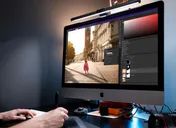
Core course
Photoshop Accelerator
$197 -
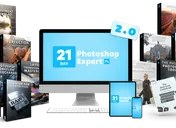
Core course
21 Day Photoshop Expert 2.0
$199 -
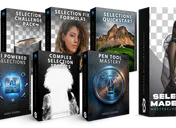
Core course
Selections Made Simple
$199 -
+ Black Friday bonus
Photoshop Design Bootcamp
$199 -
+ Black Friday bonus
7 Day Photoshop Fast Track
$14
- Master Photoshop For Photography (Not 6+ Months Of Guesswork)
- Upgrade Your Workflow From Lightroom or Camera Raw
- Bring Your Images To New Heights With Industry-Leading Tools
- Say Goodbye To The "YouTube Tutorial Vortex"
- Go-Your-Own-Pace + Lifetime Access






The Photos You Actually Want To Take
You see them every day.
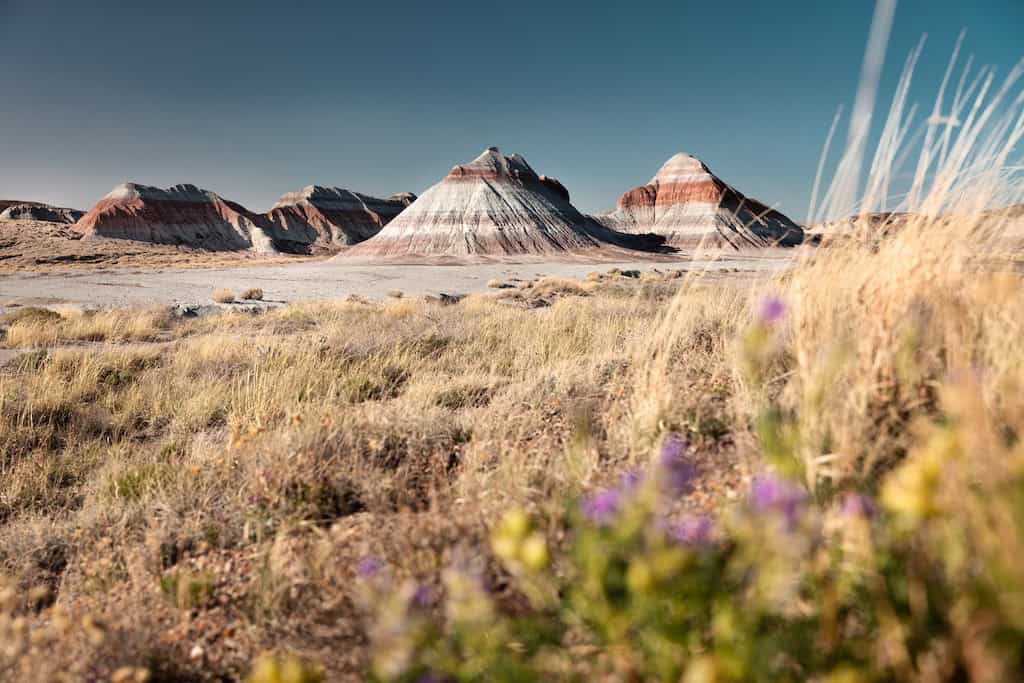
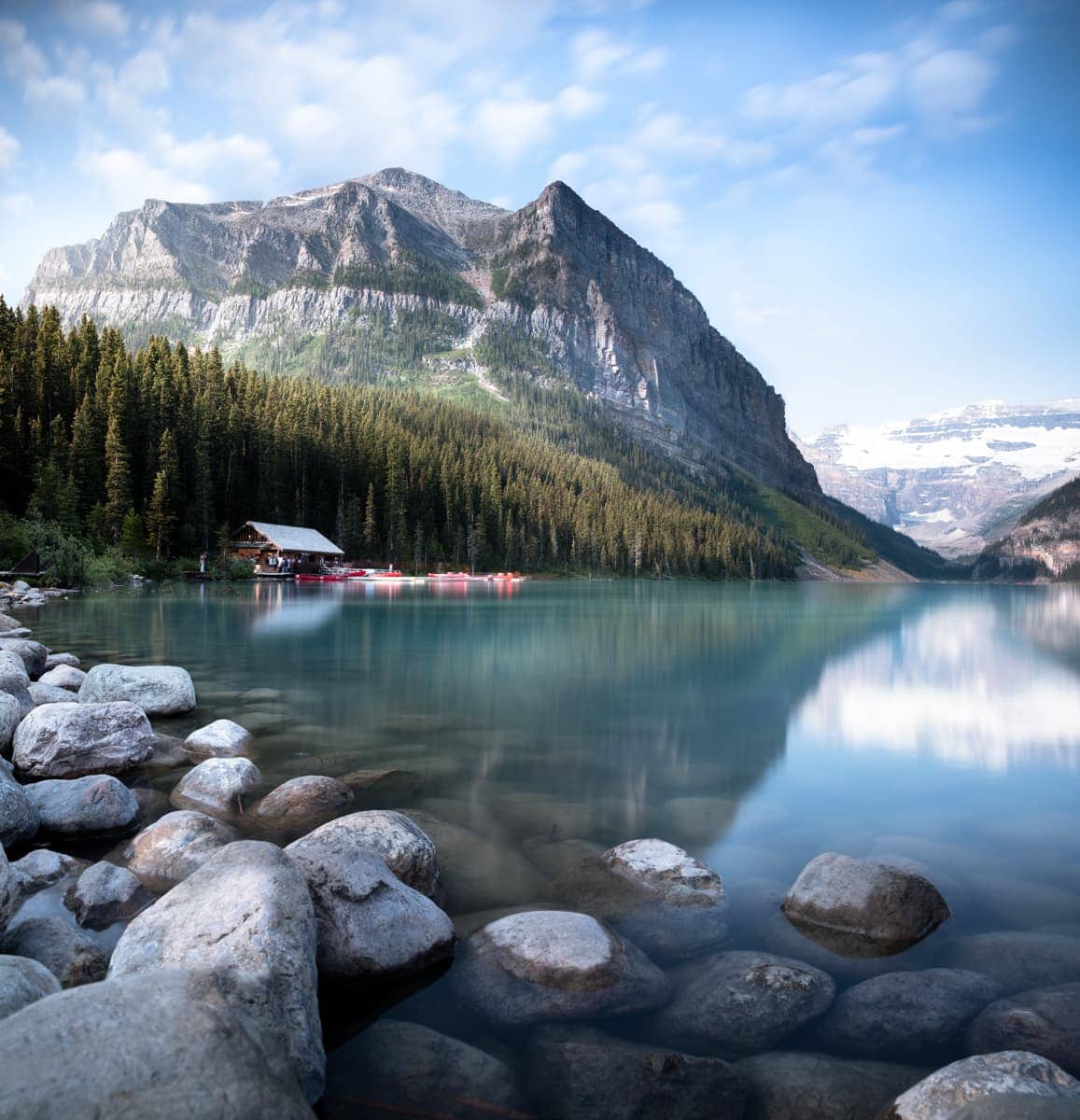
A landscape with depth, mood, and color that pulls you right into the frame.
A portrait where the light wraps the subject like it was painted there.
A simple shot that somehow looks like it belongs on a magazine cover or a gallery wall.
You look at images like those and think — "why don't mine look like that?"
Because here's the thing: you already own the gear.
You've taken the shot. The RAW file is sitting in Lightroom right now. The composition was solid. The light was actually pretty good.
But the moment you try to make the image look the way you saw it in your head… something's missing.
The colors feel flat. The detail you saw in person is buried in the shadows. That branch in the corner you didn't notice while shooting is now the first thing your eye goes to. The photo could be incredible — but it isn't.
And you already know what's standing between you and that image you envision.
Photoshop.
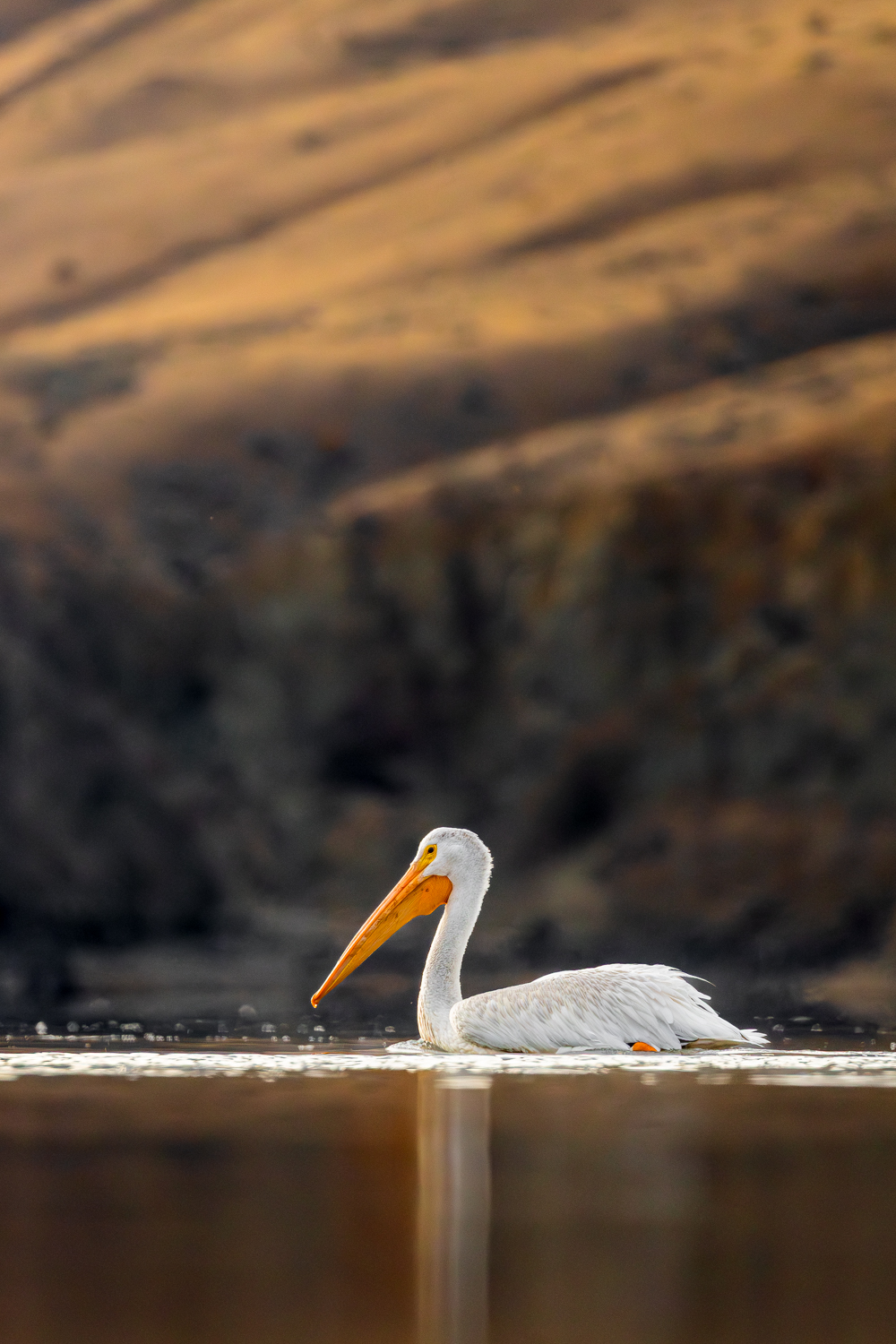
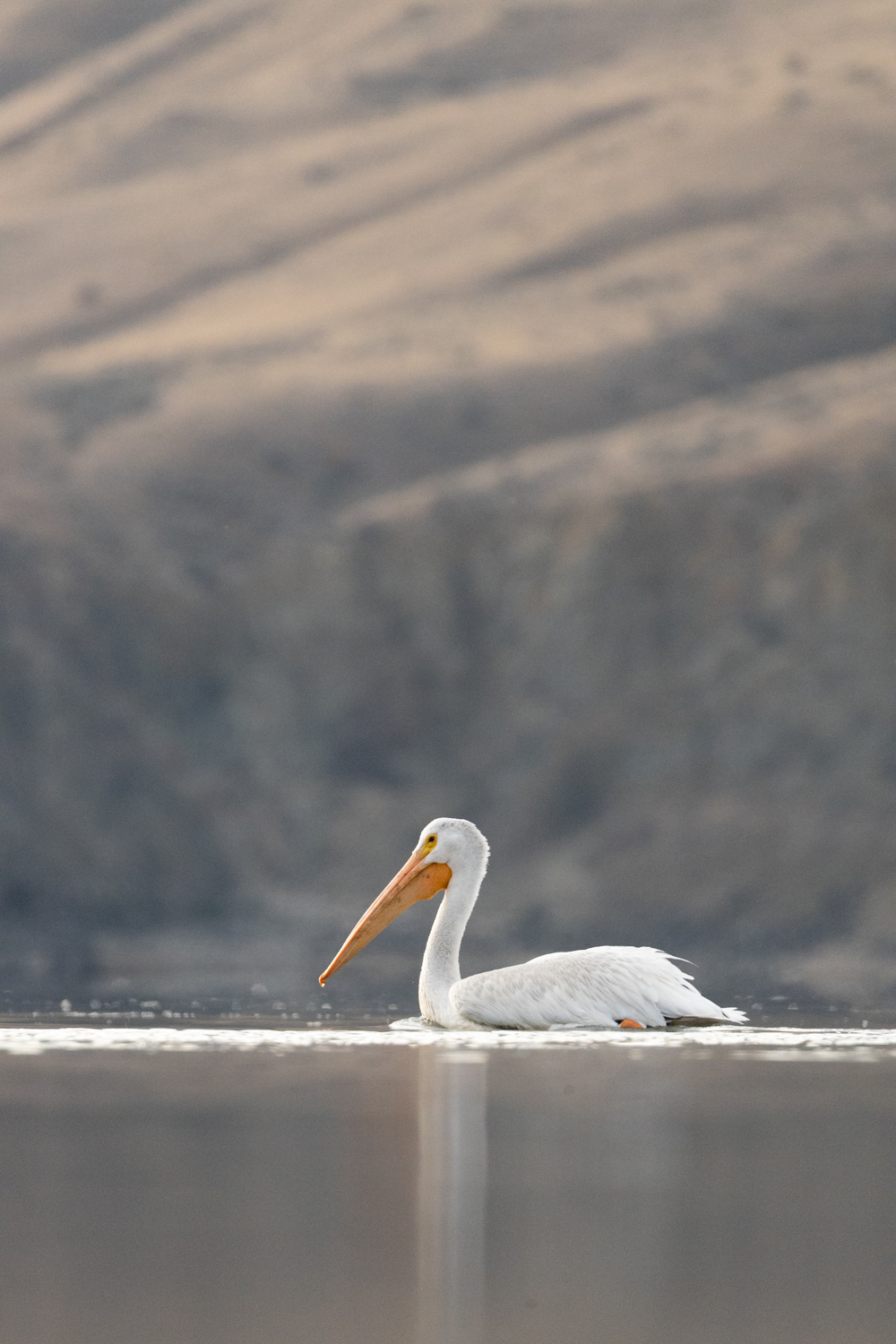
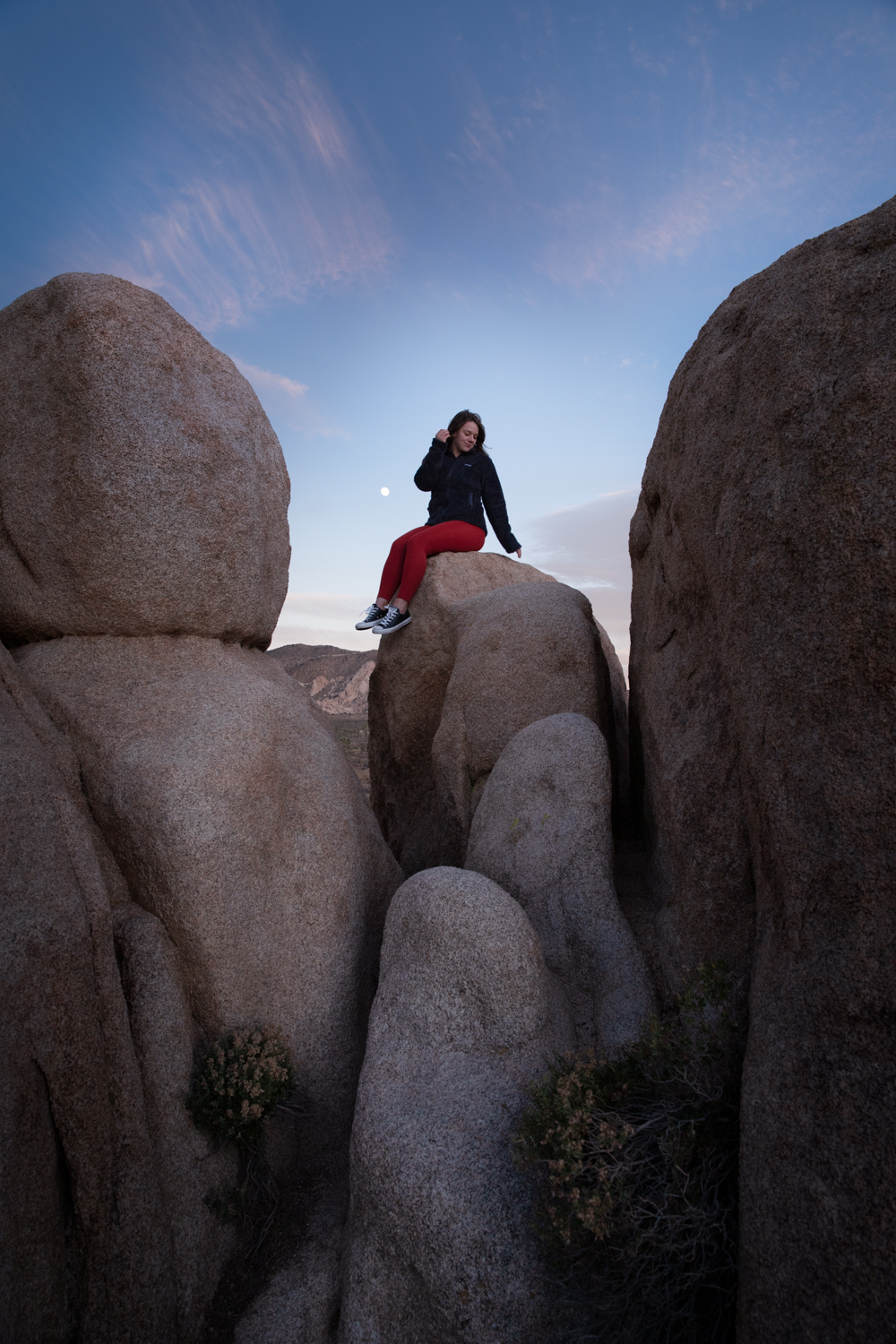
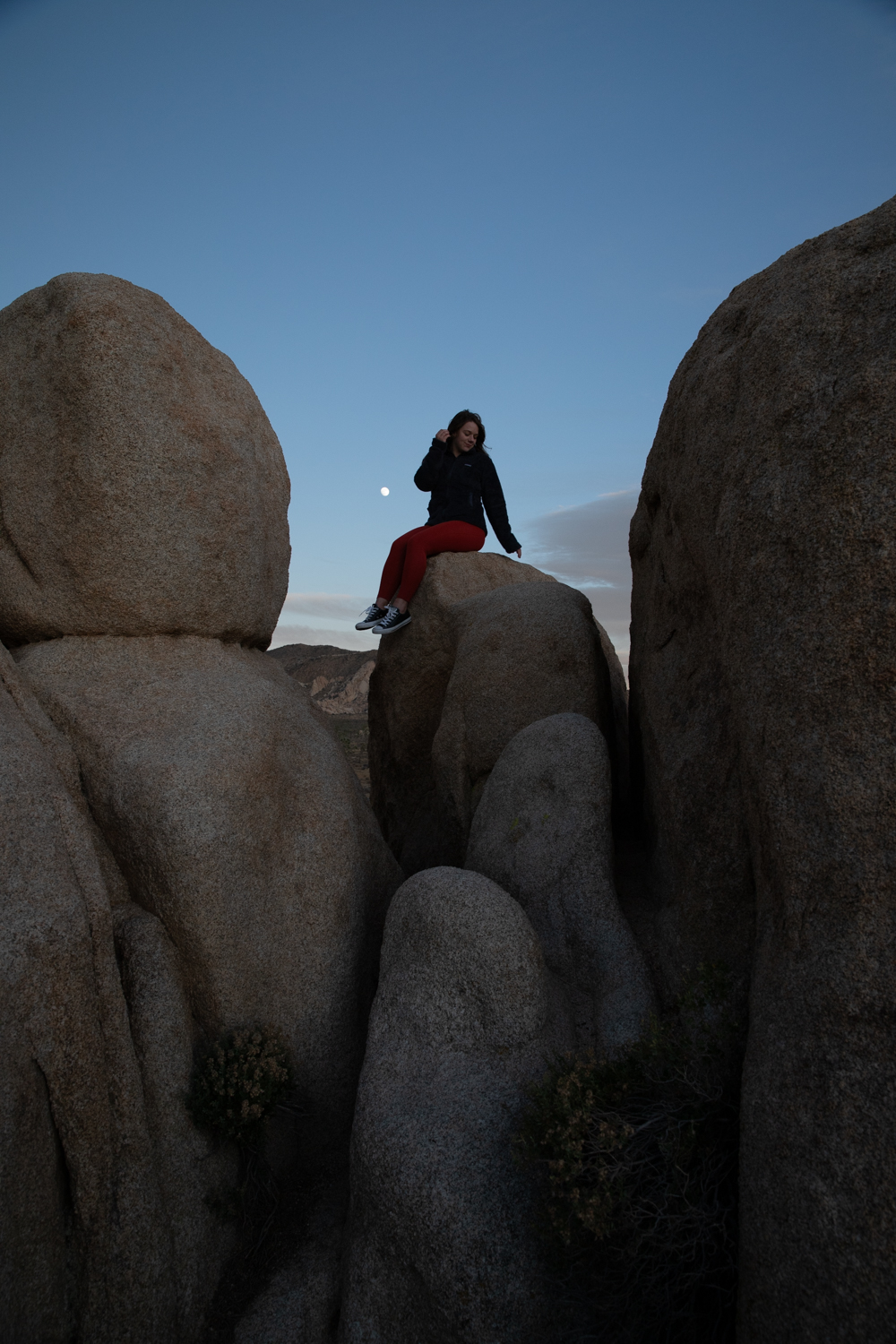
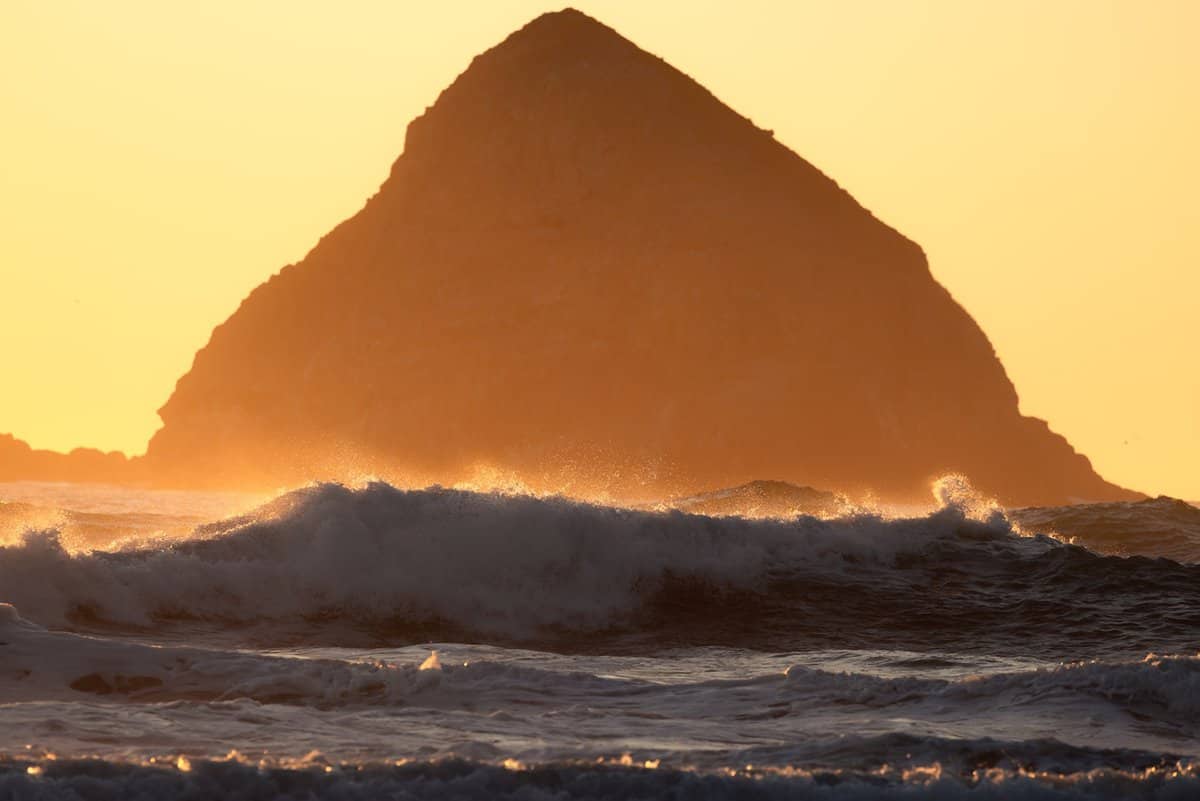
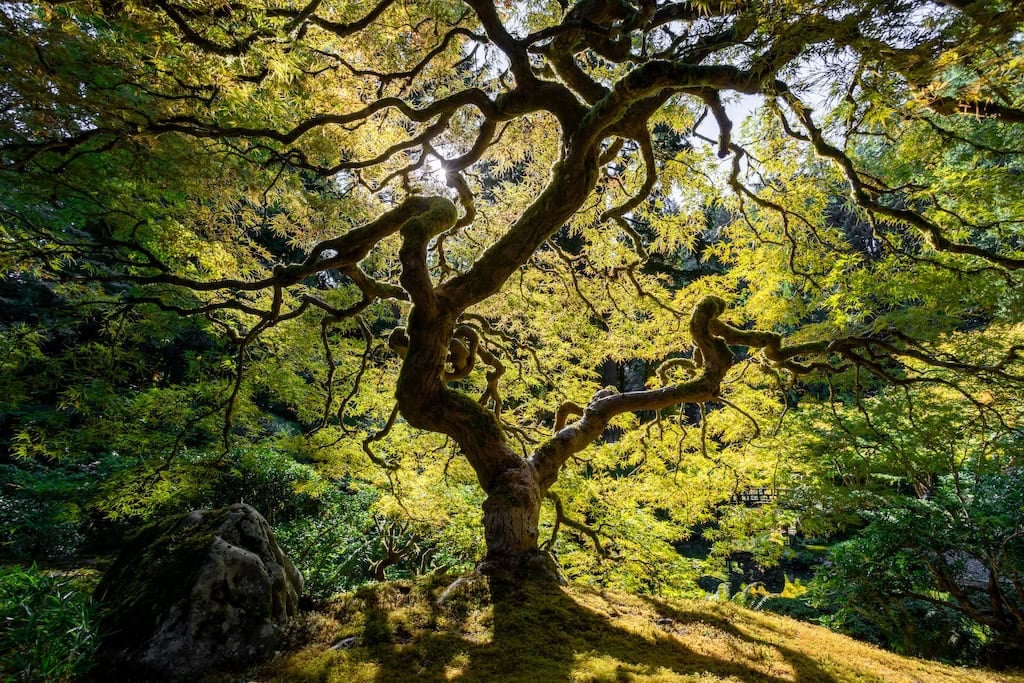
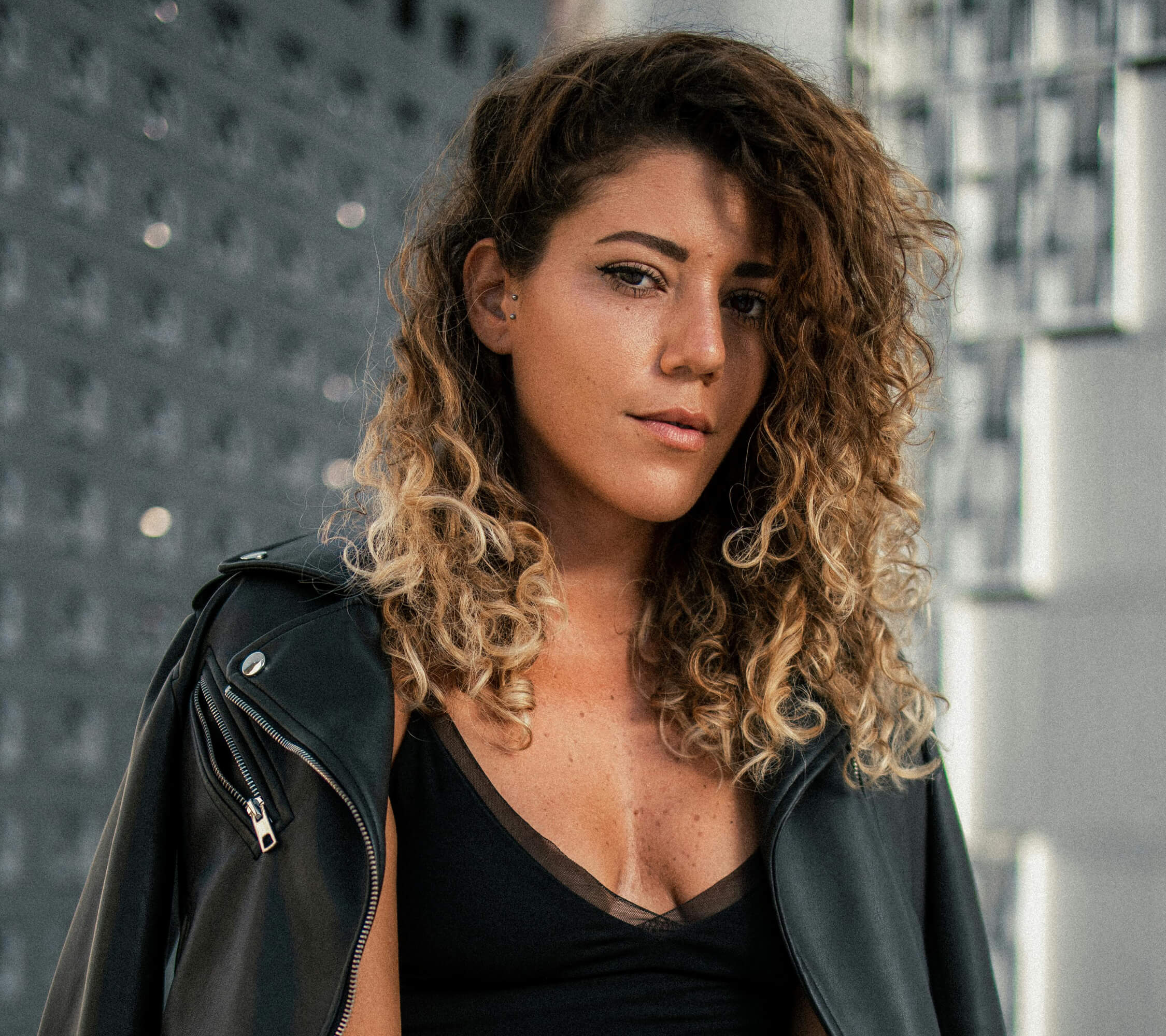
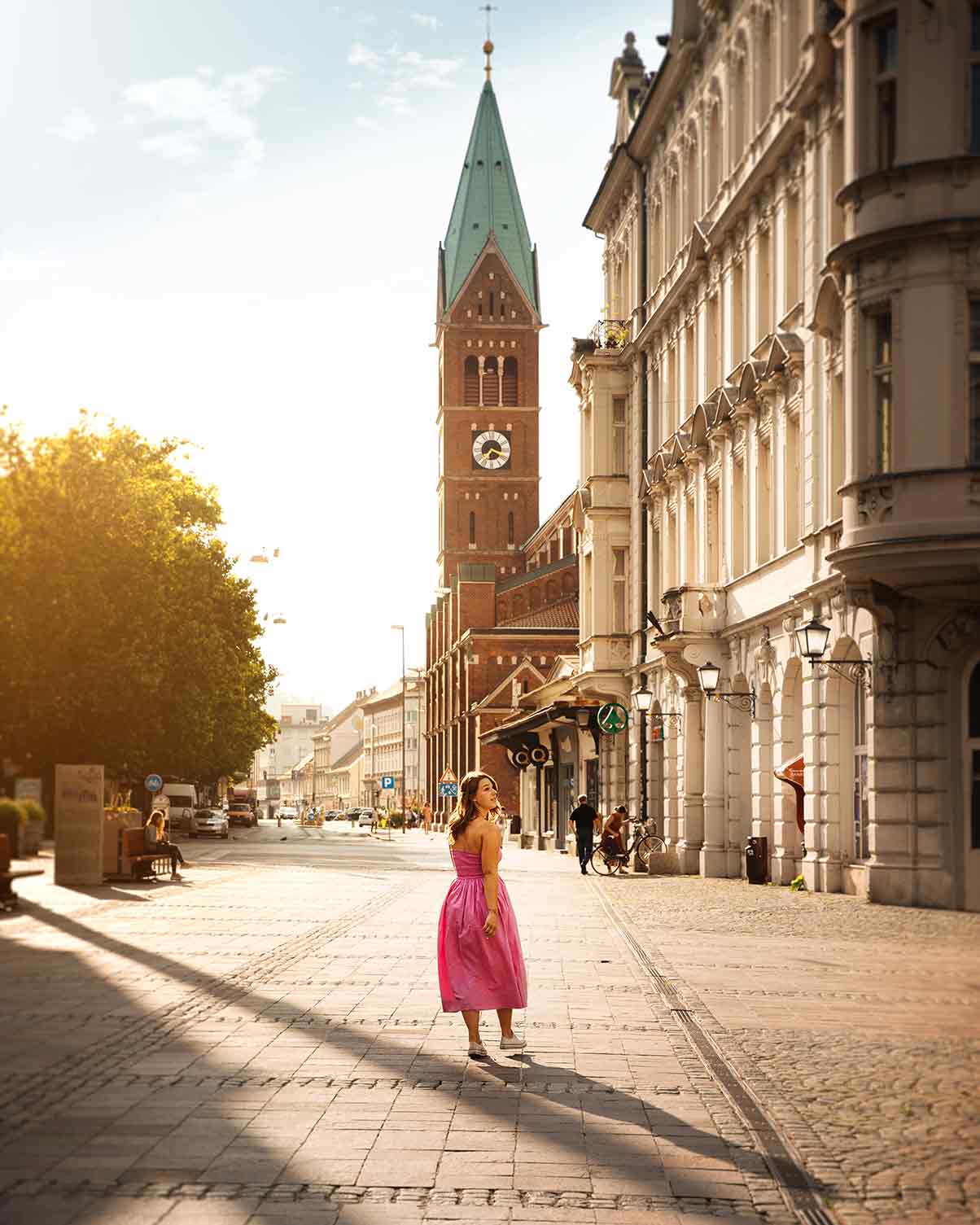
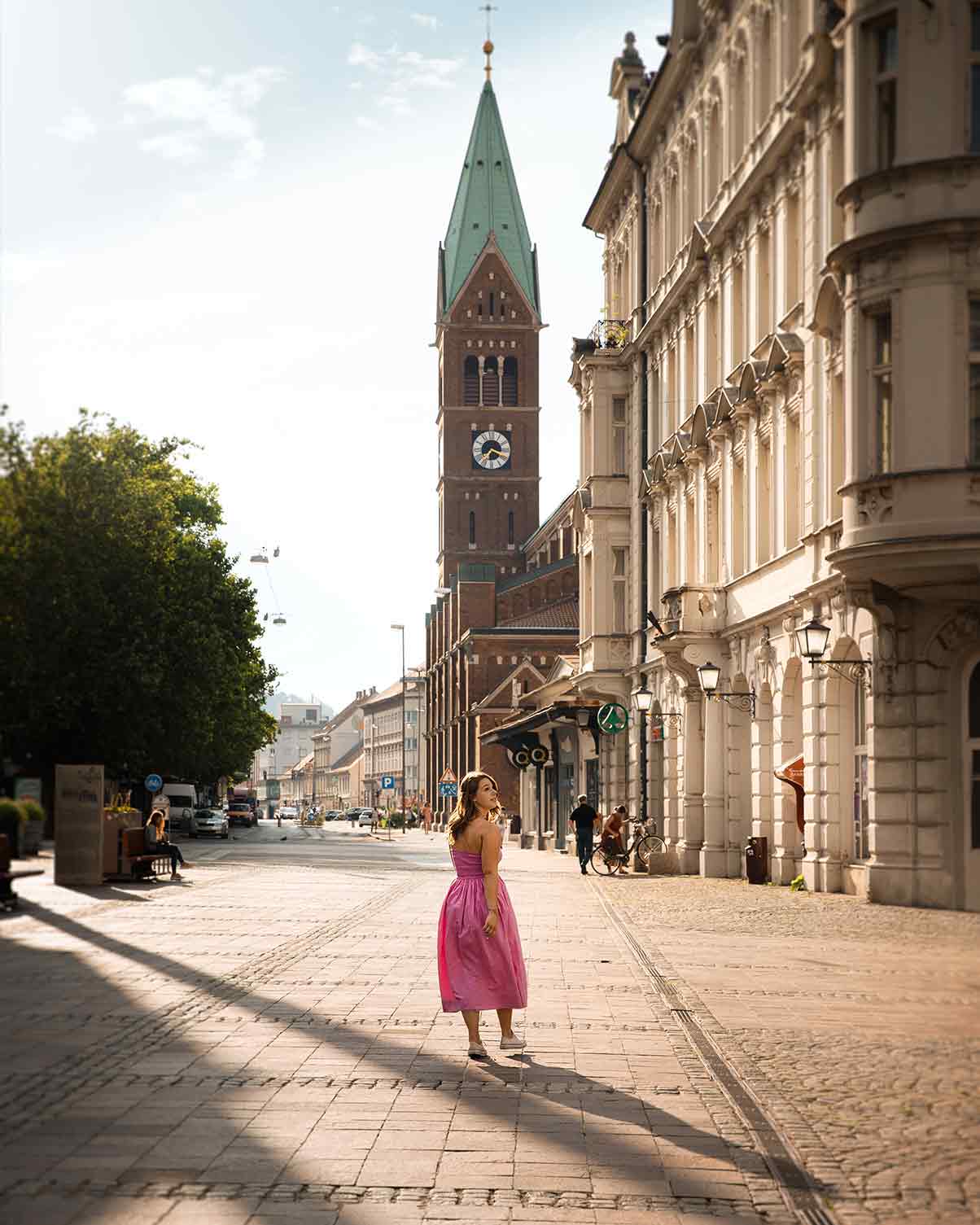
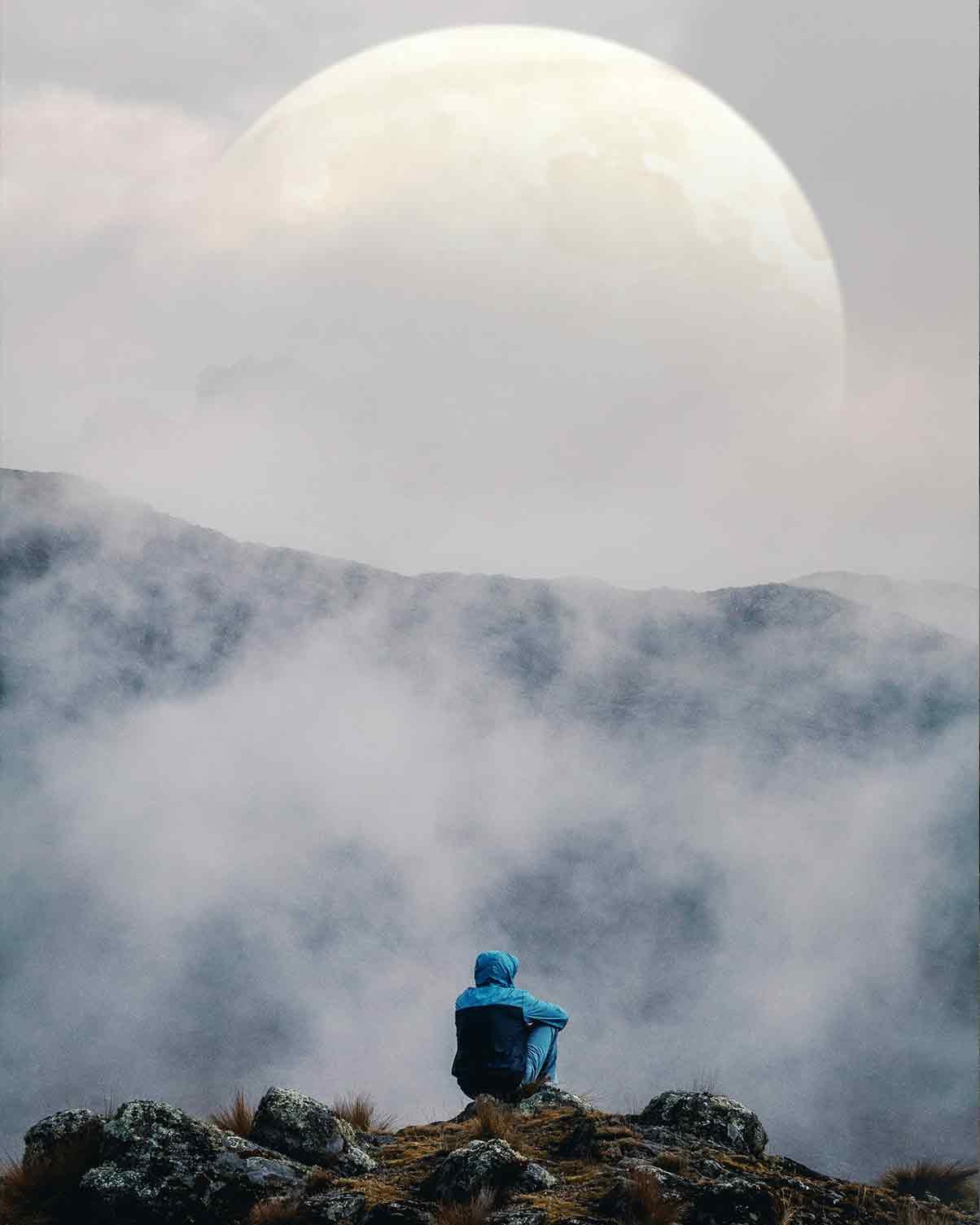
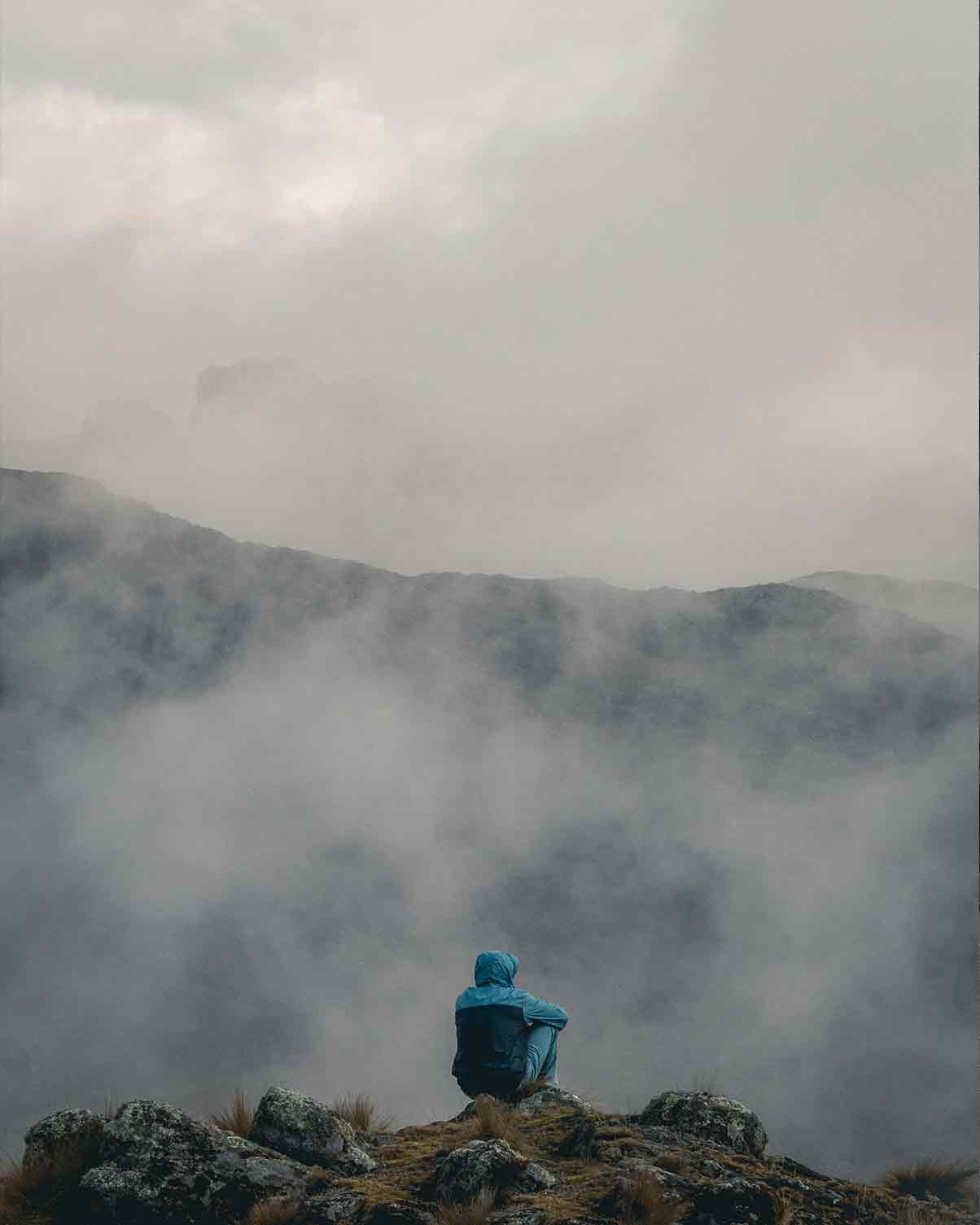
Drag to compare — same RAW file
But Every Time You Open It…
It's like being dropped into the cockpit of an airplane.
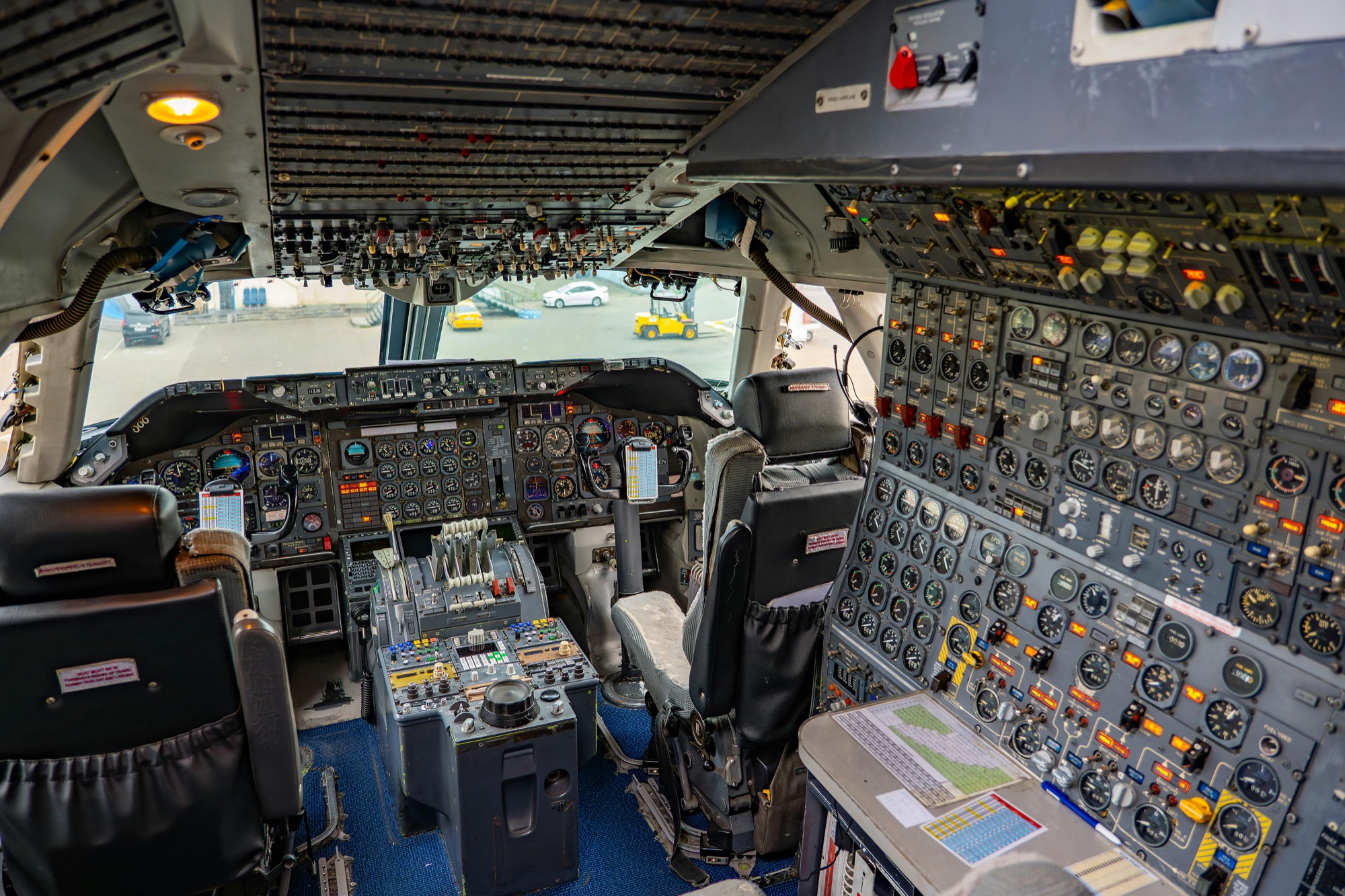
A thousand panels. A thousand tools. A thousand YouTube tutorials, each one promising the trick that'll finally make it click.
So you do what every photographer does. You watch YouTube tutorials.
It makes sense. The instructor clicks three things, the image transforms, and you think "okay, I've got this."
Then you open Photoshop on your own photo. And you freeze.
Where was that panel? Which adjustment layer did they use? Why does your version look nothing like theirs?
You spend 20 minutes hunting for a menu. Give up. Go back to Lightroom — because at least Lightroom doesn't make you feel stupid.
Sound familiar?
You're Not The Problem. The Approach Is.
Random tutorials teach you one trick at a time, in no particular order, with no system holding them together.
So you end up editing reactively — fixing problems as they show up — instead of proactively executing the vision you had when you pressed the shutter.
Skip Photoshop for two weeks? You forget everything.
Try to figure out when to use Lightroom vs. Photoshop? Nobody actually answers that question.
Ask which editing skills you should start with? Every photographer gives you a different recommendation.
It's exhausting.
In a recent survey I did, more than 50% of photographers said it took them 6 to 12 months to feel competent in Photoshop. Most of them are still piecing it together. Most of them still feel stuck.
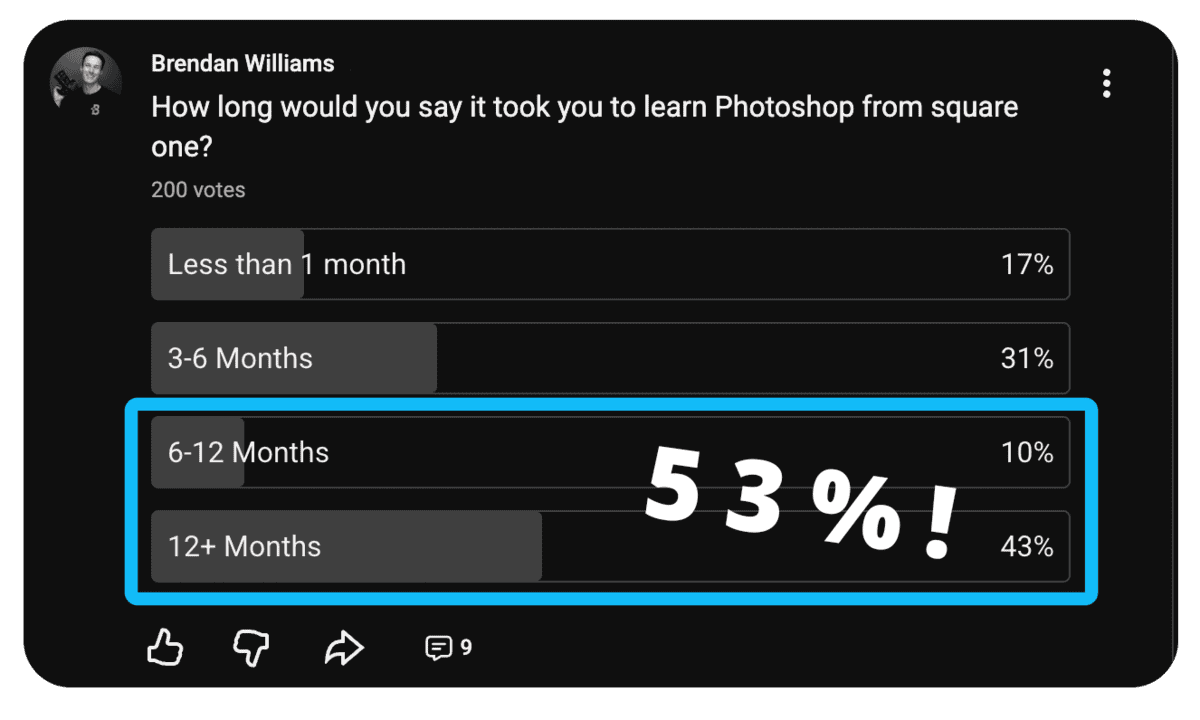
I know — because I was one of them.
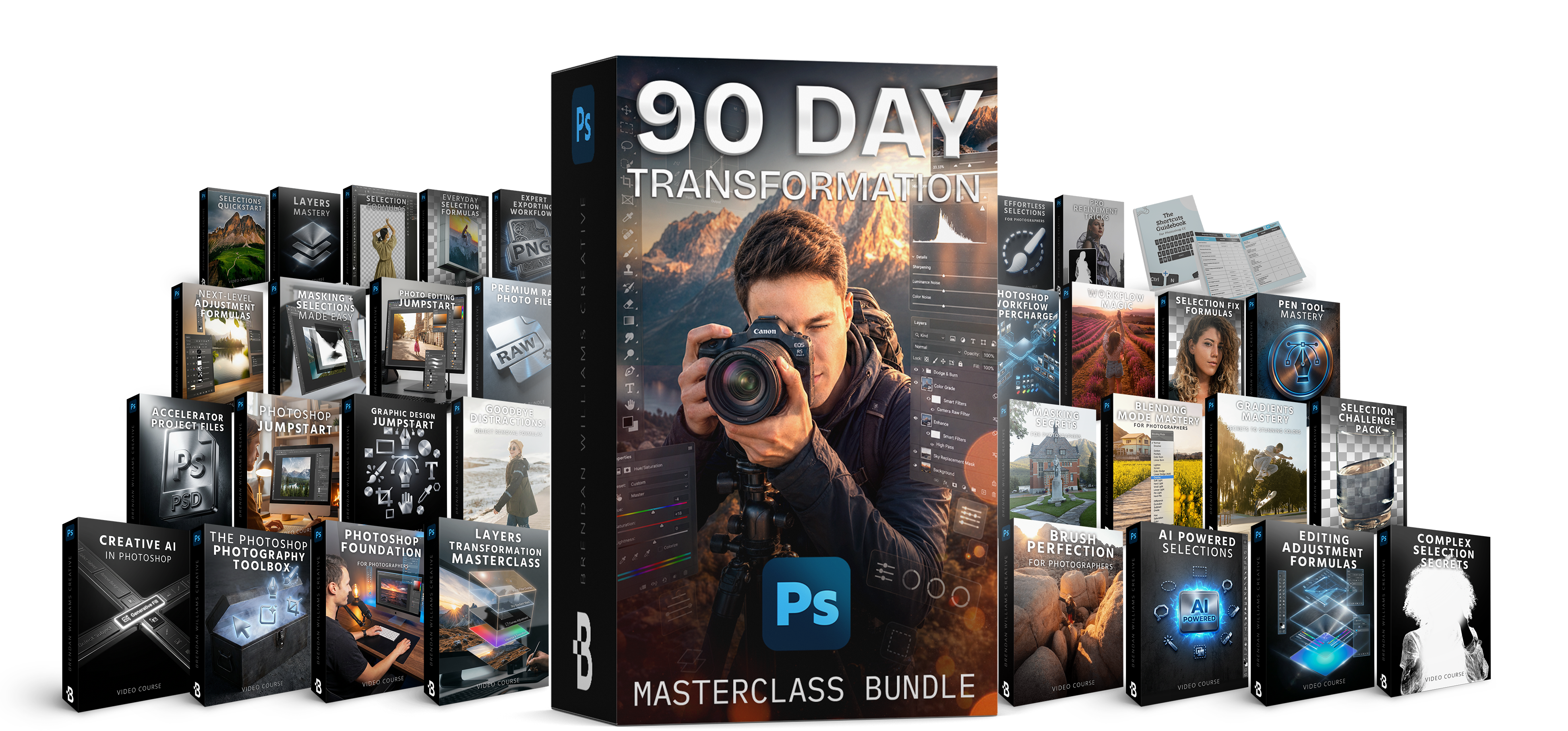
The 90 Day Photoshop Transformation Bundle
Everything A Photographer Needs To Master Photoshop — From Square One To Pro Workflow
3 Flagship Courses | 29 Masterclasses | 510+ Lessons, Tools & Projects | 3-Phase Roadmap | Lifetime Access
This isn't another collection of random tutorials. It's the complete A → Z roadmap for photographers — three flagship courses, sequenced into one step-by-step system.
It exists because students kept asking the same question: "which course should I start with?" The honest answer was always "all three, in this specific order" — so I bundled the full journey into one path and put it at the best price I've ever offered on these three courses together.
Master Photoshop in 90 days, not 12 months — and finally know exactly what to learn, in what order, and how to actually apply it to your own photos.
This Bundle Helps You:
- Finally know what to do when you open Photoshop on your own photos — not just when you're following a tutorial
- Stop tool-hopping between Lightroom and Photoshop and know exactly when to use each one
- Edit proactively with a vision, instead of reactively fixing problems
- Build a repeatable workflow you'll use on every photo, so nothing feels like guesswork
- Master selections and masking — the single skill that unlocks every advanced edit
- Get unstuck from the YouTube tutorial vortex with a system that builds skills in the right order
- Retain what you learn because each phase reinforces the last
- Cut your Photoshop learning curve by 8x compared to learning piecemeal from free content
30-Day Money Back Guarantee | Lifetime Access
Everything Inside Your 3-Phase Roadmap
Three flagship courses, 29 masterclasses, sequenced into one path. Each phase builds on the last, so every skill locks into place on top of the one before it.
Photoshop Accelerator
Get unstuck and build the confidence to actually USE Photoshop.
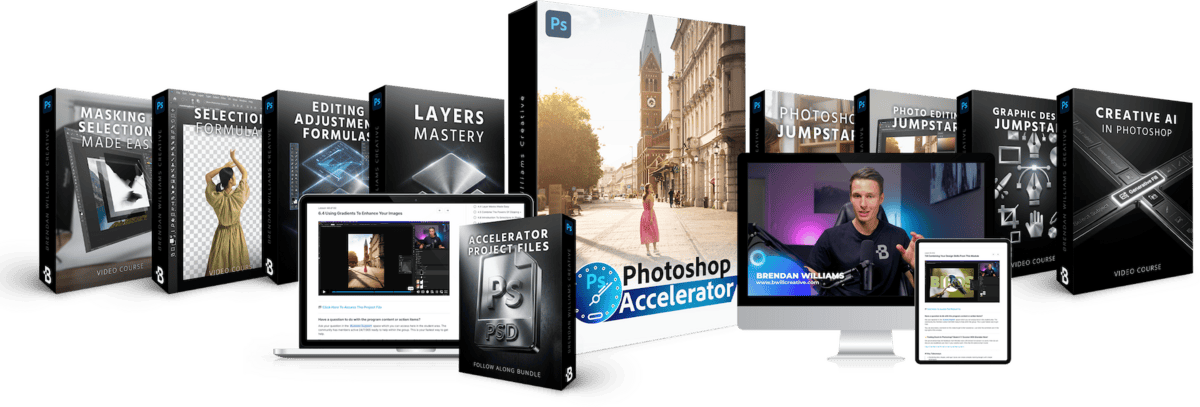
Phase 1 is where the fog lifts. You'll go from "I don't know where anything is" to comfortably navigating Photoshop and using it on real photos every day. This is the foundation that makes everything in Phase 2 and 3 click.
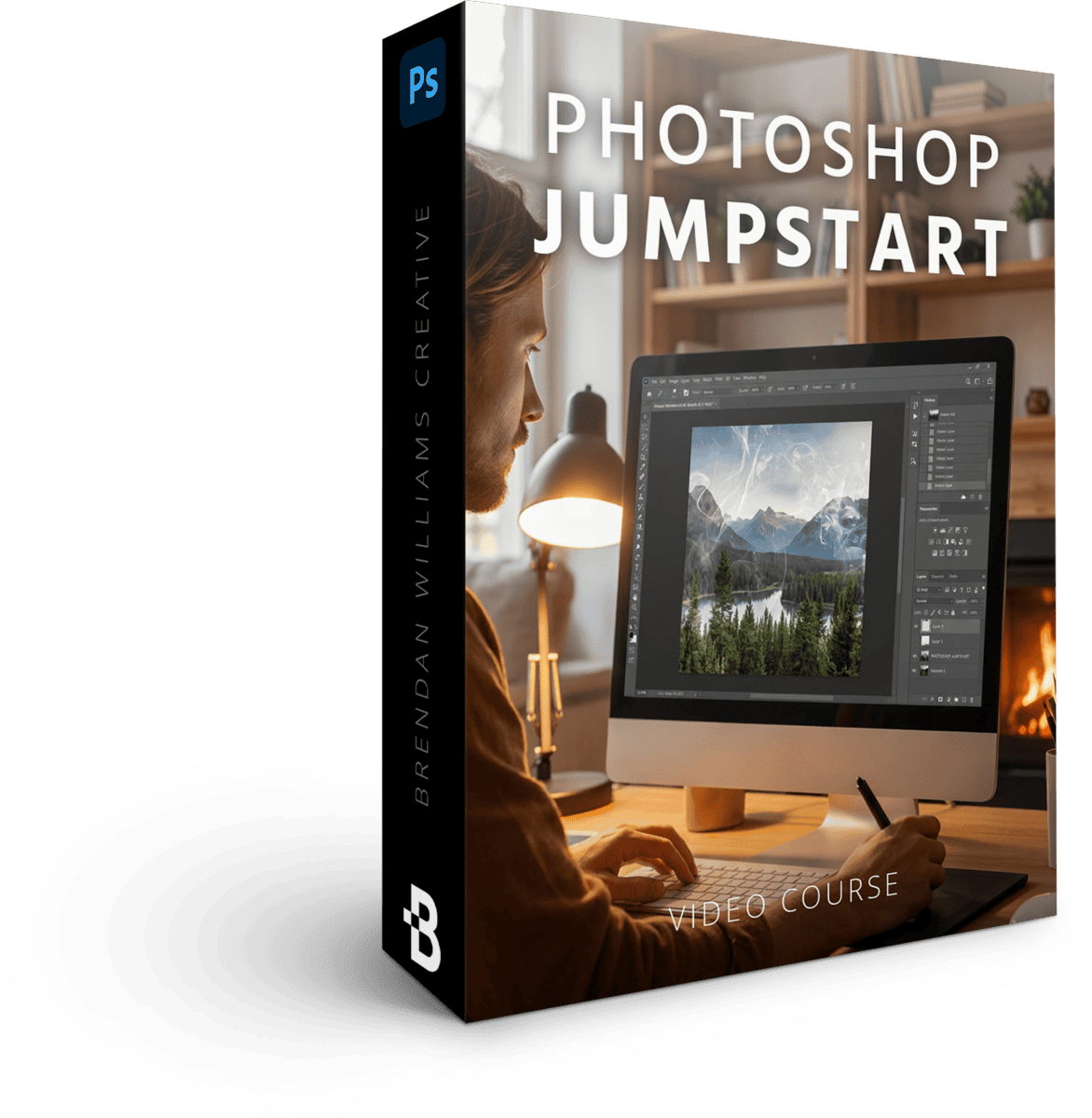
Photoshop Jumpstart
8 Lessons | 37 Min
$97 Value · Included
The very first step — where the overwhelm ends. You'll learn to navigate Photoshop's panels, tools, and the import → edit → export flow with total ease, so the software stops feeling foreign before you build a single real skill on top of it.
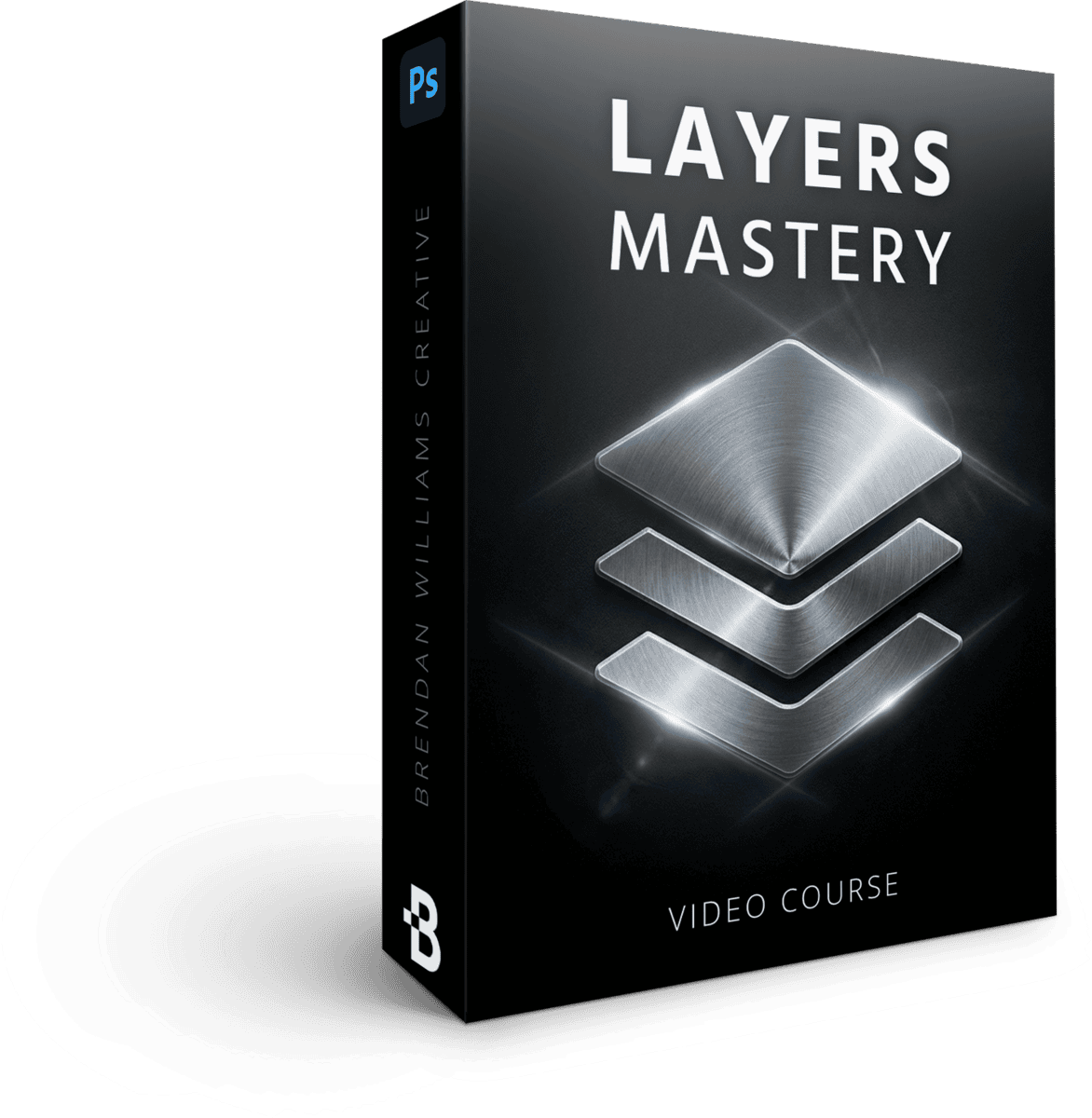
Photoshop Layers Mastery
8 Lessons | 55 Min
$147 Value · Included
Master Photoshop's layered editing approach to get unmatched control over every adjustment. This is the foundation that unlocks everything else — once layers click, the rest of Photoshop starts making sense fast.
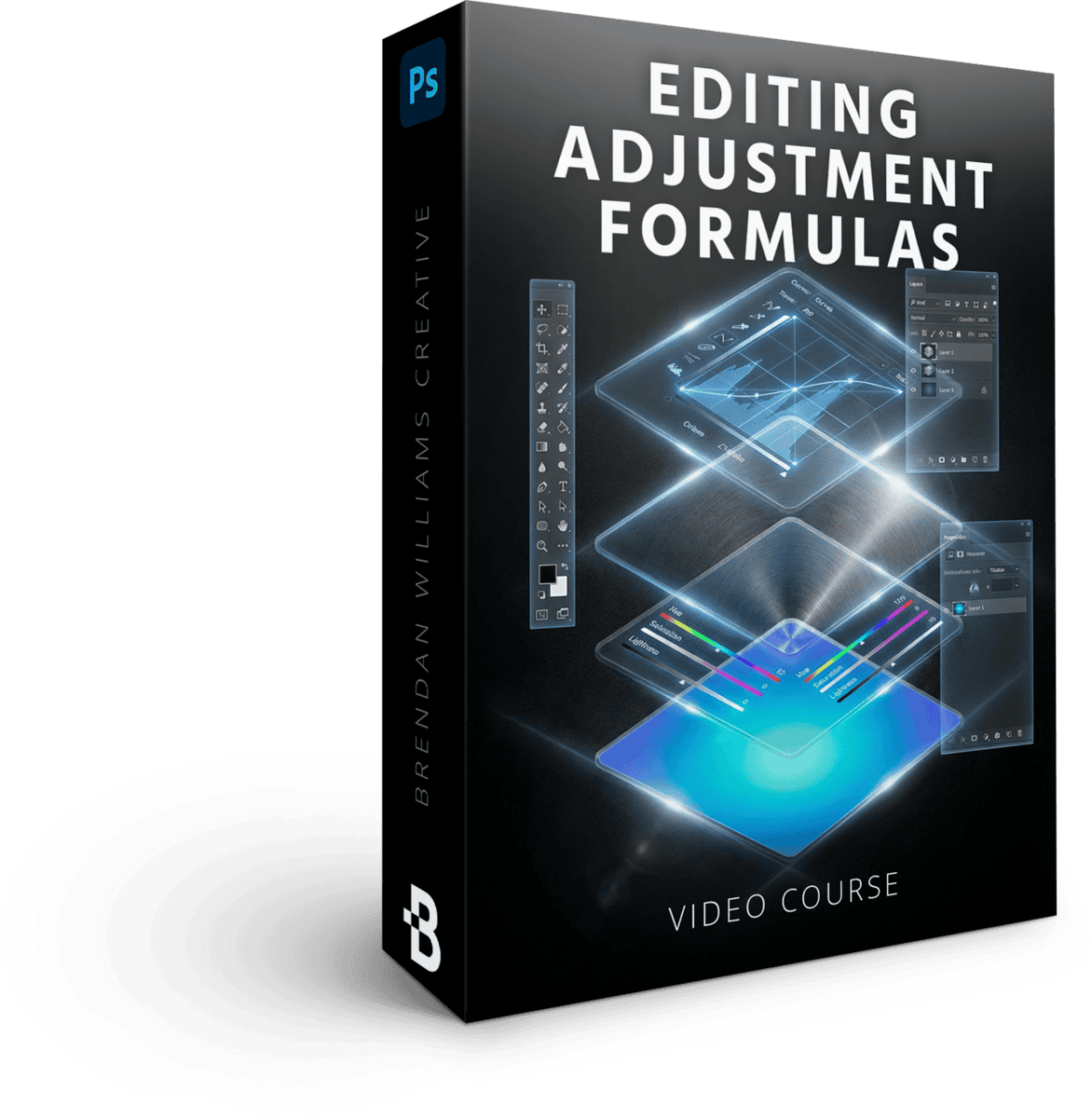
Powerful Editing Adjustment Formulas
9 Lessons | 70 Min
$129 Value · Included
The adjustment-layer formulas that transform a flat image — from the essential moves to the hidden techniques that create effects you can't get in any other software. You'll walk away with repeatable recipes for wow-factor edits, not one-off tricks.
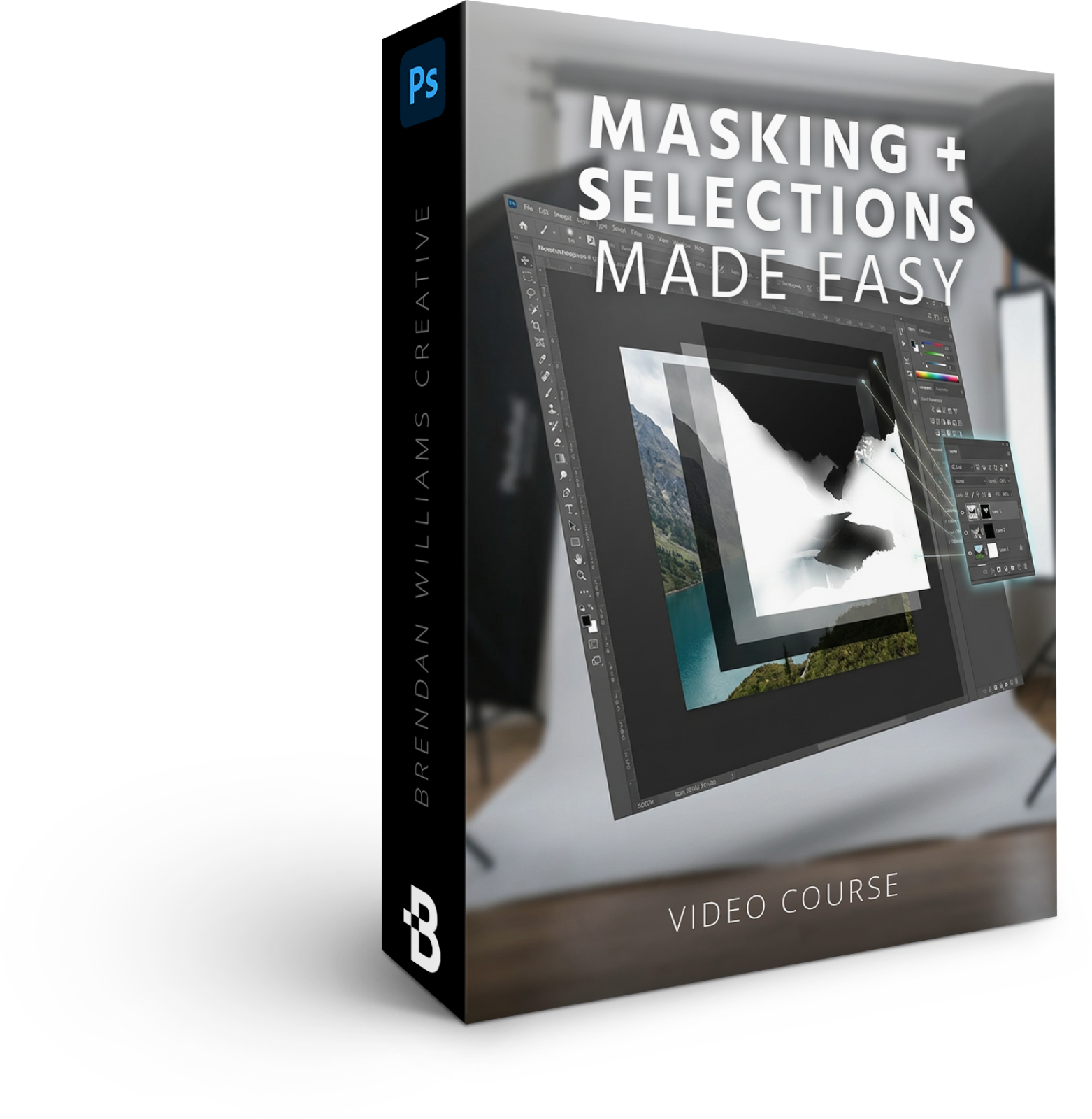
Masking + Selections Made Easy
7 Lessons | 51 Min
$129 Value · Included
Learn the masking techniques that let you adjust exactly what you want, exactly how you want — without painting over the wrong area or destroying your original image.
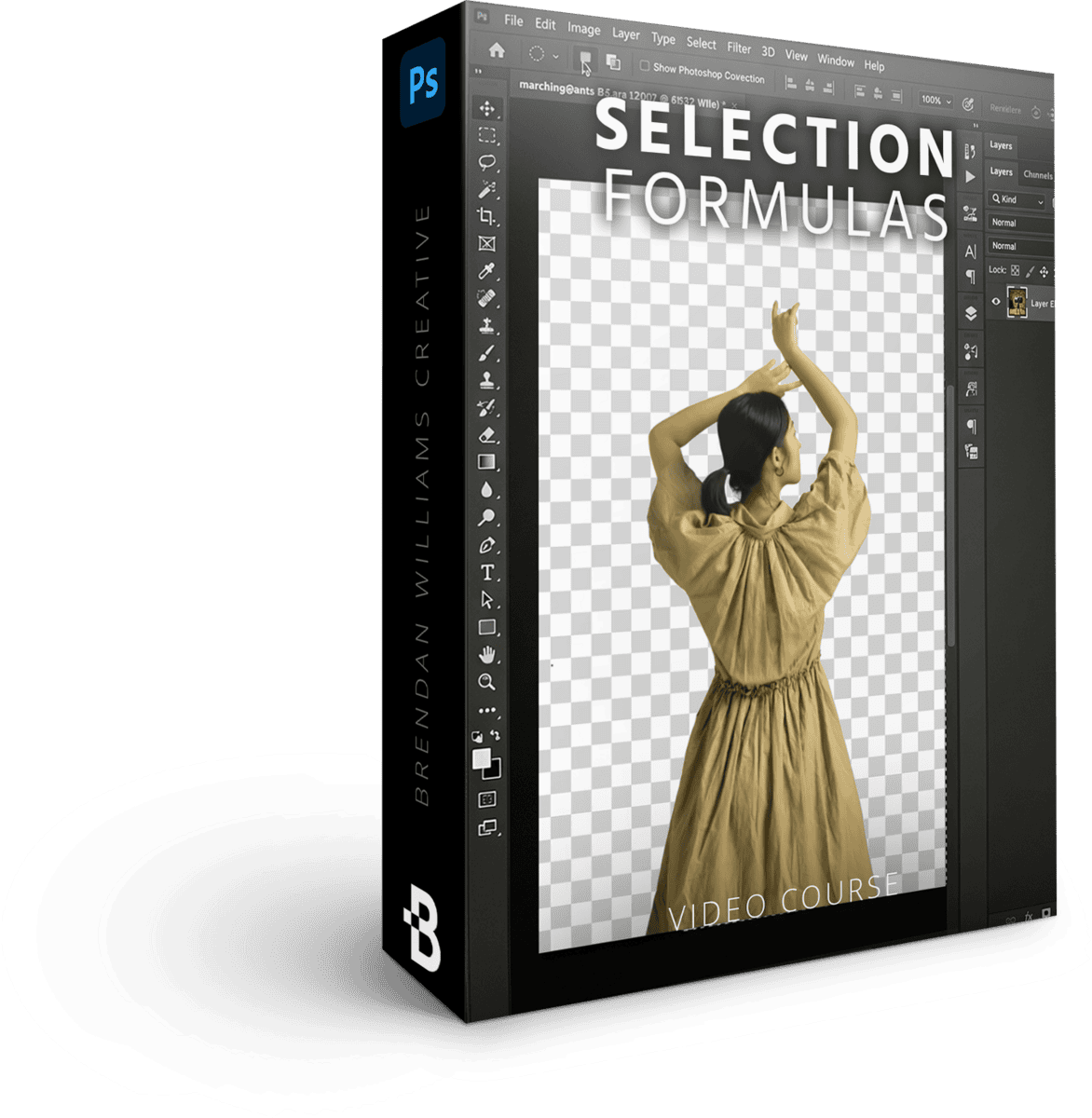
Photoshop Selection Formulas
5 Lessons | 67 Min
$129 Value · Included
Step-by-step formulas for getting clean selections on the trickiest subjects, from soft edges to fine details. No more wrestling with the wand tool and hoping for the best.
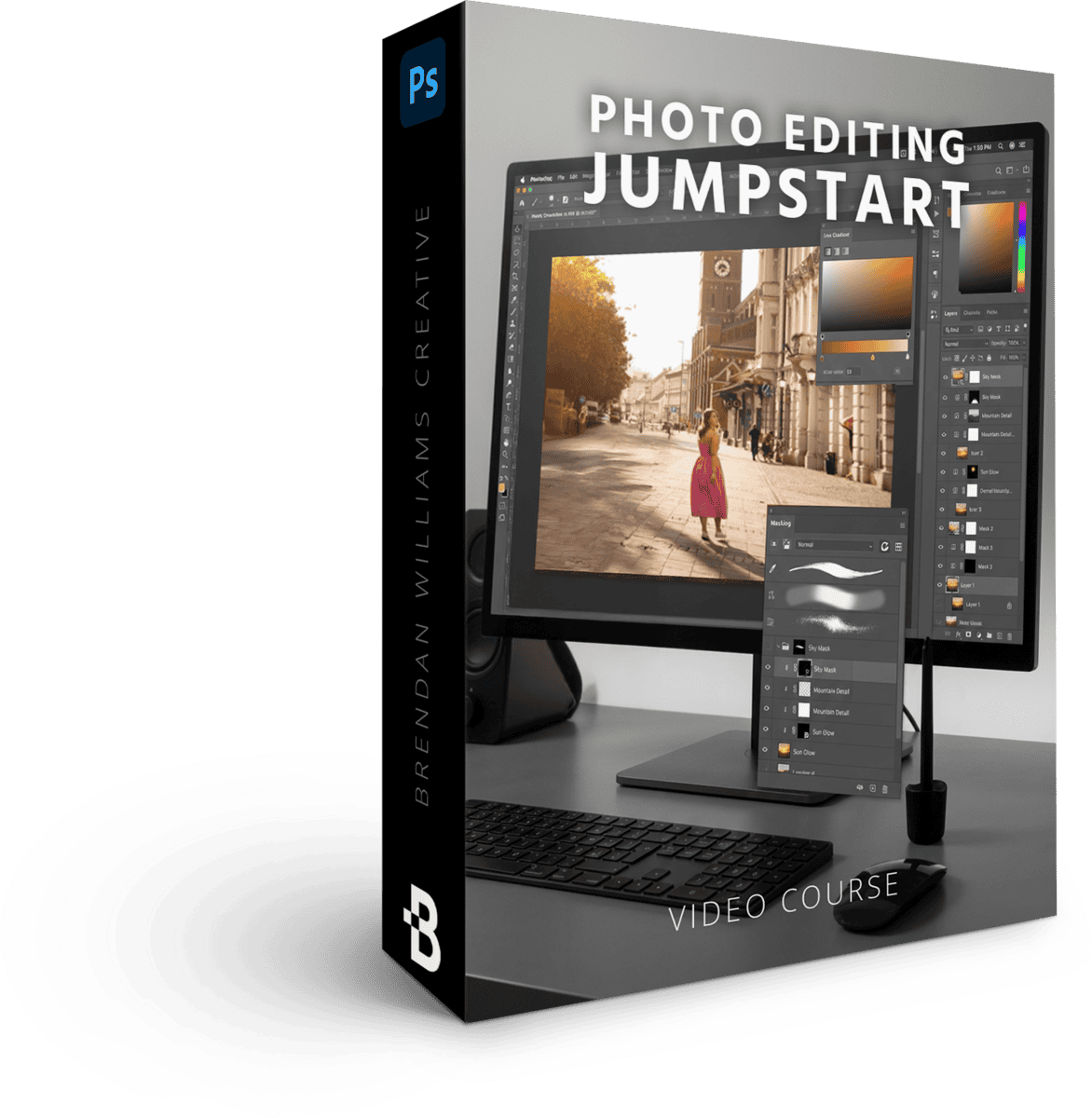
Photo Editing Jumpstart
7 Lessons | 100 Min
$147 Value · Included
The complete photo-editing workflow inside Photoshop, from import to final export. By the end, you'll have a repeatable system you can run on any image.
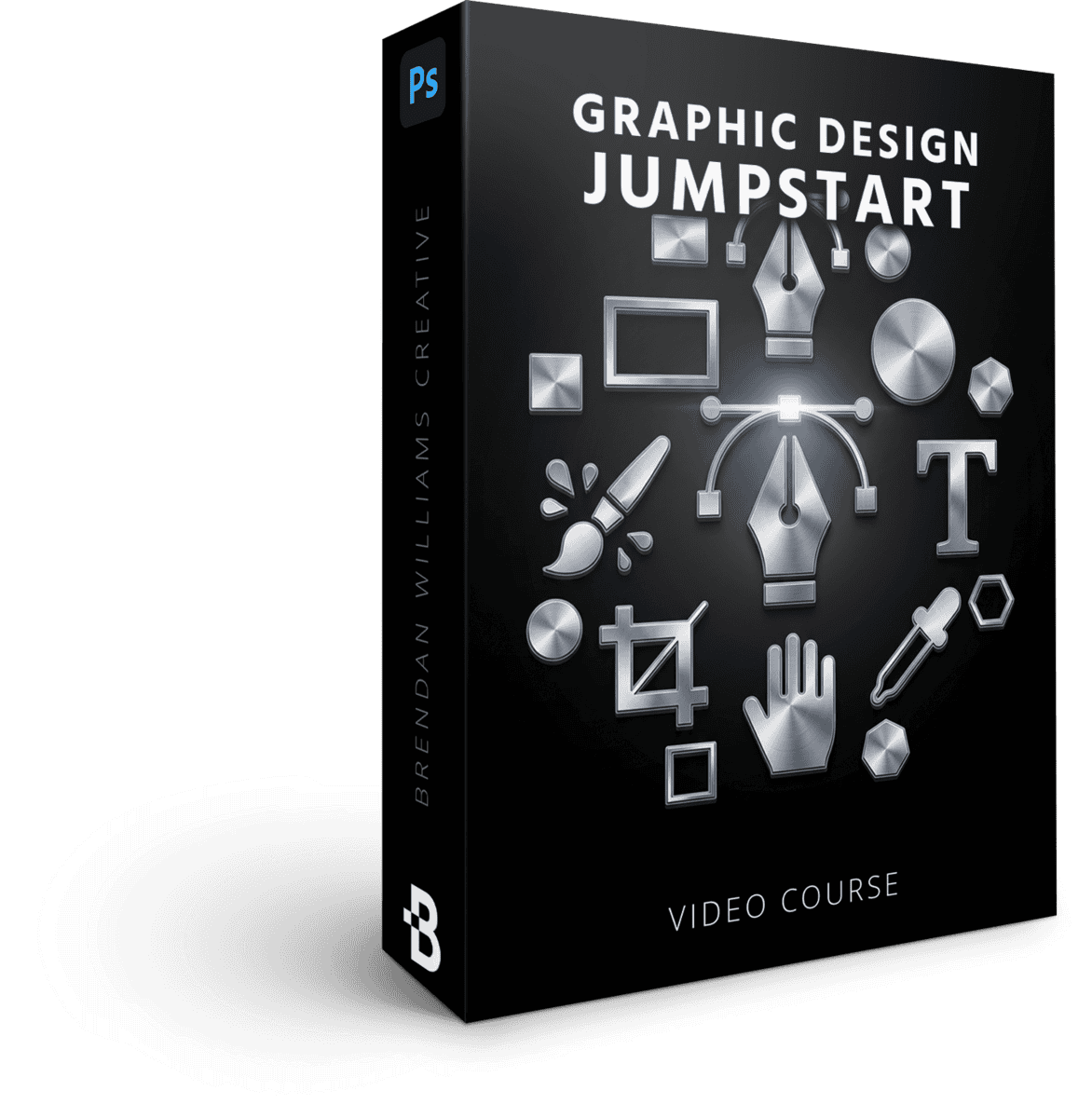
Graphic Design Jumpstart
8 Lessons | 110 Min
$97 Value · Included
Learn the design side of Photoshop for photographers who want to create banners, prints, watermarks, and promotional graphics for their own work — without needing a separate design course.
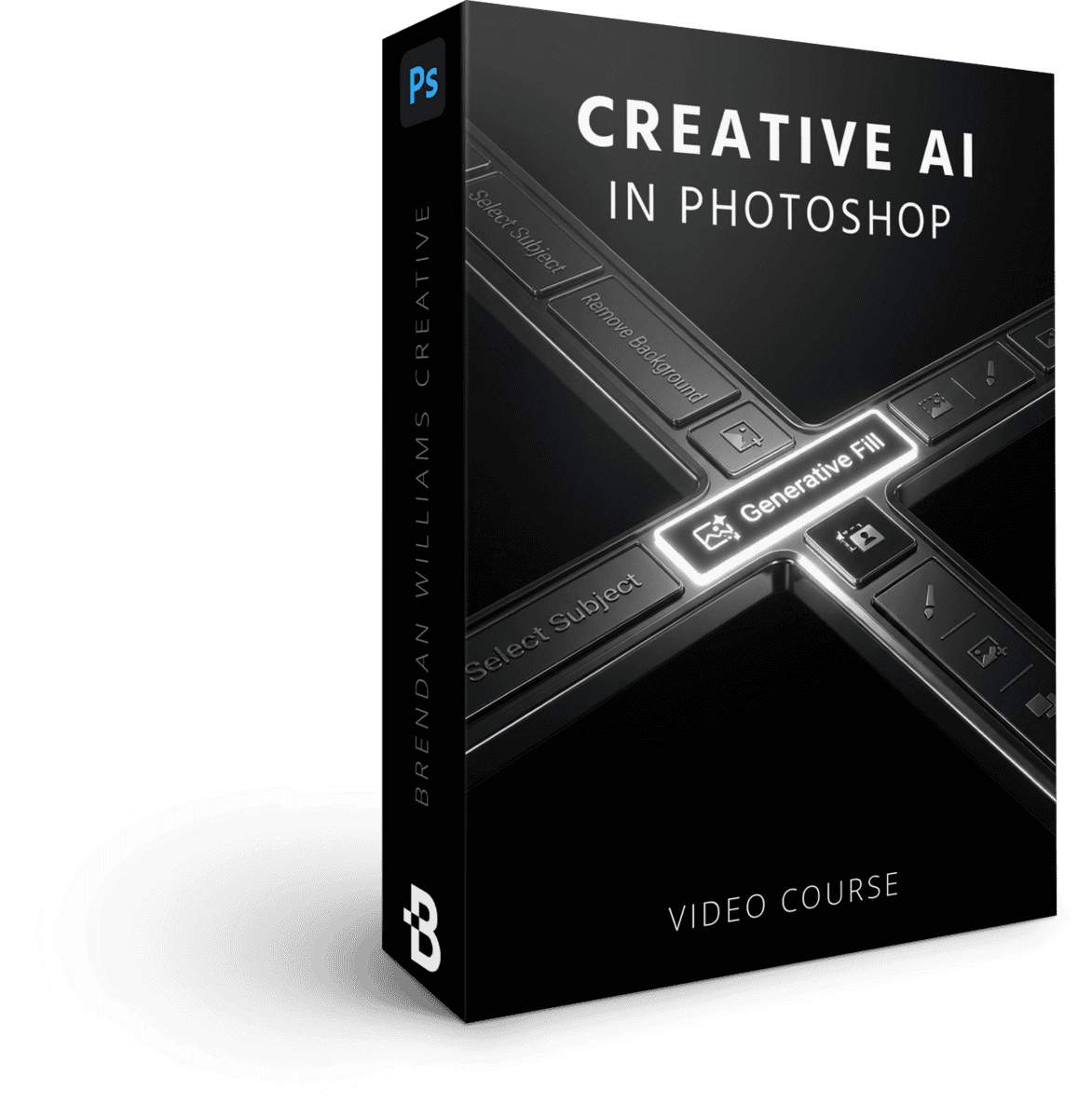
Creative AI In Photoshop
3 Lessons | 33 Min
$97 Value · Included
The newest AI features in Photoshop, used the right way — without losing creative control. Generative Fill, Remove Tool, and the rest of the AI toolkit, with the judgment to know when to use them and when to skip them.
21 Day Photoshop Expert 2.0
Apply photography-focused workflows that turn confidence into mastery.
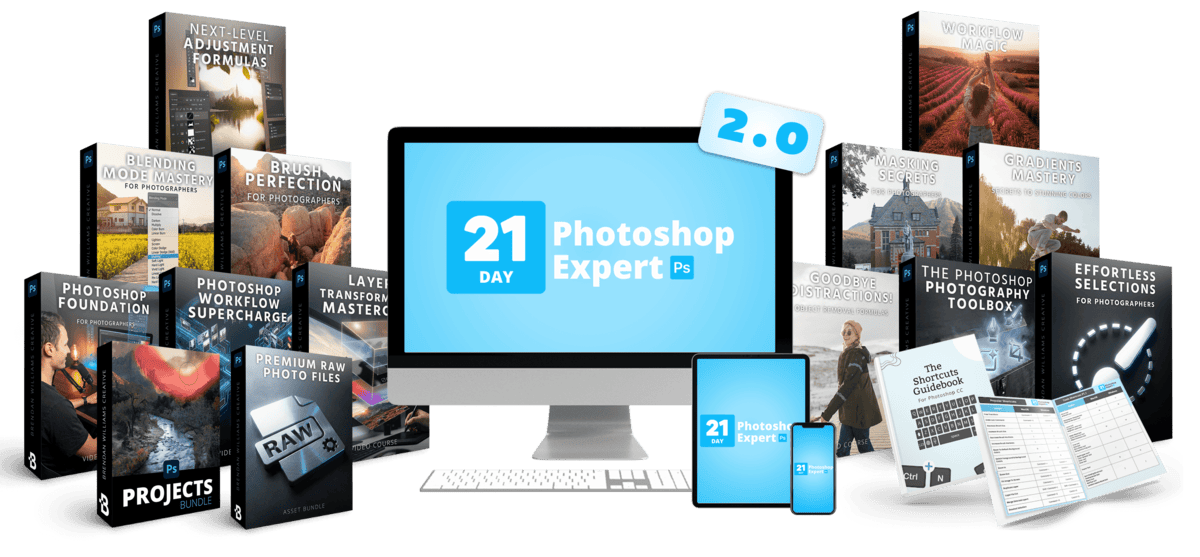
By now you can navigate Photoshop without panic. Phase 2 is where you start using it like a photographer — with the specific nuance, recipes, and workflows that turn "I know my way around" into "I can edit any photo I throw at this software."
12 masterclasses, 89 guided tutorials, 54 follow-along projects, 60+ cheat sheets, 5 quizzes, and 59 RAW practice files.
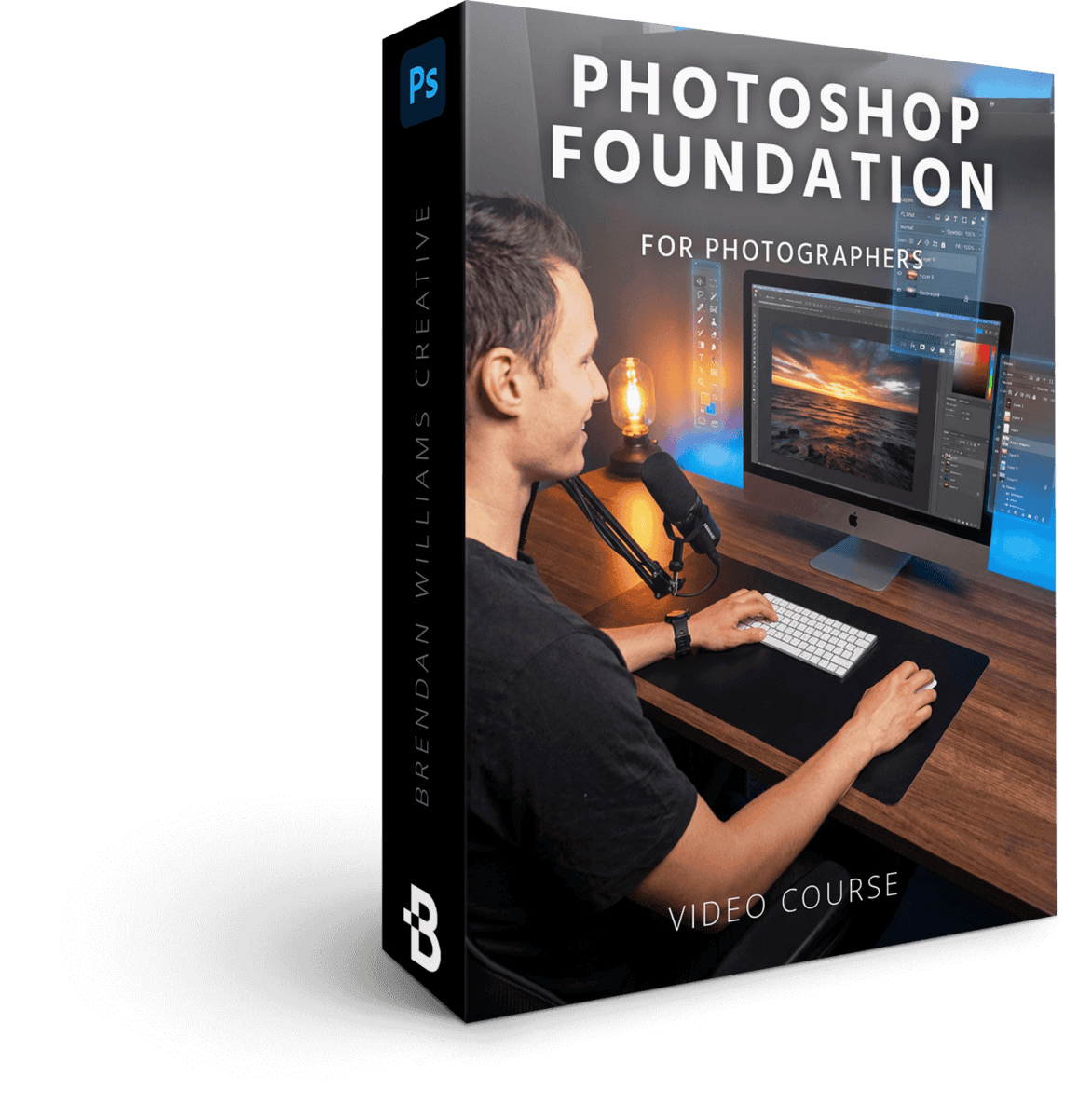
Photoshop Foundations For Photographers
8 Lessons | 69 Min
$97 Value · Included
The photographer-specific Photoshop setup — workspaces, panels, color management, and preferences tuned for photo work. This isn't a beginner intro (Phase 1 already handled that). It's the precision setup that turns Photoshop into a dedicated photo editing tool from day one of Phase 2.
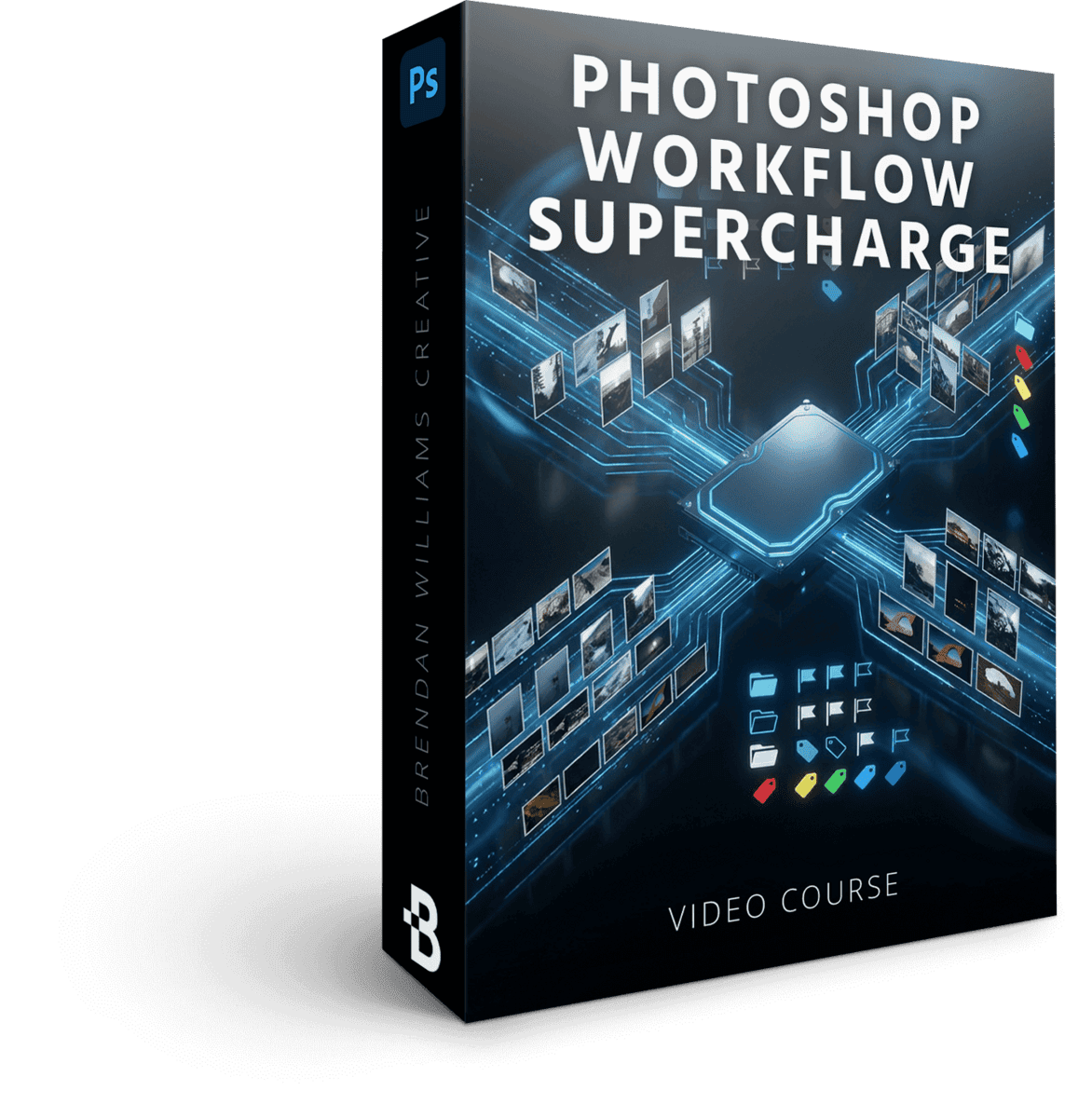
Photo Workflow Supercharge
9 Lessons | 88 Min
$147 Value · Included
The seamless workflow between Lightroom (or Bridge) and Photoshop that saves you HOURS per shoot. This masterclass alone answers the "when do I use Lightroom vs. Photoshop?" question for good — and locks in the back-and-forth rhythm photographers use to organize, cull, and edit batches without ever feeling lost between programs.
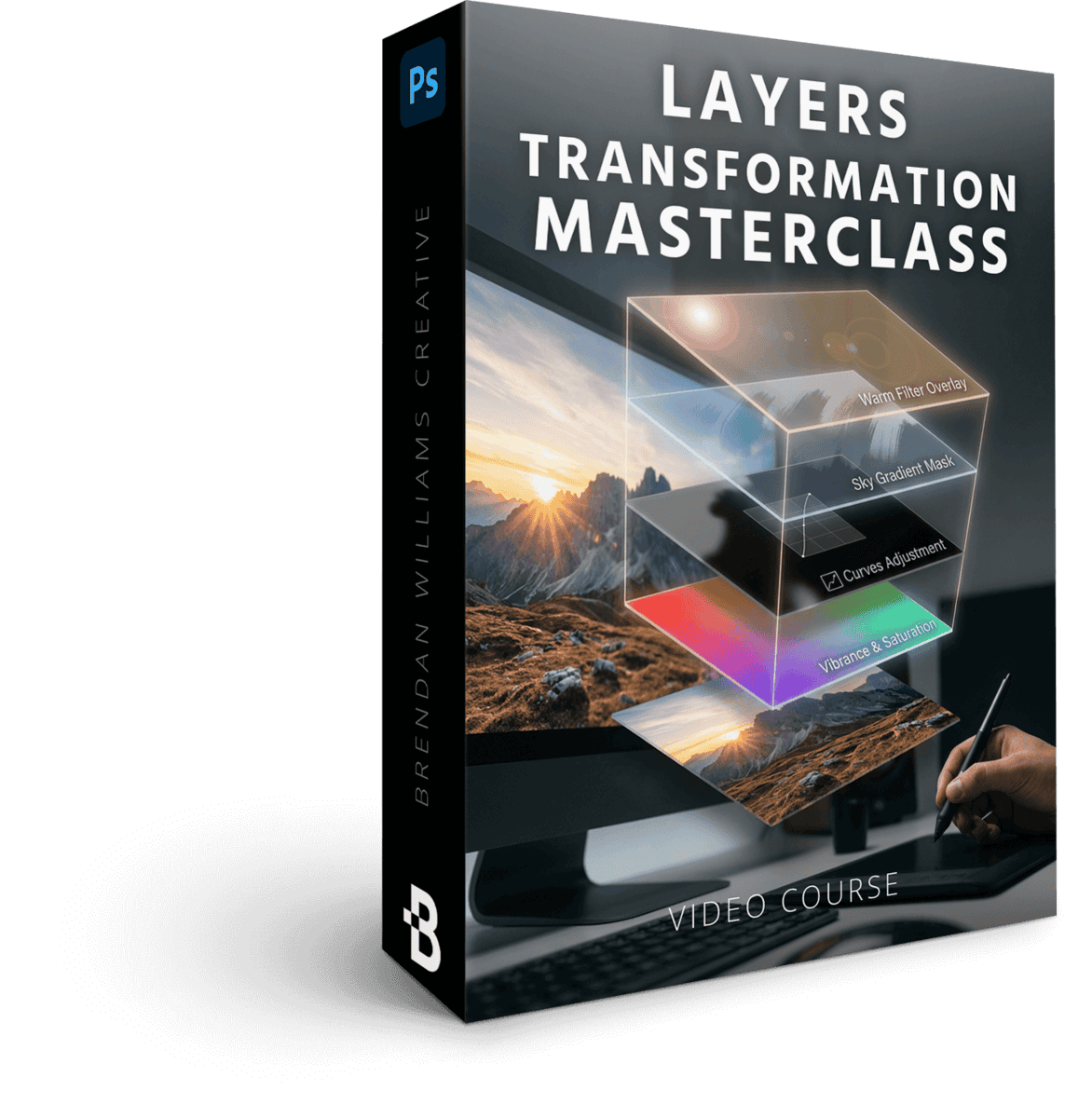
The Layers Transformation Masterclass
6 Lessons | 63 Min
$147 Value · Included
You know what layers ARE from Phase 1. Now learn the layer-stacking patterns professional photo retouchers actually use — non-destructive structures, smart object workflows, and the layered approach that gives you unmatched control over every photo edit you'll ever make.
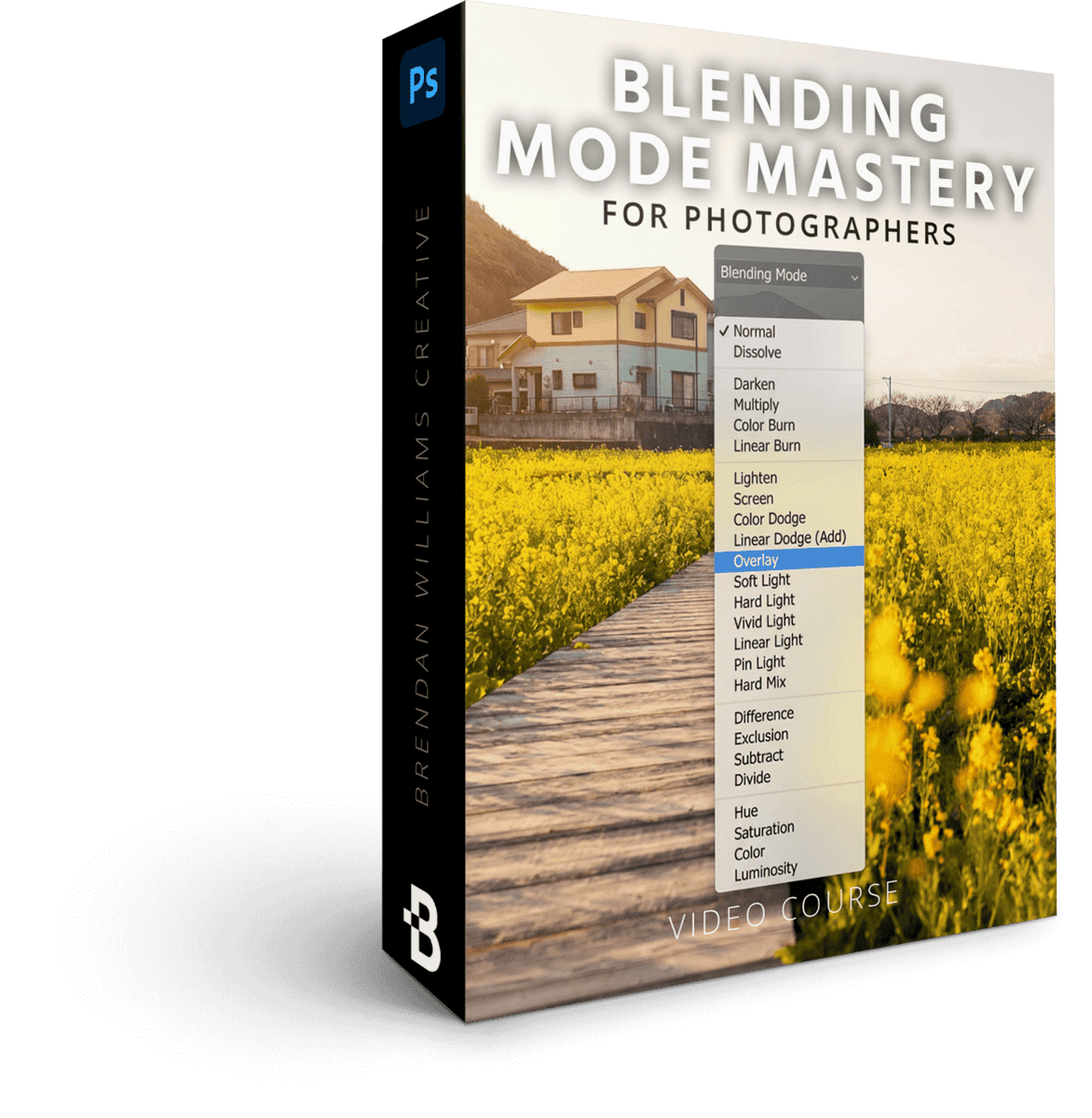
Blending Mode Mastery For Photographers
4 Lessons | 36 Min
$79 Value · Included
The single biggest skill that separates amateur photo edits from professional ones. A simple framework for which blending modes do what in photo work — color correction, contrast, atmosphere, light enhancement — so you stop guessing and start reaching for the right mode with intent every time.
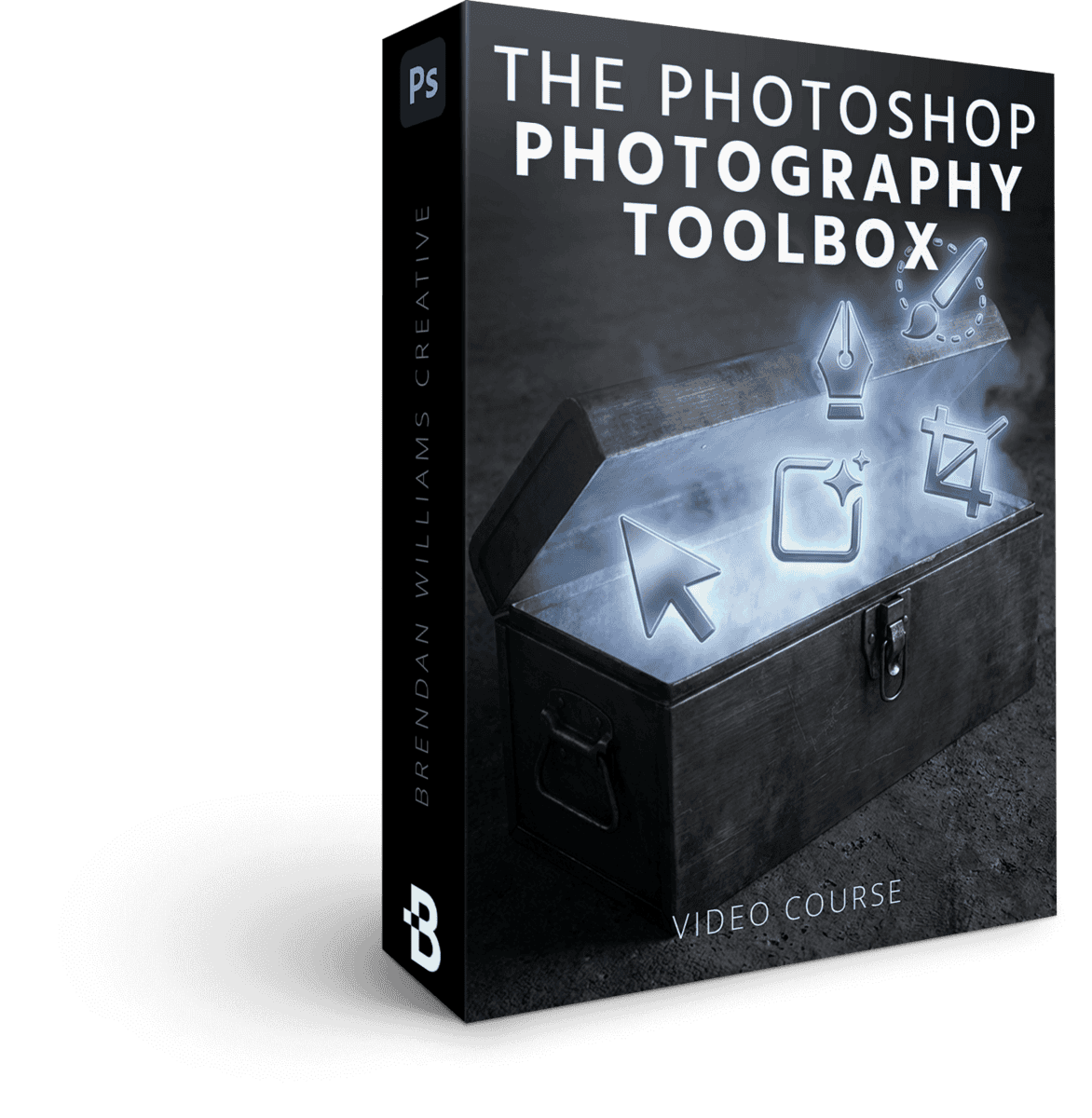
The Photographers Photoshop Toolbox
5 Lessons | 64 Min
$147 Value · Included
The 20% of Photoshop's tools that handle 80% of photo editing. Skip the 80% you'll never need — and master the specific tools that show up in every photographer's daily edit, from dodge & burn workflows to clone tools to the adjustment brushes that actually matter.
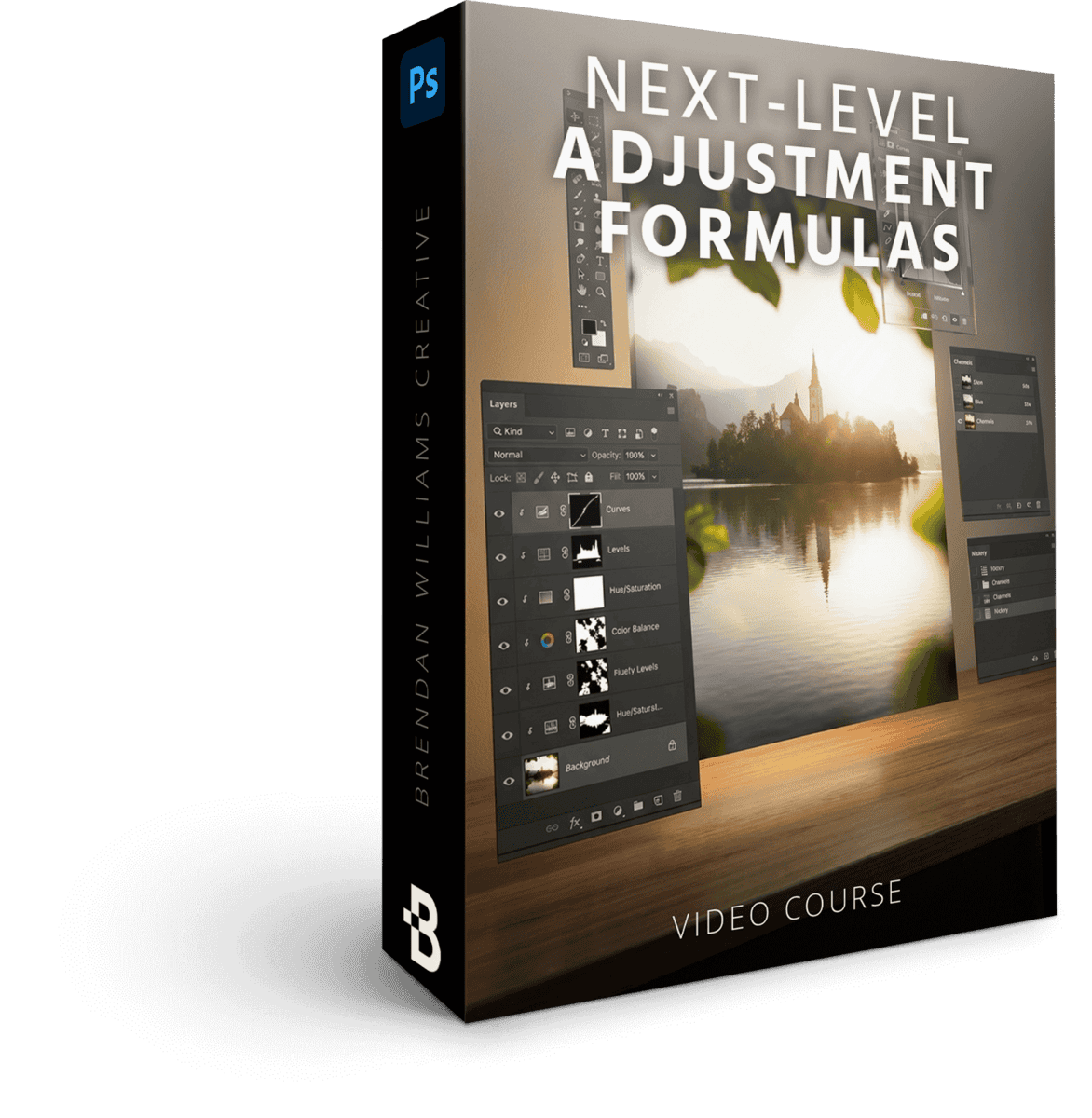
Next-Level Adjustments Formulas
11 Lessons | 88 Min
$179 Value · Included
The exact adjustment-layer recipes for the edits photographers actually make — skies, skin, atmosphere, color grading, contrast curves, dynamic range recovery. Not generic "what is a Curves layer" — the specific photo-editing formulas you'll reach for on every shoot.
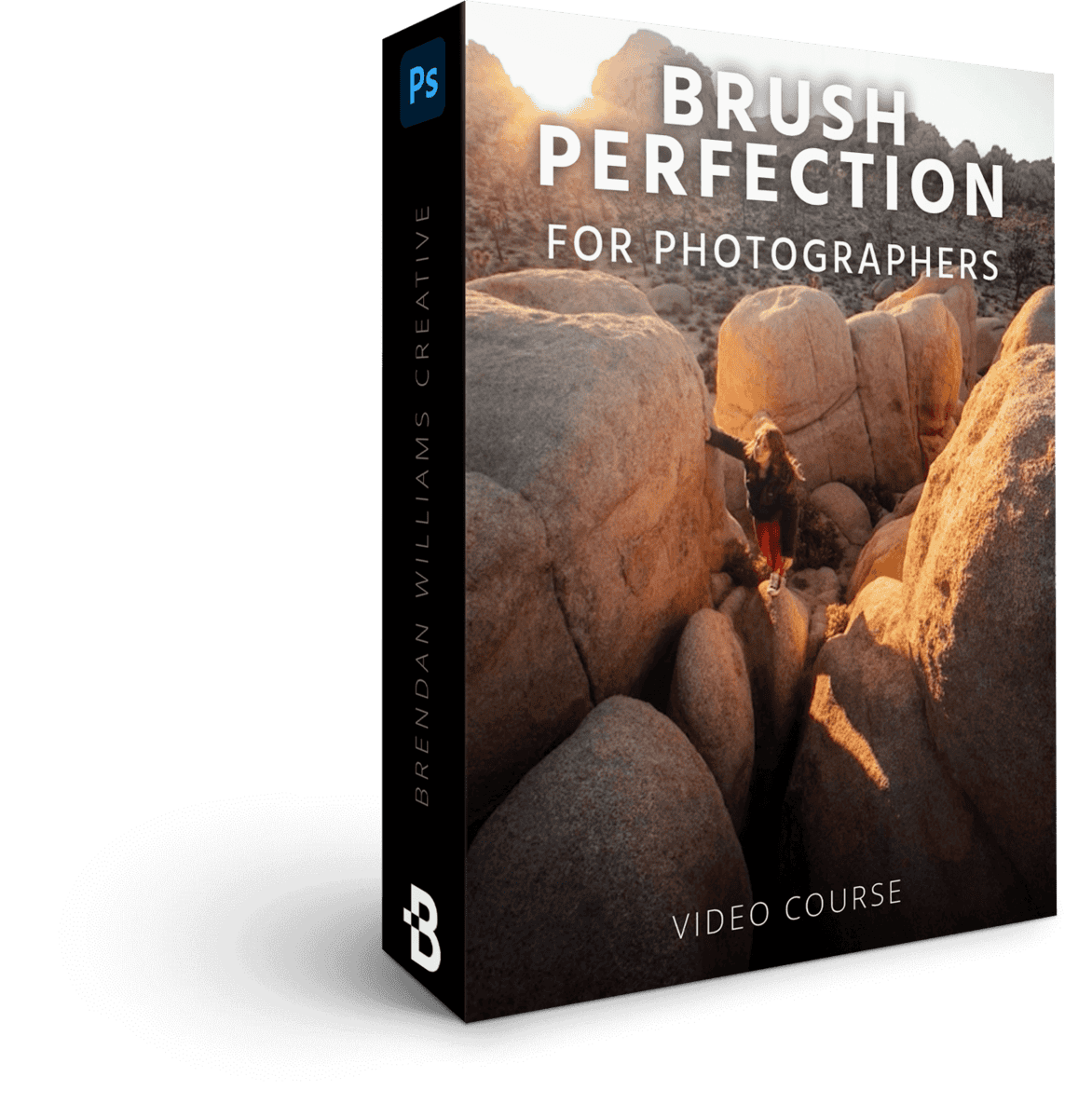
Brush Perfection For Photographers
6 Lessons | 52 Min
$79 Value · Included
The photographer's brush playbook: dodging and burning portraits, painting atmosphere into landscapes, refining masks on tricky edges, drawing the viewer's eye where you want it. Brushes aren't just for drawing — they're the precision instrument that turns good photo edits into gallery-worthy ones.
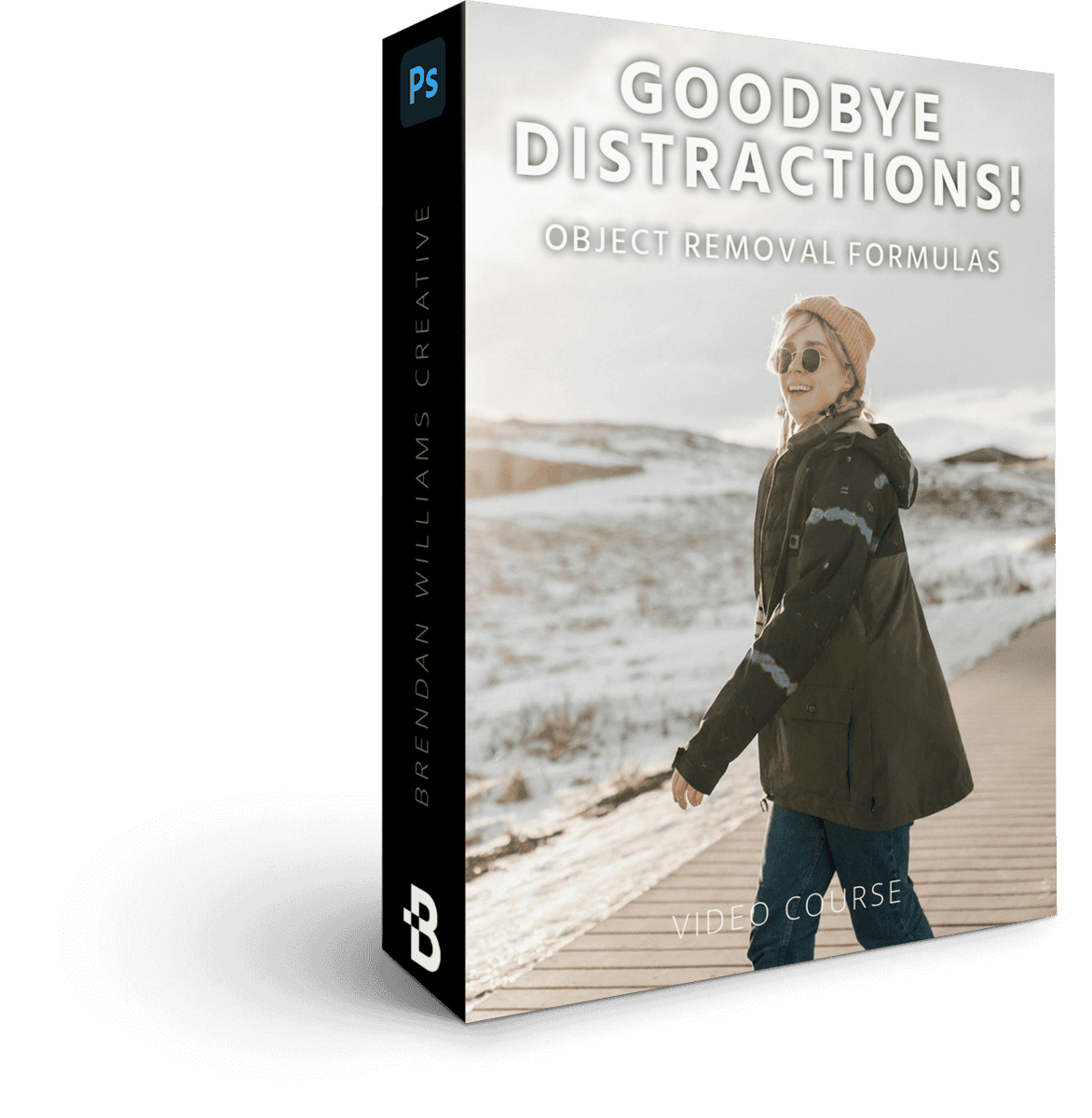
Goodbye Distractions! Object Removal Formulas
6 Lessons | 76 Min
$147 Value · Included
The exact decision tree for every distraction-removal situation a photographer faces: photobombers, sensor dust, distracting branches, power lines, signage, lens flares. Which tool to reach for, when AI is the right answer, and when manual cleanup wins.
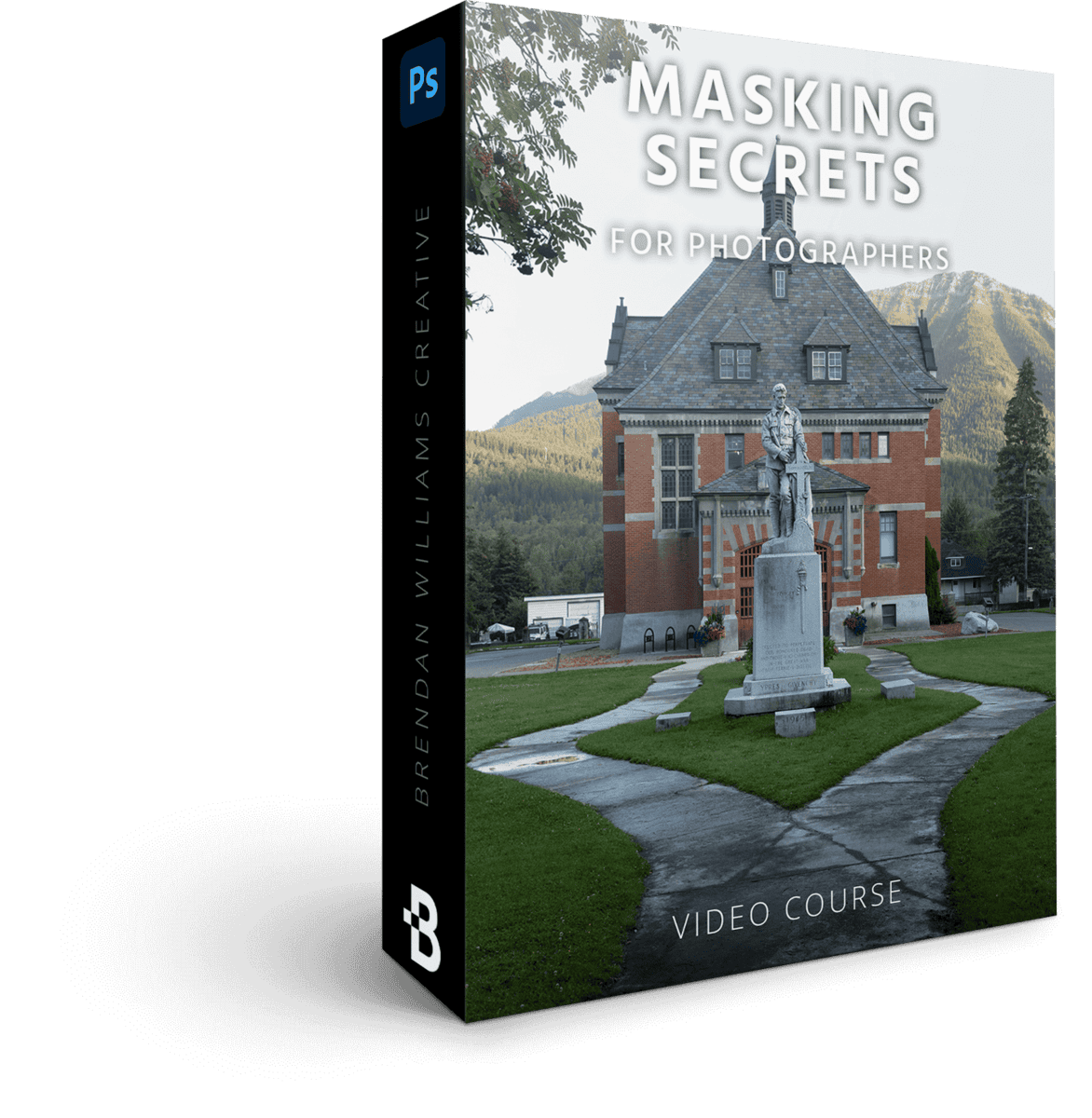
Masking Secrets For Photographers
6 Lessons | 75 Min
$129 Value · Included
You know how to mask from Phase 1. This is where masking goes from clean to gallery-grade. The advanced techniques — luminosity masks, color range masks, channel masking — that pros use to make adjustments feel invisible and natural, instead of obvious and "edited."
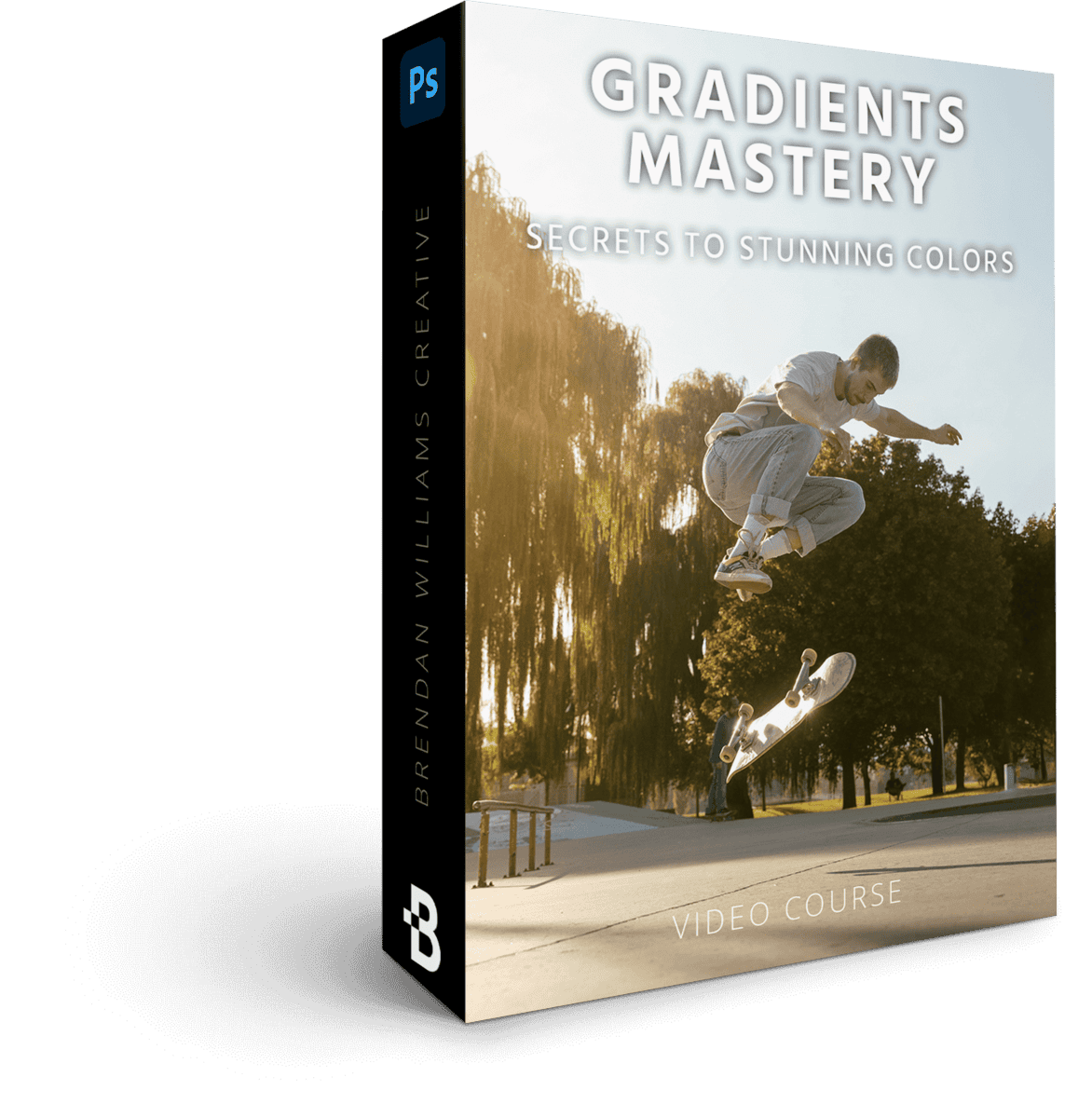
Gradients Mastery
6 Lessons | 57 Min
$129 Value · Included
The color-grading playbook for photographers. The same gradient techniques commercial editors use to give images their signature look — atmospheric warmth, cinematic teal-orange, golden-hour glow you can add to any image — without making the result look filtered or fake.
Effortless Selections For Photographers
4 Lessons | 61 Min
$129 Value · Included
Selection workflows for the specific photo edits you actually make: sky swaps, subject isolation, selective color adjustments, background work. Phase 1 covered the foundation — this is where selections become an everyday tool you reach for without thinking.
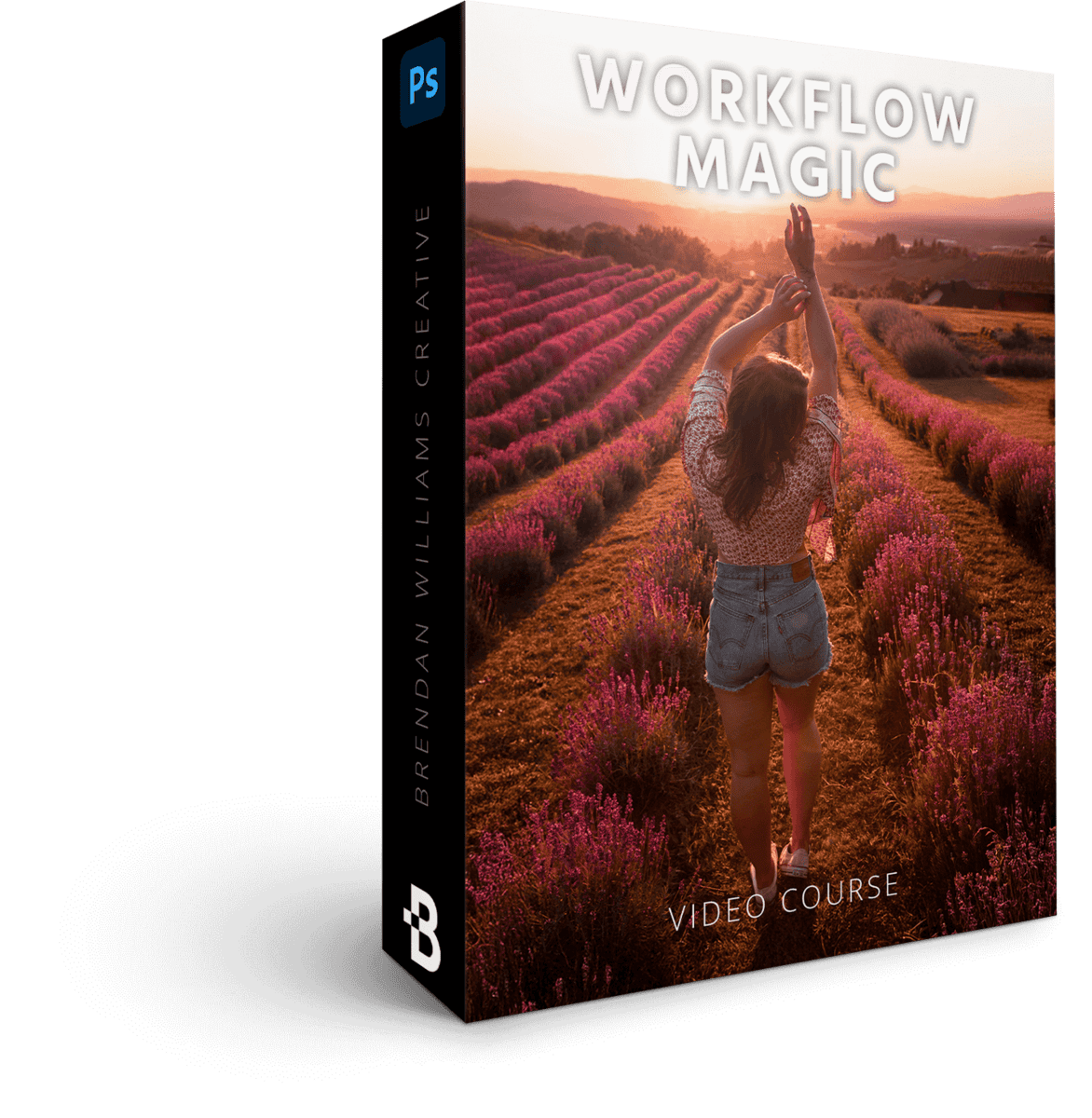
Workflow Magic
6 Lessons | 44 Min
$129 Value · Included
The final synthesis. Combine every photo-editing technique from this phase into one repeatable workflow you'll run on every photo for the rest of your photography life. By the end, you have a system — not a collection of tricks.
Selections Made Simple
Master the complex masks that separate amateur photo edits from professional ones.
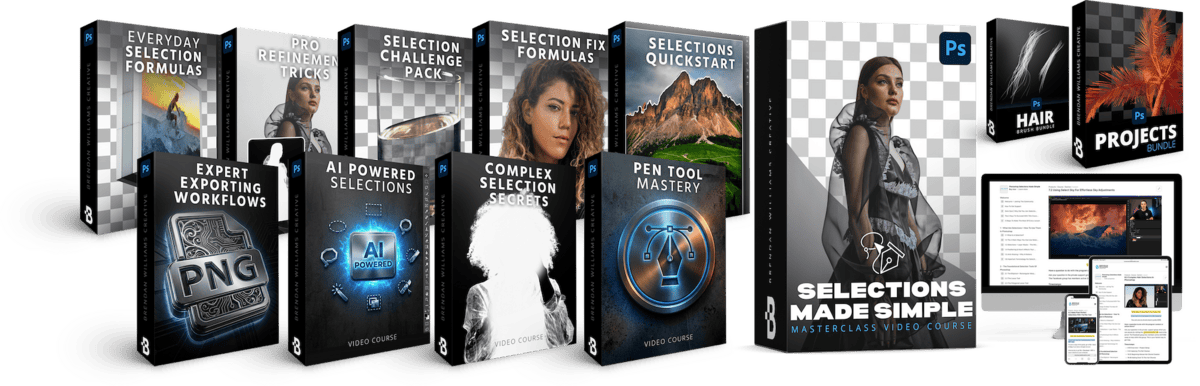
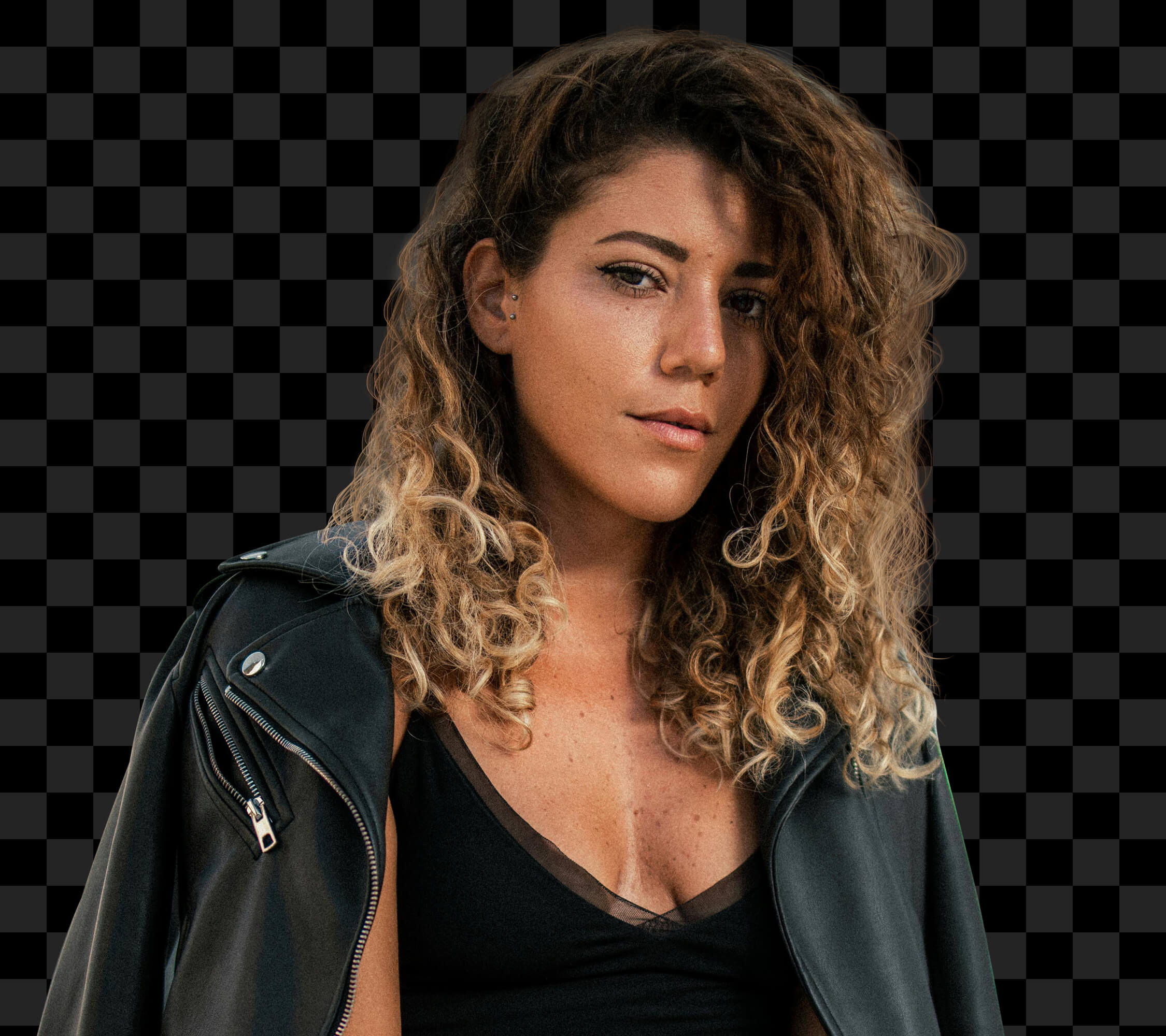
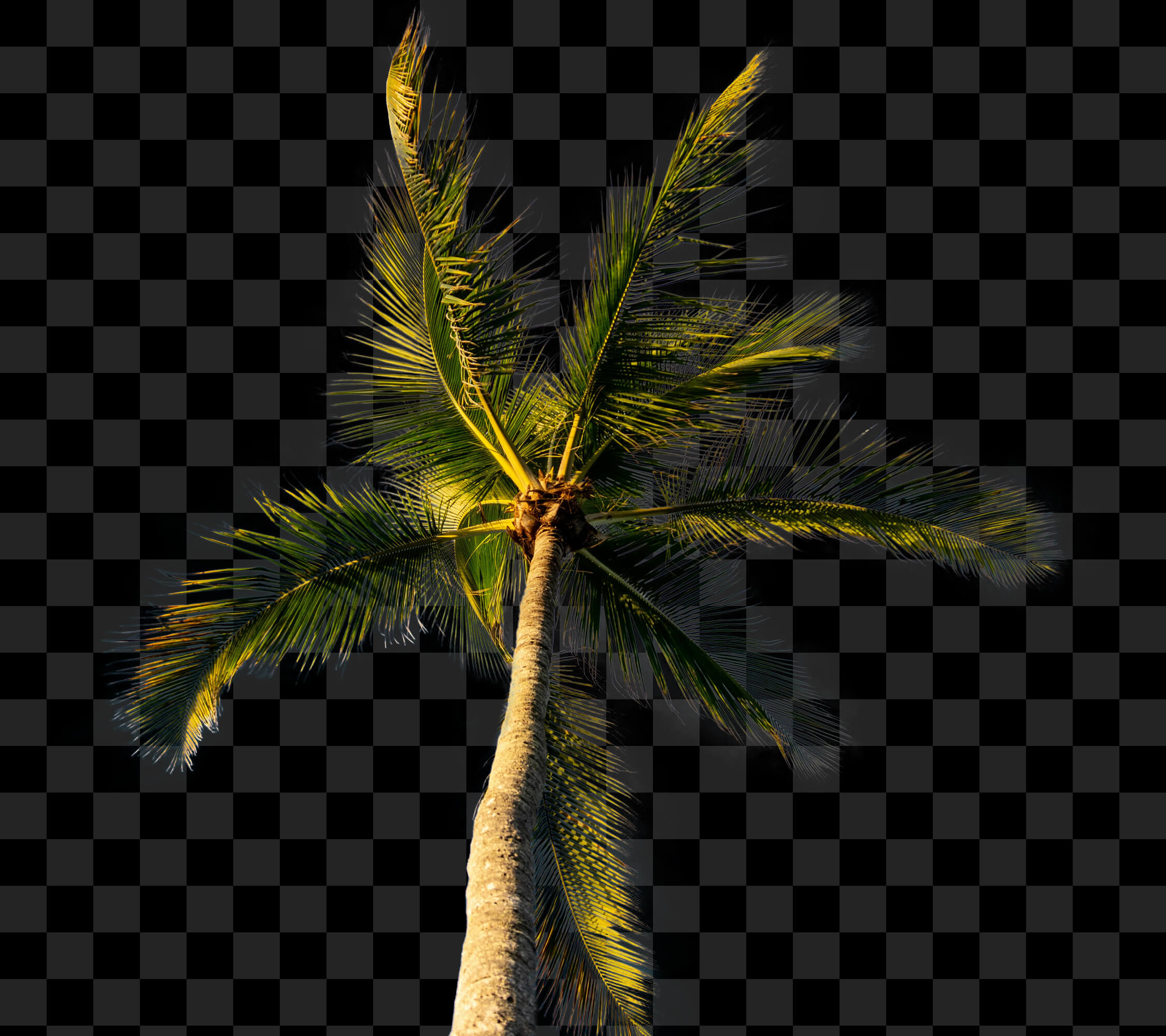
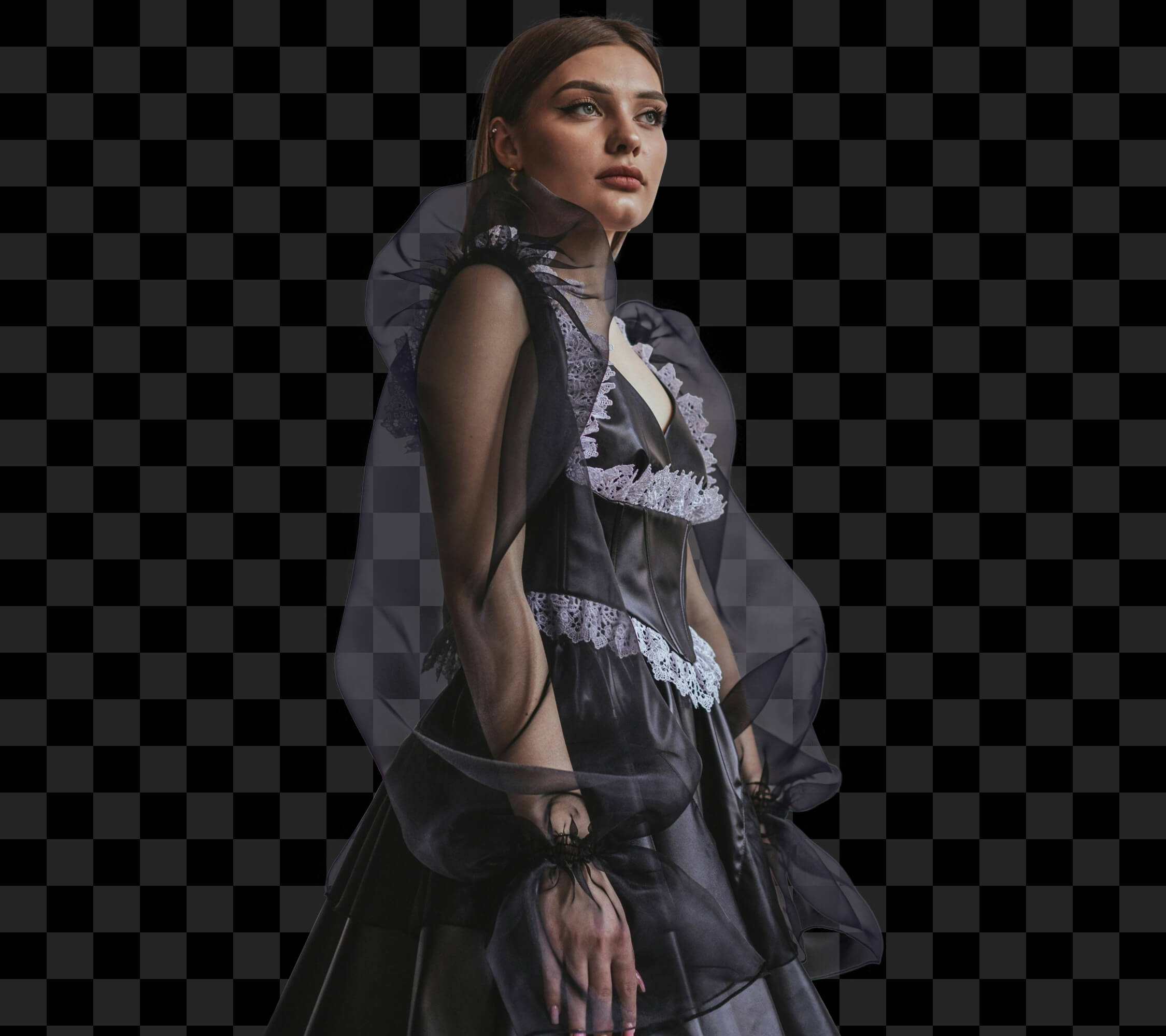
Phase 1 and Phase 2 already covered the foundations of selections and masking — enough for 80% of the photos you'll edit. Phase 3 is for the other 20% — the photos where standard selection tools fail. Hair blowing in the wind. Fur against a busy background. Tree branches against the sky. Glass, smoke, water, and other semi-transparent subjects.
41 guided video tutorials. 35 follow-along projects. Quick reference sheets.
Selections Quickstart
6 Lessons | 39 Min
$97 Value · Included
A focused refresher that fills any gaps in your selection foundation before we go deep. Even if Phase 2 made selections feel routine, start here — this masterclass tightens the fundamentals so the advanced refinement techniques in the rest of Phase 3 actually land.
Everyday Selection Formulas
5 Lessons | 71 Min
$147 Value · Included
The everyday selection recipes from Phase 2 — refined. Same fast-and-clean workflows you already use, now with the edge-refinement nuance that takes a "good enough" selection to a print-ready one. The difference between a sky swap that fools no one and one that looks like it was shot that way.

AI Powered Selections In Photoshop
4 Lessons | 54 Min
$129 Value · Included
Phase 1 and 2 introduced you to AI selection tools. Phase 3 teaches you exactly where AI breaks down — soft edges, similar-toned backgrounds, fine detail like flyaway hair — and the precise cleanup workflows that turn AI's "almost there" into pixel-perfect.
Pen Tool Mastery
3 Lessons | 32 Min
$147 Value · Included
The most precise selection tool in Photoshop, finally made approachable — and not covered in any prior phase. Step-by-step for geometric subjects (architecture, product, sharp man-made edges) and organic subjects where pixel-perfect precision matters and AI just can't deliver.
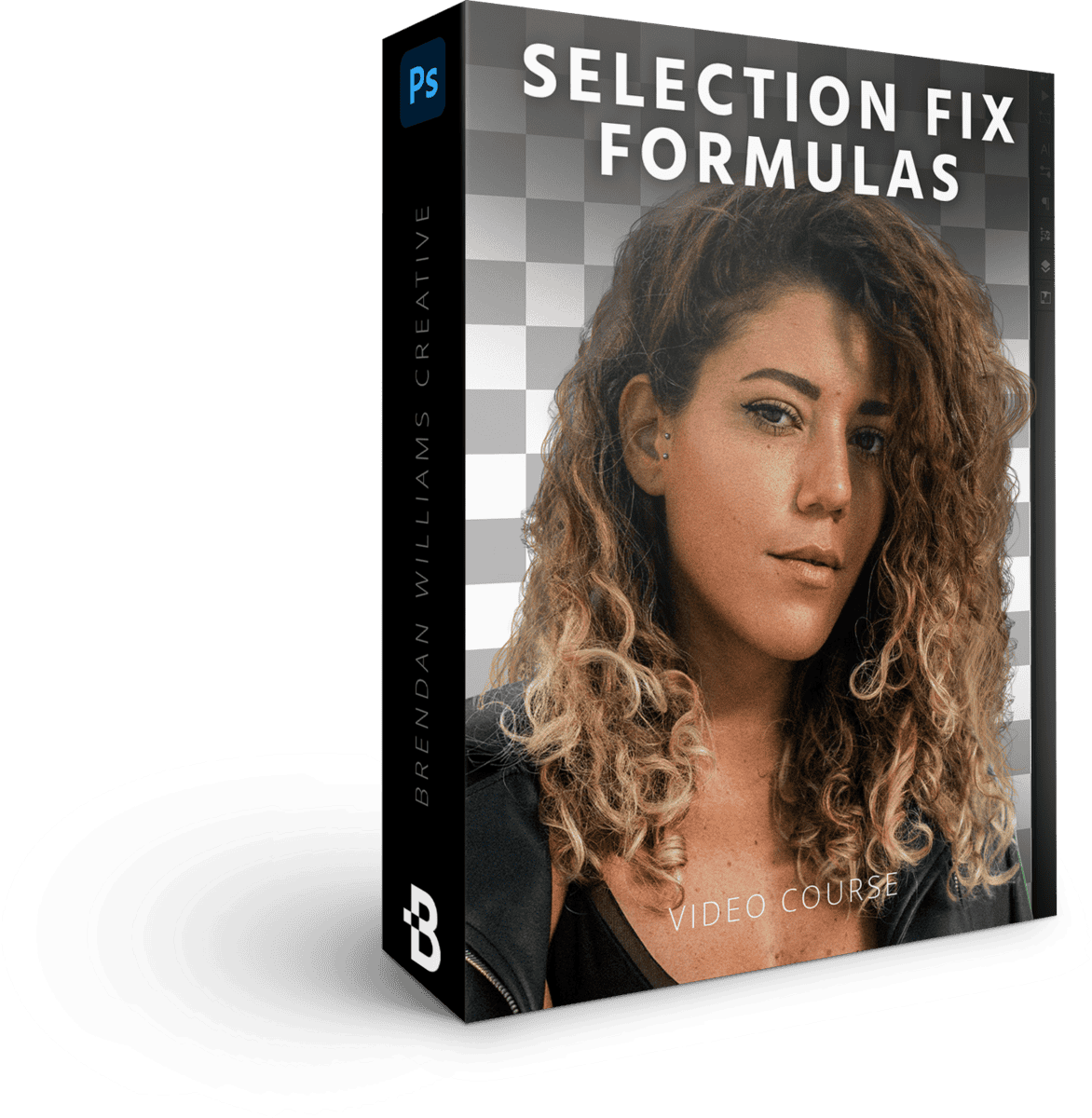
Selection + Masking Fix Formulas
4 Lessons | 66 Min
$129 Value · Included
The diagnose-and-repair masterclass that doesn't exist anywhere else in the bundle. Fringing. Halos. Soft edges. Missed details. Color contamination on mask edges. Every common selection problem and the exact fix for each — so when your mask is "almost right," you know precisely how to make it actually right.
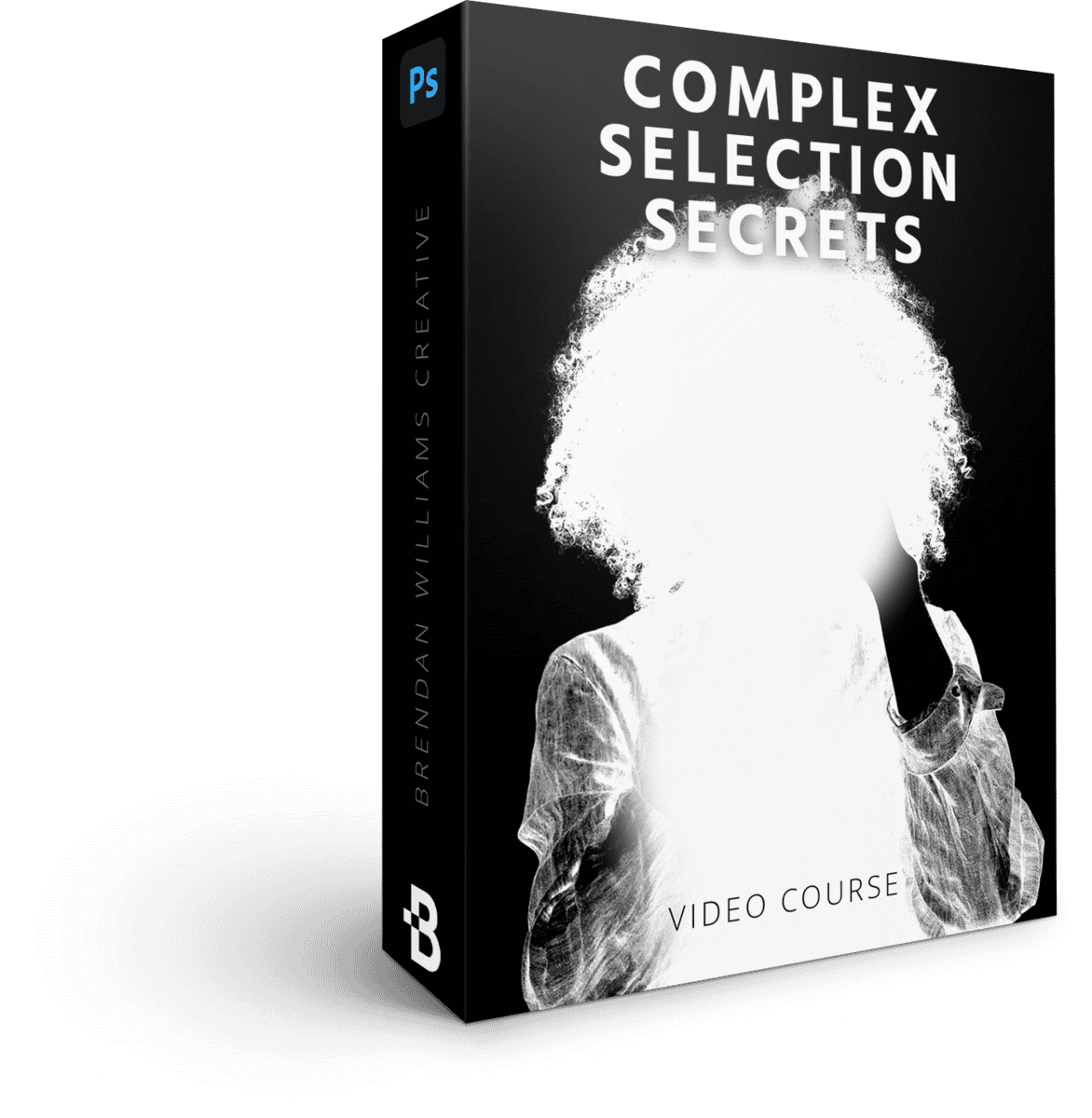
Complex Selection + Masking Secrets
3 Lessons | 20 Min
$179 Value · Included
The heart of Phase 3. The advanced techniques for the subjects that defeat most photographers: hair blowing in the wind, fur against busy backgrounds, tree branches against a bright sky, glass, smoke, water, and other semi-transparent subjects. Now that you have a real foundation, you'll have a repeatable approach for every one.
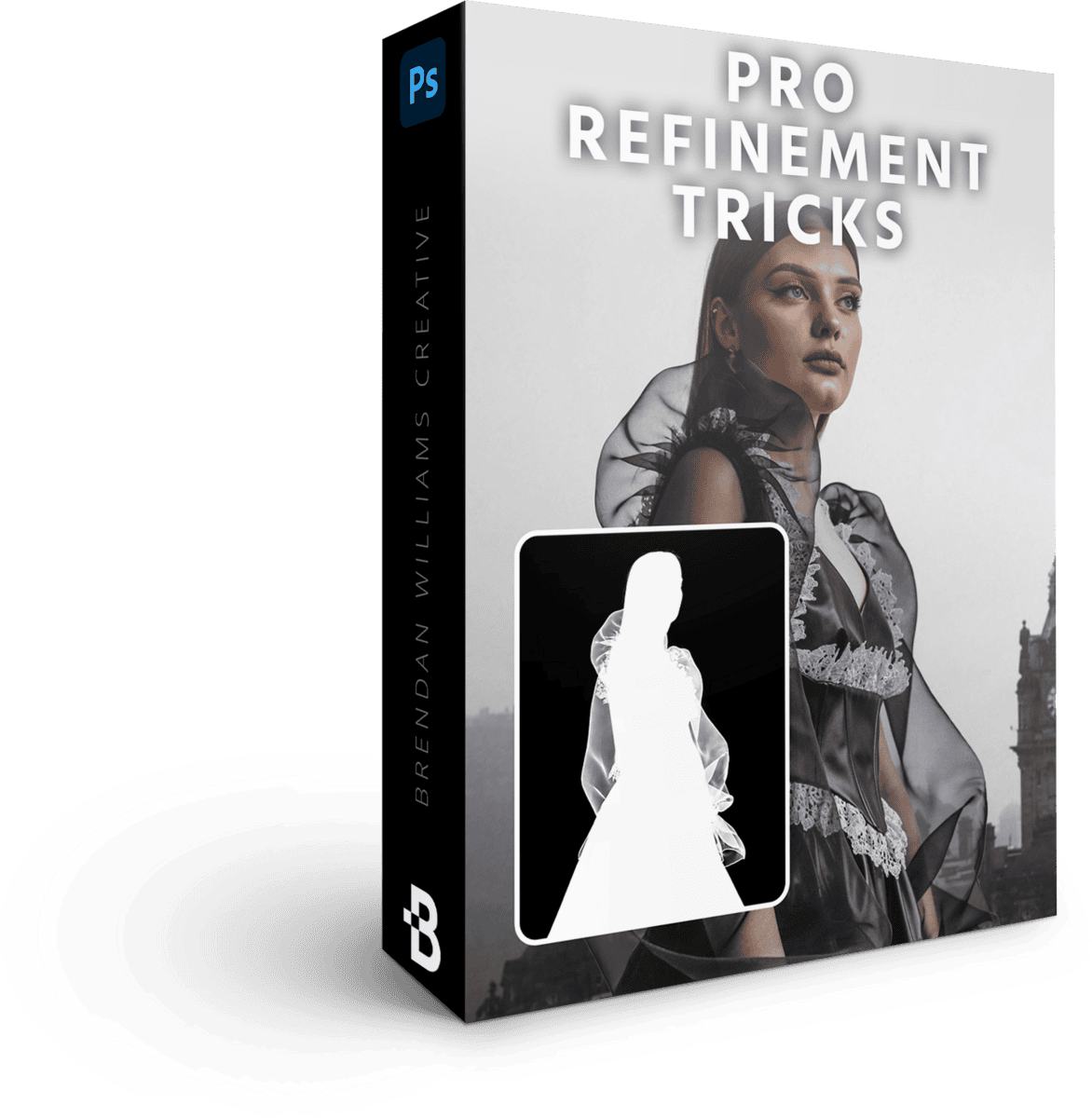
Pro Masking Refinement Tricks
6 Lessons | 78 Min
$147 Value · Included
Take any selection to a print-ready, gallery-grade level with the professional refinement techniques used on commercial work. Edge feathering, color decontamination, fine-tuning at zoom levels most photographers never check — the polish step that turns good photo edits into ones that get published.
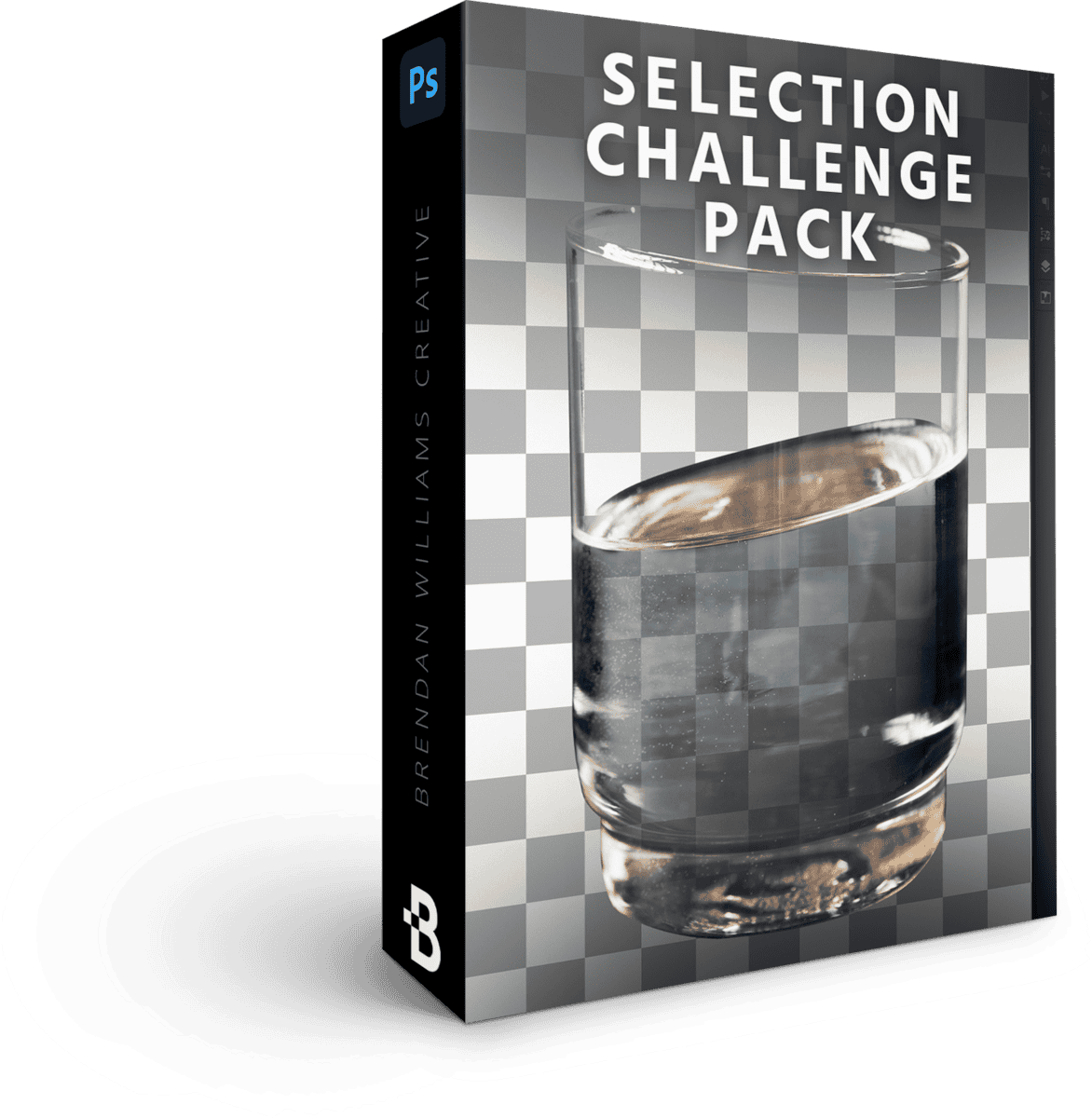
Photoshop Selections Challenge Pack
7 Guided Challenges
$79 Value · Included
Real-world advanced subjects to practice every Phase 3 technique you've learned. Not theory — actual challenge files specifically chosen because they would have stopped you cold before Phase 3 (and won't anymore).

Expert Exporting Workflows
2 Lessons | 12 Min
$79 Value · Included
Get your masked subjects out of Photoshop cleanly for print, web, or composite work — preserving the edge quality and transparency you spent Phase 3 perfecting. The final mile that makes all the advanced masking work actually usable in your real photography output.



+ Your Black Friday Bonuses
Black Friday adds two more programs on top of the three core courses: the full Photoshop Design Bootcamp, and the 7 Day Photoshop Fast Track email course.
-
 Black Friday Bonus — Full Course
Photoshop Design Bootcamp
The skills to create high-end, print-ready designs for book covers, websites, posters, mockups and more. Many photographers already wear the designer hat with photo books, websites and logos; this rounds out your Photoshop skills beyond photo editing.
$199 Value · Included Free -
 Black Friday Bonus — Email Course
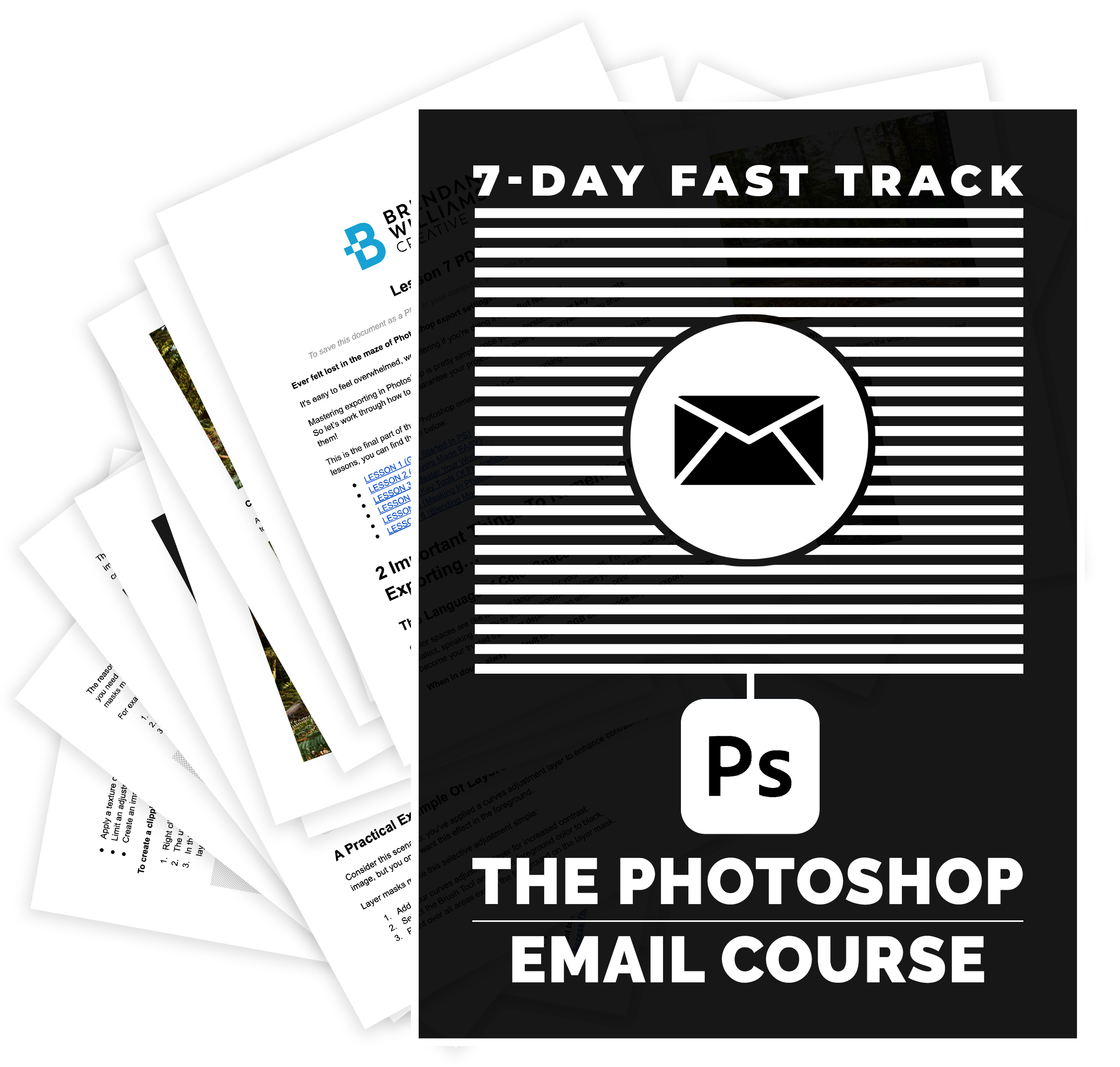
7 Day Photoshop Fast Track
A 7-day email course that takes you through Photoshop's essentials one short lesson a day, with PDF copies of every lesson, curated videos and quizzes. A quick refresher to warm up with before you start the main program.
$14 Value · Included Free -
 Over 11,000 Words Of Support Material
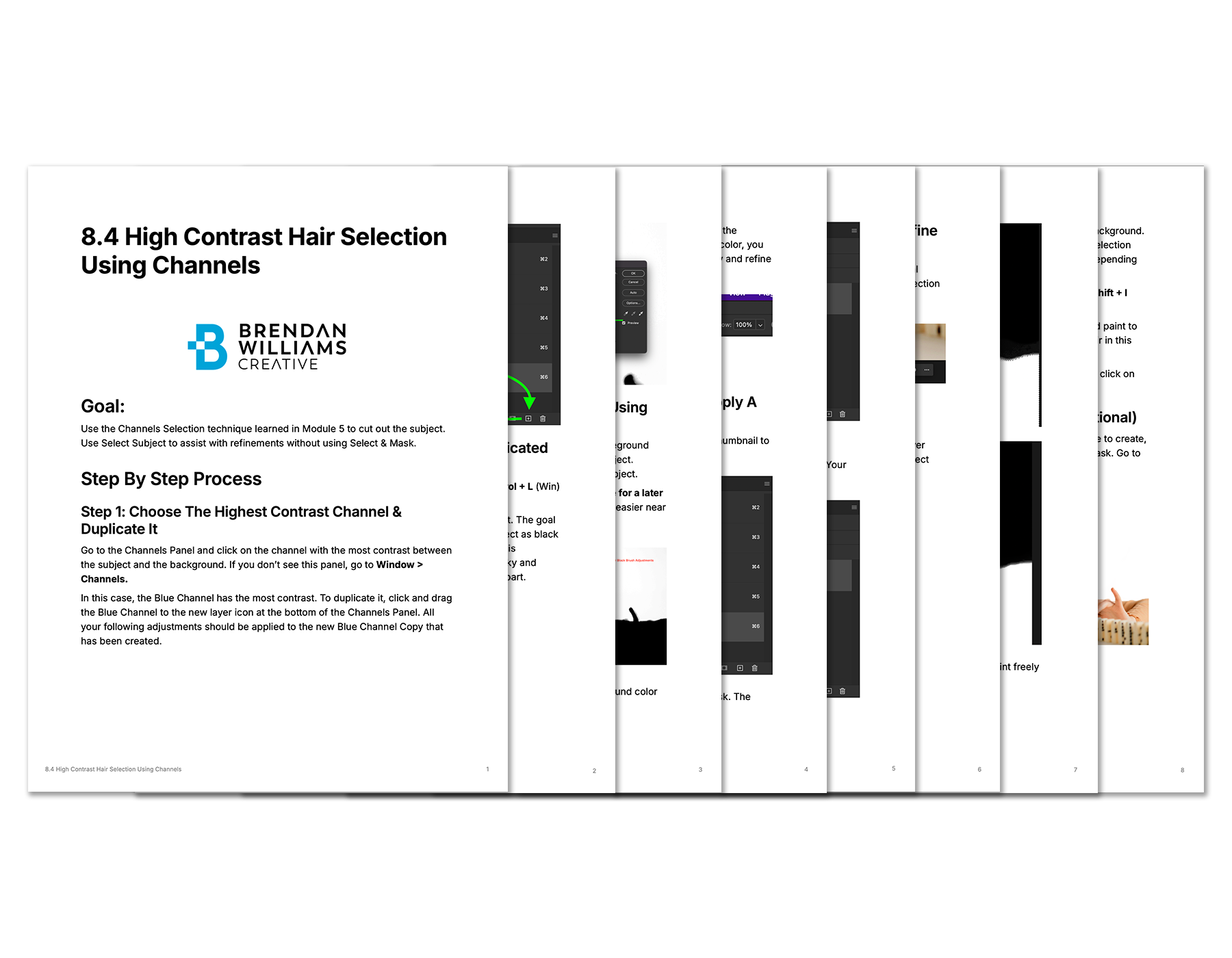
90+ Quick Reference Cheat Sheets
A complete library of cheat sheets covering every key technique across all three courses. Print them, save them to your phone, keep them next to your monitor. The fix for "if I don't use it for a while, I forget everything."
$348 Value · Included Free -
 PDF Resource
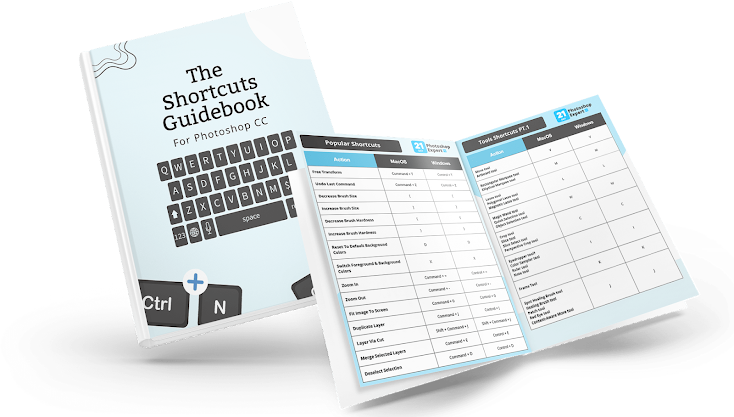
Photoshop Shortcuts Guide
The keyboard shortcuts that actually matter for photographers, organized by workflow. Cut your editing time dramatically once these become muscle memory.
$47 Value · Included Free -
 Across All 3 Courses
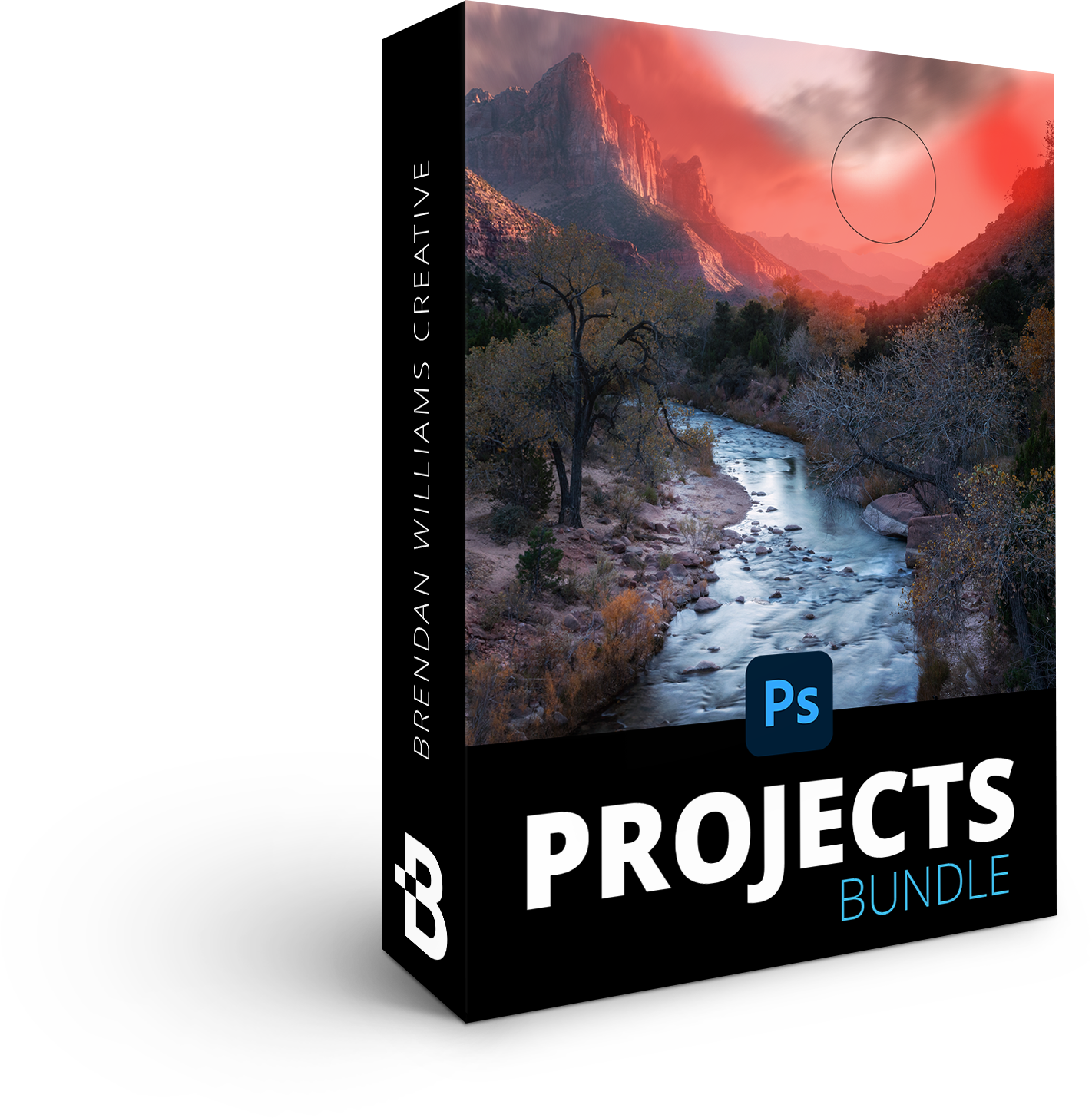
124+ Follow-Along Project Files
Every follow-along project from all three courses, combined: 54 from 21 Day Photoshop Expert 2.0, 35 from Selections Made Simple, and the complete Accelerator project files. This is how you actually learn — by doing, not just watching.
$247 Value · Included Free -
 Practice Image Library
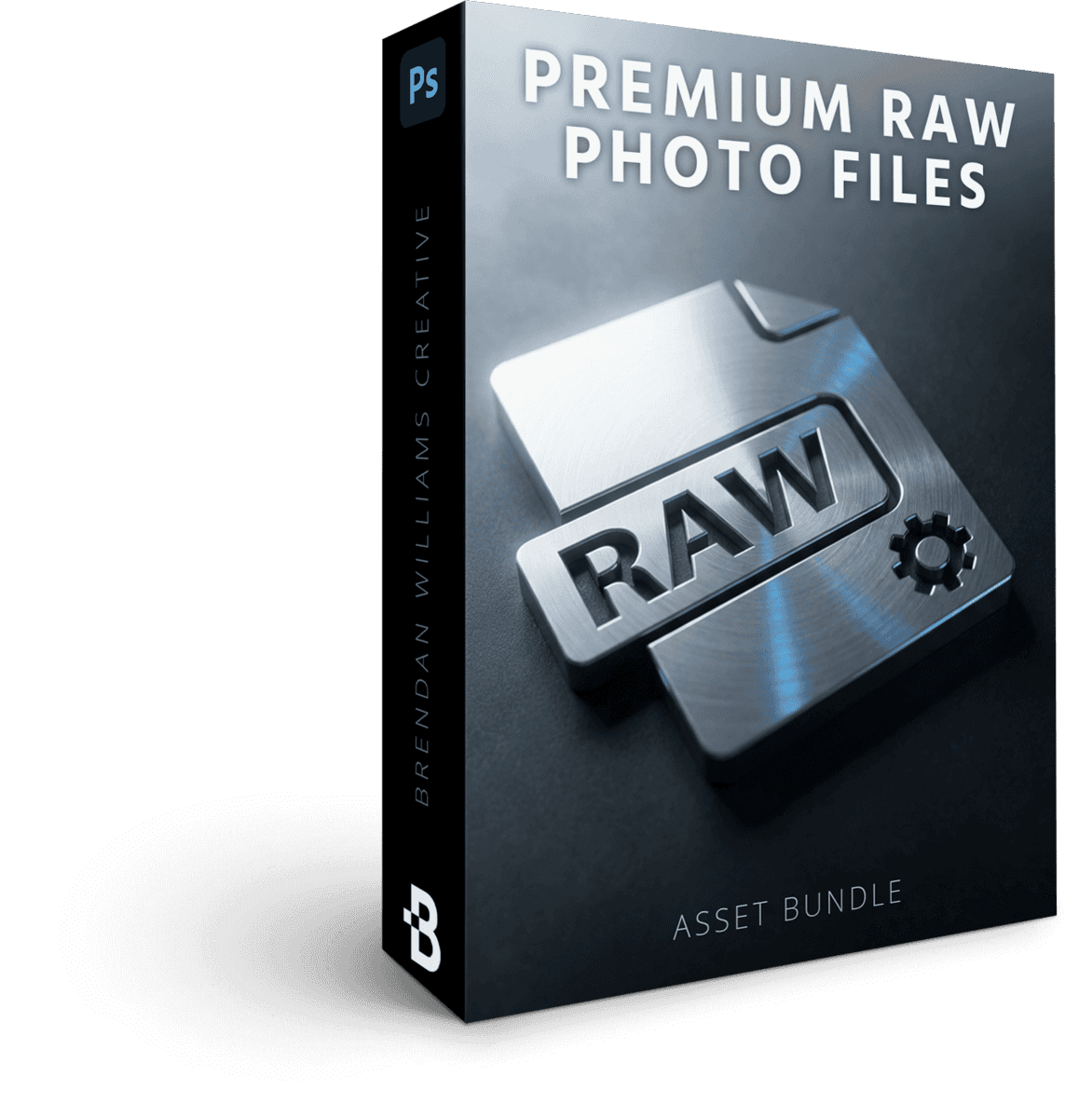
59 Premium RAW Photo Files
Real, professional RAW files to practice on — no need to find your own. Edit alongside me on the exact same images so you can compare your results directly to mine.
$177 Value · Included Free -
 Photoshop Brush Set
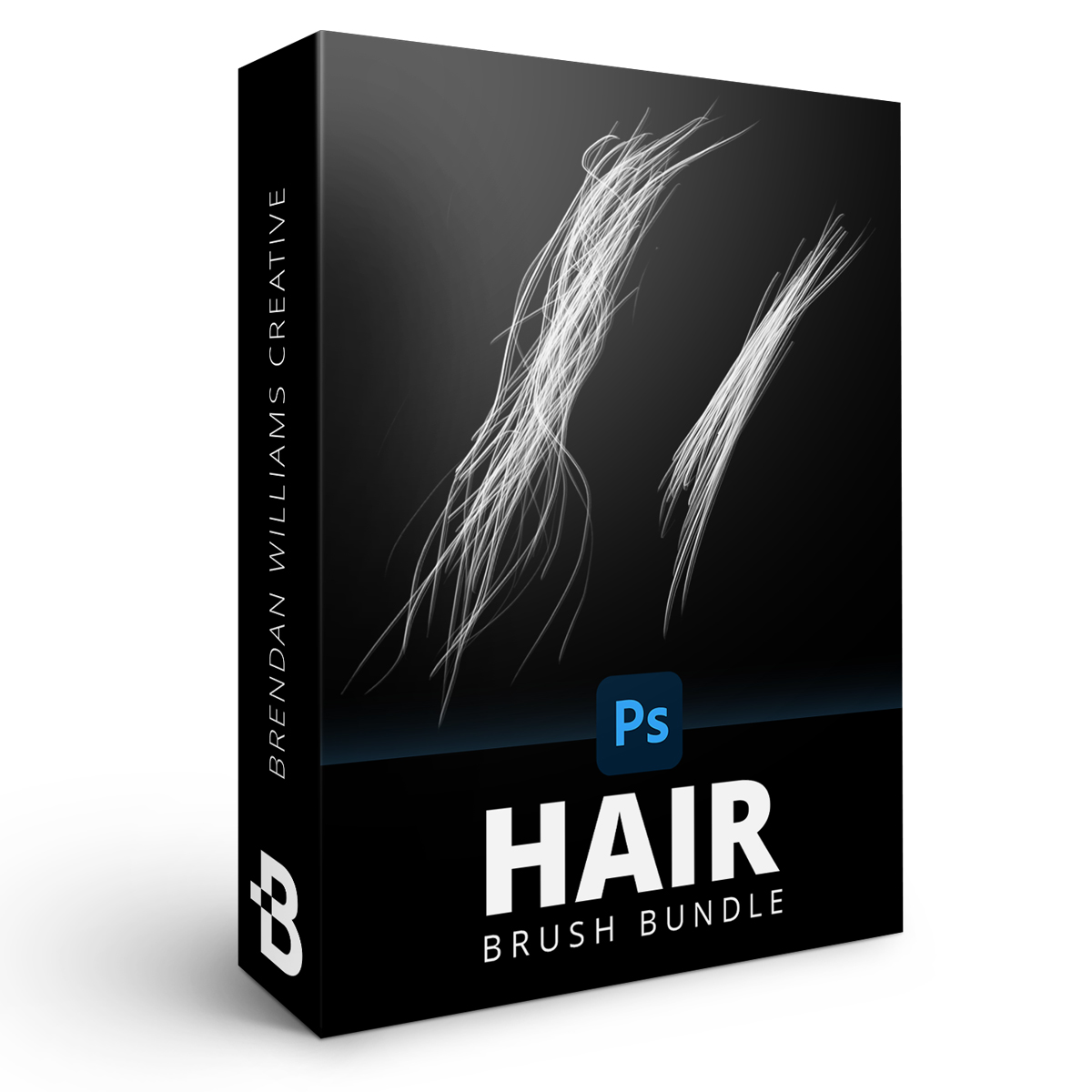
9 Custom Hair + Fur Brushes For Photoshop
Custom brushes designed specifically for refining hair, fur, and soft-edged selections. The shortcut to one of the hardest masking problems in Photoshop.
$33 Value · Included Free -
Lifetime Access + Free Updates
Access the entire bundle forever — on your schedule, at your pace. No subscription. No expiration. Plus free updates across all three courses whenever Adobe ships major changes.
$247 Value · Included Free
You Already Pay Every Month Just To Open Photoshop.
Think about it. You already pay Adobe every month just to keep Photoshop installed — and most of its power sits unused because no one ever handed you the roadmap.
This bundle is a one-time $197. Not a subscription. Not a rental. A lifetime of editing skills that keep paying creative dividends on every photo you take from here on out.
And right now it's at the lowest price I've ever offered on these three courses together, for Black Friday. After November 30 it goes back up.
Everything You Get Today:
- Photoshop Accelerator (Phase 1 — 8 Masterclasses) $972 Value
- 21 Day Photoshop Expert 2.0 (Phase 2 — 12 Masterclasses) $1,538 Value
- Selections Made Simple (Phase 3 — 9 Masterclasses) $1,133 Value
- 90+ Quick Reference Cheat Sheets $348 Value
- Photoshop Shortcuts Guide $47 Value
- 124+ Follow-Along Project Files $247 Value
- 59 Premium RAW Photo Files $177 Value
- 9 Custom Hair + Fur Brushes $33 Value
- Lifetime Access + Free Updates (All 3 Courses) $741 Value
- Photoshop Design Bootcamp (Black Friday Bonus) $199 Value
- 7 Day Photoshop Fast Track (Black Friday Bonus) $14 Value
That's 510+ Photoshop Lessons, Tools, Projects & Masterclasses!
Payment Plans Available At Checkout
All prices are in USD. Tax not included.
- Visa
- Mastercard
- American Express
- PayPal
The 30-Day Money Back Guarantee
Here's my promise to you, in plain English. If you aren't 110% happy with the bundle within 30 days of purchase, email me at support@bwillcreative.com and I'll refund every dollar. No questions asked.
That's 30 days to dig into the roadmap and put it to the test, with lifetime access to all course materials either way.
Try Phase 1. Try Phase 2. Try Phase 3. Edit your own photos. See if your confidence, your speed, and your results don't transform in a way you can actually point to. If they don't, email me. You get every dollar back, and you keep what you've learned.
I can offer this because I know what happens when photographers actually follow the system. I see it every week. The fear of "what if I waste $247?" is not a fear you need to carry into this decision.
Lifetime Access
Enjoy unlimited lifetime access to this course and its materials. Watch, rewatch, and continue to hone your skills with everything you gain from this program — on any device, any time.
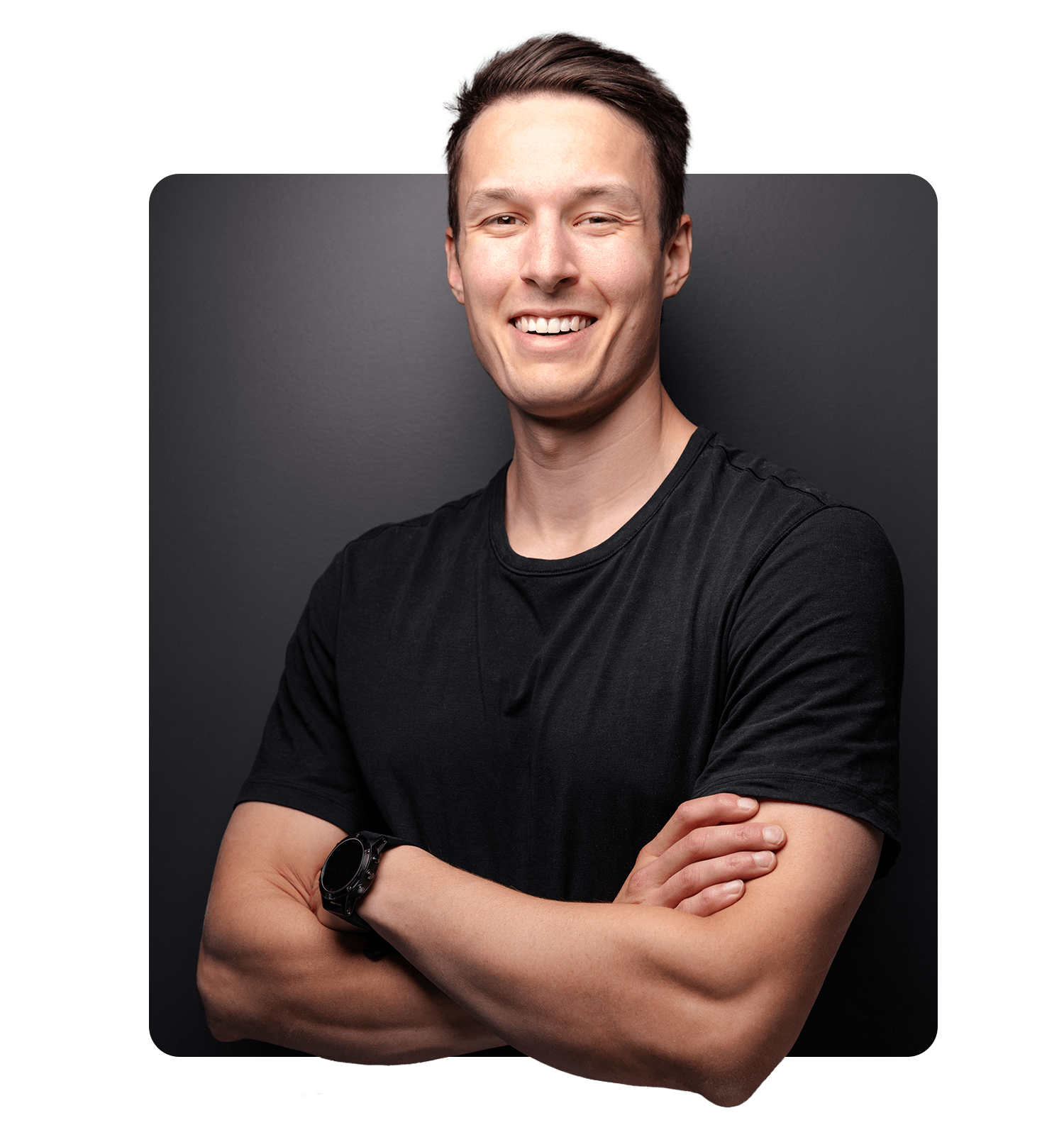
Brendan Williams
Brendan is a professional photographer and photo retoucher turned founder of one of the leading online photo education resources, bwillcreative.com — with over 1 million annual website readers, 22 million workshop views, and 52,000+ photographers using his resources and premium courses.
Starting his career in the film industry before transitioning into photography, Brendan has worked with brands including Warner Brothers, Netflix, Amazon, Corona, Patagonia, P&G, and Chevy, and shot campaigns for Tourism California, I Feel Slovenia, G-Adventures, Destination British Columbia, and Florida Keys & Key West.
In creative education, he has partnered with Adobe, Luminar, Topaz Labs, and Nisi Filters. His goal is to help photographers have more creative control in their work by making complex creative tools, theory, and skills approachable.
What Students Say About My Courses
Our review wall didn’t load.
It’s usually a browser privacy extension or ad blocker stopping the reviews widget. You can retry, or read every review on the full wall.
What Your Edits Will Look Like After 90 Days
- You'll open Photoshop with a plan instead of opening it and freezing. You'll know exactly which tool to reach for, in what order, for the result you want.
- You'll stop tool-hopping between Lightroom and Photoshop and finally have a clear rule for when each one belongs in your workflow.
- You'll edit proactively — executing the vision you had when you took the shot — instead of reactively patching problems you didn't plan for.
- You'll handle selections that used to defeat you (hair, fur, glass, soft edges) with a step-by-step formula instead of guesswork.
- You'll have a repeatable workflow you trust — the same one you'll run on every photo for the rest of your photography life, even after weeks away from the software.
FAQ
-
Do I need to complete this in 90 days?
Nope. 90 days is the recommended pace because that's how the roadmap is sequenced — Phase 1 in the first 30, Phase 2 in the next 45, Phase 3 in the final 15. But you have lifetime access, so if life gets in the way and you stretch it to 120 days, or 6 months, or finish a phase, take a break, and come back — that's completely fine. The system works at any pace you can sustain.
-
What if I'm a complete beginner?
You're in the right place. Phase 1 (Photoshop Accelerator) assumes zero prior Photoshop experience. I walk you through opening the software, setting up your workspace, and using your first tools. By the time you reach Phase 2, you'll be ready. This bundle is designed exactly for the beginner who's tired of YouTube and wants a real system.
-
What if I already own one of the 3 courses?
First — thank you, genuinely. If you already own one of the three, email me at brendan@bwillcreative.com before purchasing the bundle and I'll sort out fair pricing for you so you're not paying twice for the same course. I'm not going to let a loyal student get double-charged.
-
What version of Photoshop is taught?
The bundle teaches current Photoshop (Creative Cloud), and I update the courses whenever Adobe ships major changes. Because you get free updates for life, you're not going to wake up one day with an outdated course. The core principles (layers, masking, selections, workflow) are version-agnostic, but the AI features and newer tools are kept current.
-
Is there a payment plan?
Yes. A payment plan is available on the checkout page so you can split the bundle into smaller monthly payments instead of paying all at once.
-
Can I learn this on a Mac or PC?
Yes — both Mac and PC are fully supported. Photoshop is identical on both platforms, and the only difference you'll see is the occasional keyboard shortcut (Cmd vs Ctrl). I call those out throughout the training so you're never confused.
-
Do I need a tablet to follow along?
No. Everything is taught and demonstrated using a mouse or trackpad. A tablet (like a Wacom or iPad) can speed up some masking work later on, but it's a nice to have, not a requirement. I'd rather you spend your money on the bundle than on hardware you don't need yet.
-
Can't I just learn this on YouTube?
You can try — and if you're honest with yourself, that's probably what you've been doing. YouTube has great individual tutorials, but it doesn't have a sequenced system. It teaches you tricks in random order, with gaps, with no accountability, and no follow-along projects. That's why most photographers spend 6-12 months tool-hopping and still feel stuck. This bundle is what YouTube can't be: a complete, ordered, project-based roadmap with cheat sheets, RAW files, and a guarantee.
-
Why is this bundle cheaper than buying each course separately?
Because I built it specifically for students who kept asking which course they should start with. The honest answer was always all three, in this order — but buying them separately adds up to $545. $247 is the summer price I landed on to make the full roadmap accessible without compromising the courses. It's the best offer I've ever run on these three courses together.
-
What's covered by the 30-day guarantee?
Everything. All three courses, every bonus, every project file — the entire bundle. If at any point in the first 30 days you decide this isn't right for you, email me at brendan@bwillcreative.com and I'll personally refund every dollar. No forms, no hoops, no questions. You keep what you've learned, I keep my reputation. That's the deal.
Last Look: Here's Everything You're Getting:
- Photoshop Accelerator (Phase 1 — 8 Masterclasses) $972 Value
- 21 Day Photoshop Expert 2.0 (Phase 2 — 12 Masterclasses) $1,538 Value
- Selections Made Simple (Phase 3 — 9 Masterclasses) $1,133 Value
- 90+ Quick Reference Cheat Sheets $348 Value
- Photoshop Shortcuts Guide $47 Value
- 124+ Follow-Along Project Files $247 Value
- 59 Premium RAW Photo Files $177 Value
- 9 Custom Hair + Fur Brushes $33 Value
- Lifetime Access + Free Updates (All 3 Courses) $741 Value
- Photoshop Design Bootcamp (Black Friday Bonus) $199 Value
- 7 Day Photoshop Fast Track (Black Friday Bonus) $14 Value
That's 510+ Photoshop Lessons, Tools, Projects & Masterclasses!
Payment Plans Available At Checkout
All prices are in USD. Tax not included.
- Visa
- Mastercard
- American Express
- PayPal